Templates
Accounting & Bookkeeping Templates for Google Sheets
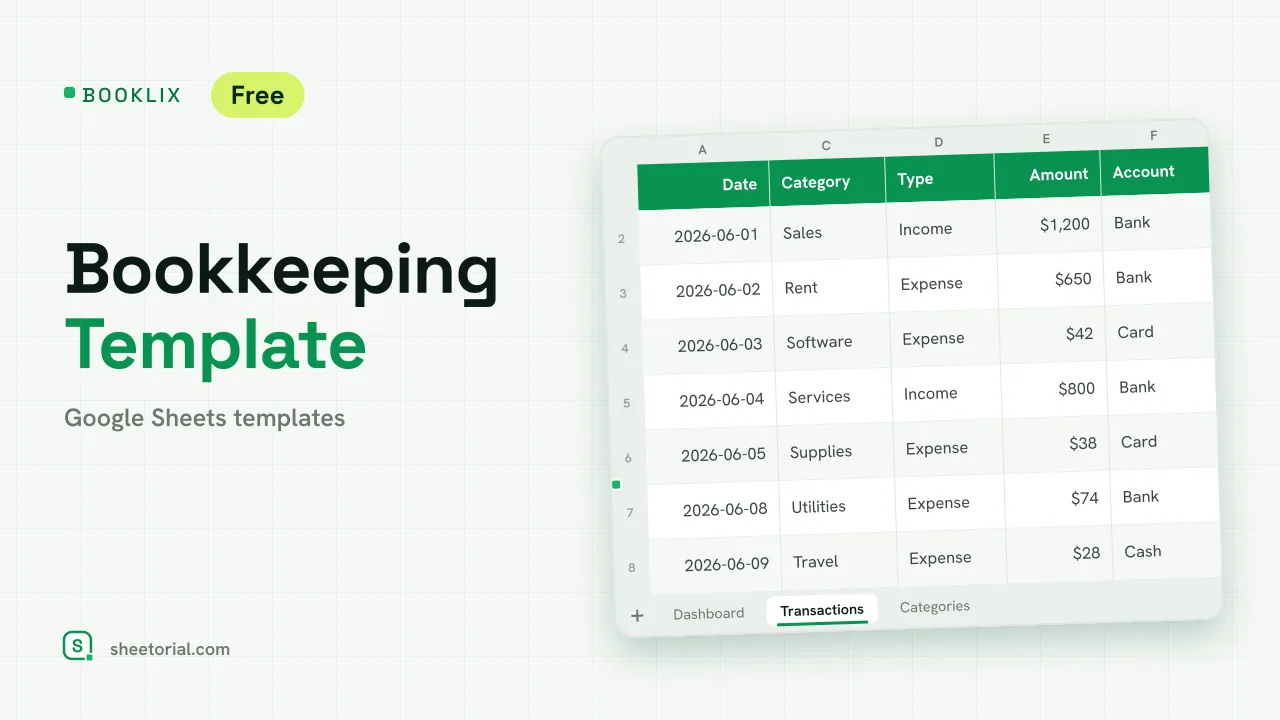
Keeping books in a spreadsheet is an old habit because it works: accounting is rows of dated, categorized amounts, and that is what a grid does best. This section collects accounting and bookkeeping templates for Google Sheets — records first, reports second — as free .xlsx files that open in Google Sheets, Excel or LibreOffice.
What an accounting spreadsheet template covers
An accounting spreadsheet template gives you the columns accountants expect — date, description, account or category, amount in, amount out — plus the formulas that turn entries into monthly and yearly totals. The point is not to imitate accounting software; it is to record every transaction once, consistently, in a file you control. Done that way, a spreadsheet carries a small operation surprisingly far.
Bookkeeping spreadsheets for the daily records
Bookkeeping is the unglamorous half: writing down what came in and what went out, when, and why. A bookkeeping spreadsheet keeps one row per transaction and totals by category and month, so the year-end question — where did the money go — is already answered by the time someone asks it. Categories matter more than software here: a dozen you apply consistently beat fifty you guess at.
From the ledger to the financial statements
Once the daily records exist, the classic documents follow from them: a ledger that organizes transactions by account, an income statement that nets revenue against costs for a period, a balance sheet that freezes assets and liabilities on a date, and a cash flow view that watches the timing. Each follows a standard structure — which is exactly why spreadsheets have served them for decades. The layout is the accounting; the formulas just do the arithmetic.
Small business accounting in Google Sheets
For a small business, the spreadsheet's advantages are practical: no subscription, no migration, and a file your accountant can open without creating an account anywhere. Google Sheets adds the part desktop Excel never had — one shared copy, edited from any device, with a revision history for when a number changes and nobody admits to it. The realistic limit is volume: when transactions outgrow manual entry, the exported rows move into proper software cleanly.
How to choose an accounting template for your books
Start from what you must produce, not from what looks thorough: if all you need is income and expenses by category, a bookkeeping sheet is enough and a full ledger is overhead. One more line worth saying plainly: these templates organize records — they are not accounting or tax advice, and the rules differ by country, so filings and anything with legal weight belong with a professional. Invoicing, the paperwork that generates half of these records, has its own section, and the opening guide covers getting an .xlsx into Google Sheets.