Templates
Google Sheets Invoice Templates
-
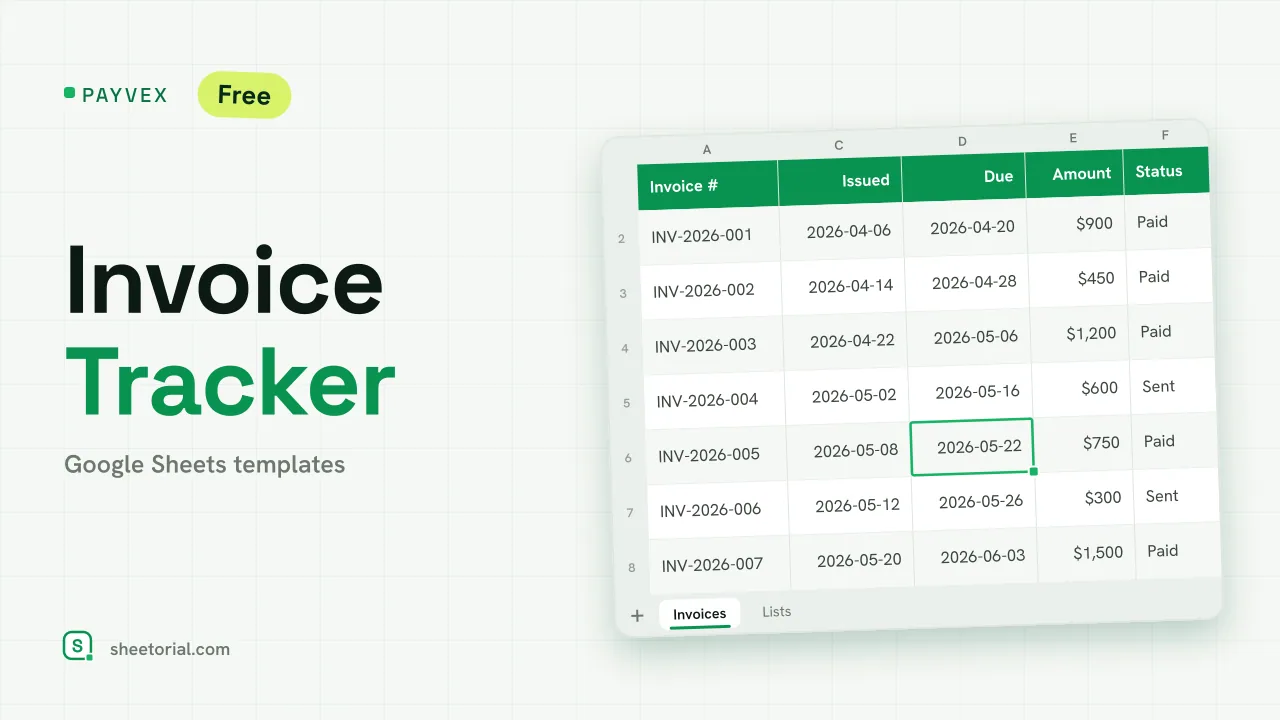 Google Sheets Invoice Templates PAYVEX: Invoice Tracking Template for Google Sheets Invoice tracking template for Google Sheets: statuses, automatic days overdue and running totals for invoiced, collected and outstanding. Free XLSX. View template →
 -
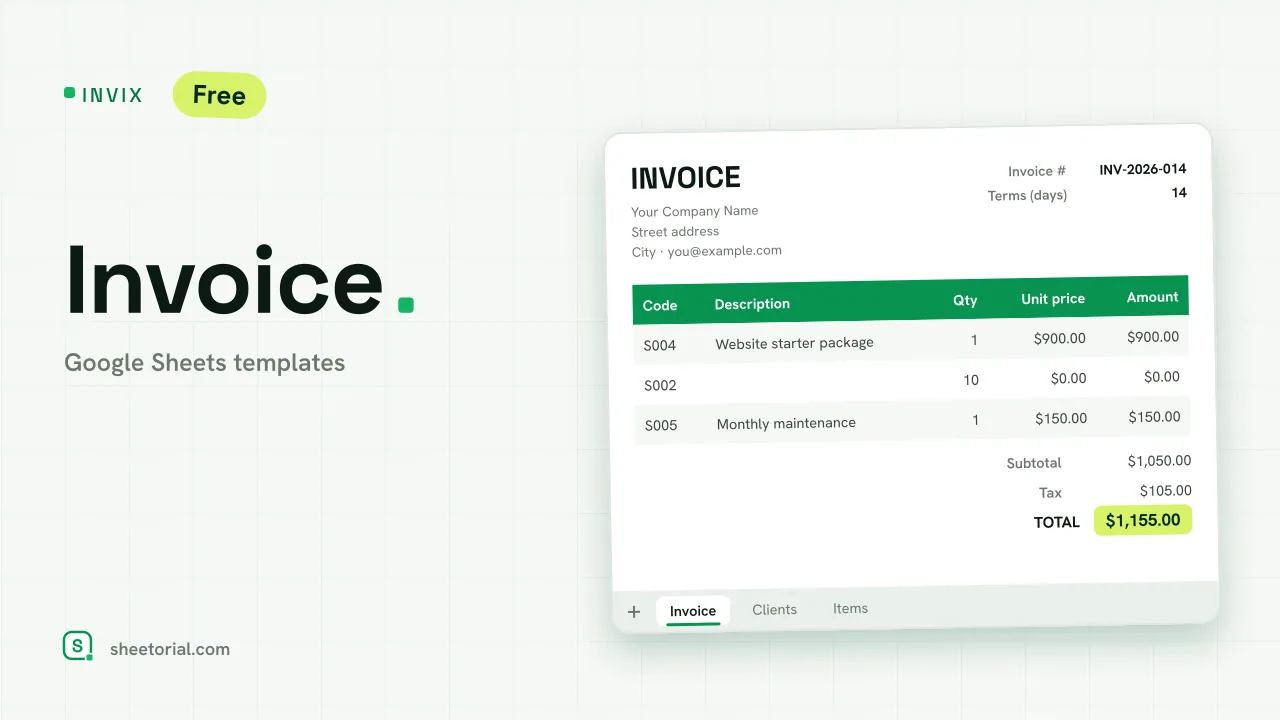 Google Sheets Invoice Templates INVIX: Google Sheets Invoice Template Google Sheets invoice template with client and item lookups: pick an ID, the invoice fills itself in and prints to one A4 page. Free XLSX download. View template →
The invoicing templates collect the paperwork side of getting paid: invoice layouts you fill in and send, and the records that tell you which ones are still outstanding. Each file is a free .xlsx download that opens in Google Sheets, Excel or LibreOffice, with the math — line totals, tax, the amount due — already wired in.
Invoice templates for freelancers and small businesses
A freelancer billing a client for a project and a shop invoicing a wholesale order need the same skeleton: who is billing whom, an invoice number, line items with quantities and rates, tax where it applies, a total and the payment terms. The templates here keep that structure and leave the styling sensible, so adding a logo and your details takes minutes. Hourly work fits too — a line per day or per task, rate times hours, computed for you.
What a Google Sheets invoice should include
Beyond the obvious amounts, the details that prevent slow payment: a unique invoice number you assign in sequence, the issue date and the due date, a plain description of what was delivered, and how to pay you. The templates mark these fields so none get skipped. One habit worth keeping: never reuse a number, even for a cancelled invoice — gaps explain themselves, duplicates don't.
Free and simple invoice templates, without upsells
Plenty of free invoice generators are trial doors for paid software. These are spreadsheets, full stop: download the file, fill it in, export the PDF, send it. Because the template is a plain sheet, it is also a simple one to adapt — delete the columns you don't bill by, duplicate a tab per client, and the formulas keep working.
Track the invoices you send
The second half of invoicing is remembering what happened to each one. A one-tab register — number, client, amount, sent date, due date, status — answers the question your bank account keeps asking: who hasn't paid yet? Filter by status on Monday morning and chase only the rows that need chasing. Client follow-up before the invoice exists lives next door in the CRM & sales templates.
How to choose an invoice template for Google Sheets
Choose by how you bill: per project, per hour or per order — the right template has columns matching that unit, not generic ones you repurpose. If you invoice more than a handful of clients a month, pair the invoice with the register from day one; reconstructing a year of billing in January is nobody's favorite afternoon. The bookkeeping side — recording the income once it arrives — lives under accounting & bookkeeping templates, and the opening guide shows how to get any .xlsx into Google Sheets.