PAYVEX: Invoice Tracking Template for Google Sheets
Important: you need to be signed in to a Google account to copy the template to your Drive. Need help opening the template?
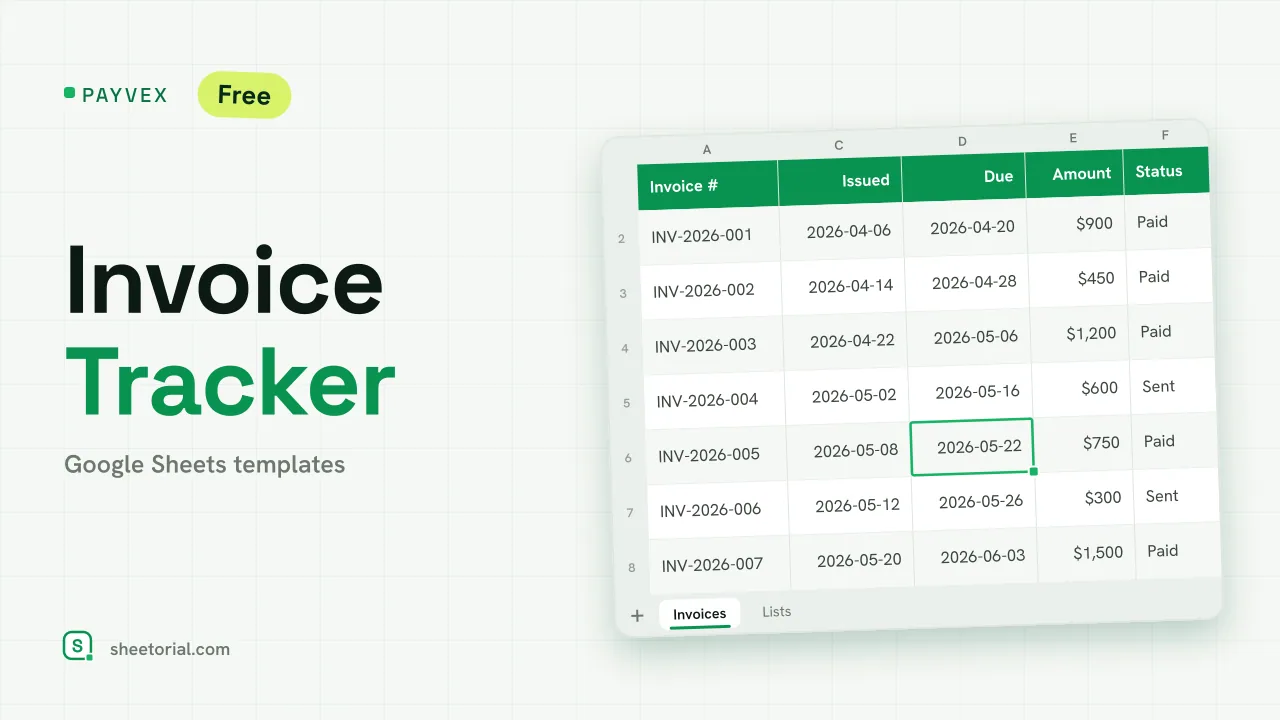
One row per invoice you've sent, four figures up top — PAYVEX is an invoice tracking template for Google Sheets that answers the daily freelance question without any digging: how much is out there, how much came in, and what's overdue. It downloads free as .xlsx and runs identically in Google Sheets, Excel and LibreOffice.
What the invoice tracker shows at a glance
Four headline figures sit above the table and read the whole sheet: total invoiced, collected, outstanding, and the count of overdue invoices. They're plain sums and conditional counts over the rows below — register an invoice or mark one paid and all four move with it. No refresh, no script.
Inside the invoice tracking template
Nine columns per invoice: number, client, issue date, due date, amount, a status dropdown (Draft, Sent, Paid), the date it was collected, days overdue, and notes. Days overdue is the column you never fill in — the sheet compares each unpaid invoice's due date with today and counts the lag, then goes quiet once the invoice is marked Paid. Colour rules run on top: a row turns red when it's overdue and uncollected, amber when its due date falls inside the next seven days, green when paid. The ten sample invoices arrive in all three states on purpose, so the formatting shows itself before your data goes in. Statuses live on a small Lists tab; renaming one or adding your own is a one-cell edit.
How to track invoices in Google Sheets
- Register each invoice you issue, with its dates and amount.
- Keep Status current — and when you mark Paid, note the collection date.
- Watch the reds: overdue, uncollected rows while Days overdue counts the delay.
- Read the header for invoiced, collected and outstanding at any moment.
- Sort by Due date to line up the next collections.
An invoice tracker in eleven languages
PAYVEX comes in eleven language editions — separate .xlsx files with column headers, statuses, date and currency formats translated, formulas untouched. Download the one that matches your page language; the opening guide covers getting any of them into Google Sheets.
The tracker assumes the invoices already exist. If creating them is the slow part, INVIX builds the invoice itself from client and item catalogues — the two sheets are designed to sit side by side, and both belong to the Google Sheets invoice templates.
More templates
-
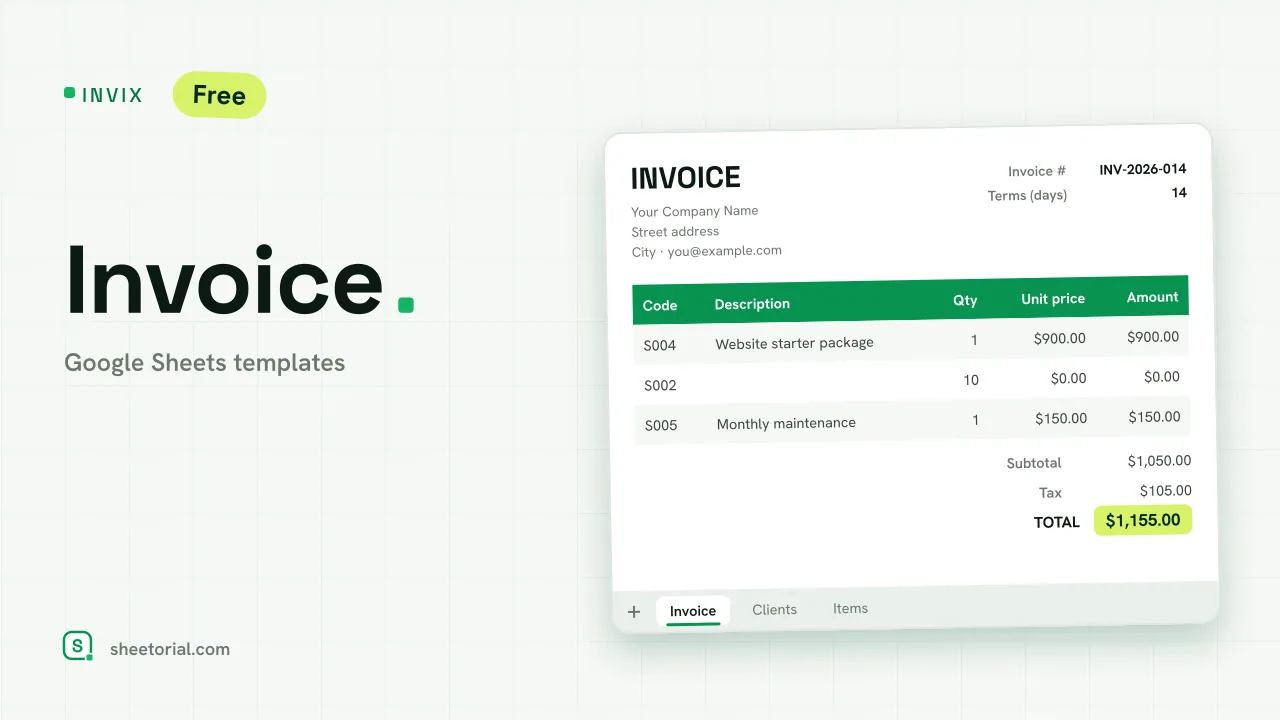 Google Sheets Invoice Templates INVIX: Google Sheets Invoice Template Google Sheets invoice template with client and item lookups: pick an ID, the invoice fills itself in and prints to one A4 page. Free XLSX download. View template →
 -
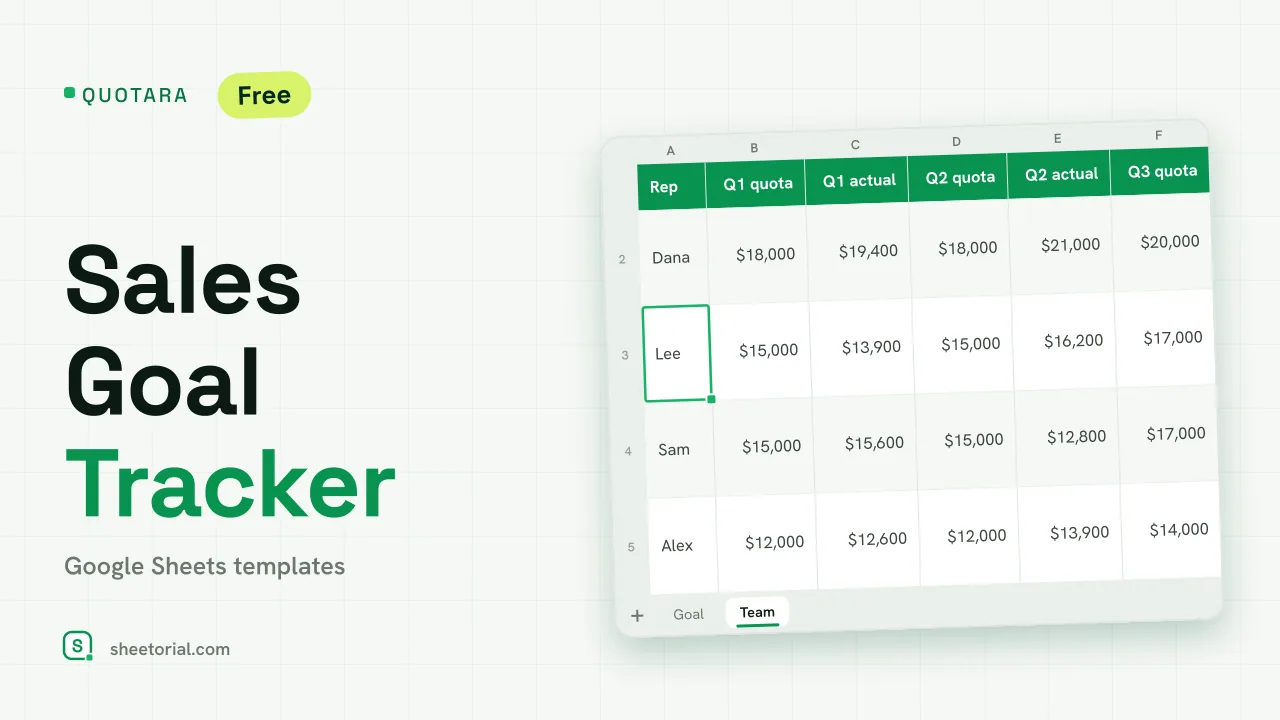 CRM & Sales QUOTARA: Sales Goal Tracker for Google Sheets Sales goal tracker for Google Sheets: an annual goal split into monthly targets, actual vs target, a year-end projection and quarterly quota by rep. Free. View template →
 -
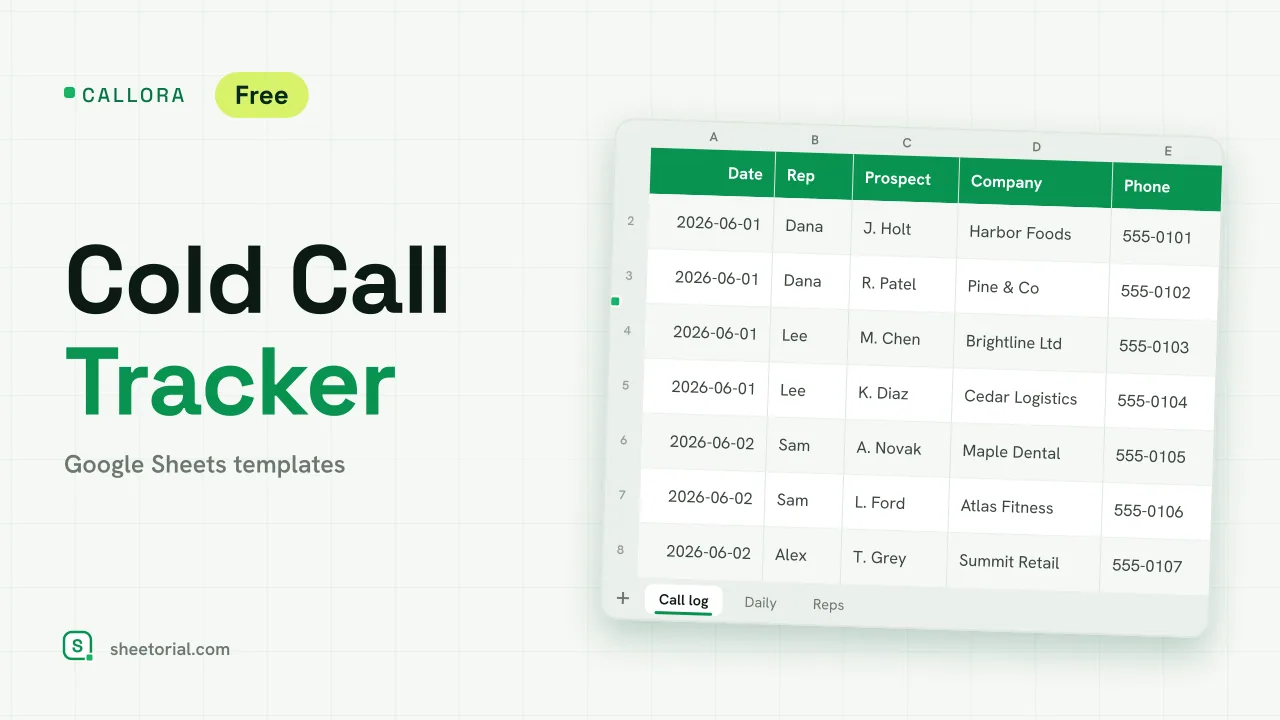 CRM & Sales CALLORA: Cold Call Tracker for Google Sheets Cold call tracker for Google Sheets: a sales call log that counts dials, connects and meetings booked, with daily activity and rates per rep. Free XLSX. View template →
 -
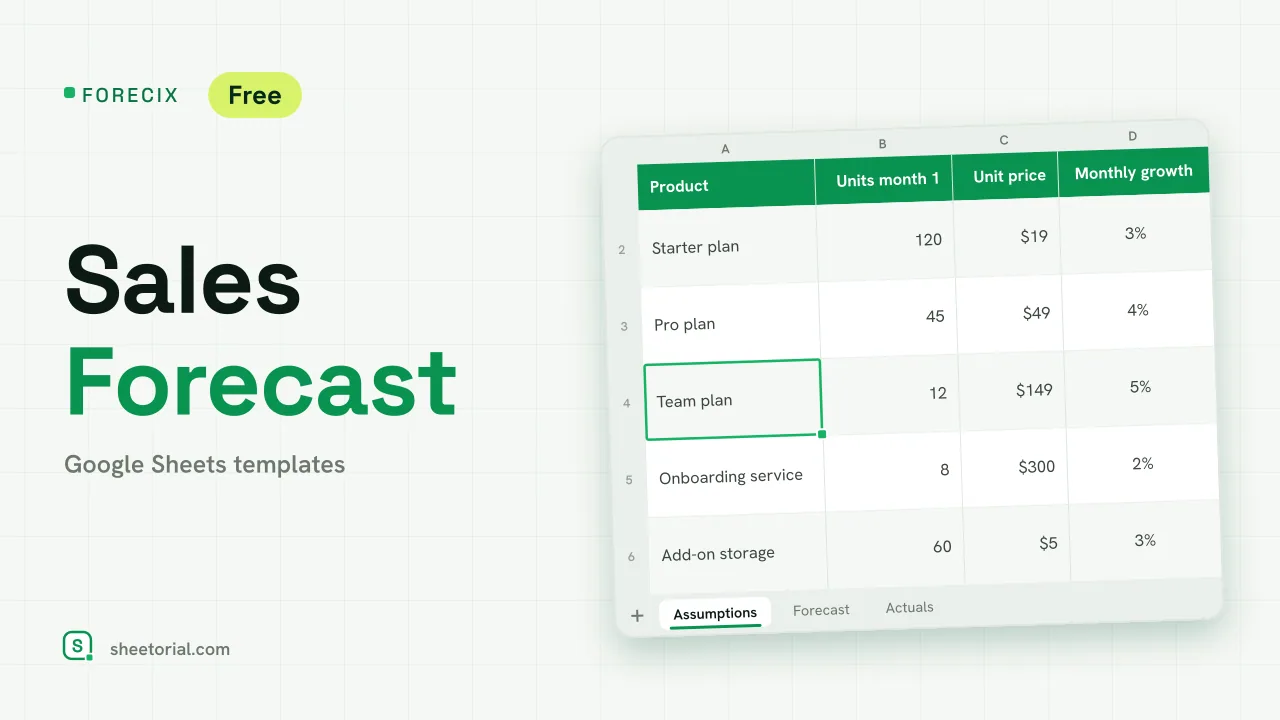 CRM & Sales FORECIX: Sales Forecast Template for Google Sheets Sales forecast template for Google Sheets and Excel: 12 months of units and revenue per product from starting volume, price and growth, plus actuals vs forecast. View template →