STOCKORA: Small Business Inventory Template for Google Sheets
Important: you need to be signed in to a Google account to copy the template to your Drive. Need help opening the template?
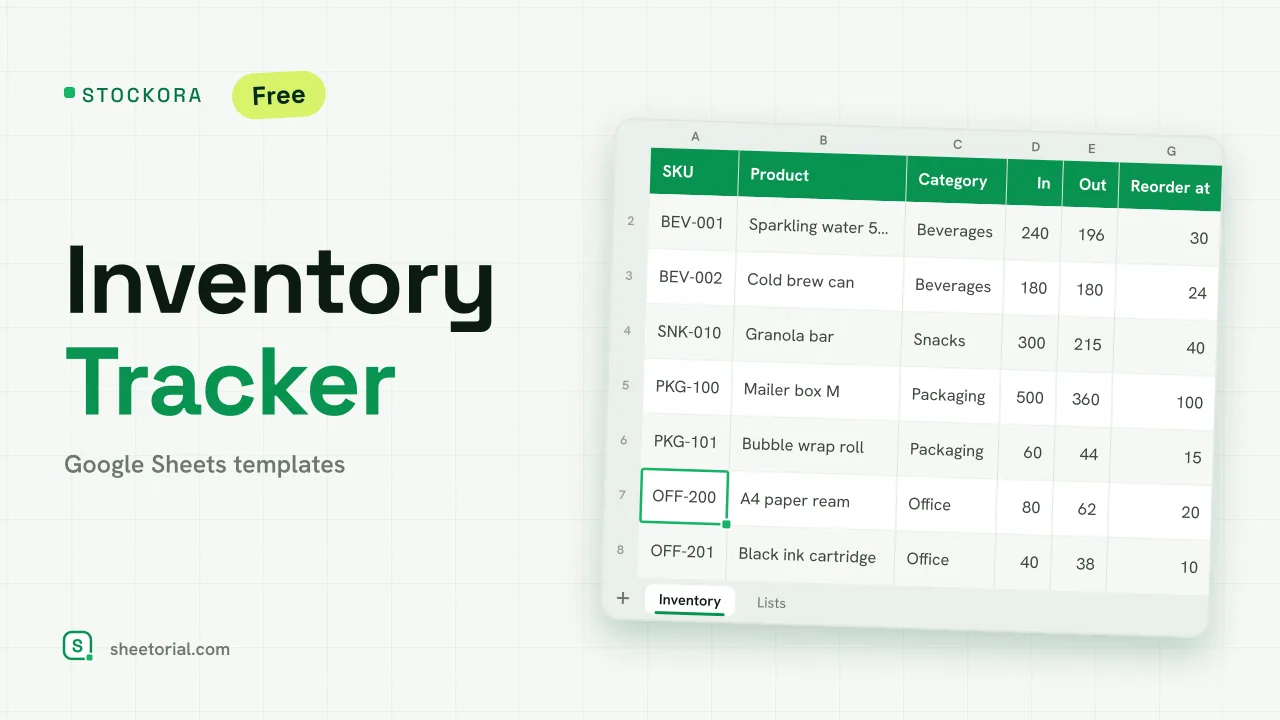
STOCKORA tracks a small shop's stock on a single tab and flags what's running low before you do. Each item carries what came in and what went out; the sheet works out what's left and what it's worth, and colours the row when you've hit the reorder point. It's a small business inventory template for Google Sheets with no account behind it and no trial — the free .xlsx download is the product, and it opens in Google Sheets, Excel or LibreOffice.
What the inventory tracker holds
The Inventory tab gives each product a row: SKU, name, category (from a dropdown), units received, units sold, current stock, the reorder level, unit cost and stock value. Four figures sit above the table and read the whole sheet: number of items, units in stock, total inventory value and how many items need reordering. The Lists tab is the editable source of the category dropdown — your own product categories, however many you keep.
How the stock spreadsheet calculates and alerts
Two columns are calculated and shouldn't be edited: current stock is received minus sold, and stock value is that quantity times the unit cost. The headline totals build on them — units in stock sums the current-stock column, inventory value sums the stock-value column, and the to-reorder figure counts the items at or below their reorder level. Colour rules turn the work into a glance: a row goes amber once current stock falls to or under its reorder point, and red when it hits zero and the item is out. Twelve sample items arrive across mixed categories, with a couple already below their minimum and one sold out, so both alerts and every formula are visible before your own products go in.
How to track inventory in Google Sheets
- Set your product categories on the Lists tab.
- Add each item with its SKU, units received and sold, reorder level and unit cost.
- Leave current stock and stock value alone — both are calculated for you.
- Read the amber rows as a reorder cue and the red ones as out of stock.
- Check the totals up top for units, inventory value and how many items to reorder.
An inventory template in eleven languages
Small businesses don't all keep stock in English, so STOCKORA ships in eleven language editions — each a separate .xlsx with tab names, column labels, sample categories and currency formats translated, formulas untouched. Download the one that matches your page language, and use the opening guide if the .xlsx import step is unfamiliar.
Stock is one ledger a small business keeps; the money owed to it is another — PAYVEX follows each invoice through to collection. Both sit under inventory templates for Google Sheets, part of the wider set of business templates for Google Sheets.
More templates
-
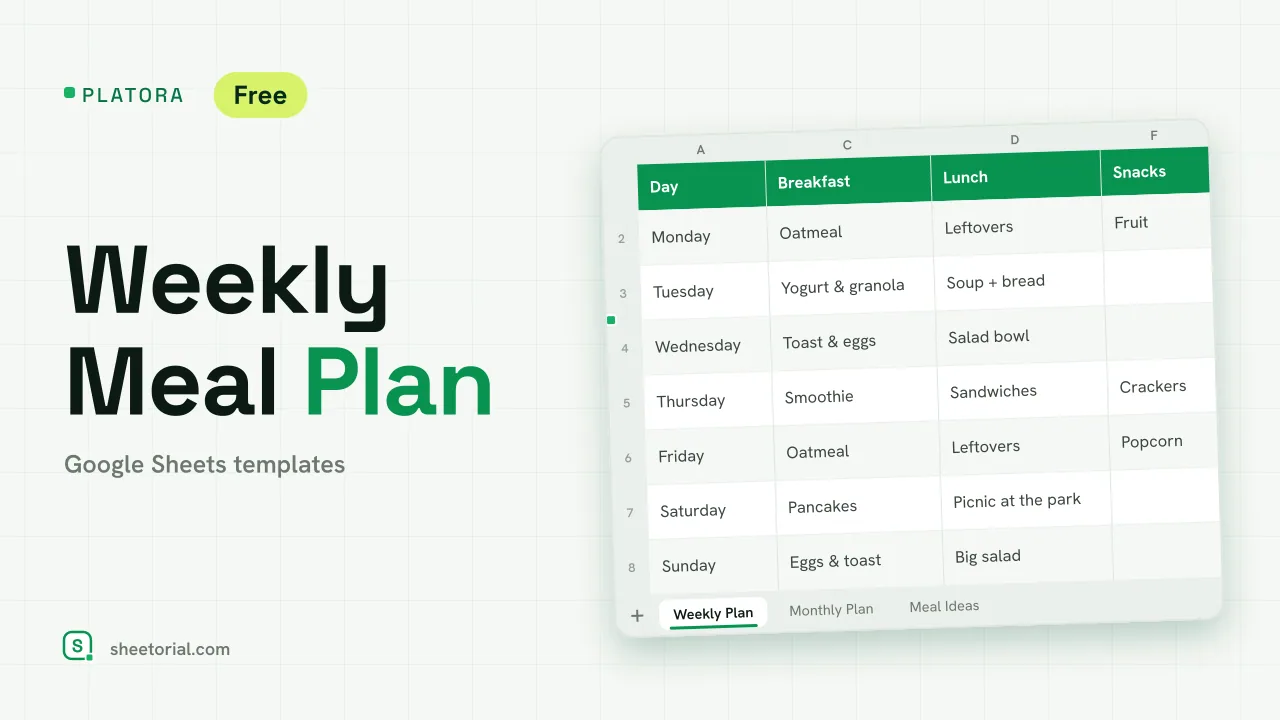 Meal Planning PLATORA: Free Weekly Meal Plan Template for Google Sheets Free weekly meal plan template for Google Sheets with breakfast, lunch, dinner and snacks per day, a dinner ideas dropdown and a monthly view on its own tab. View template →
 -
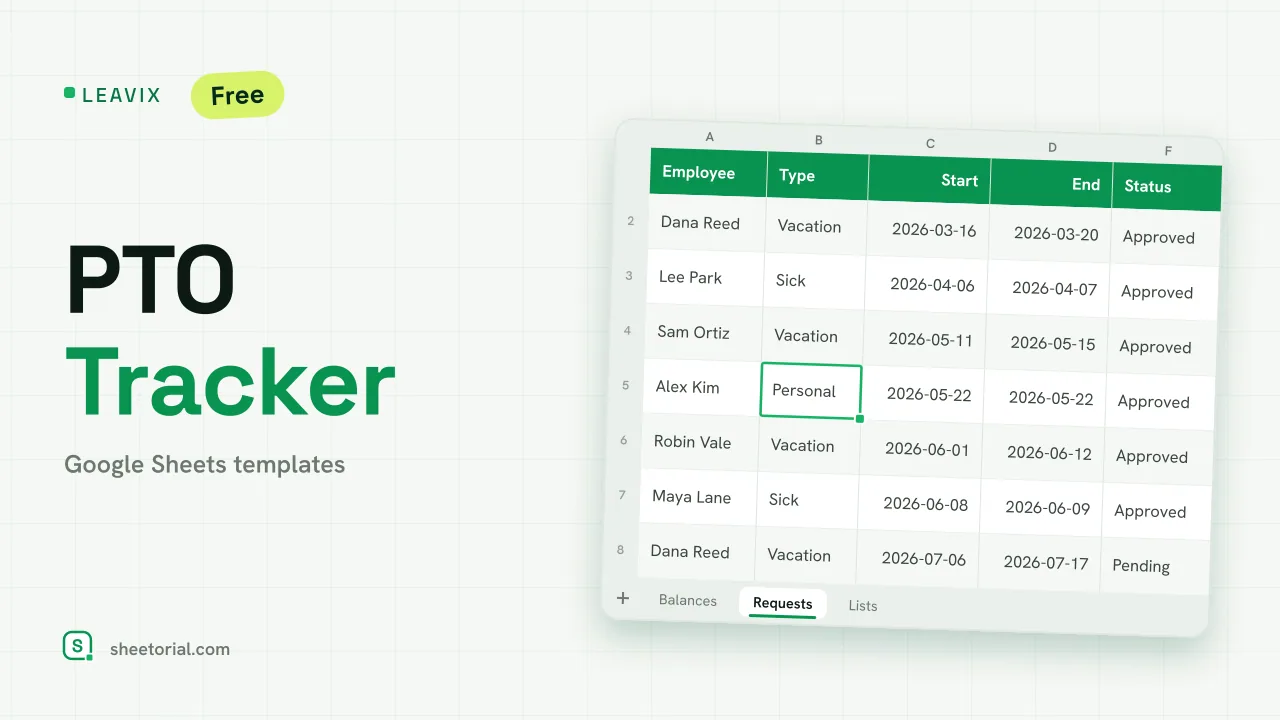 HR & Time Tracking LEAVIX: PTO Tracker for Google Sheets PTO tracker for Google Sheets: allowance, taken and remaining days per employee, plus a leave request log where only approved days are deducted. Free. View template →
 -
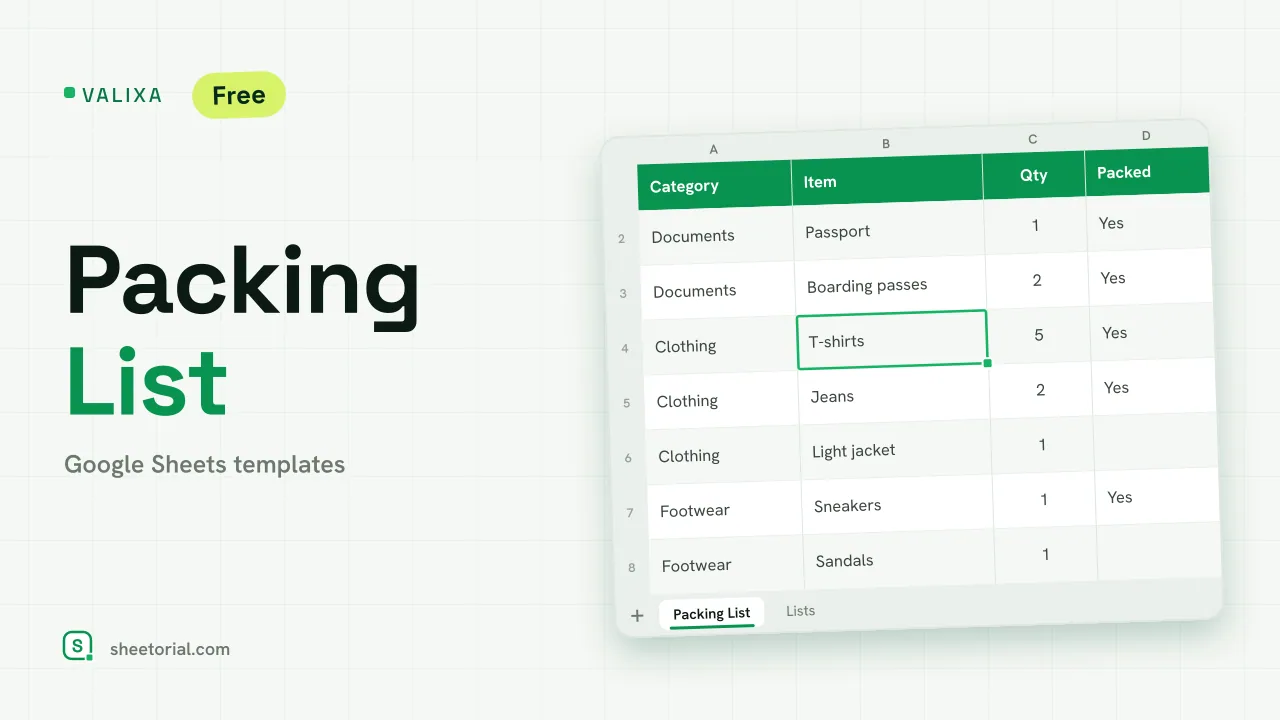 Travel & Itinerary VALIXA: Packing List Template for Google Sheets Free packing list template for Google Sheets: items by category, quantities, a Packed dropdown and a progress counter that says what's left to pack. View template →
 -
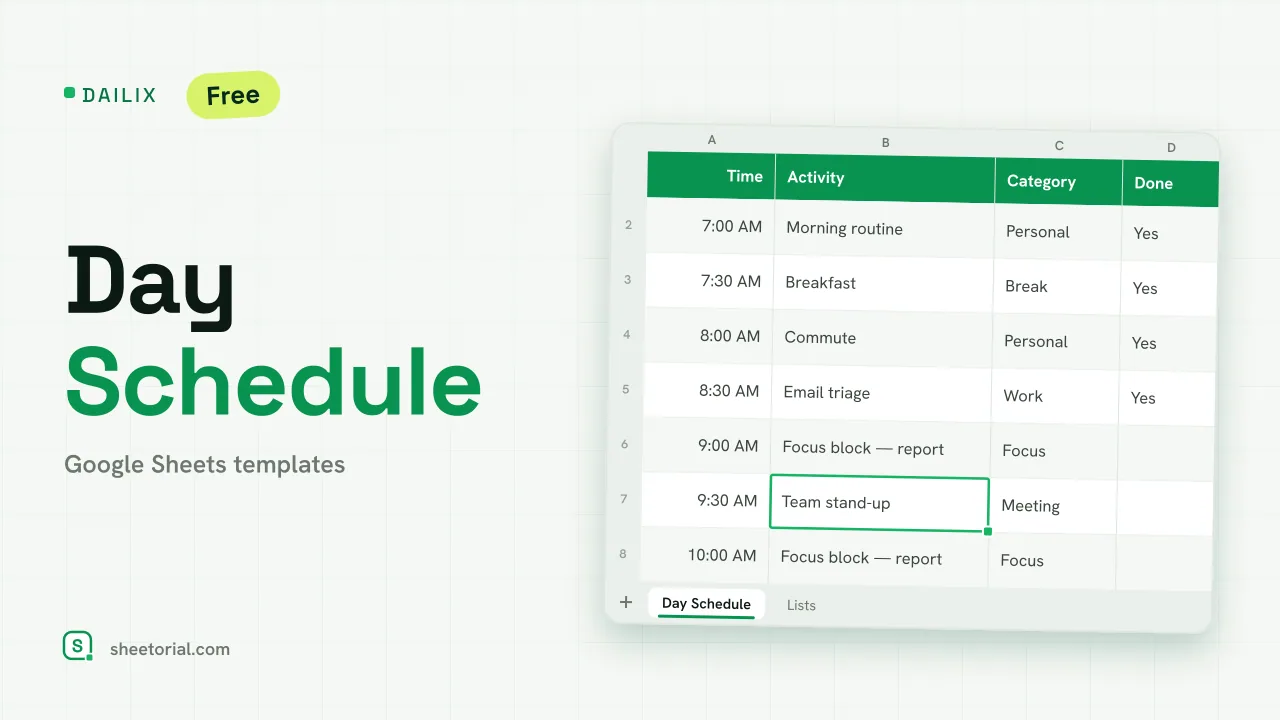 Schedule DAILIX: Day Schedule Template for Google Sheets Free day schedule template for Google Sheets: 28 half-hour blocks that recalculate from your start time, a top-3 priorities box and a done counter. View template →