DAILIX: Day Schedule Template for Google Sheets
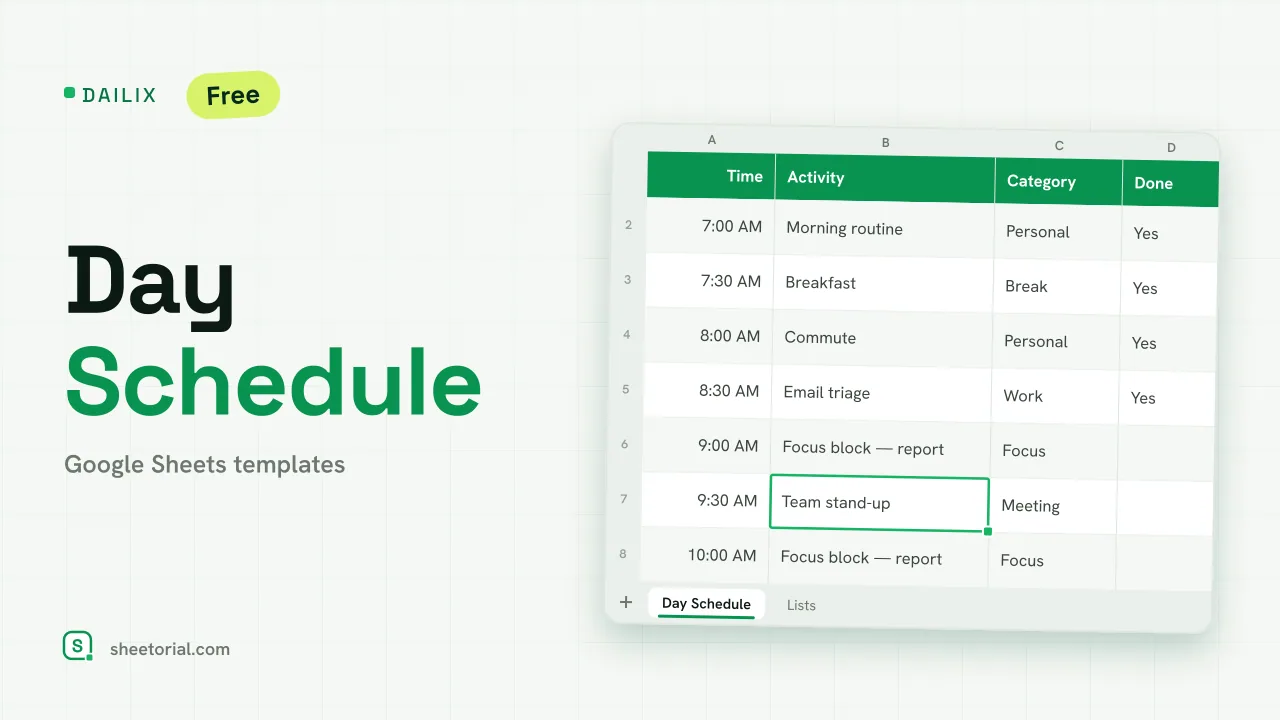
Important: you need to be signed in to a Google account to copy the template to your Drive. Need help opening the template?
Dailix puts one day on one screen: 28 time blocks, each with an activity, a category and a Done mark. The clock column is built from formulas, so the sheet adapts to your day instead of the other way around: start at 5:00 or at 10:00, plan in half hours or in twenty-minute slots, and the times rewrite themselves.
What the day schedule template includes
The Day Schedule tab opens with a small header: the date, a start time and an interval in minutes, validated between 5 and 120. Next to it sits a Top 3 priorities box, so the day has a headline before it has a timetable. Below runs the schedule itself: Time, Activity, Category, Done and Notes. The first time cell simply equals your start time; every row after it adds the interval. Categories come from a dropdown (Work, Focus, Meeting, Personal, Break, Errand) and the formatting reacts to them: Focus blocks light up in lime, Breaks fade out, and any row marked Done turns soft green. A COUNTIF at the top counts the blocks you have closed. The second tab, Lists, holds the category list, ready to be edited.
How to build your daily schedule in Google Sheets
Import the file into Google Sheets (the XLSX opening guide covers it if you haven't done this before), set the start time and interval, and write your three priorities. Then fill the blocks: an activity per row, a category from the dropdown. During the day, mark Done as you go; the green rows make the remaining gaps obvious. The sample day runs from 7:00 to 20:30 in half-hour steps, with neutral entries like email, a focus block and a walk.
A day schedule in half-hour blocks, or any rhythm you want
The interval cell is the quiet feature here. Switch it from 30 to 60 and the same 28 rows now cover two days' worth of hours; drop it to 15 for a tightly packed morning. Duplicating the tab gives you reusable patterns, one layout for office days and another for weekends, without rebuilding anything.
The daily schedule template in 11 languages
Each language on Sheetorial carries its own copy of this daily schedule, with tab names, categories and sample activities translated and times shown in that locale's format. If you plan beyond a single day, the schedule templates category covers weekly and recurring layouts, the monthly calendar template handles the month at a glance, and the to-do list spreadsheet keeps the tasks that feed your blocks.
More templates
-
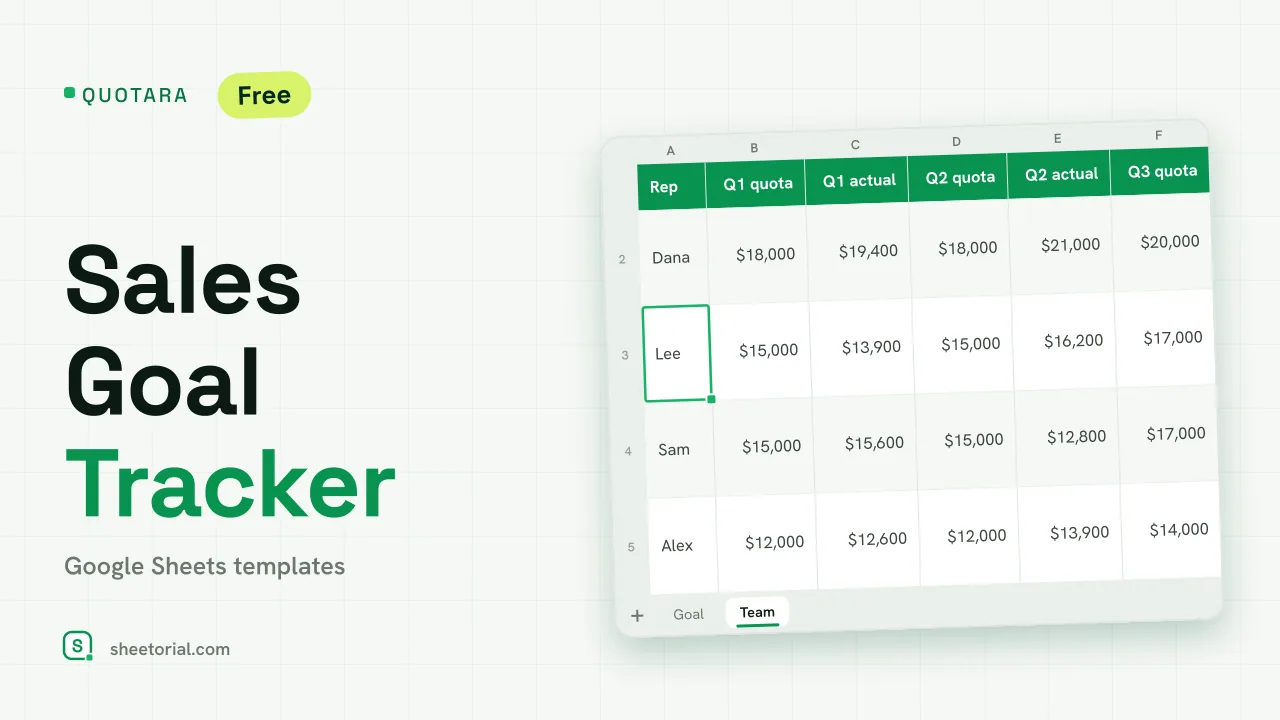 CRM & Sales QUOTARA: Sales Goal Tracker for Google Sheets Sales goal tracker for Google Sheets: an annual goal split into monthly targets, actual vs target, a year-end projection and quarterly quota by rep. Free. View template →
 -
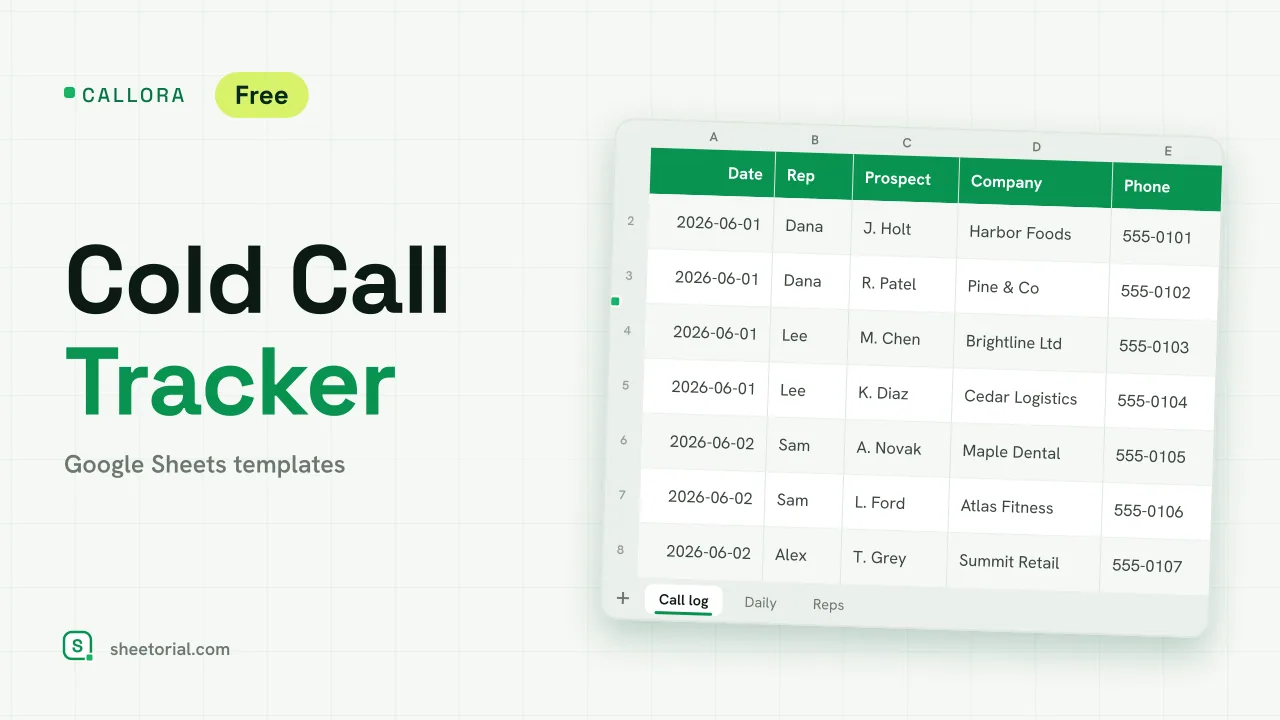 CRM & Sales CALLORA: Cold Call Tracker for Google Sheets Cold call tracker for Google Sheets: a sales call log that counts dials, connects and meetings booked, with daily activity and rates per rep. Free XLSX. View template →
 -
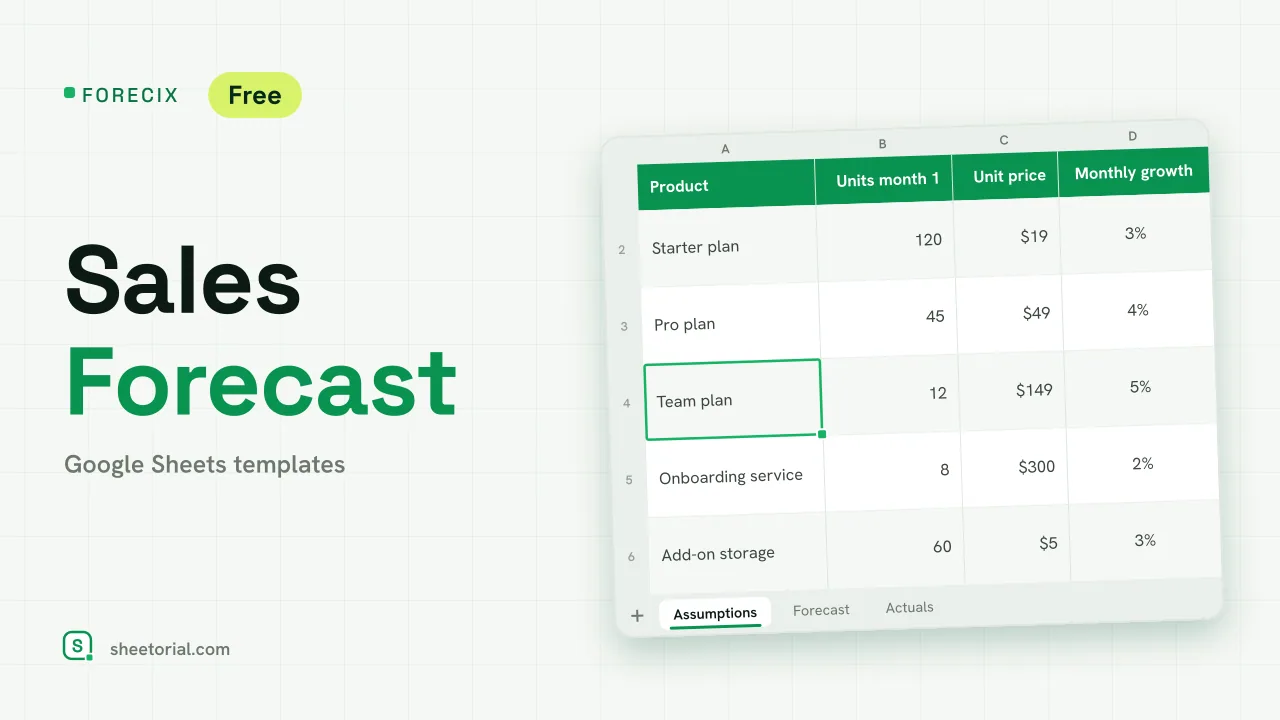 CRM & Sales FORECIX: Sales Forecast Template for Google Sheets Sales forecast template for Google Sheets and Excel: 12 months of units and revenue per product from starting volume, price and growth, plus actuals vs forecast. View template →
 -
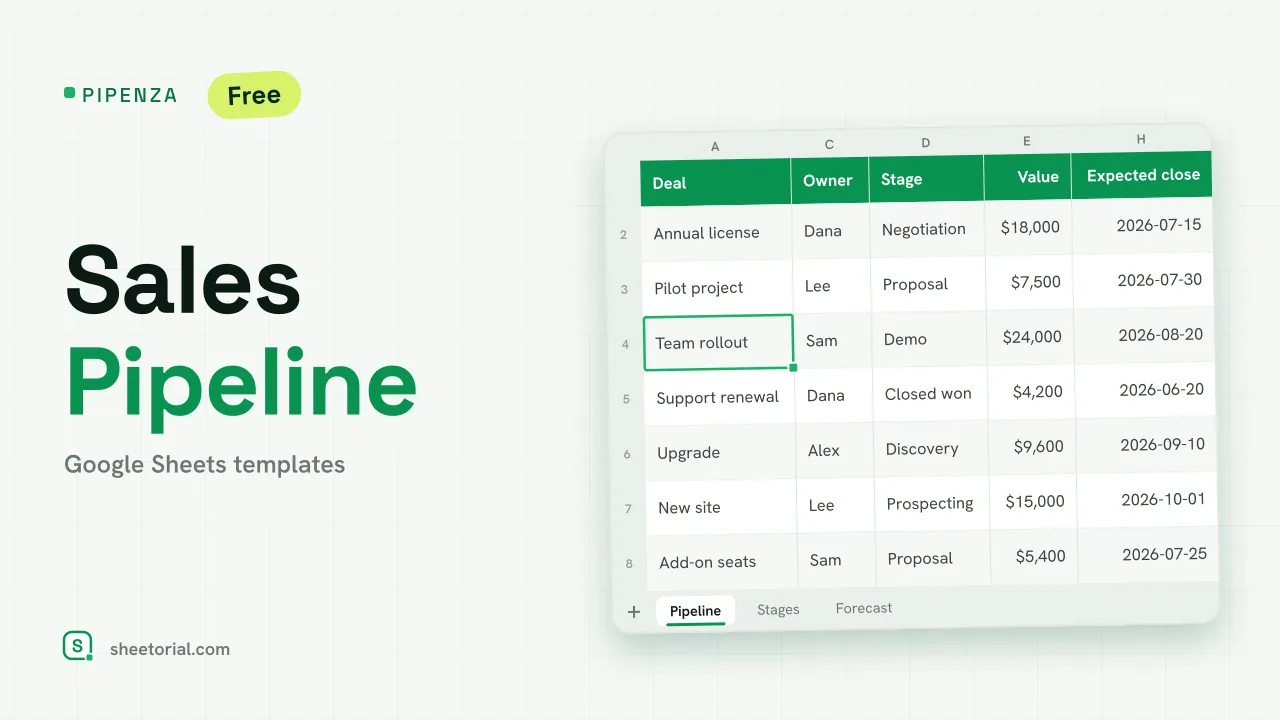 CRM & Sales PIPENZA: Sales Pipeline Template for Excel and Google Sheets Sales pipeline template for Excel and Google Sheets: deals by stage with win probability, weighted value, overdue close dates and a forecast by month. Free. View template →