DONEVA: To-Do List Google Spreadsheet Template
Important: you need to be signed in to a Google account to copy the template to your Drive. Need help opening the template?
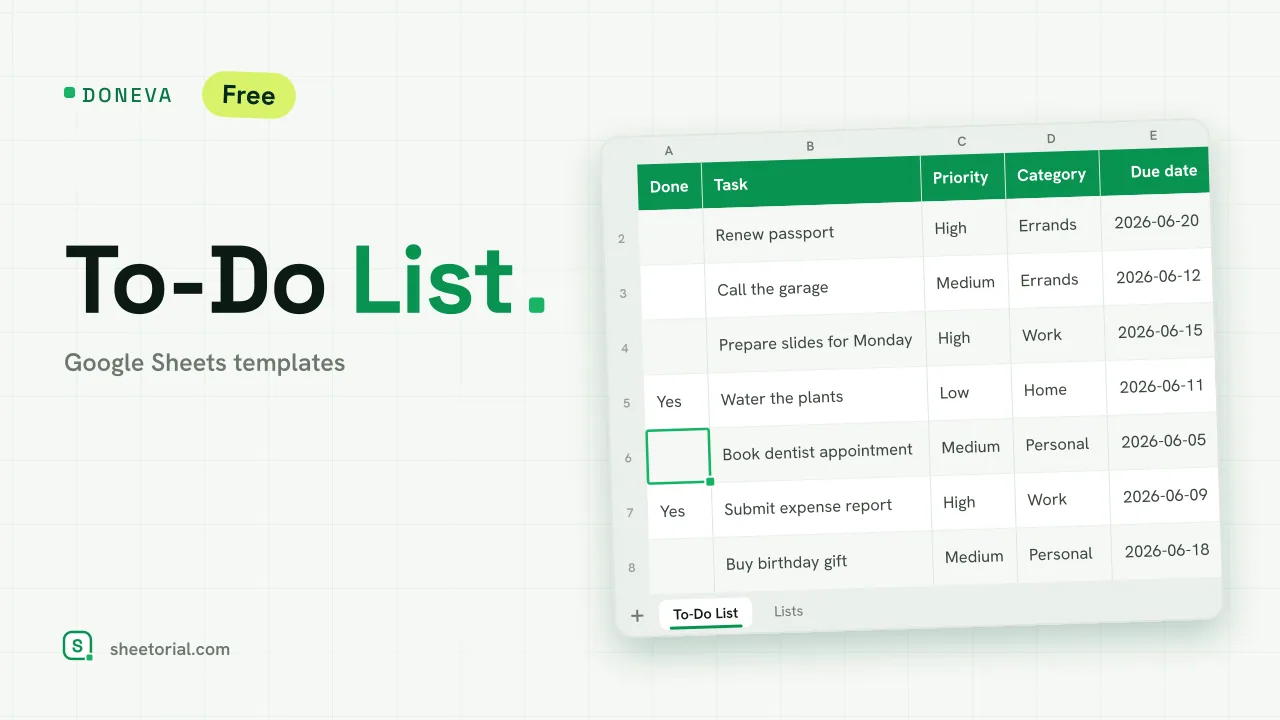
Doneva is a to-do list that keeps score. Three counters sit above the table (open, done and overdue) and every task carries a live countdown of days to its deadline. Mark a task done and it crosses itself out; let a deadline pass and the row turns red. The list does the nagging, so you don't have to reread it.
Inside the to-do list spreadsheet
The To-Do List tab is a seven-column table: Done, Task, Priority, Category, Due date, Days left and Notes. Done is a dropdown with a single Yes; Priority and Category pull from the second tab. Days left is where the formulas earn their keep: it subtracts today from the due date while the task is open and switches itself off once you close it. The counters at the top run on COUNTIF and COUNTIFS: open tasks, finished tasks, and the awkward third number — tasks past their due date and still open. Conditional formatting translates all of it visually. Finished rows get struck through and dimmed, overdue rows go soft red, and High-priority tasks show in red text until they are dealt with.
The Lists tab holds both dropdowns: three priority levels and five starter categories (Work, Home, Errands, Personal, Other), all editable.
How to run your to-do list in Google Sheets
Bring the XLSX into Google Sheets (the opening guide covers import and Drive conversion), then add tasks with a priority, a category and a due date. That's the whole routine: Days left counts down on its own, and marking Yes in the Done column retires the task from the open counter. Sort the table by Priority when you plan, or by Due date when the week gets tight. The sample data ships with twelve everyday tasks (a passport renewal, a presentation to prepare), including a finished one and an overdue one, so every format is visible before you clear it.
A to-do list template that counts what's left
Plenty of task lists are just rows with checkboxes. The difference is arithmetic: you always know how many tasks are open, how many are overdue, and how many days each one has left. That turns a static list into a small dashboard, useful when the question is not "what do I have to do" but "what do I have to do first".
The same to-do spreadsheet in 11 languages
Doneva is published in eleven languages, each download with translated tab names, priorities, categories and sample tasks. More layouts live in the checklist and to-do list templates category, and once the list tells you what's first, the day schedule template is where those tasks get a time slot.
More templates
-
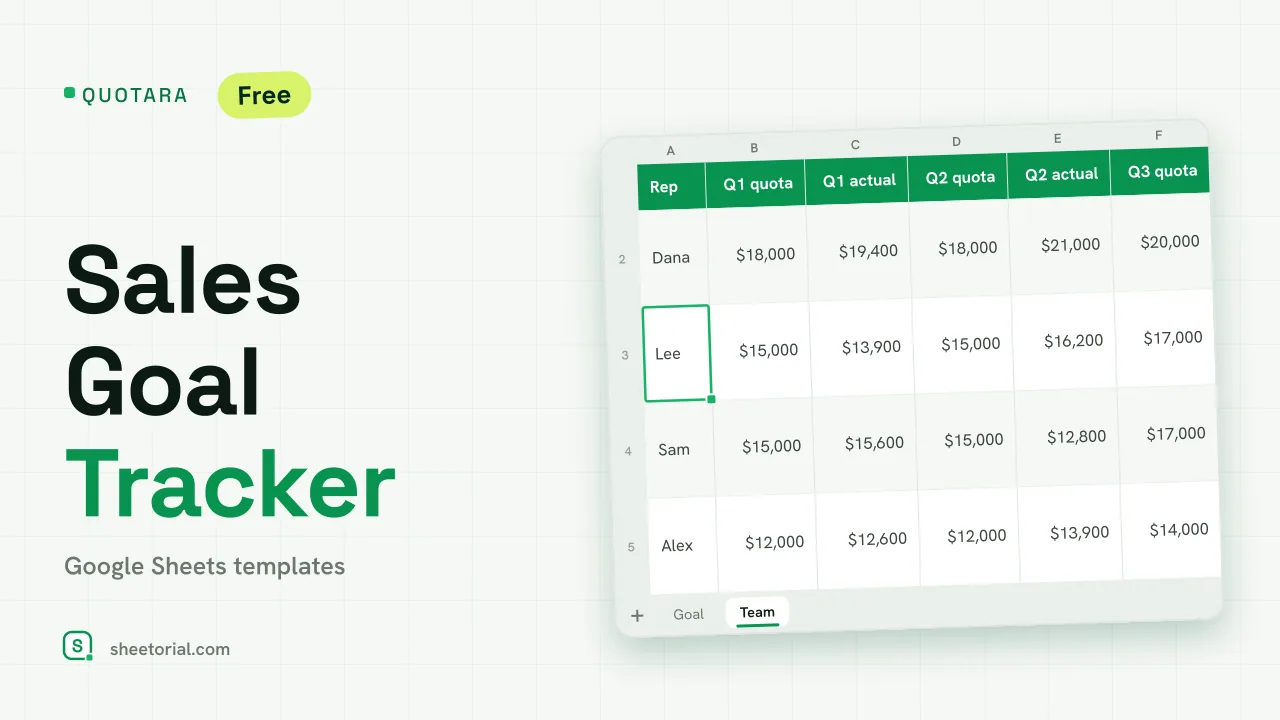 CRM & Sales QUOTARA: Sales Goal Tracker for Google Sheets Sales goal tracker for Google Sheets: an annual goal split into monthly targets, actual vs target, a year-end projection and quarterly quota by rep. Free. View template →
 -
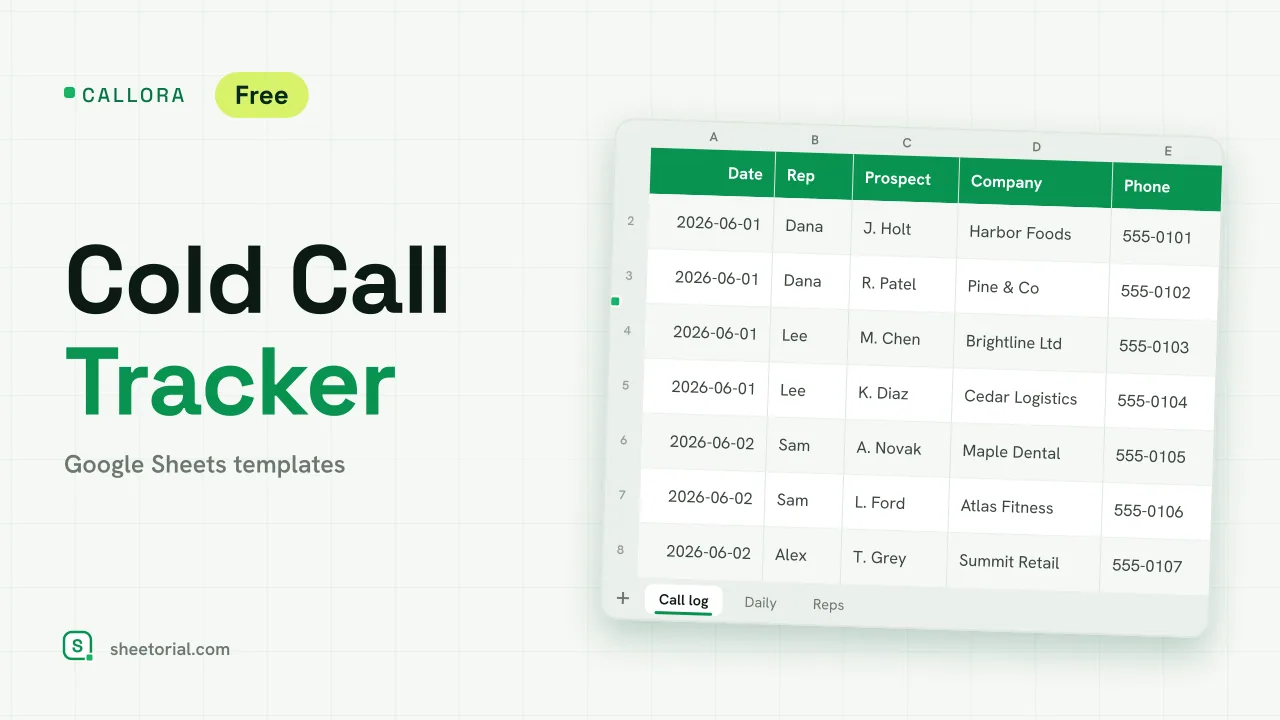 CRM & Sales CALLORA: Cold Call Tracker for Google Sheets Cold call tracker for Google Sheets: a sales call log that counts dials, connects and meetings booked, with daily activity and rates per rep. Free XLSX. View template →
 -
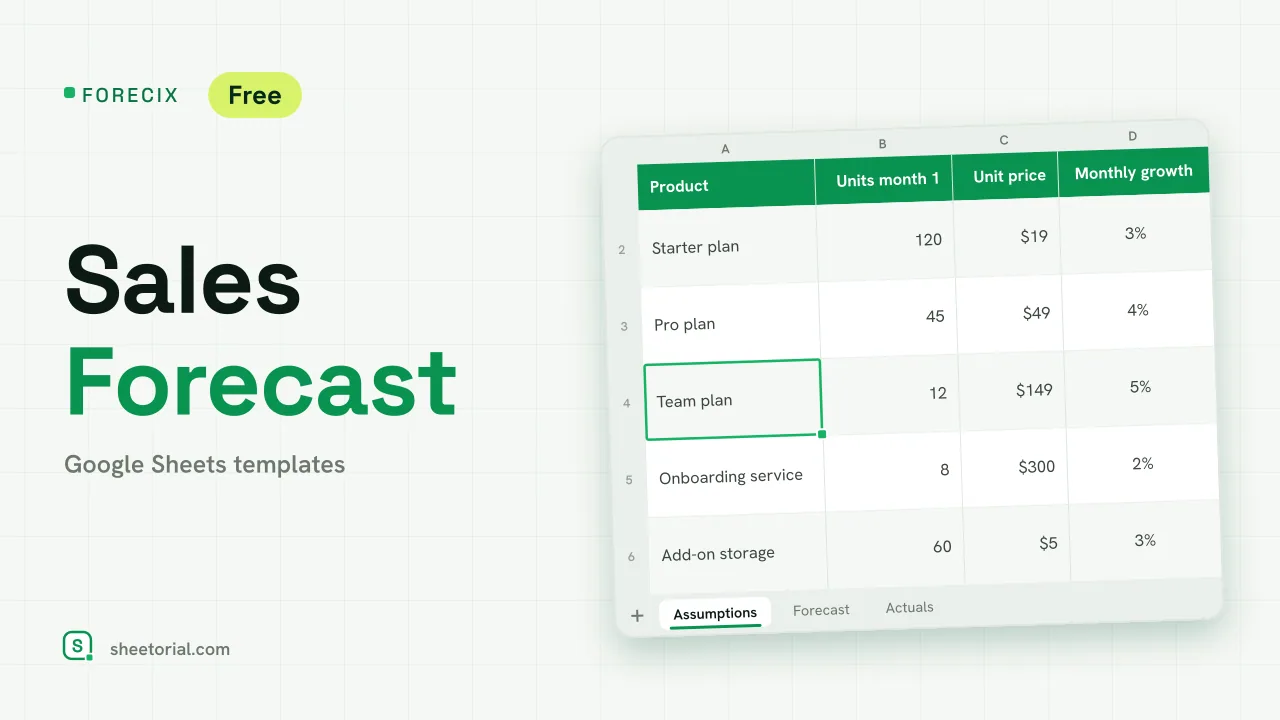 CRM & Sales FORECIX: Sales Forecast Template for Google Sheets Sales forecast template for Google Sheets and Excel: 12 months of units and revenue per product from starting volume, price and growth, plus actuals vs forecast. View template →
 -
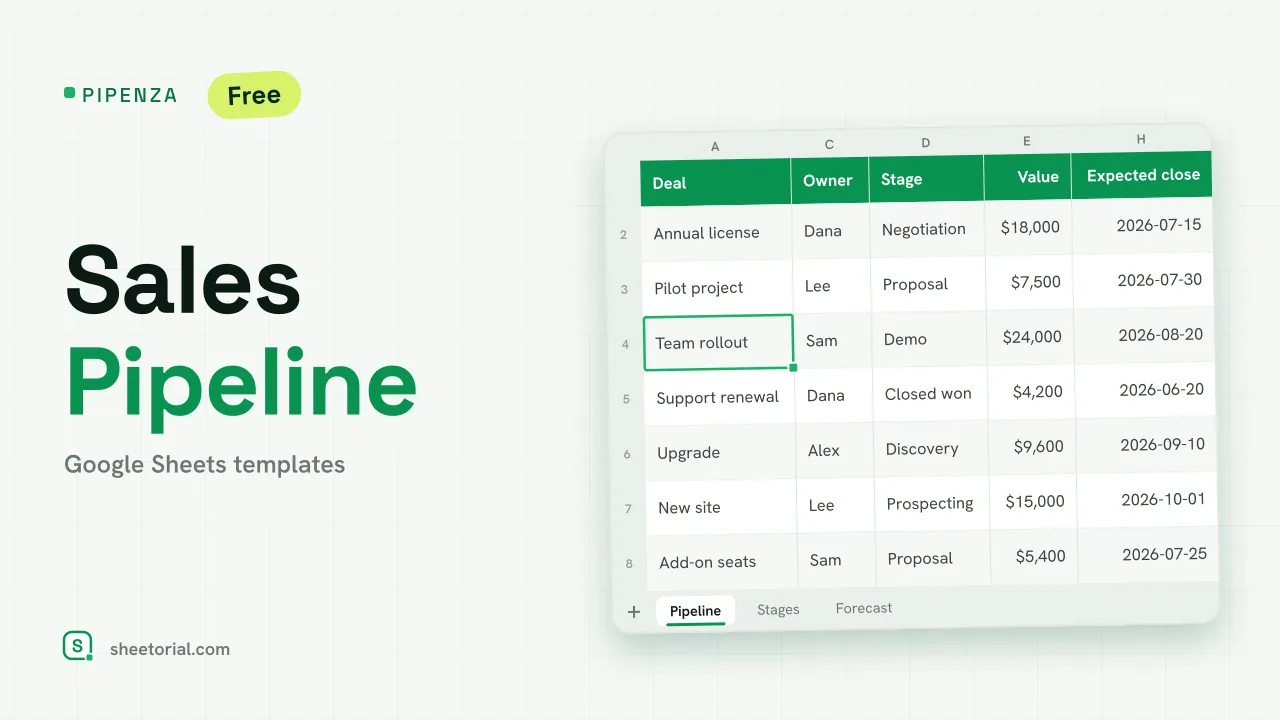 CRM & Sales PIPENZA: Sales Pipeline Template for Excel and Google Sheets Sales pipeline template for Excel and Google Sheets: deals by stage with win probability, weighted value, overdue close dates and a forecast by month. Free. View template →