Google Sheets templates
Free Google Sheets Templates
Copy the sheet, not the work. Every template here is a plain XLSX file you download in one click and open in Google Sheets or Excel — formulas written, formatting done, sample data ready to replace.
-
Free to download
Every template is free. No account, no sign-up wall, no locked tabs — click download and the .xlsx file is yours to keep.
-
Ready to use
Formulas, dropdowns and formatting are already set up. Swap the sample data for your own figures and the sheet does the rest.
-
Works everywhere
Each file is a standard .xlsx that opens in Google Sheets, Microsoft Excel and LibreOffice Calc. The formulas only use functions that behave the same in all three.
Google Sheets templates by category
Find a Google Sheets template for work, money, planning, home or school.
All free Google Sheets templates
37 free templates to download and open in Google Sheets.
-
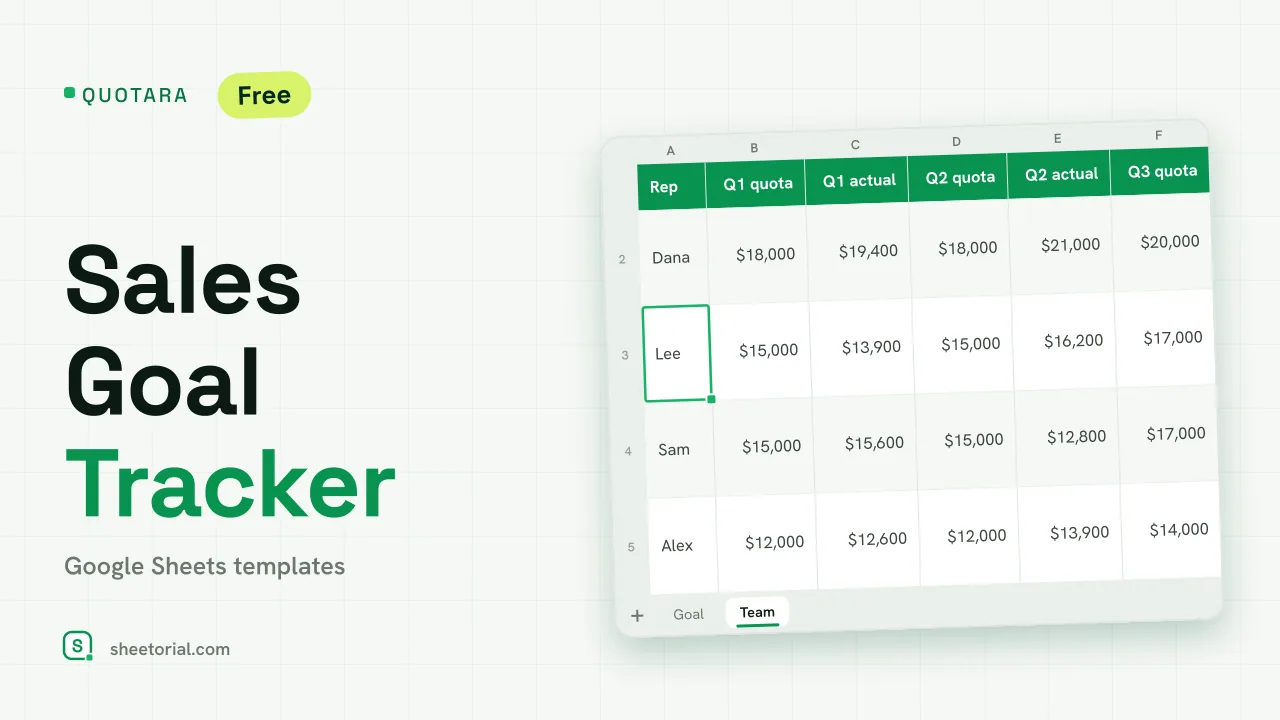 CRM & Sales QUOTARA: Sales Goal Tracker for Google Sheets Sales goal tracker for Google Sheets: an annual goal split into monthly targets, actual vs target, a year-end projection and quarterly quota by rep. Free. View template →
 -
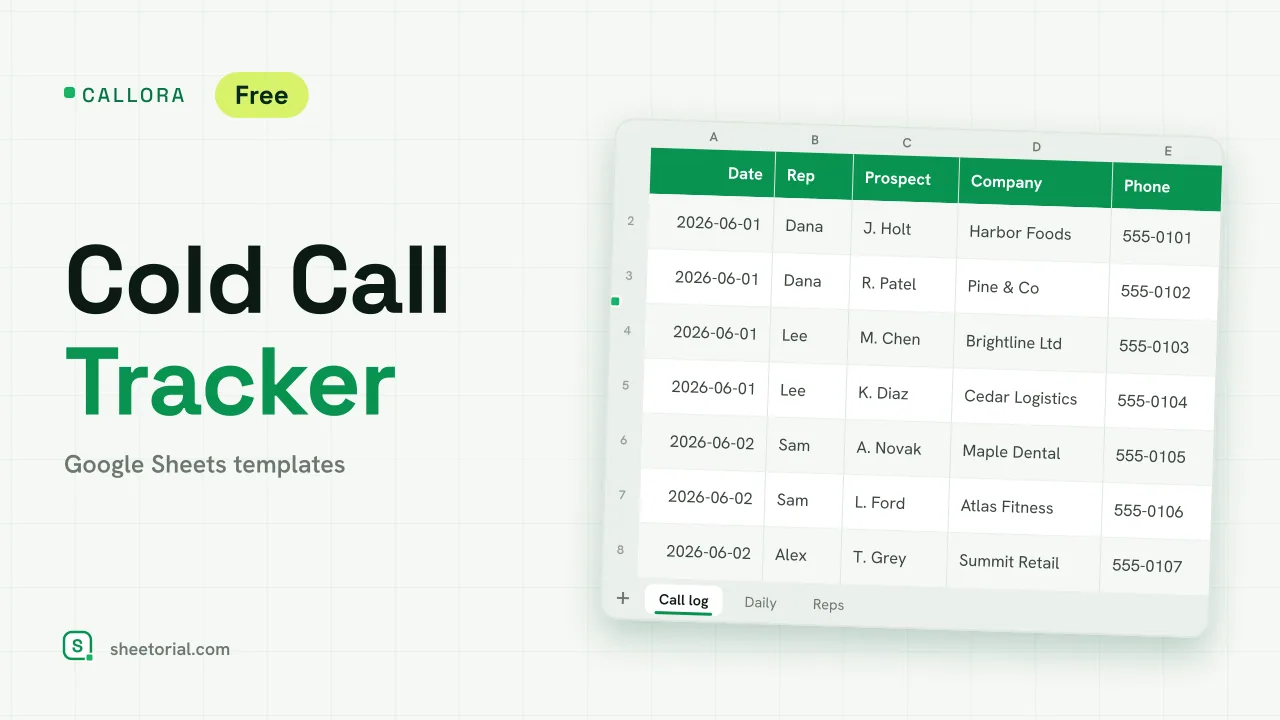 CRM & Sales CALLORA: Cold Call Tracker for Google Sheets Cold call tracker for Google Sheets: a sales call log that counts dials, connects and meetings booked, with daily activity and rates per rep. Free XLSX. View template →
 -
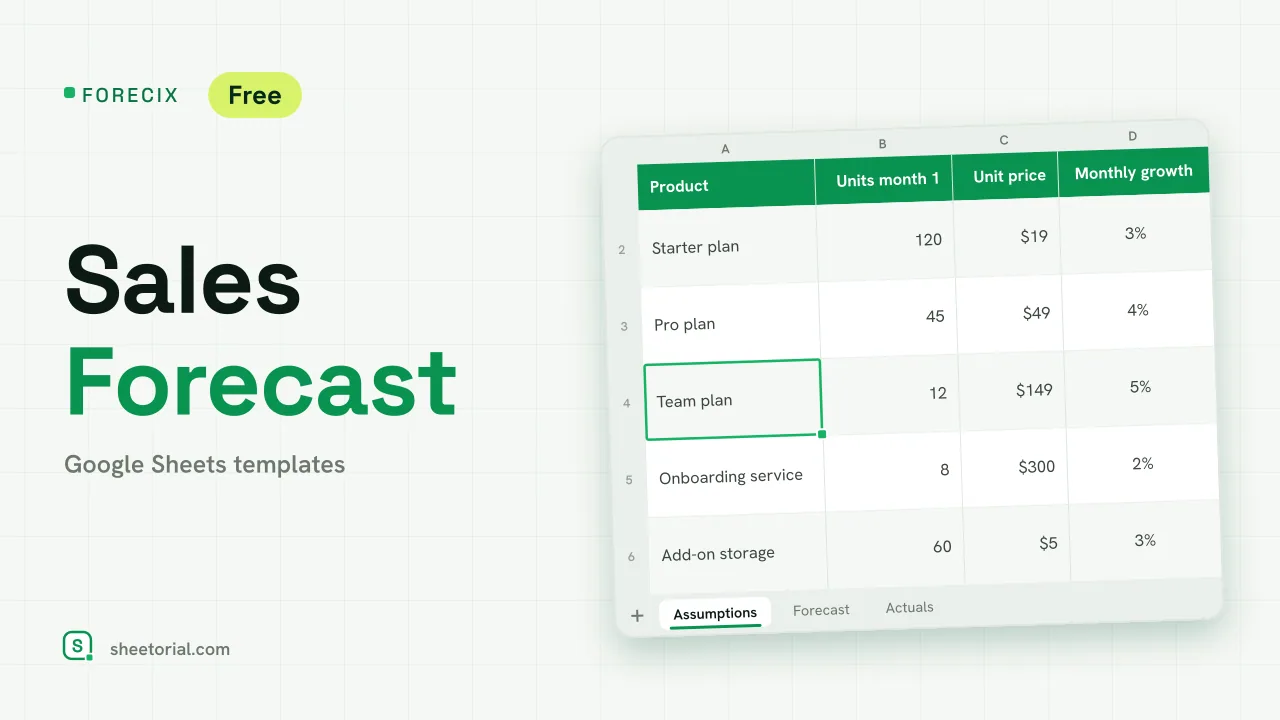 CRM & Sales FORECIX: Sales Forecast Template for Google Sheets Sales forecast template for Google Sheets and Excel: 12 months of units and revenue per product from starting volume, price and growth, plus actuals vs forecast. View template →
 -
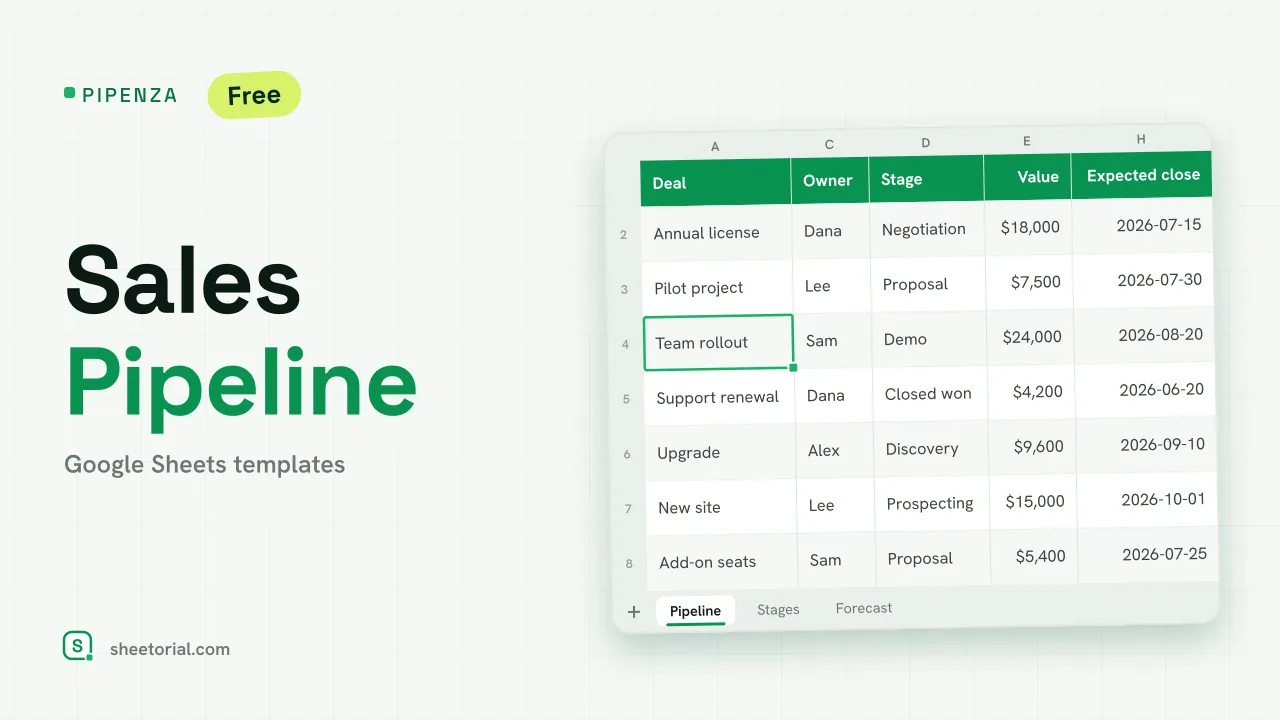 CRM & Sales PIPENZA: Sales Pipeline Template for Excel and Google Sheets Sales pipeline template for Excel and Google Sheets: deals by stage with win probability, weighted value, overdue close dates and a forecast by month. Free. View template →
 -
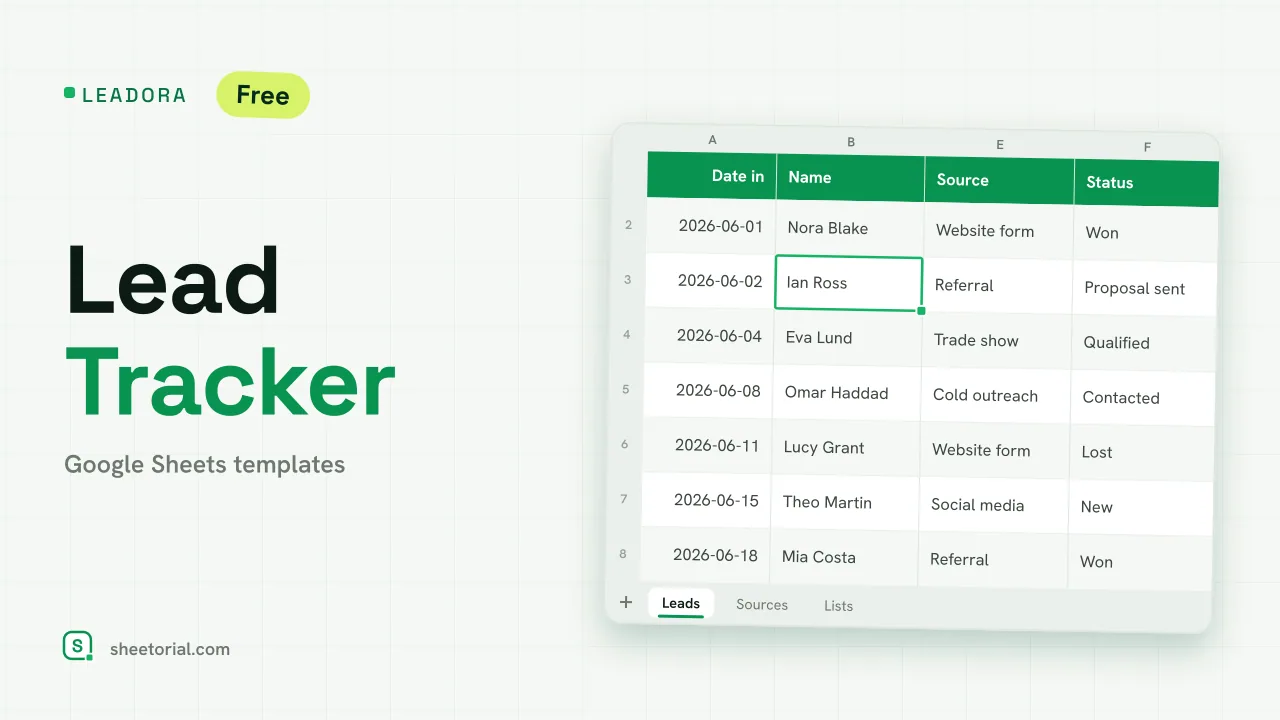 CRM & Sales LEADORA: Lead Tracker Template for Google Sheets Lead tracker template for Google Sheets: status, score, response time and overdue follow-ups for every incoming lead, plus win rate by source. Free XLSX. View template →
 -
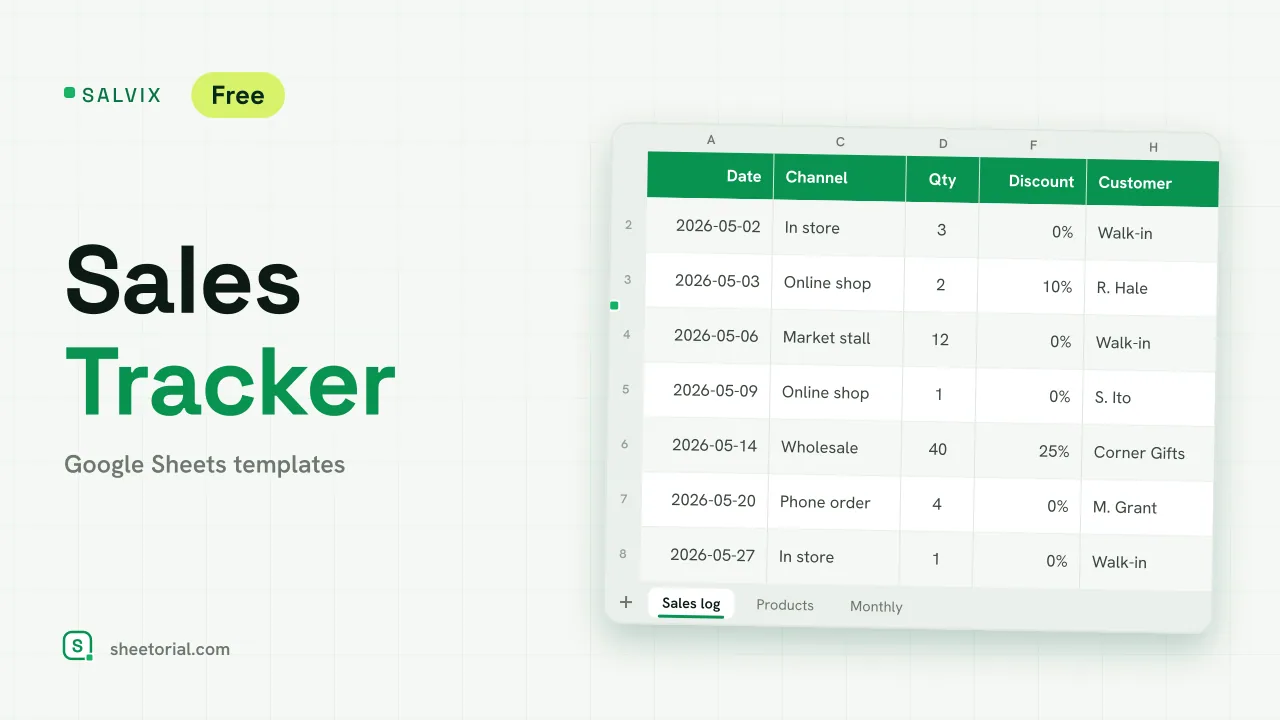 CRM & Sales SALVIX: Sales Tracker for Google Sheets Small business sales tracker for Google Sheets: a daily sales log with prices and discounts, a product ranking and monthly sales against a target. Free XLSX. View template →
 -
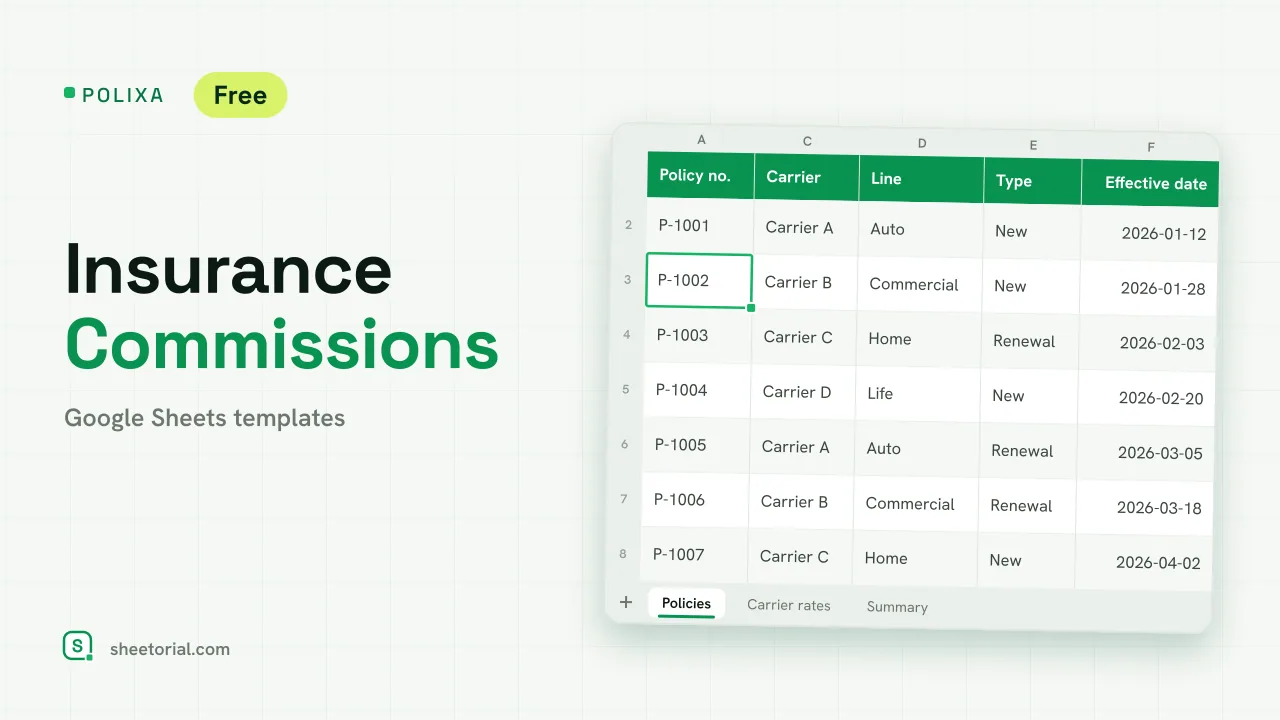 CRM & Sales POLIXA: Insurance Commission Tracker for Google Sheets Insurance commission tracker: carrier rates for new and renewal business, expected vs received commission per policy and a summary by line. Free XLSX. View template →
 -
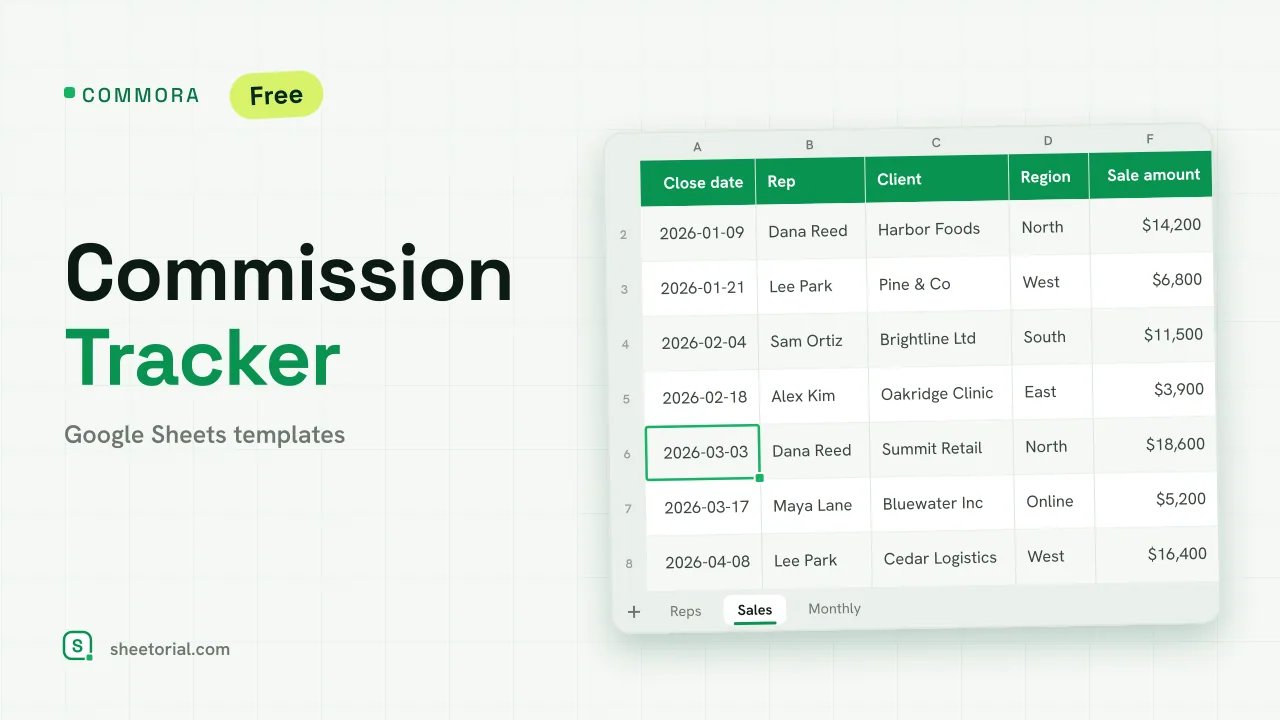 CRM & Sales COMMORA: Commission Tracker for Google Sheets Commission tracker for Google Sheets: tiered pay with a quota accelerator, a closed-sales log with payout status and a monthly view per rep. Free XLSX. View template →
 -
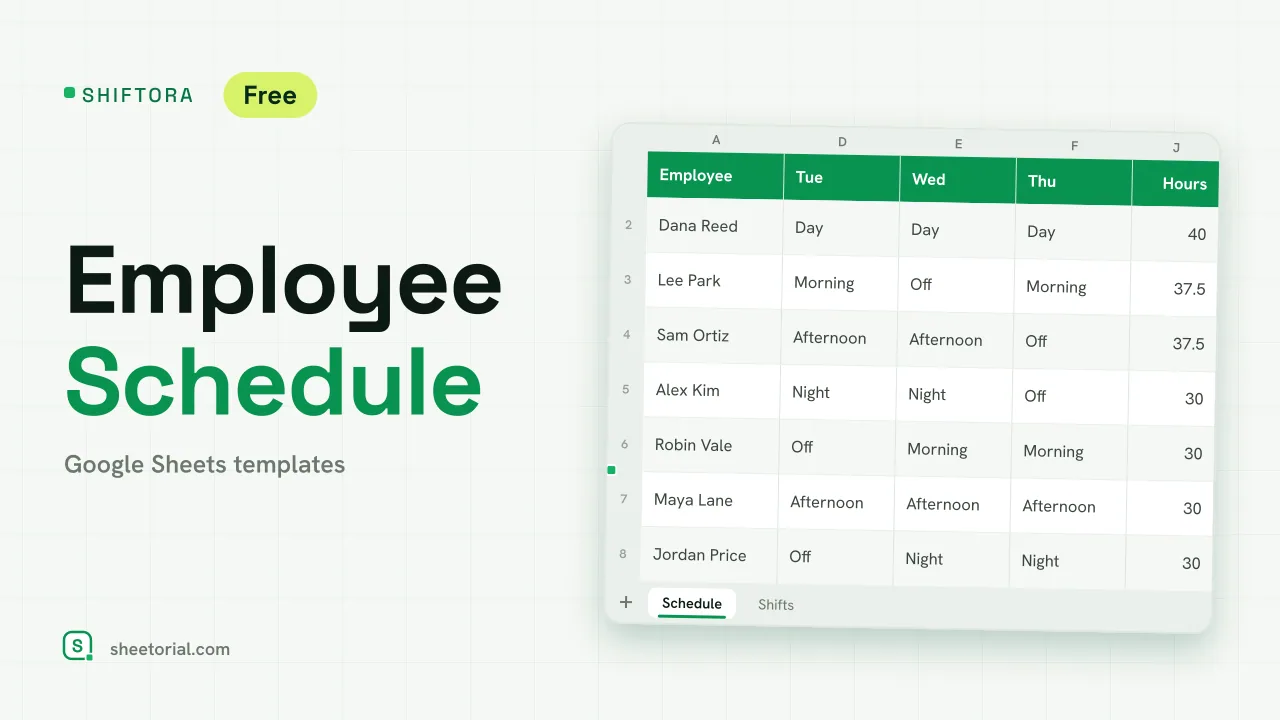 HR & Time Tracking SHIFTORA: Employee Schedule Template for Google Sheets Employee schedule template for Google Sheets: a weekly shift grid, hours against contract per person and coverage per shift and day against the staff you need. View template →
 -
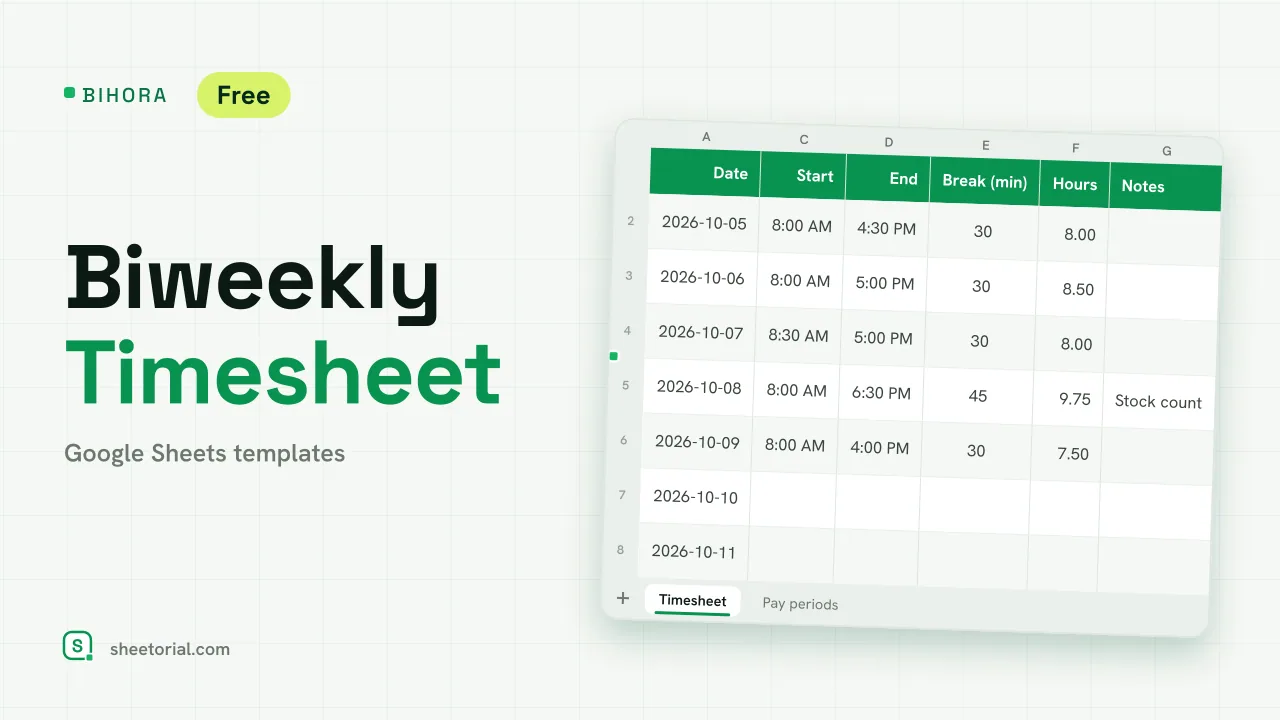 HR & Time Tracking BIHORA: Biweekly Timesheet Template for Google Sheets Biweekly timesheet template for Google Sheets: 14 days of start, end and break times, weekly overtime split out, regular and overtime pay, 26 pay periods. View template →
 -
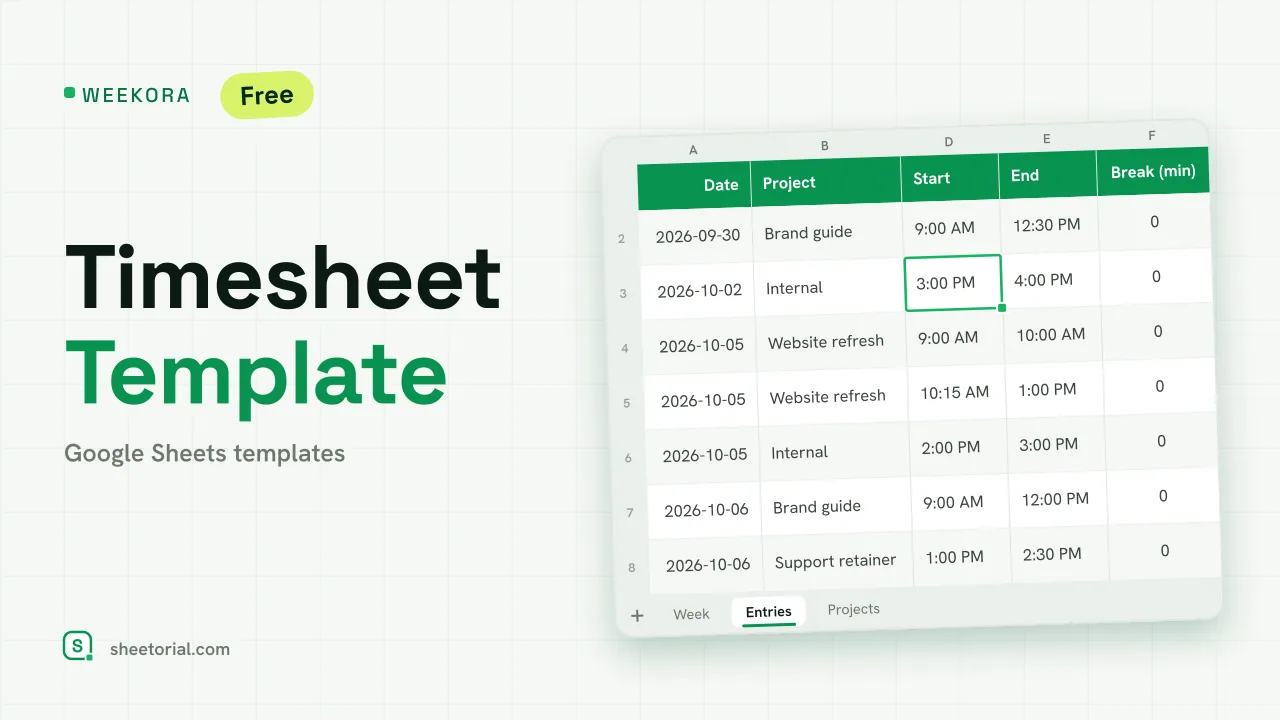 HR & Time Tracking WEEKORA: Timesheet Template for Google Sheets Timesheet template for Google Sheets: log time by project and task with start, end and break, mark billable hours and get a weekly summary by day and project. View template →
 -
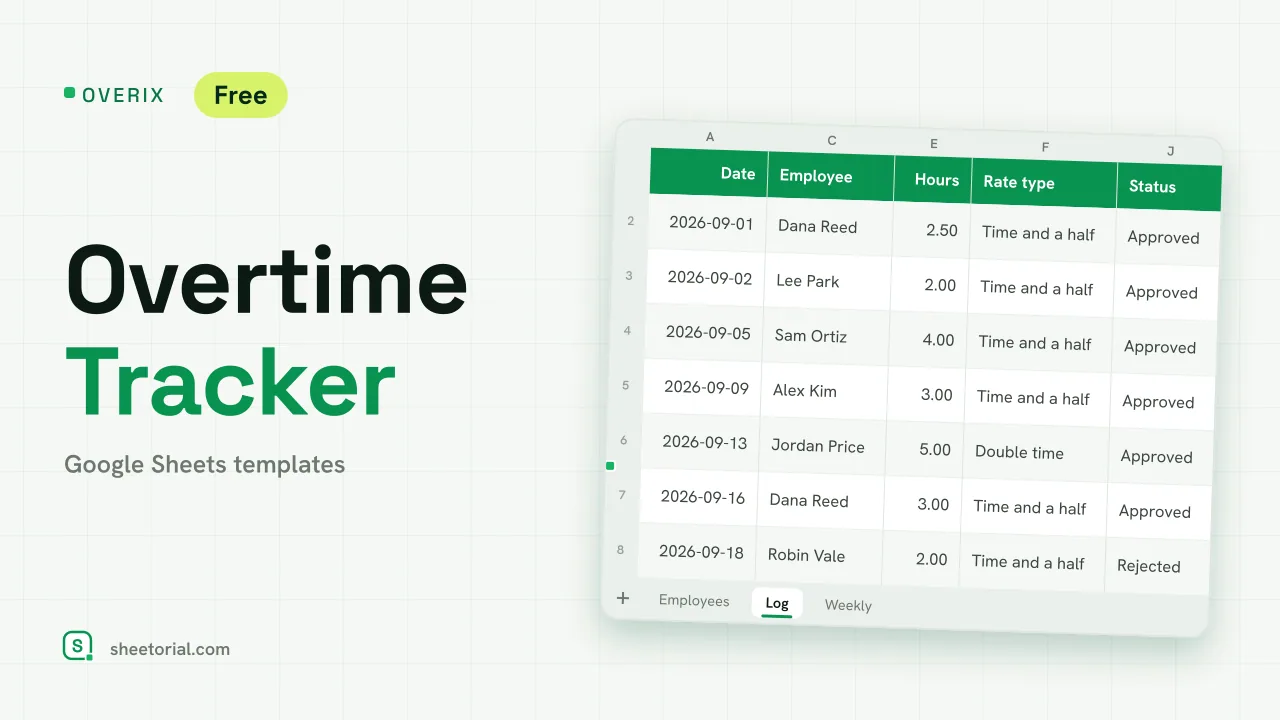 HR & Time Tracking OVERIX: Overtime Tracker for Google Sheets Overtime tracker for Google Sheets: log extra hours with a reason and approval status, pay from hourly rate and a multiplier, hour budgets and weekly totals. View template →
 -
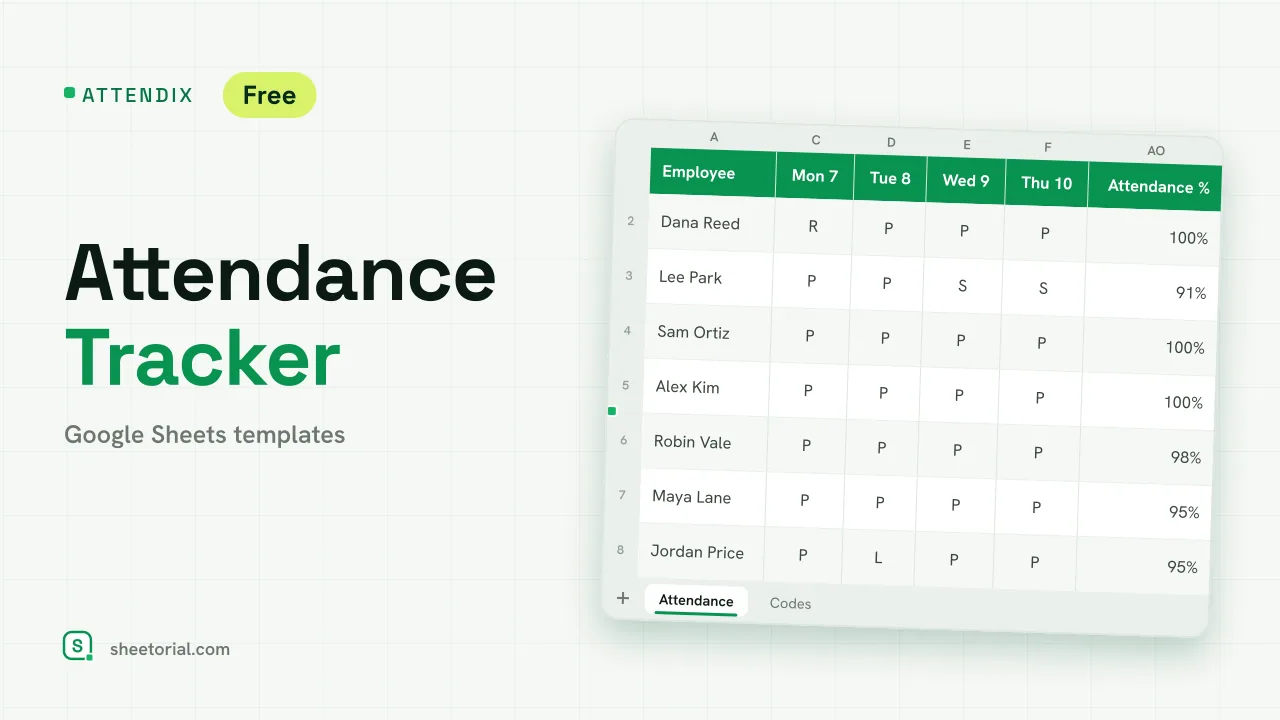 HR & Time Tracking ATTENDIX: Employee Attendance Tracker for Google Sheets Employee attendance tracker for Google Sheets: a monthly grid of daily codes (present, remote, late, absent, sick, vacation) with totals and attendance rate. View template →
 -
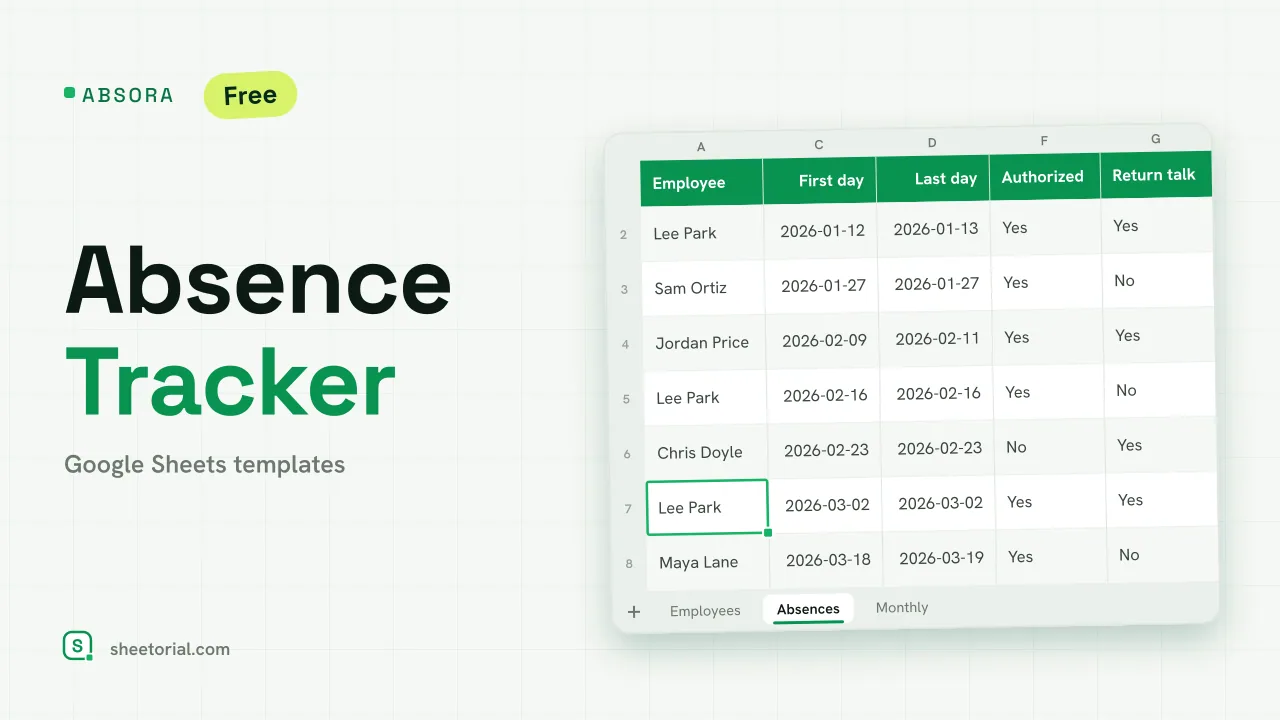 HR & Time Tracking ABSORA: Absence Tracker for Google Sheets Absence tracker for Google Sheets: log sick days and other absences, see spells, days lost and a Bradford factor per employee, plus days lost by month. Free. View template →
 -
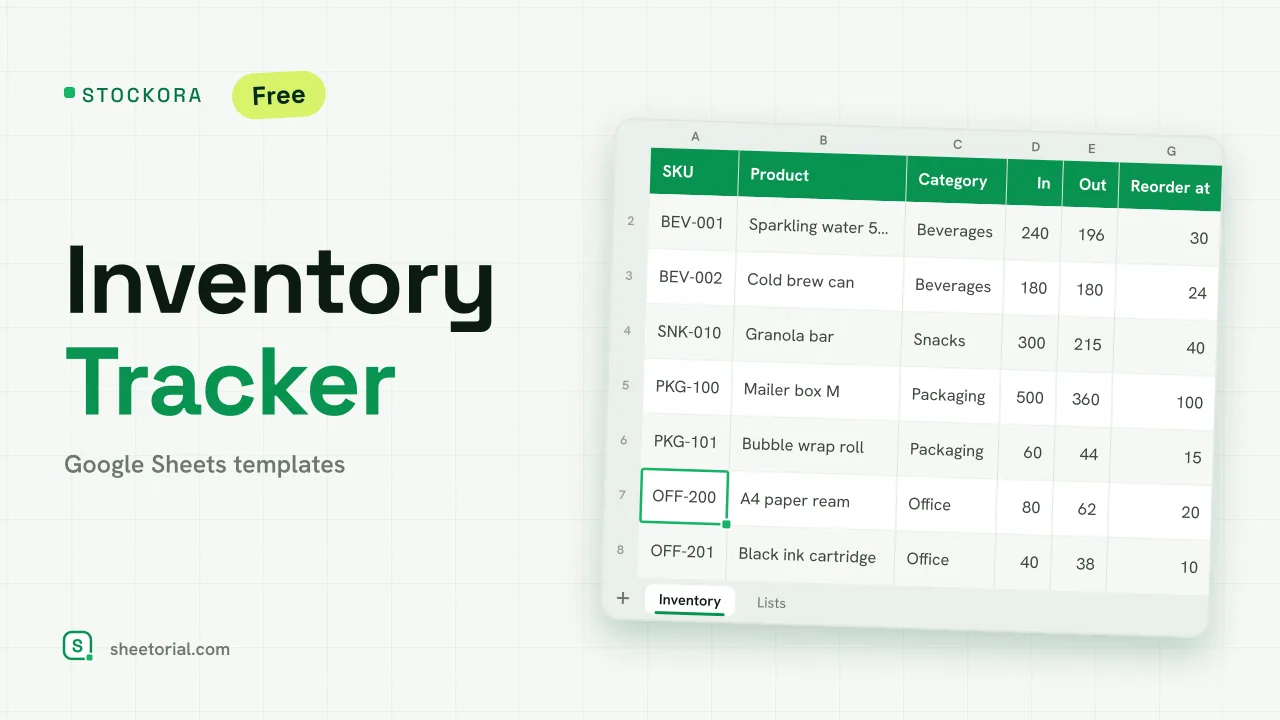 Inventory Spreadsheet STOCKORA: Small Business Inventory Template for Google Sheets Small business inventory template for Google Sheets: stock in/out, current stock and value, reorder alerts and totals. Free XLSX, no account, no trial. View template →
 -
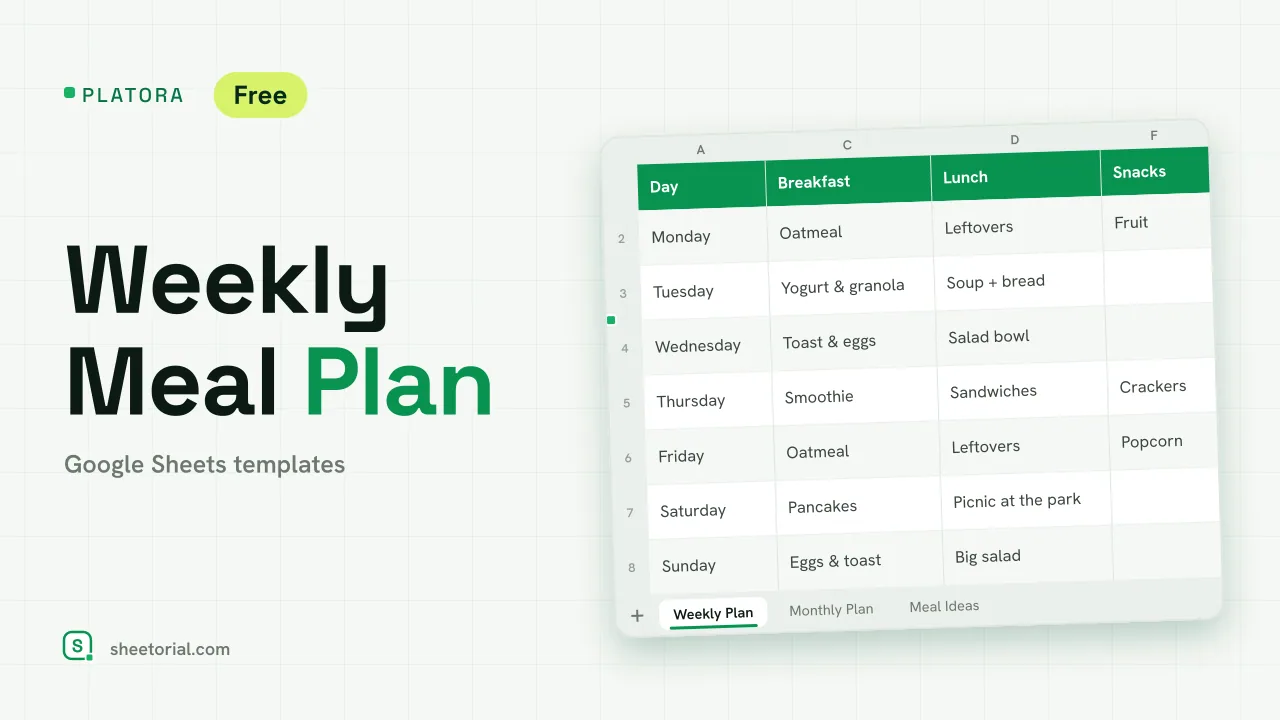 Meal Planning PLATORA: Free Weekly Meal Plan Template for Google Sheets Free weekly meal plan template for Google Sheets with breakfast, lunch, dinner and snacks per day, a dinner ideas dropdown and a monthly view on its own tab. View template →
 -
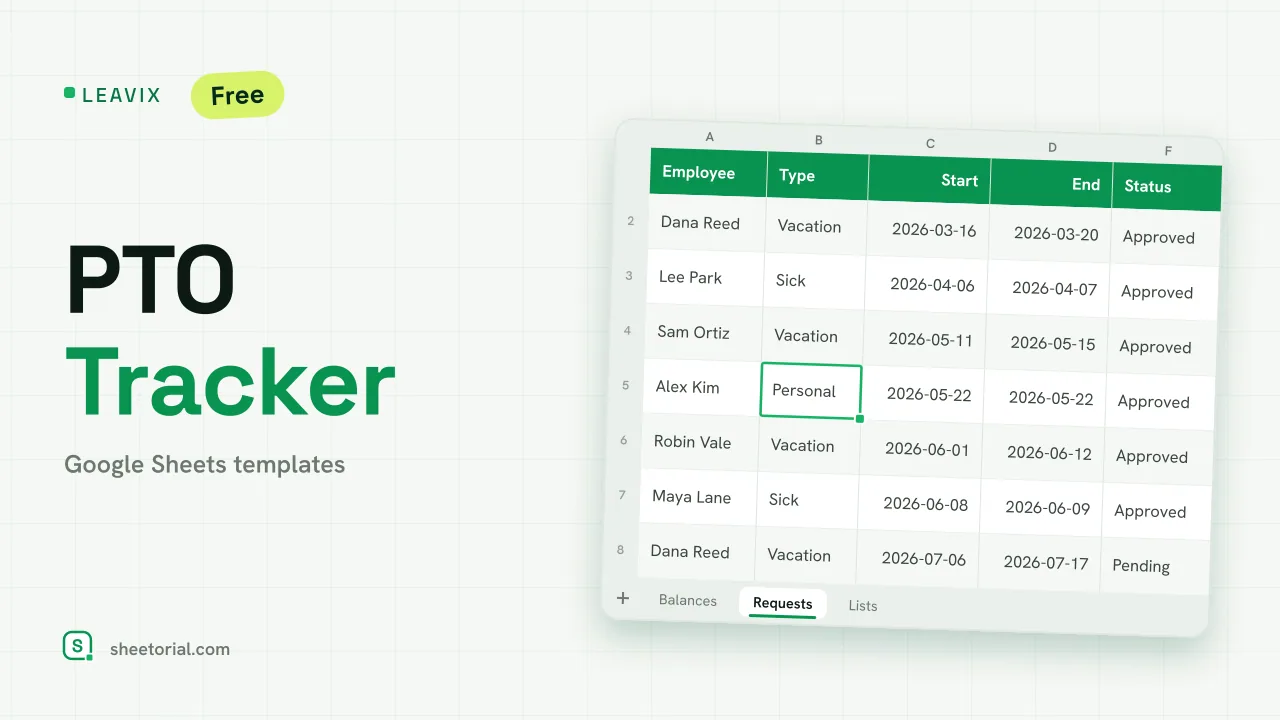 HR & Time Tracking LEAVIX: PTO Tracker for Google Sheets PTO tracker for Google Sheets: allowance, taken and remaining days per employee, plus a leave request log where only approved days are deducted. Free. View template →
 -
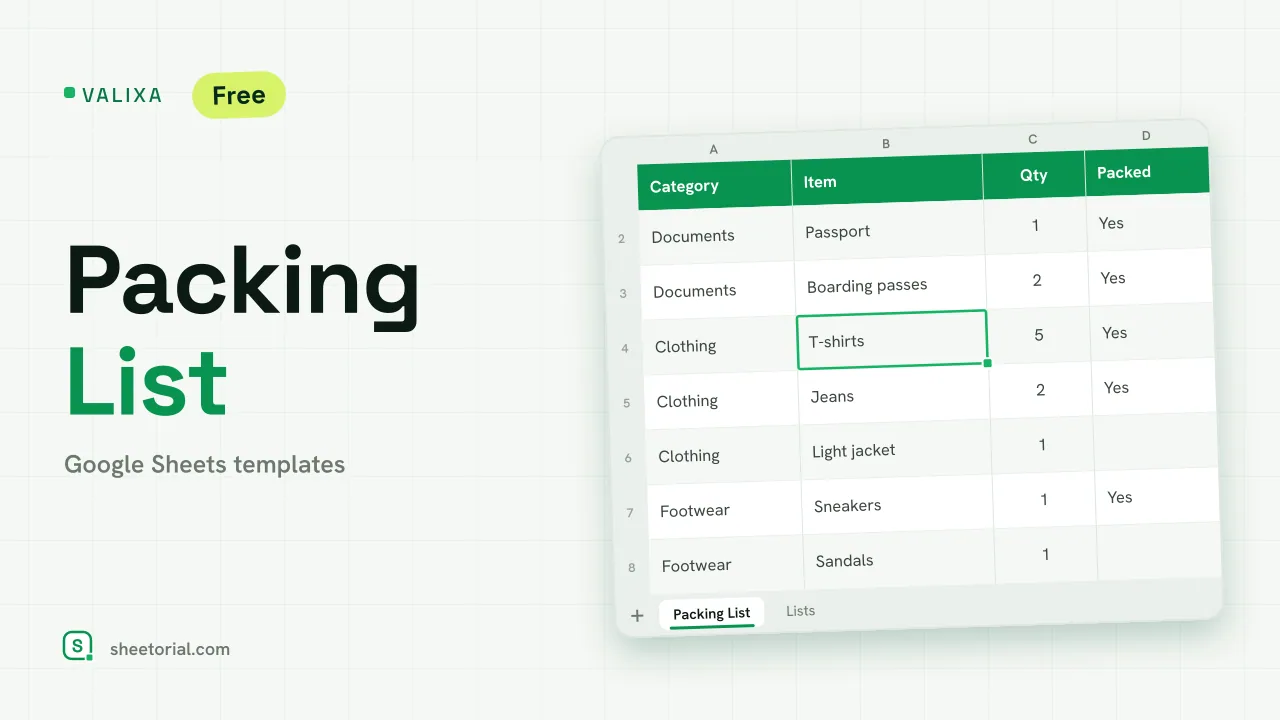 Travel & Itinerary VALIXA: Packing List Template for Google Sheets Free packing list template for Google Sheets: items by category, quantities, a Packed dropdown and a progress counter that says what's left to pack. View template →
 -
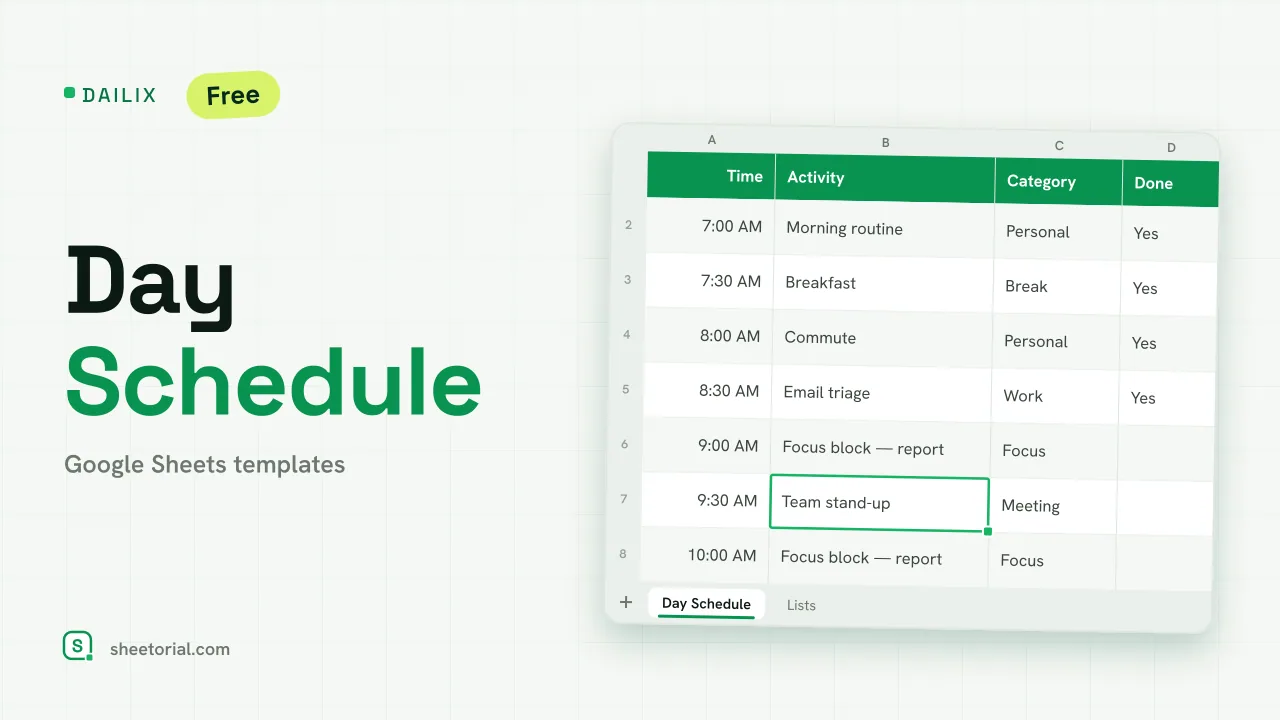 Schedule DAILIX: Day Schedule Template for Google Sheets Free day schedule template for Google Sheets: 28 half-hour blocks that recalculate from your start time, a top-3 priorities box and a done counter. View template →
 -
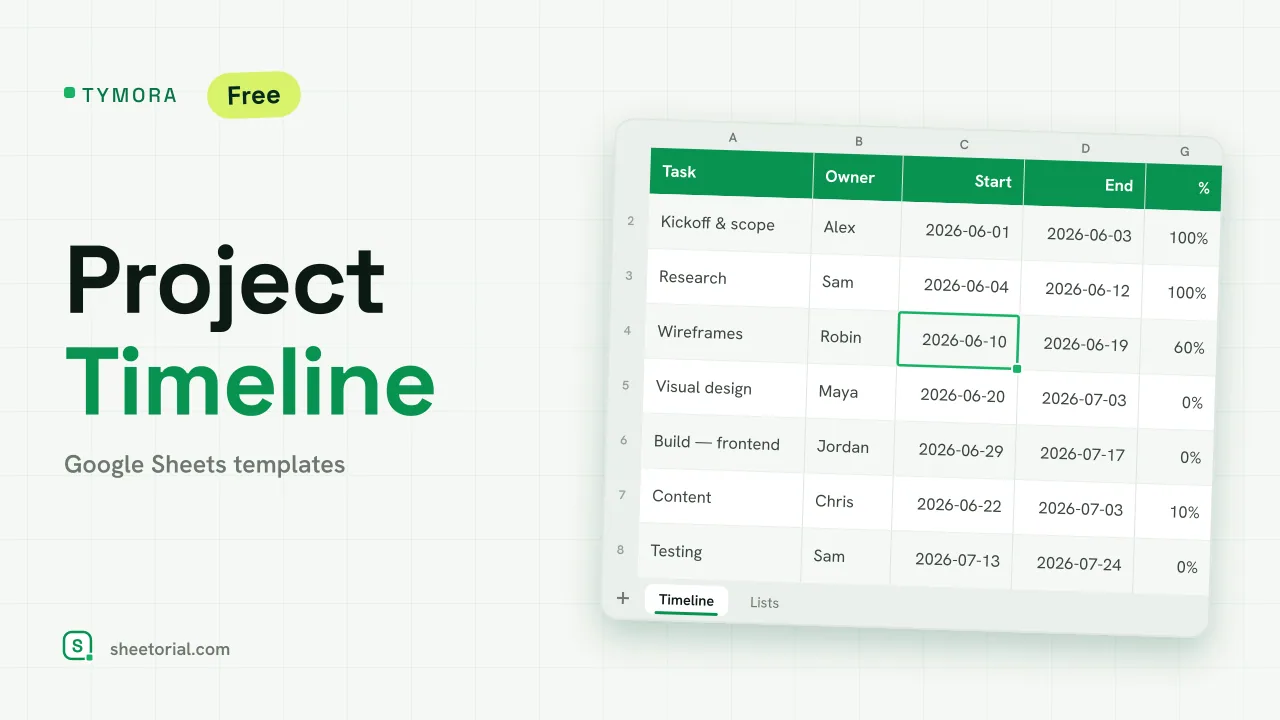 Project Management TYMORA: Project Timeline Google Sheets Template Project timeline template for Google Sheets: tasks with owners and dates, a calculated week grid that draws a light Gantt bar, status and progress. View template →
 -
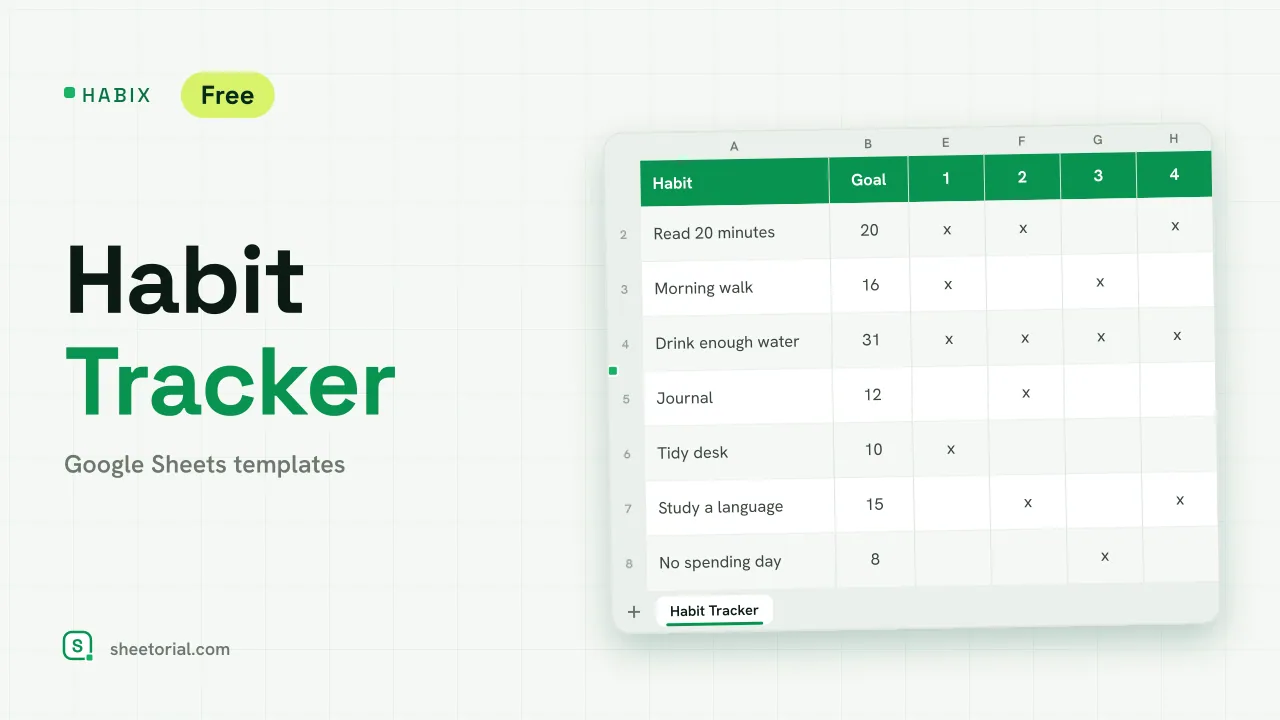 Tracker & Log HABIX: Habits Tracker for Google Sheets Free habit tracker for Google Sheets: a monthly grid where every x turns green, with a goal and a progress percentage for each habit you keep up. View template →
 -
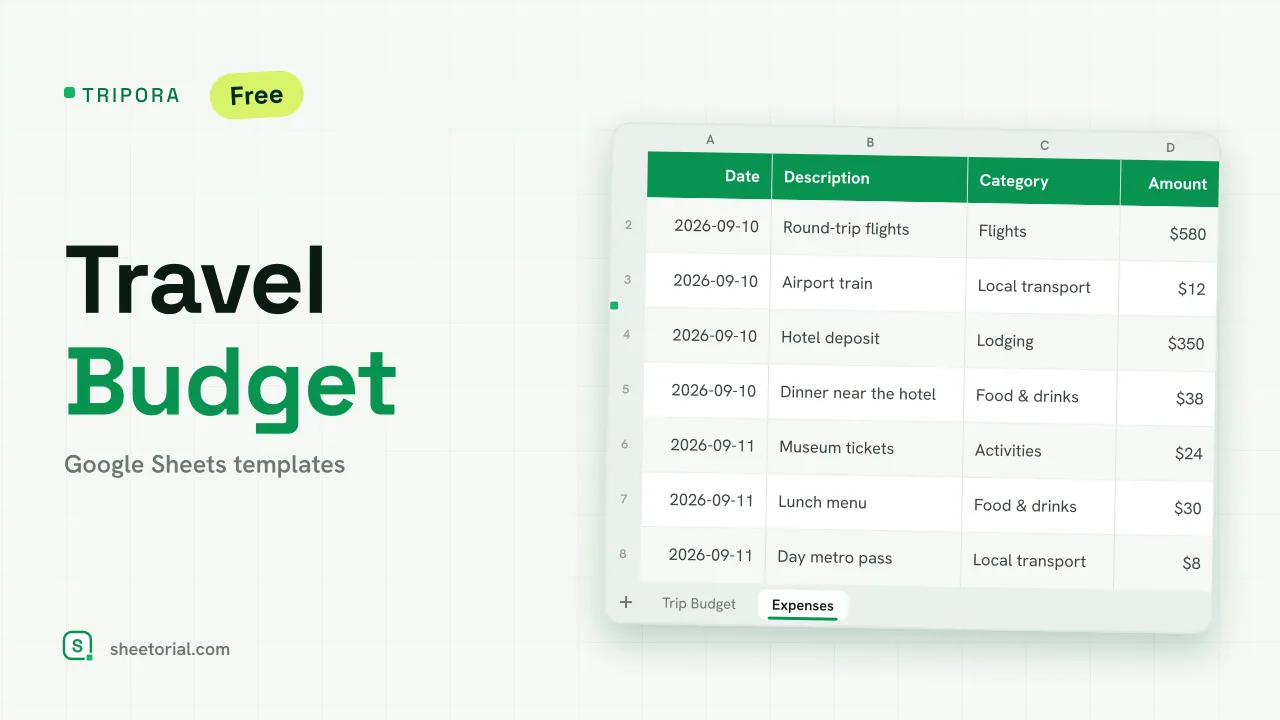 Travel & Itinerary TRIPORA: Travel Budget Template for Google Sheets Free travel budget template for Google Sheets: plan by category, log expenses on the road and watch remaining amounts and budget left update on their own. View template →
 -
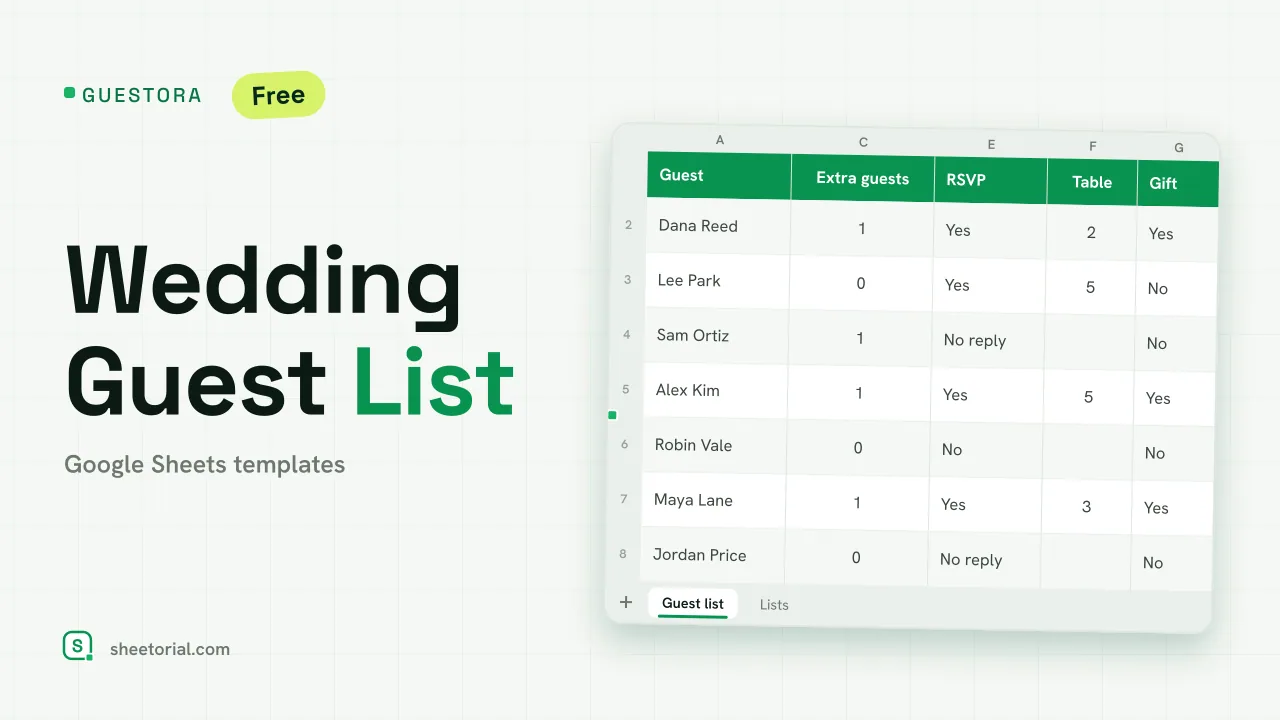 Wedding & Event GUESTORA: Wedding Guest List Template for Google Sheets Wedding guest list template for Google Sheets: RSVP statuses, live headcount and seat totals, table and gift columns. Free XLSX, no account, no trial. View template →
 -
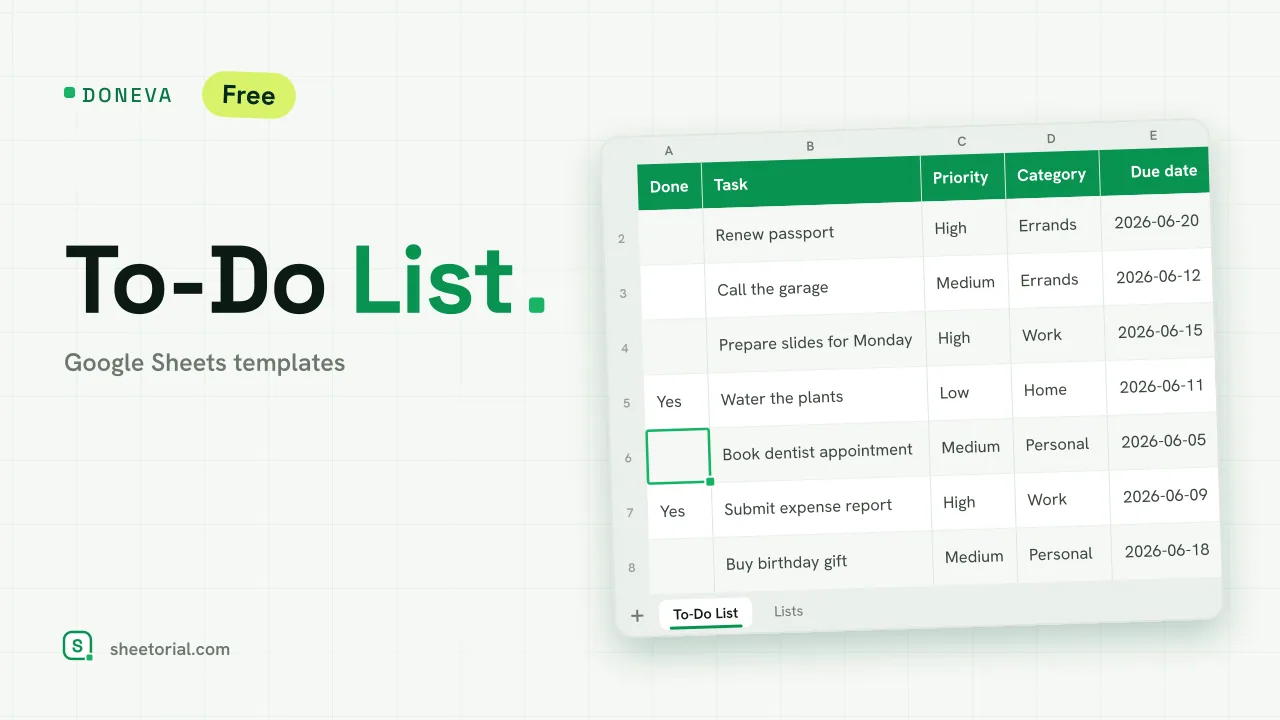 Checklist & To-Do List DONEVA: To-Do List Google Spreadsheet Template Free to-do list spreadsheet for Google Sheets with priorities, due dates, a days-left countdown and tasks that cross themselves out when you finish them. View template →
 -
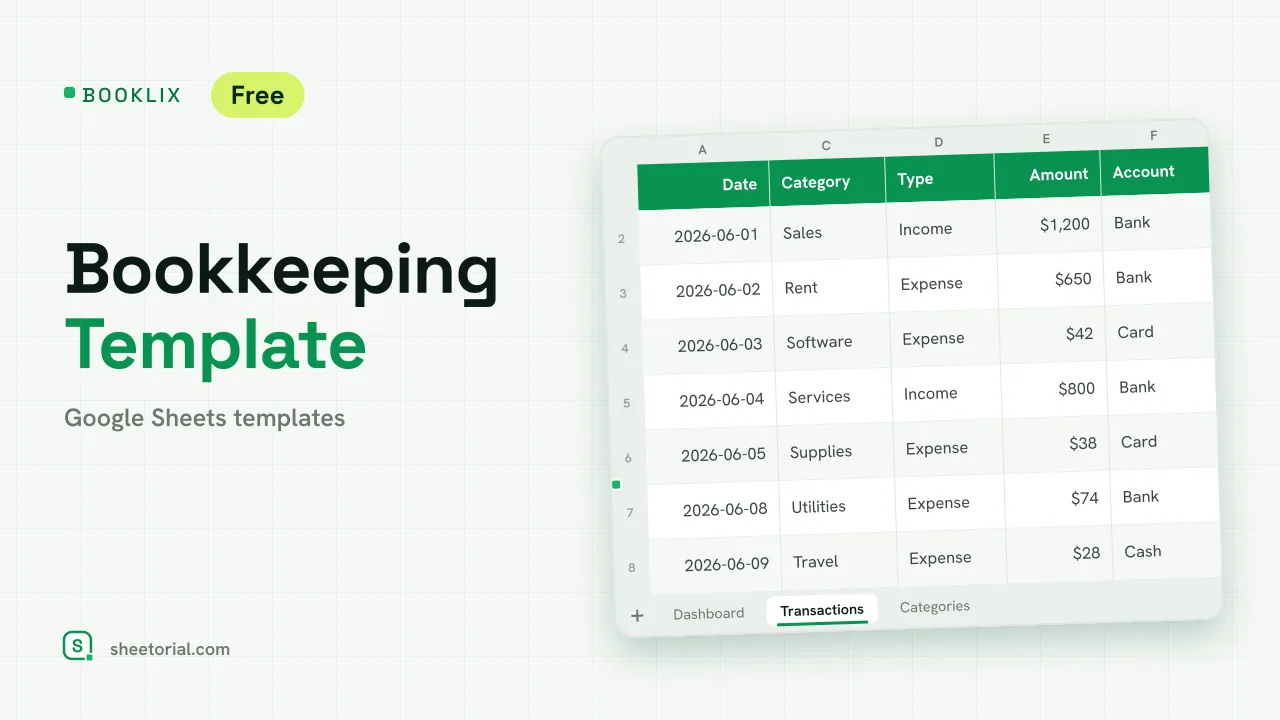 Accounting & Bookkeeping BOOKLIX: Bookkeeping Template for Google Sheets Bookkeeping template for Google Sheets: log income and expenses by category, get a monthly dashboard and per-account balances. Free XLSX, no account. View template →
 -
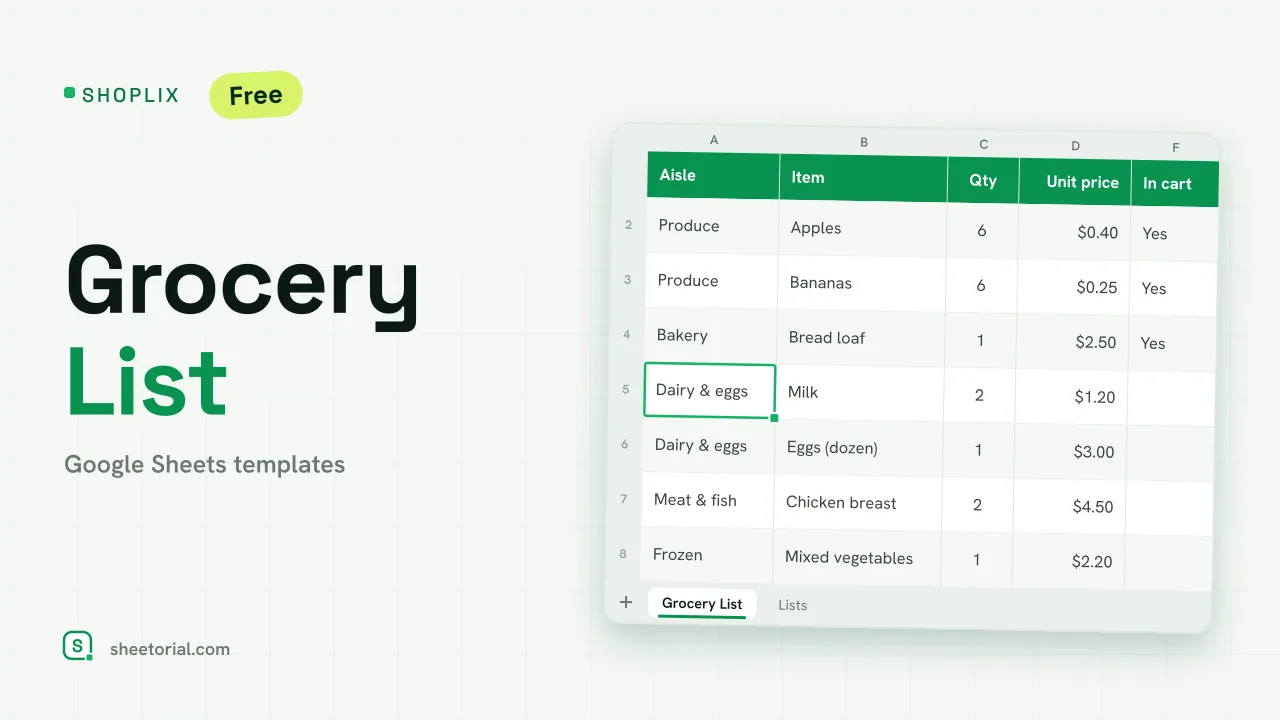 Meal Planning SHOPLIX: Grocery List Template for Google Sheets Free grocery list template for Google Sheets, organized by aisle, with quantities, an estimated cost per line and a running total against your budget. View template →
 -
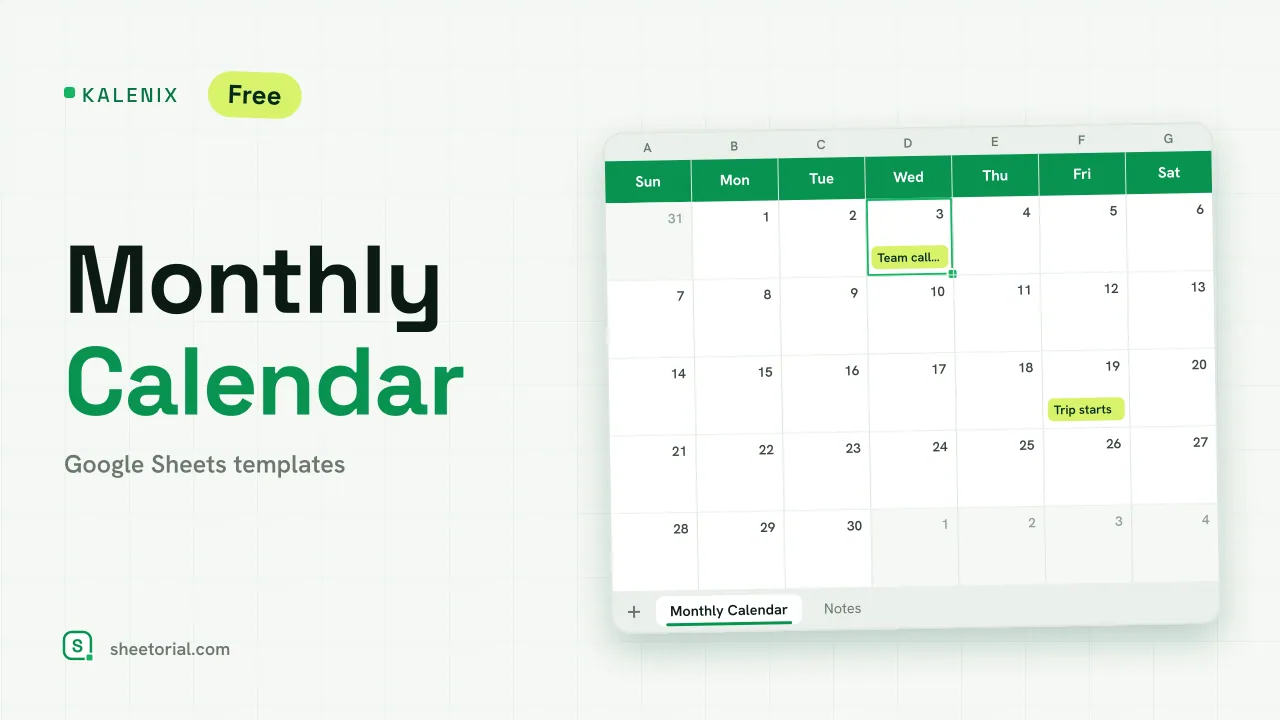 Google Sheets Calendar Templates KALENIX: Google Sheets Monthly Calendar Template Free Google Sheets monthly calendar template: change the year and month in two cells and the whole grid rebuilds itself. XLSX download in 11 languages. View template →
 -
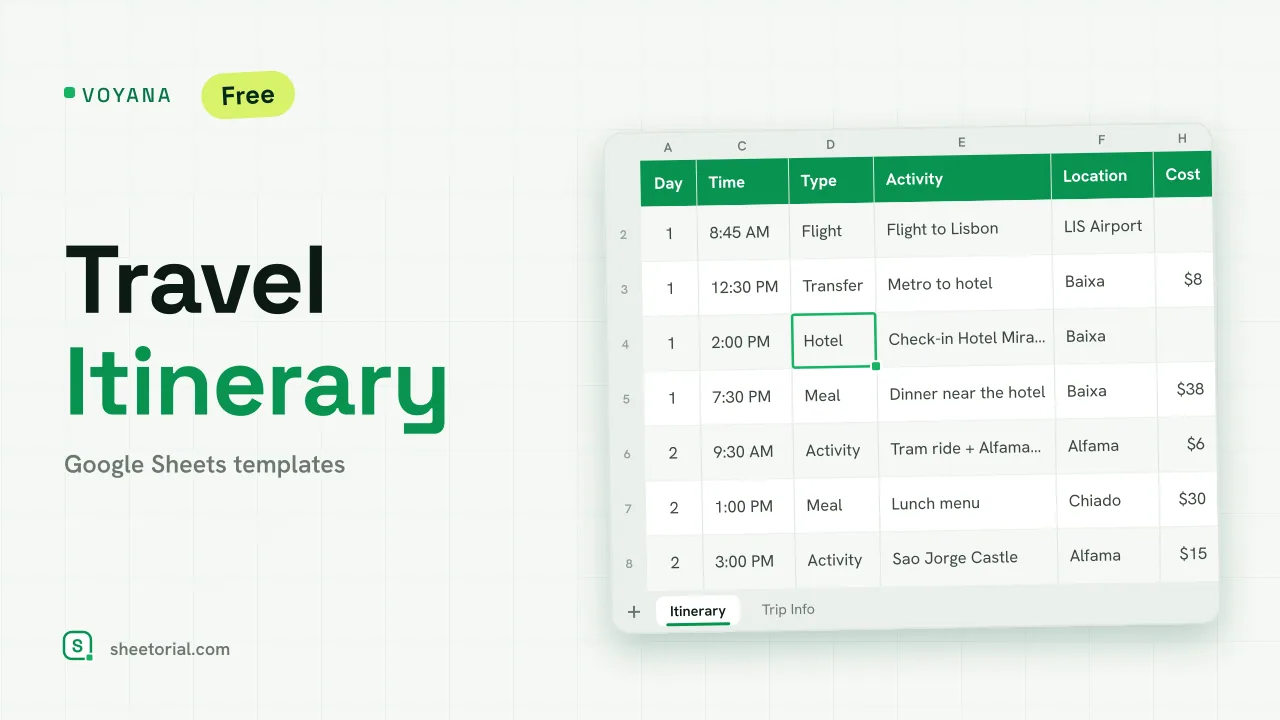 Travel & Itinerary VOYANA: Travel Itinerary Template for Google Sheets Free travel itinerary template for Google Sheets: a day-by-day plan whose dates move with your start date, plus booking confirmations and a cost total. View template →
 -
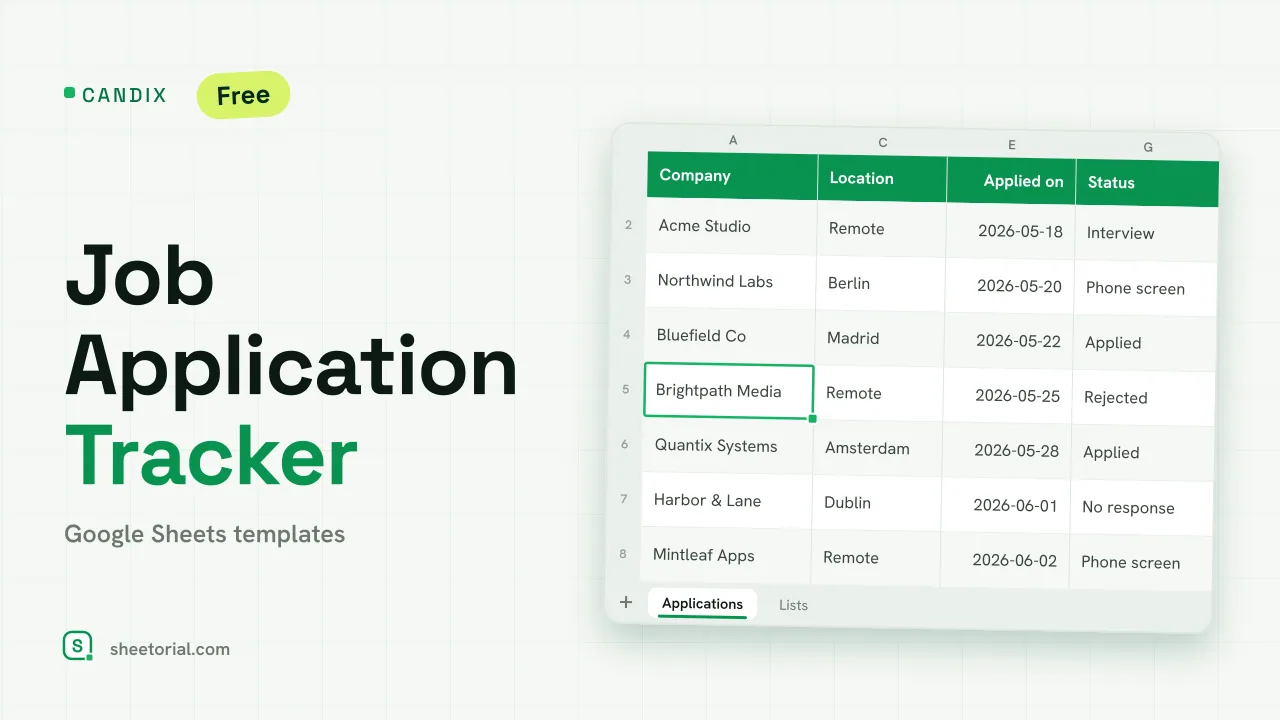 Job & Career CANDIX: Job Application Tracker for Google Sheets Job application tracker for Google Sheets: a status pipeline, follow-up alerts and days-since counters for every application you send. Free XLSX. View template →
 -
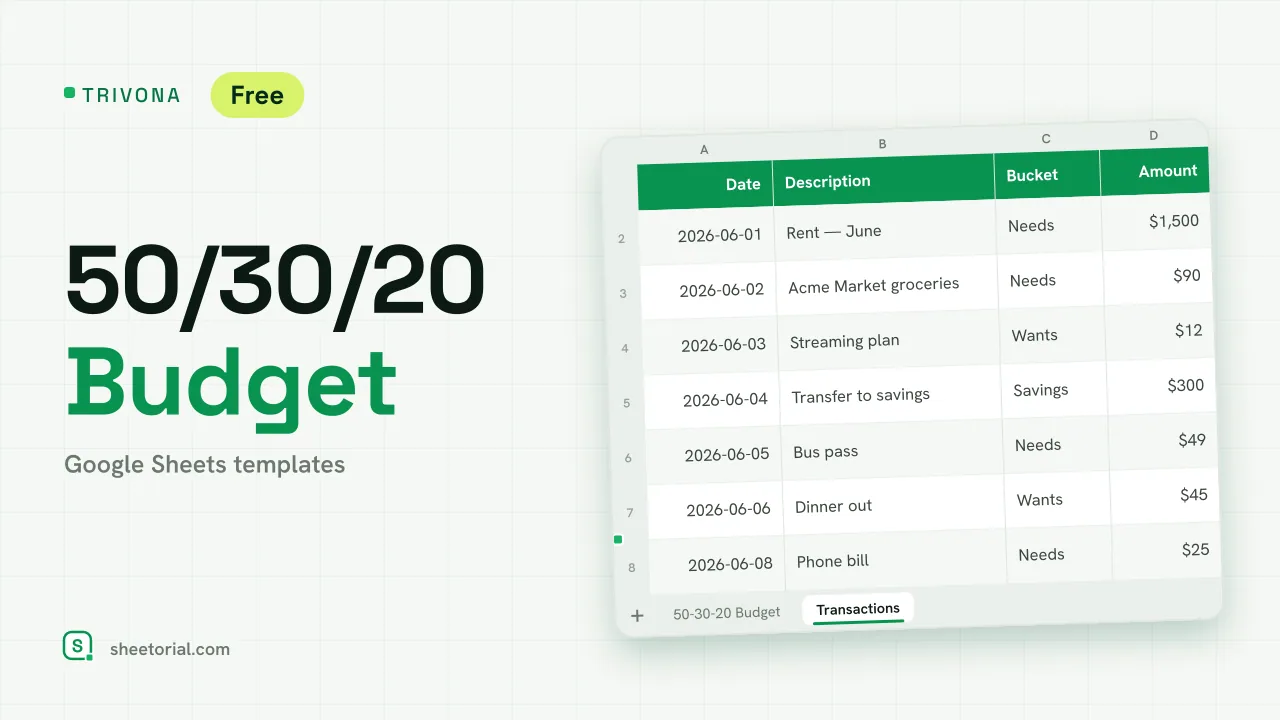 Google Sheets Budget Templates TRIVONA: 50/30/20 Budget Template for Google Sheets 50/30/20 budget template for Google Sheets: type your income, get needs, wants and savings targets, and track real spending per bucket. Free XLSX. View template →
 -
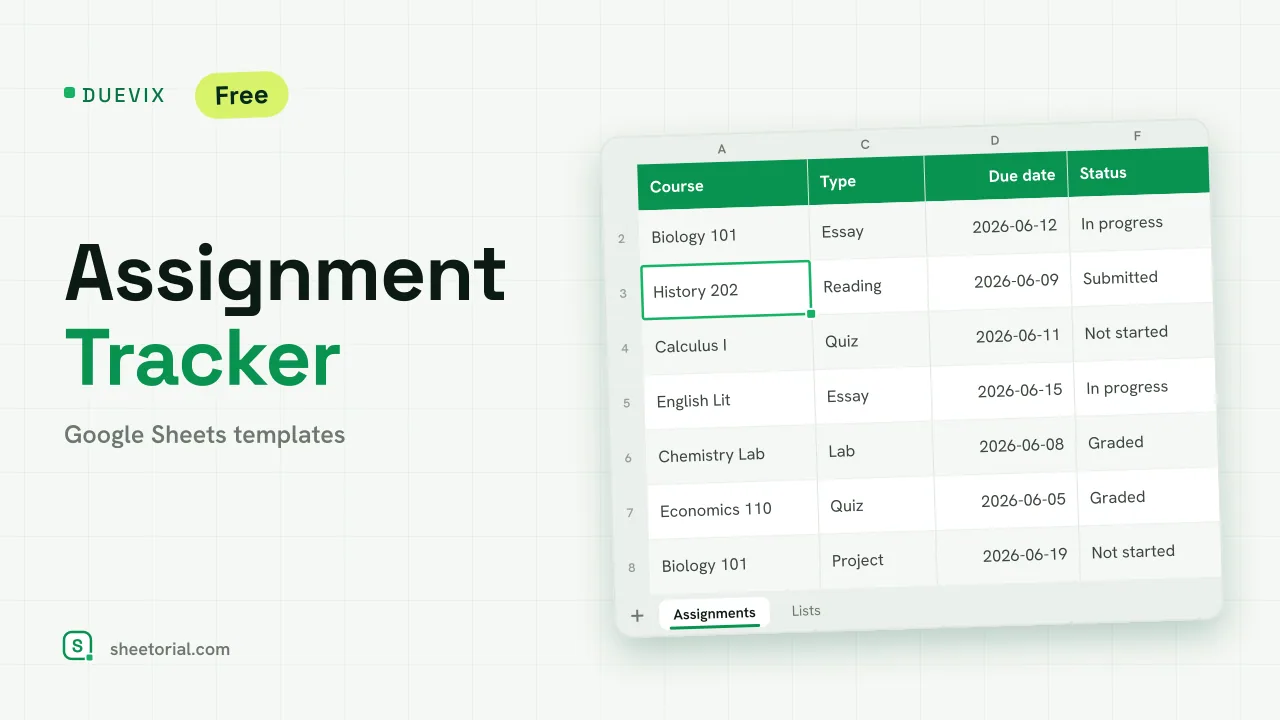 School & Education DUEVIX: Free Assignment Tracker for Google Sheets Free assignment tracker for Google Sheets: courses, due dates and a days-left countdown with colour alerts per assignment. XLSX download, no sign-up. View template →
 -
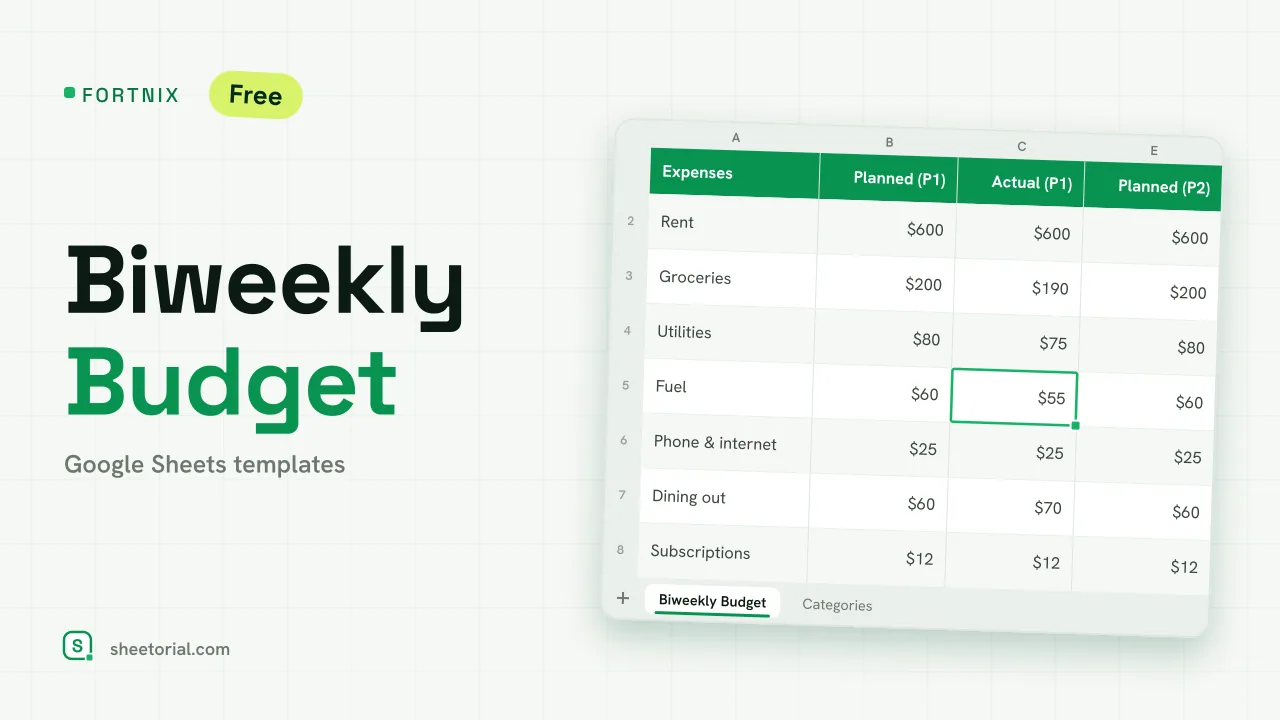 Google Sheets Budget Templates FORTNIX: Biweekly Budget Template for Google Sheets Biweekly budget template for Google Sheets: two 14-day pay periods side by side, planned versus actual and left-to-spend per paycheck. Free XLSX. View template →
 -
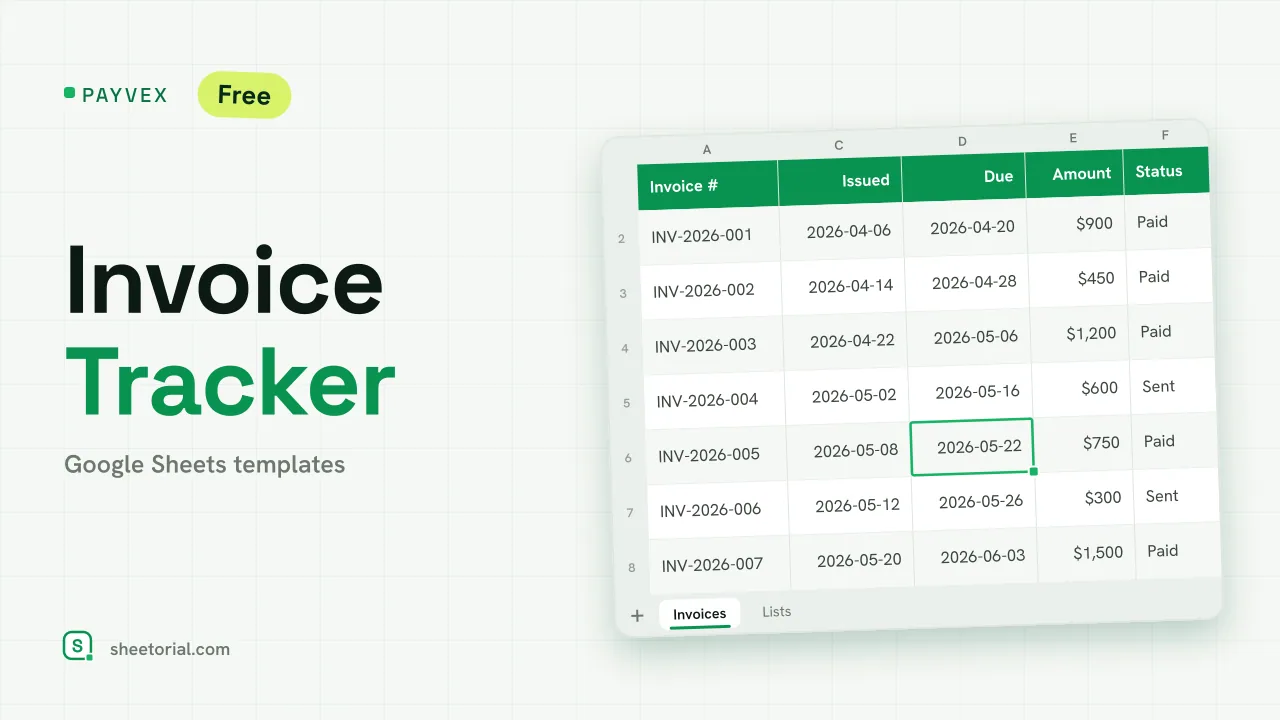 Google Sheets Invoice Templates PAYVEX: Invoice Tracking Template for Google Sheets Invoice tracking template for Google Sheets: statuses, automatic days overdue and running totals for invoiced, collected and outstanding. Free XLSX. View template →
 -
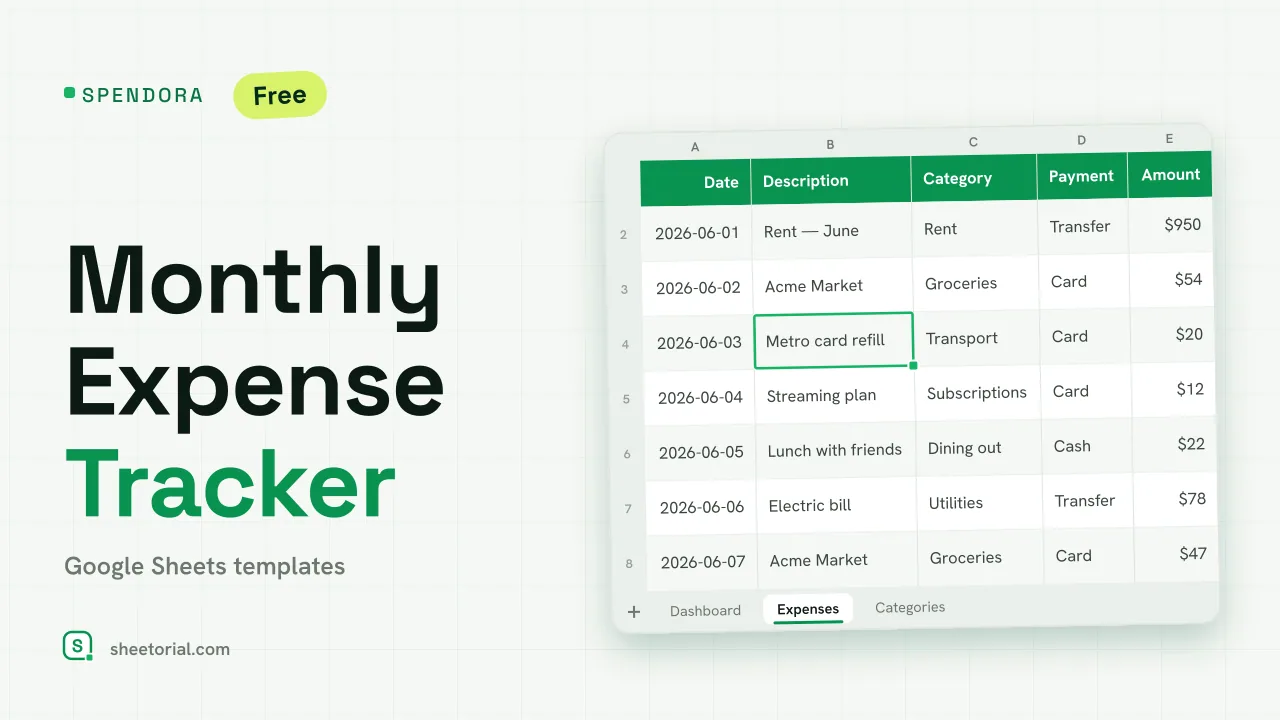 Expense Tracker Google Sheets Templates SPENDORA: Monthly Expense Tracker — Google Sheets Template Monthly expense tracker Google Sheets template with a category dashboard: log each expense and see where the month went. Free XLSX, no sign-up. View template →
 -
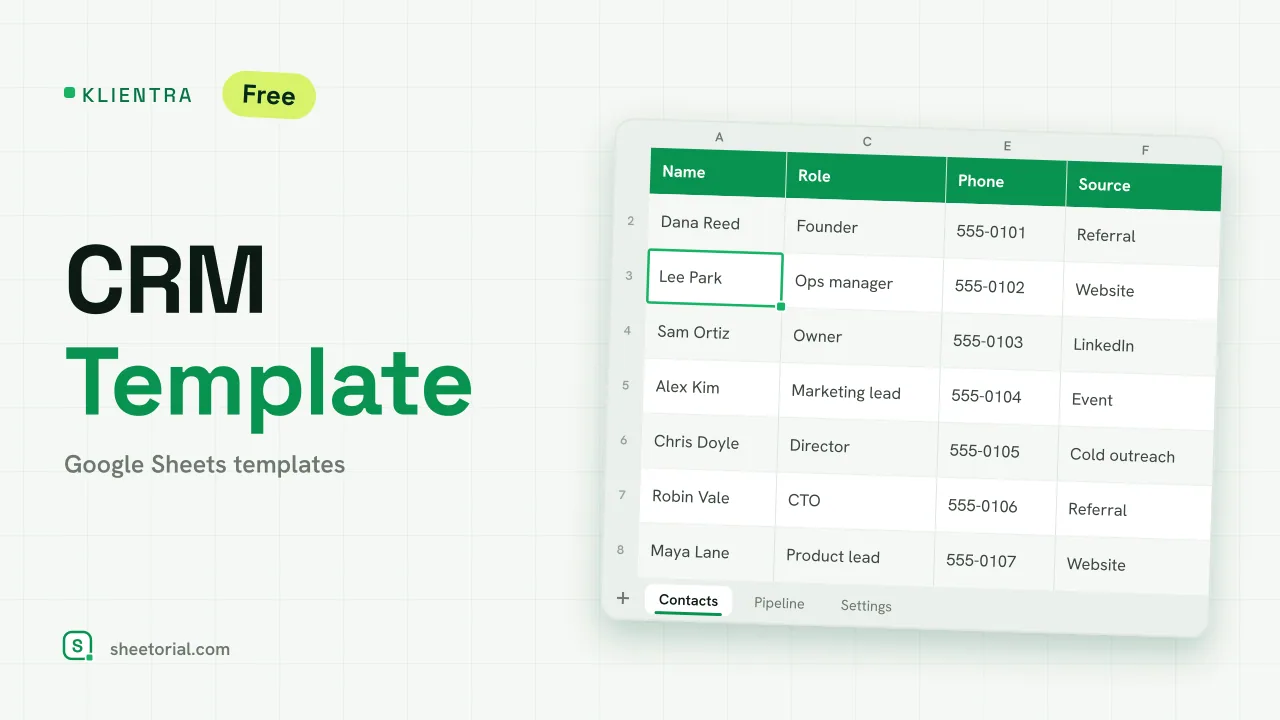 CRM & Sales KLIENTRA: CRM Template for Google Sheets CRM template for Google Sheets: contacts with follow-up alerts, a deal pipeline by stage and editable settings. Free XLSX, no account, no trial. View template →
 -
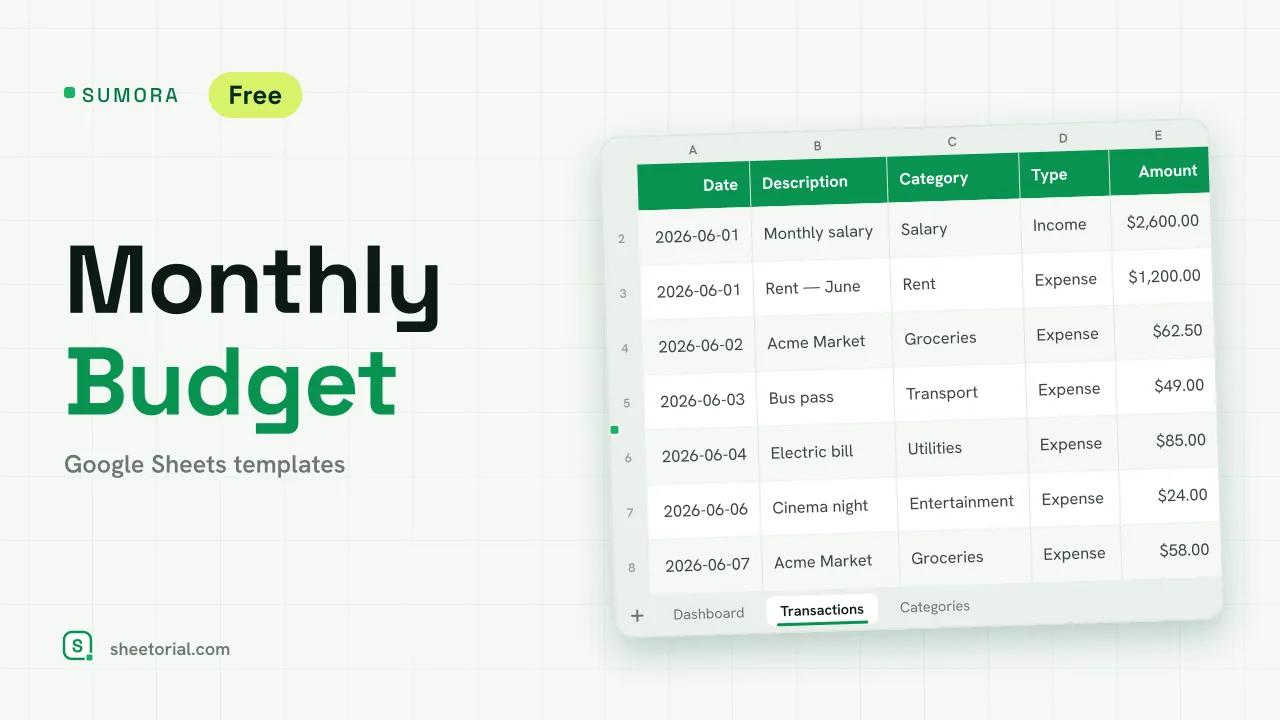 Google Sheets Budget Templates SUMORA: Free Monthly Budgeting Template for Google Sheets Free monthly budgeting template for Google Sheets: budget by category, log transactions and read a dashboard of plan versus actual. XLSX, no sign-up. View template →
 -
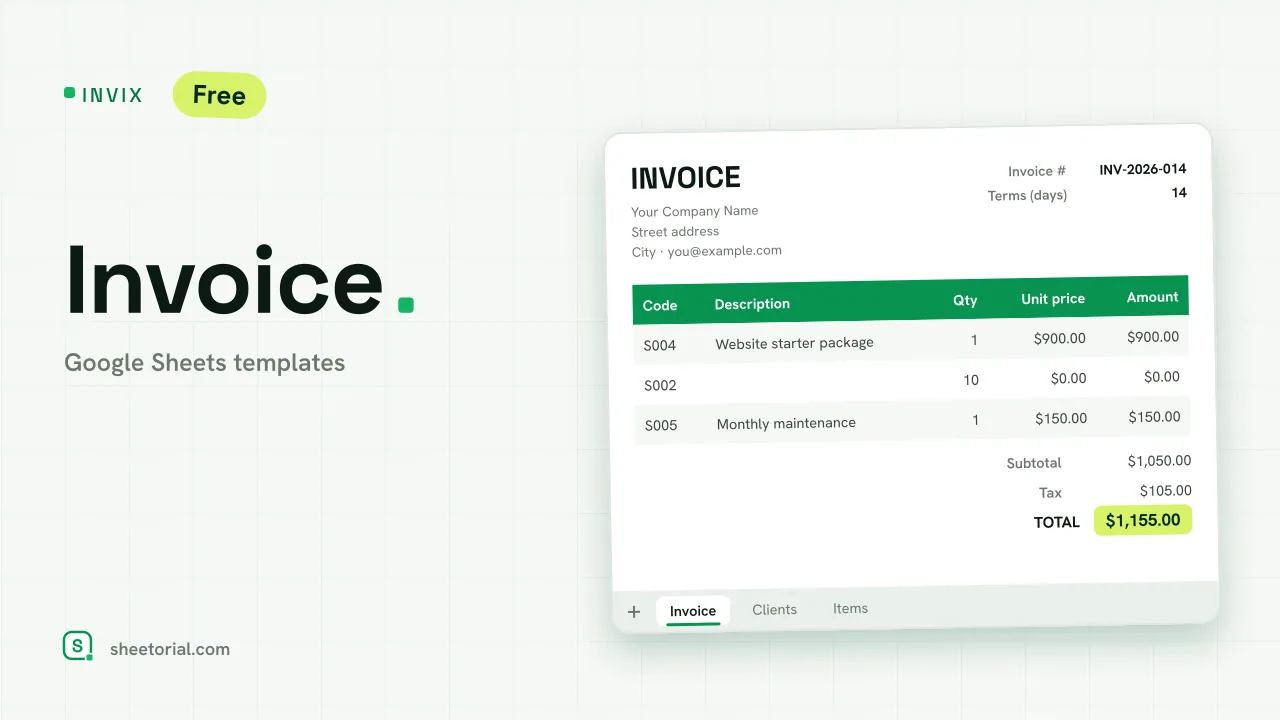 Google Sheets Invoice Templates INVIX: Google Sheets Invoice Template Google Sheets invoice template with client and item lookups: pick an ID, the invoice fills itself in and prints to one A4 page. Free XLSX download. View template →
- 100% Free, no sign-up
- 37 Ready-to-use templates
- 22 Categories to browse
- 11 Language editions per template
What is a Google spreadsheet template?
A Google spreadsheet template is a workbook where the structure is already built: the columns are named, the formulas are written, the totals know which cells to add up. Instead of starting from an empty grid and reinventing a budget or an invoice from scratch, you open a finished sheet and type your own numbers into it.
On Sheetorial the template is the download itself — a plain .xlsx file, with no copy-permission walls and nothing to install. Open it in Google Sheets, Excel or LibreOffice Calc, and pick from eleven language editions of every template, each with translated tabs and the date and currency formats of its language.
How to use a Google Sheets template
From picking a sheet to working in it, three steps.
-
Pick a template
Browse by category — business, money, planning, home or school — or scroll the full list. Open a template page to see what the sheet looks like and what each tab does.
-
Download the XLSX file
One click, no account needed. The file lands in your downloads folder and it is yours: edit it, rename it, reuse it next month.
-
Open it in Google Sheets or Excel
Import the file into Google Sheets, drag it into Google Drive, or double-click it to open in Excel. Then replace the sample data with your own.
Google Sheets templates: frequently asked questions
-
Are Google Sheets templates free?
Yes. Every template on Sheetorial is free, with no sign-up and no locked features. You download the .xlsx file directly and it is yours to keep and edit.
-
How do I open a downloaded template in Google Sheets?
Open Google Sheets, go to File, then Import, and upload the .xlsx file — or drag the file into Google Drive and open it from there. The site has a short guide that walks through each option.
-
Do the templates work in Microsoft Excel?
Yes. XLSX is Excel's own format, so the file opens directly. The formulas in our templates stick to functions that behave the same in Google Sheets, Excel and LibreOffice Calc.
-
Do I need a Google account?
Not to download — the files are direct downloads. You only need a Google account if you want to edit the template in Google Sheets; in Excel or LibreOffice no account is involved.
-
Can I use the templates for business or commercial work?
Yes. Personal and commercial use are both allowed. The only thing you may not do is redistribute or resell the template files themselves as your own — the templates license page spells out the details.
-
What languages do the templates come in?
Each template is published in eleven language editions — English, Spanish, German, French, Italian, Portuguese, Dutch, Polish, Turkish, Japanese and Indonesian — each as its own file with translated tabs and localized number, date and currency formats.