VOYANA: Travel Itinerary Template for Google Sheets
Important: you need to be signed in to a Google account to copy the template to your Drive. Need help opening the template?
Voyana turns a trip into a chronological table: day by day, hour by hour, with the booking reference and the cost sitting next to each plan. Its best trick is quiet — you type the trip's start date once, and every date in the itinerary is computed from it. Flight moved to a day later? Change one cell and the whole plan slides with it.
What's inside the travel itinerary template
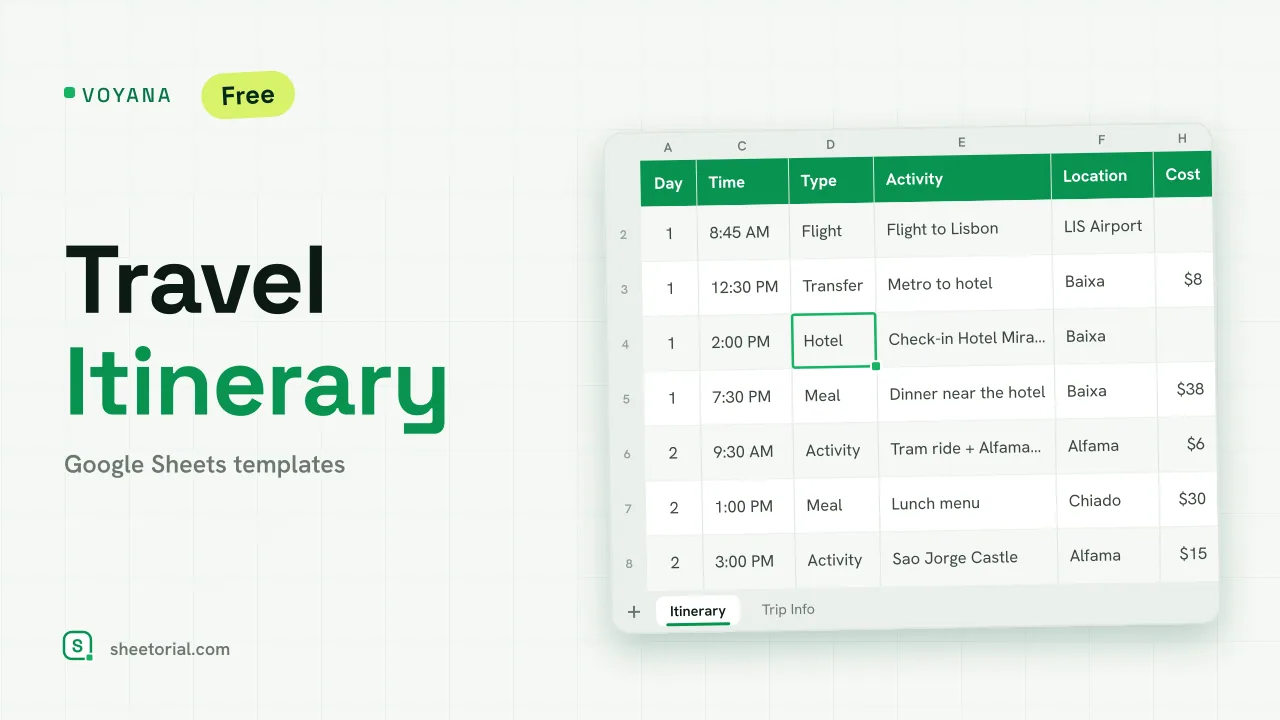
The Itinerary tab is the working surface. Each row holds a day number, a date the sheet fills in for you, a time, a type chosen from a dropdown (Flight, Hotel, Train, Transfer, Activity, Meal, Free time, Other) and then the activity itself with its location, booking reference, cost and notes. Flights light up in lime and hotel lines in soft green, so the load-bearing parts of the trip stand out from the sightseeing. At the foot, a SUM totals every cost you've entered: the planned price of the trip, always current.
Trip Info is the second tab and the source of truth: destination, start and end dates, travelers. Nights and total days are calculated, not typed. Below that sits a confirmations table (item, provider, confirmation number, notes), so the numbers you'll be asked for at check-in live in one place rather than in five emails.
How to plan a trip with this Google Sheets itinerary
Open the file in Google Sheets (the XLSX import guide walks through it) and fill in Trip Info first. Then build the days: type the day number, pick the type, name the activity. Dates appear on their own, and costs add up as you go. For a plan B, duplicate the Itinerary tab and rearrange the copy. The template ships with a sample four-day trip to Lisbon so the formulas and formats are visible before you overwrite them.
A trip planner template that recalculates your dates
Hardcoded dates are the usual weak point of an itinerary spreadsheet: shift the departure and you retype the week. Here the day number is the only fixed thing — day 3 stays day 3 whether the trip starts on a Tuesday or a Friday. That makes Voyana reusable: clear the rows, set a new start date in Trip Info, and the same sheet plans the next trip.
Free travel itinerary in 11 languages
Voyana is available in eleven languages, each with tab names, activity types and sample data translated, and dates formatted the way that language expects. It pairs naturally with the travel budget template for the money side and the packing list template for the suitcase; the rest of the collection lives under travel templates for Google Sheets.
More templates
-
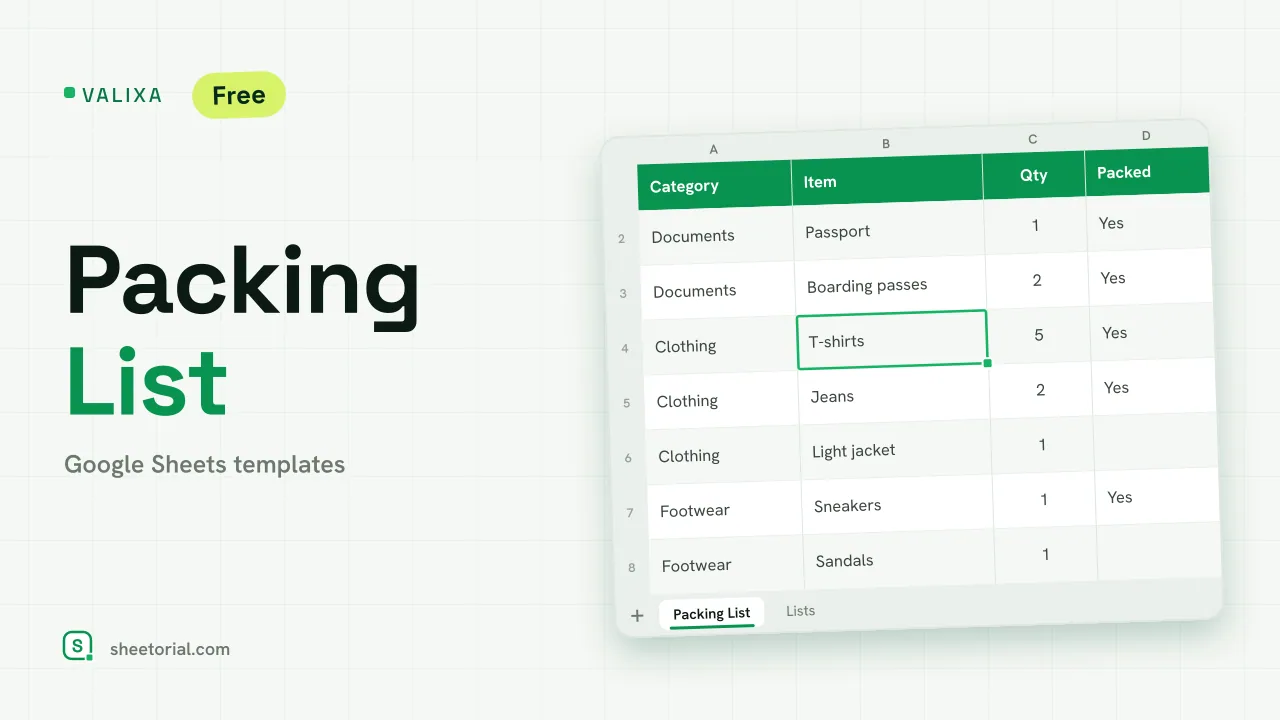 Travel & Itinerary VALIXA: Packing List Template for Google Sheets Free packing list template for Google Sheets: items by category, quantities, a Packed dropdown and a progress counter that says what's left to pack. View template →
 -
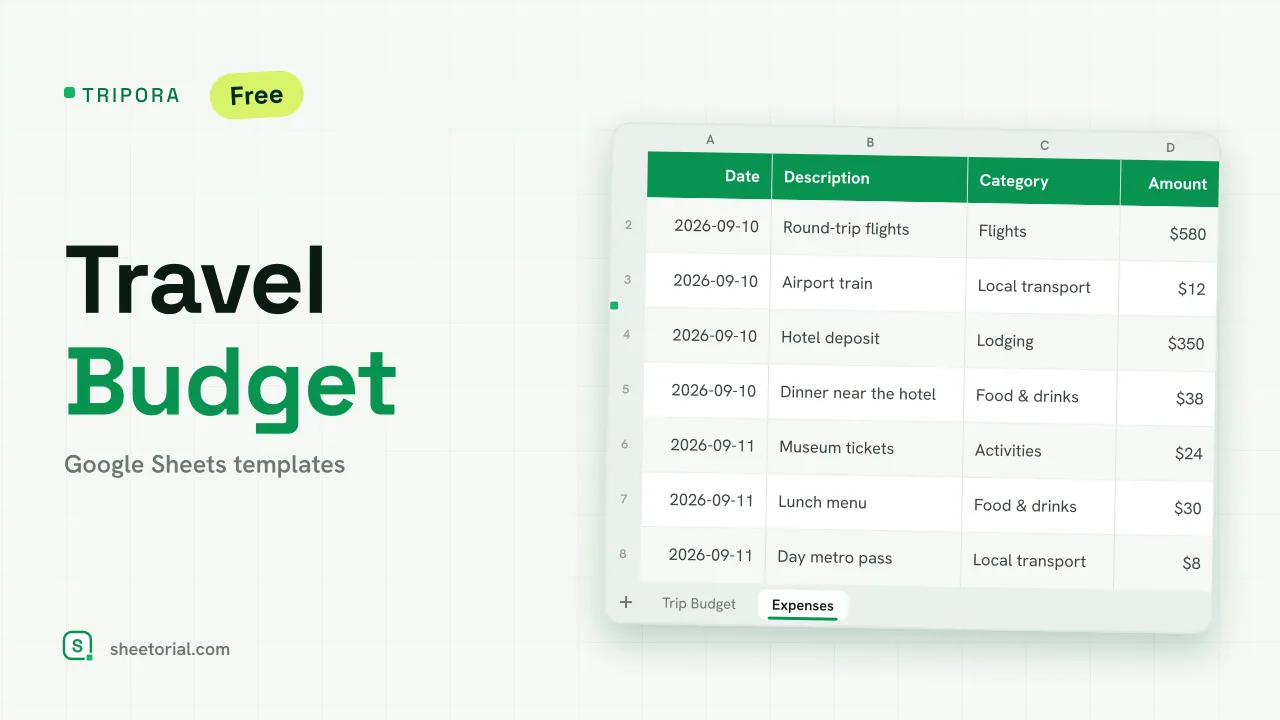 Travel & Itinerary TRIPORA: Travel Budget Template for Google Sheets Free travel budget template for Google Sheets: plan by category, log expenses on the road and watch remaining amounts and budget left update on their own. View template →
 -
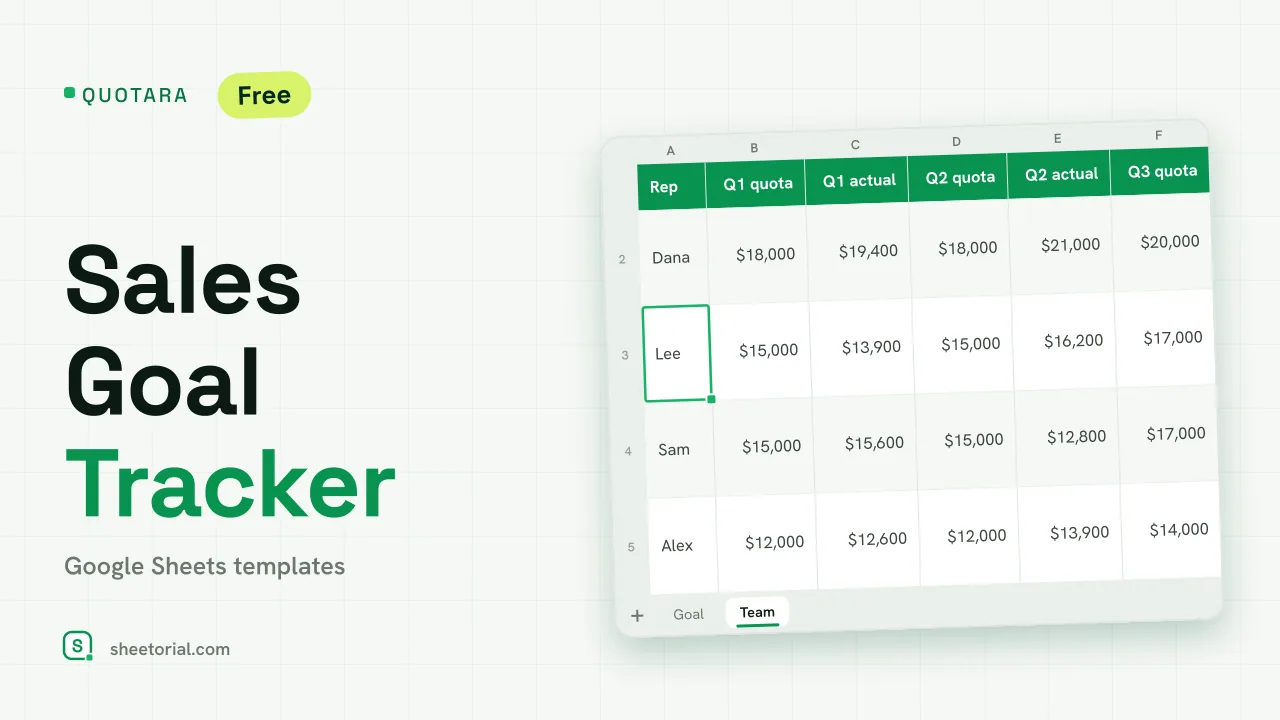 CRM & Sales QUOTARA: Sales Goal Tracker for Google Sheets Sales goal tracker for Google Sheets: an annual goal split into monthly targets, actual vs target, a year-end projection and quarterly quota by rep. Free. View template →
 -
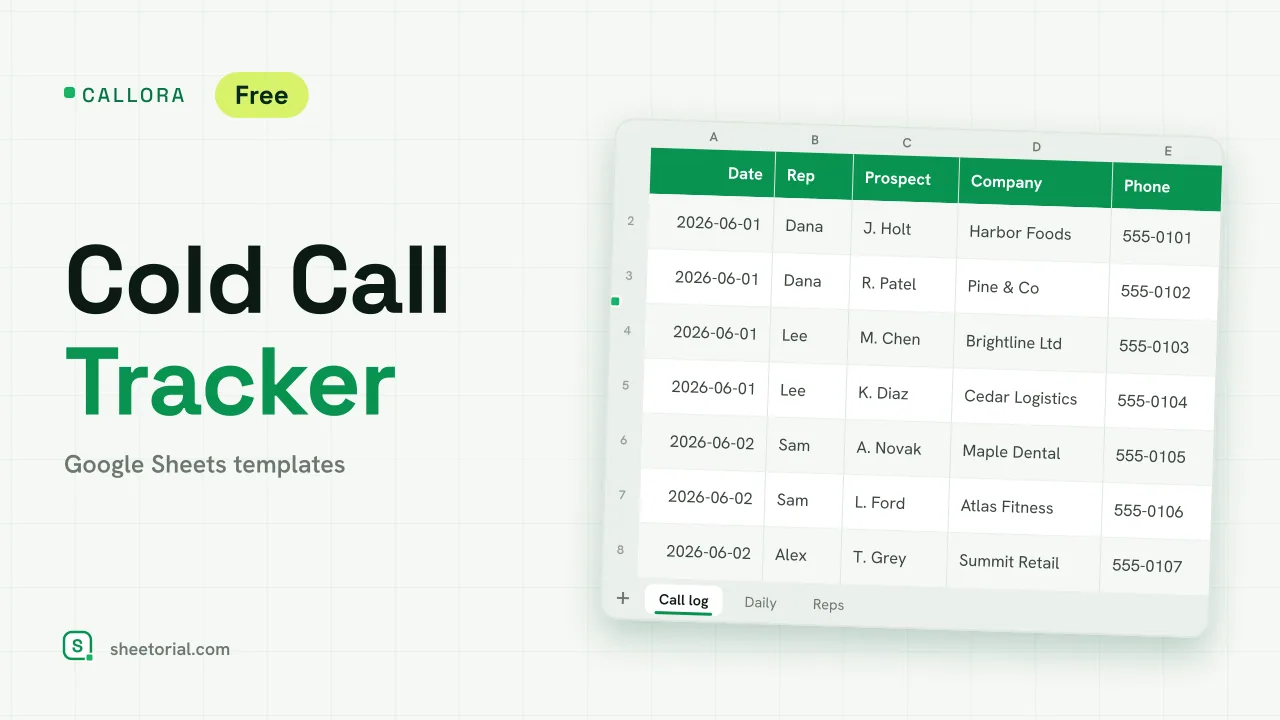 CRM & Sales CALLORA: Cold Call Tracker for Google Sheets Cold call tracker for Google Sheets: a sales call log that counts dials, connects and meetings booked, with daily activity and rates per rep. Free XLSX. View template →