TRIPORA: Travel Budget Template for Google Sheets
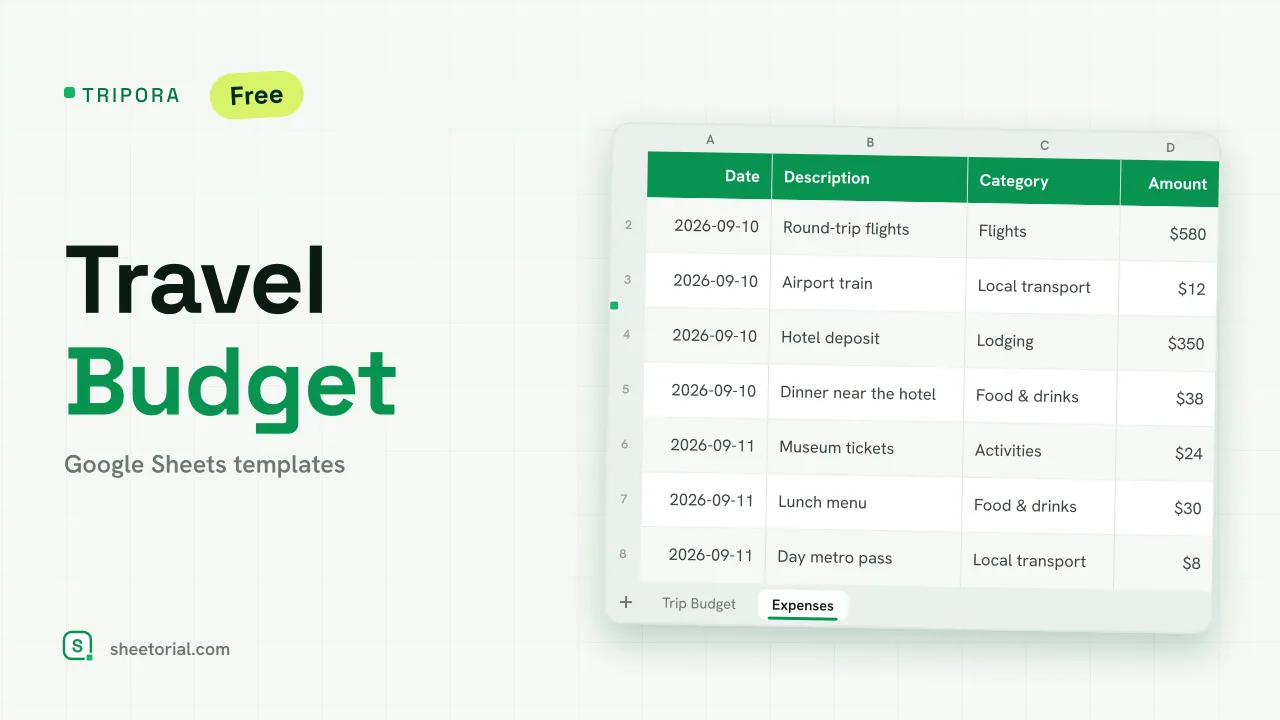
Important: you need to be signed in to a Google account to copy the template to your Drive. Need help opening the template?
Tripora answers the two questions every trip raises about money: how much did I plan to spend, and how is that going? One tab holds the plan, the other collects the receipts, and a set of SUMIF formulas keeps them talking to each other while you travel.
Inside the travel budget template
The Trip Budget tab starts with your trip fund (the total you're willing to spend) and a table of eight starter categories: flights, lodging, food and drinks, local transport and the rest of a typical trip. Each category has a Planned column you fill in and three columns the sheet fills for you: Actual, pulled from the expense log; Remaining, the plan minus the spending; and a percent-spent figure. Formatting flags trouble early — a category turns amber at 80 percent of its plan and red once it crosses 100, and any negative Remaining shows in red too. Above it all, Budget left subtracts total spending from the trip fund: the one number to check before saying yes to the second boat tour.
The Expenses tab is the log: date, description, category and amount, with the category dropdown wired to the same list the plan uses, so every entry lands in the right row of the summary.
How to track a trip budget in Google Sheets
Import the XLSX into Google Sheets (the step-by-step guide covers it), set the trip fund, and spread the plan across the categories. From there the work happens on the road: each coffee, ticket and taxi goes into Expenses with its category. The summary updates by itself — no totals to maintain, no formulas to copy. Rename or add categories in the plan table and the dropdown picks them up. The sample file shows a short trip with a round fund and ten logged expenses, so you can see the red and amber states before clearing the data.
A vacation budget with planned versus actual
Listing estimated costs is easy; knowing mid-trip that food has eaten its budget while activities are untouched is the useful part. The planned-versus-actual layout means a vacation budget you steer while it happens, not an autopsy you read after landing. Money you don't spend in one category is visibly available for another.
Travel budget spreadsheet in 11 languages
Every language on Sheetorial gets its own copy of this travel budget spreadsheet: categories, tab names and sample expenses translated, currency formatted to match. Plan the days themselves in the travel itinerary template, and browse the full set of travel templates for packing lists and more.
More templates
-
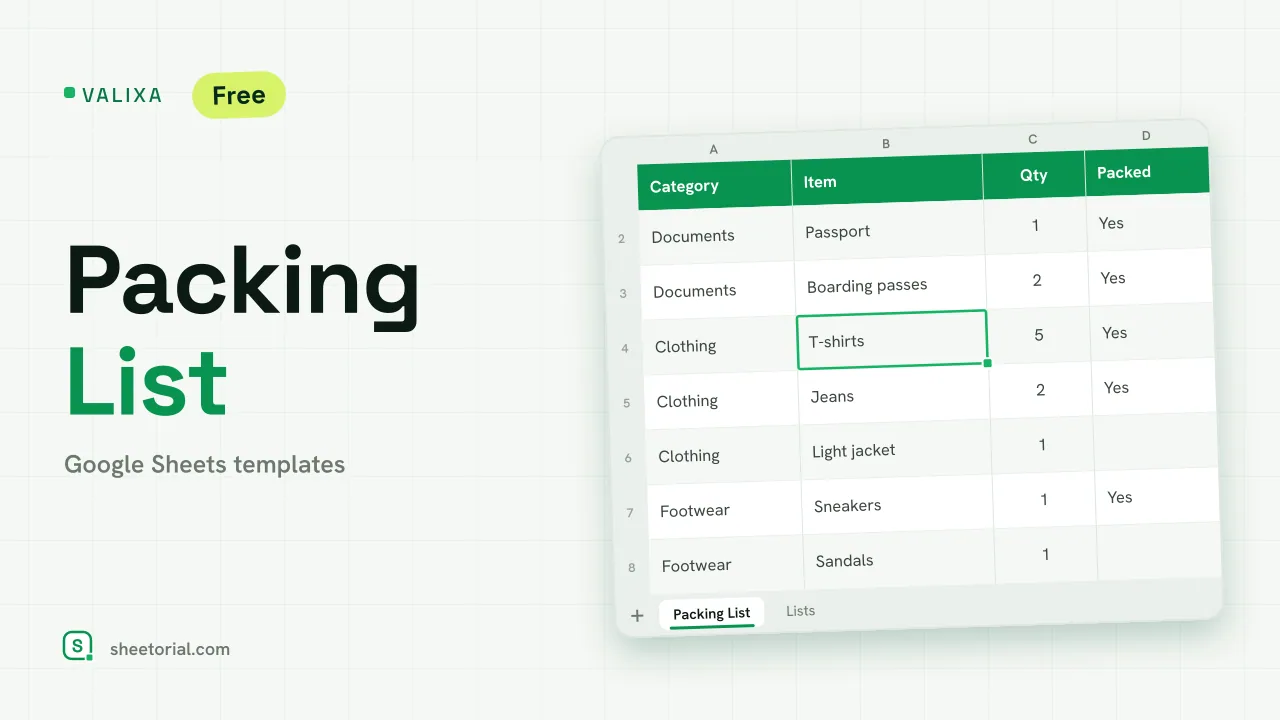 Travel & Itinerary VALIXA: Packing List Template for Google Sheets Free packing list template for Google Sheets: items by category, quantities, a Packed dropdown and a progress counter that says what's left to pack. View template →
 -
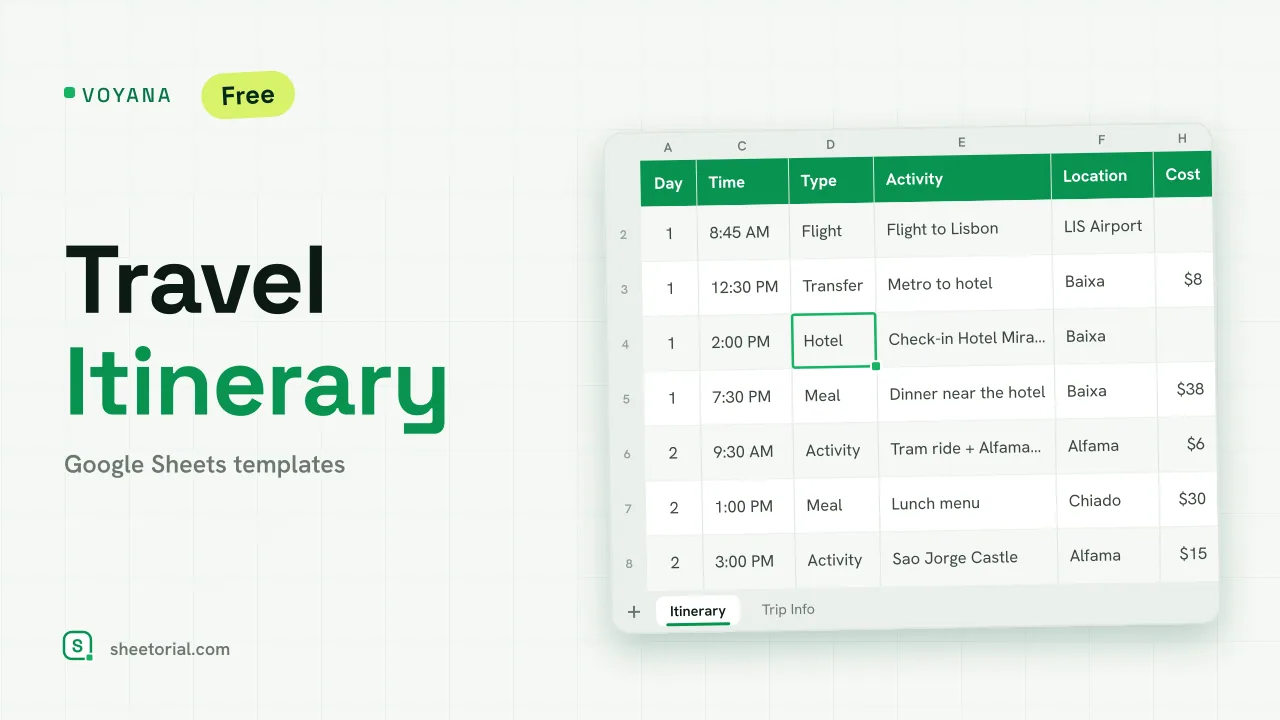 Travel & Itinerary VOYANA: Travel Itinerary Template for Google Sheets Free travel itinerary template for Google Sheets: a day-by-day plan whose dates move with your start date, plus booking confirmations and a cost total. View template →
 -
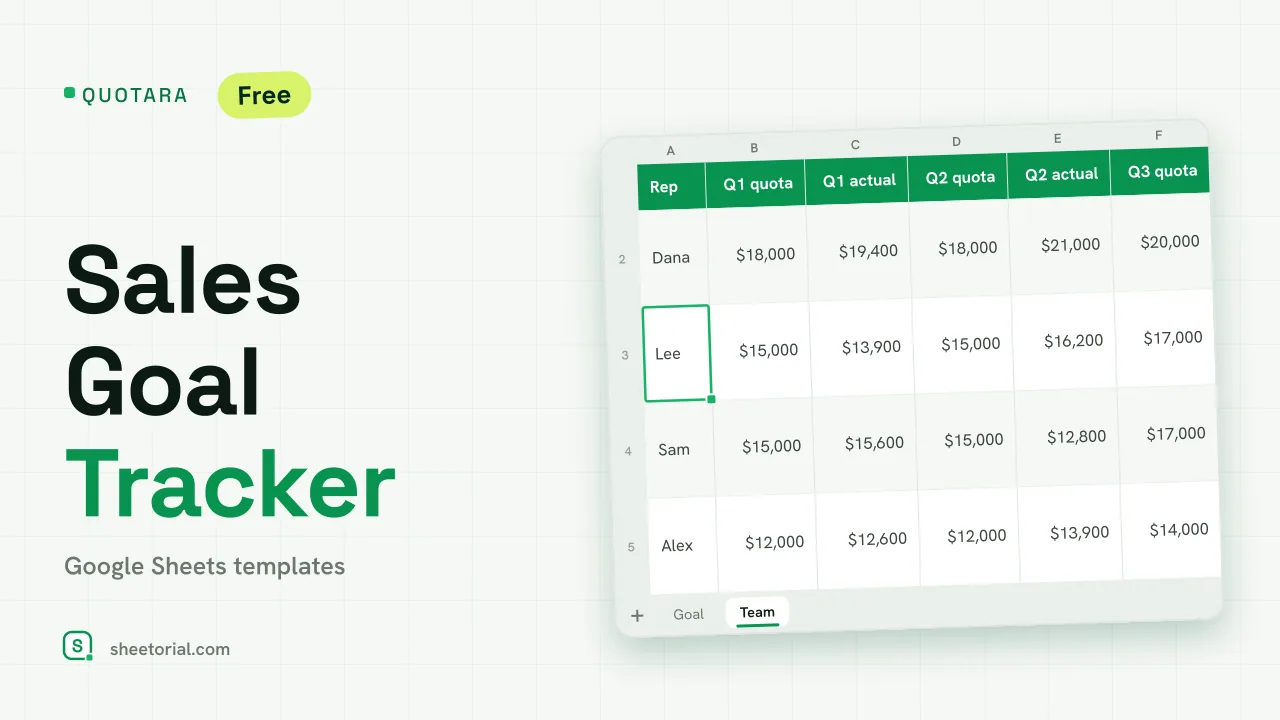 CRM & Sales QUOTARA: Sales Goal Tracker for Google Sheets Sales goal tracker for Google Sheets: an annual goal split into monthly targets, actual vs target, a year-end projection and quarterly quota by rep. Free. View template →
 -
 CRM & Sales CALLORA: Cold Call Tracker for Google Sheets Cold call tracker for Google Sheets: a sales call log that counts dials, connects and meetings booked, with daily activity and rates per rep. Free XLSX. View template →