Templates
Travel & Itinerary Templates for Google Sheets
-
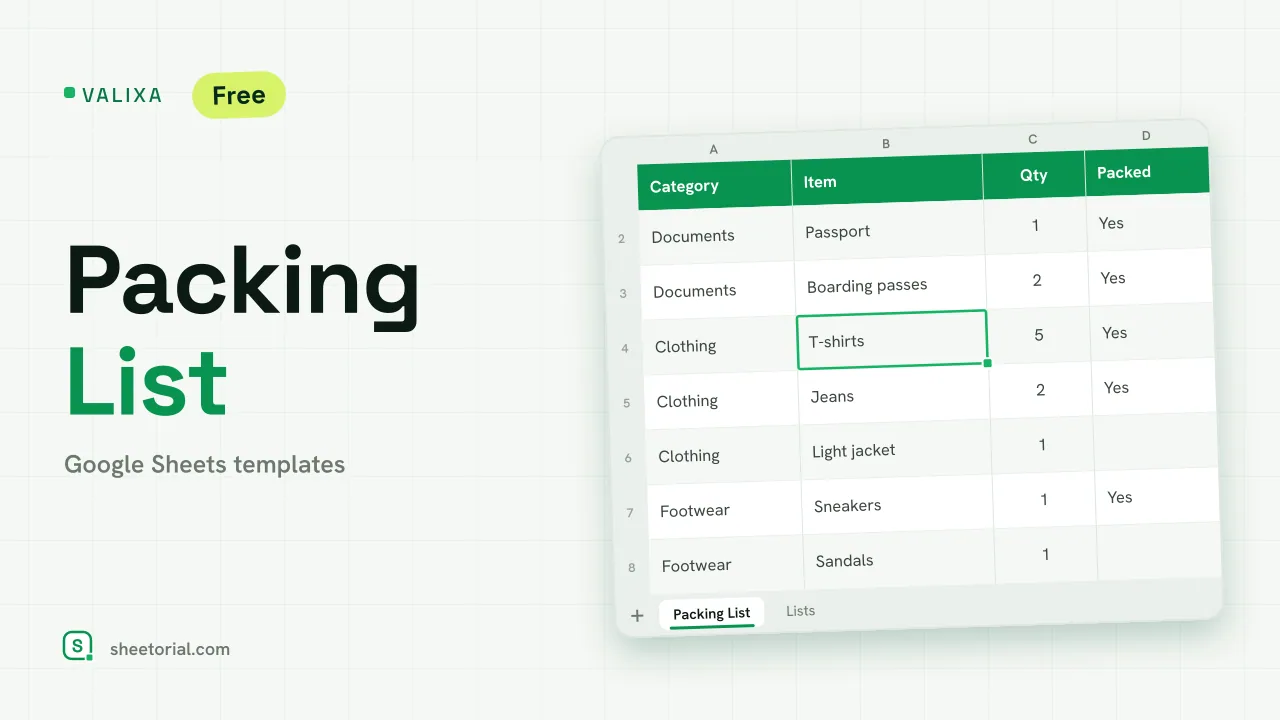 Travel & Itinerary VALIXA: Packing List Template for Google Sheets Free packing list template for Google Sheets: items by category, quantities, a Packed dropdown and a progress counter that says what's left to pack. View template →
 -
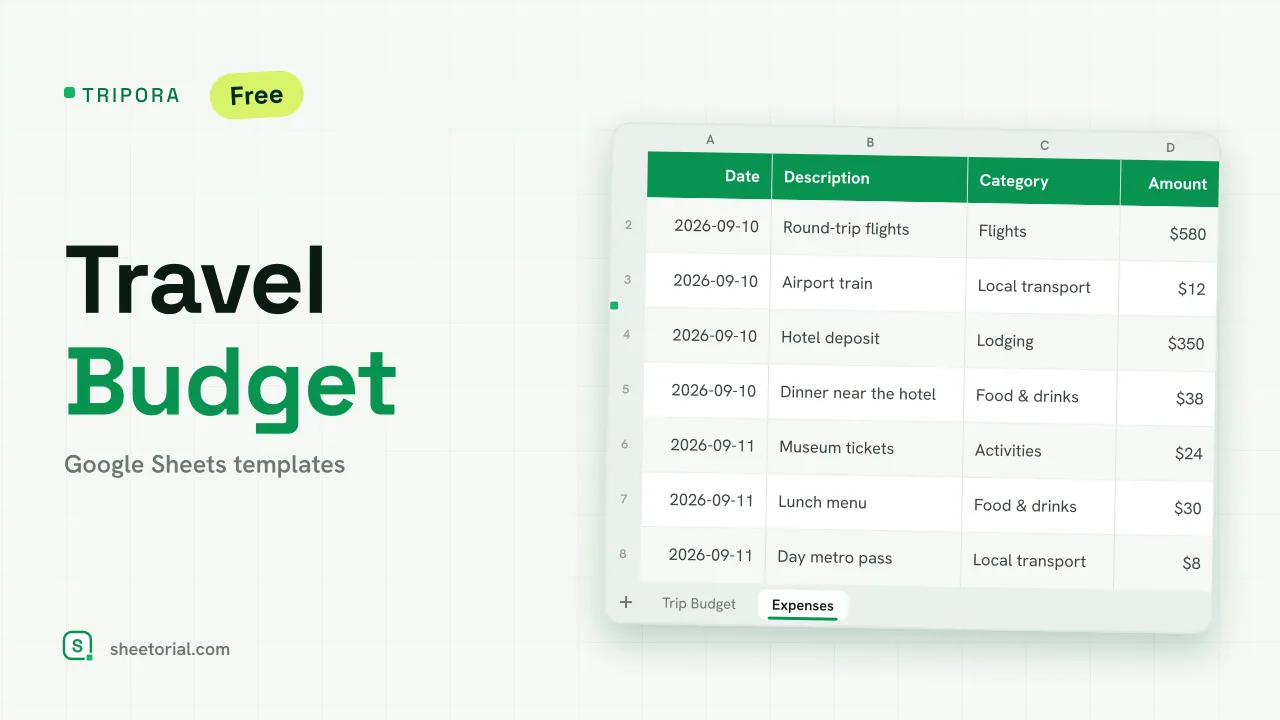 Travel & Itinerary TRIPORA: Travel Budget Template for Google Sheets Free travel budget template for Google Sheets: plan by category, log expenses on the road and watch remaining amounts and budget left update on their own. View template →
 -
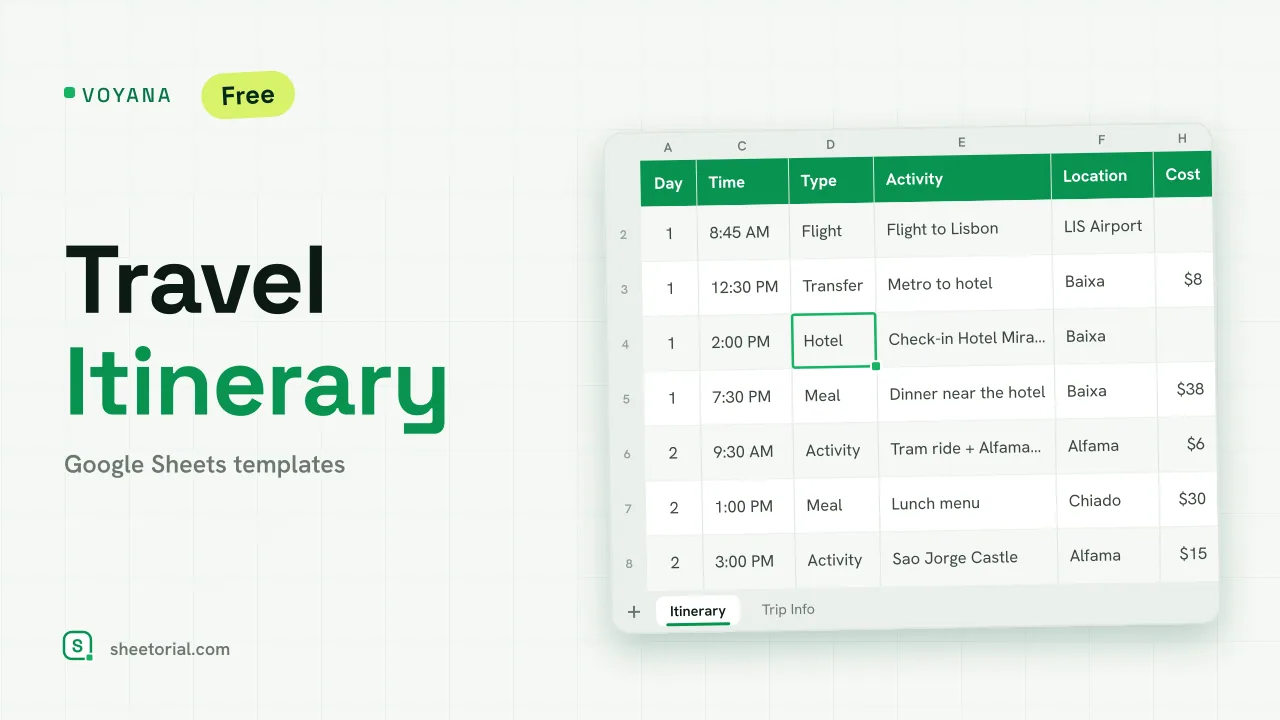 Travel & Itinerary VOYANA: Travel Itinerary Template for Google Sheets Free travel itinerary template for Google Sheets: a day-by-day plan whose dates move with your start date, plus booking confirmations and a cost total. View template →
Trips generate paperwork at a rate nothing else in private life matches: bookings, confirmation numbers, departure times, addresses, costs in two currencies. The travel templates in this category put all of it in one spreadsheet instead of fourteen emails — free .xlsx files for Google Sheets or Excel, which also means the plan opens from a phone in a place with no signal if you keep a copy offline. Airports are where cloud-only plans go to fail.
What goes into an itinerary template
An itinerary spreadsheet is the trip in rows: day and time down the side, then what, where, and the booking reference beside each entry. The useful part is less the schedule than the lookup — when a driver asks for the hotel address or a gate change eats your connection, the answer is one search away in a single file. A column for "booked / pending" quietly doubles as the pre-trip to-do list.
A travel planner in Google Sheets, one tab per concern
Bigger trips outgrow the single grid, and that is what workbook tabs are for: the day-by-day itinerary on one, transport and lodging on another, ideas you have not committed to on a third. A travel planner built in Google Sheets keeps those layers in one file rather than one app per concern — and unlike the travel apps, it still exists in five years when you want to remember where that restaurant was.
Vacation planning with the whole group
Group trips are a coordination problem wearing a vacation costume. A shared vacation planner spreadsheet settles the classic frictions in writing: who arrives when, who booked what, who paid for the rental car and who still owes for it. Everyone edits the same sheet from their own phone, which beats the group-chat archaeology of scrolling for the Airbnb link someone posted three weeks ago.
Trip budgets and packing lists ride along
Two more sheets belong in the same file. A trip budget tracks planned against actual spending per category — transport, lodging, food, the museum-tickets line that always doubles — so the damage is known during the trip, not discovered after. The packing list is the humblest template here and the one used most: items by category, a quantity column, a tick column, duplicated for the next trip so you never rebuild it from memory the night before.
How to choose a travel template for Google Sheets
Let the trip pick the sheet. A weekend city break fits a one-tab itinerary; a multi-stop holiday wants the full planner workbook; a group trip needs whatever you choose shared in Google Sheets so there is one live version. Solo planners working offline can stay in Excel — the files work in both. The opening guide covers getting the .xlsx into Google Sheets or Drive, and the rest of the planning templates handle the calendars and checklists the trip dates come from.