Category
Business Templates for Google Sheets
- Accounting & Bookkeeping Templates for Google Sheets 1 template
- CRM & Sales Templates for Google Sheets 9 templates
- Google Sheets Invoice Templates 2 templates
- HR & Time Tracking Templates for Google Sheets 7 templates
- Inventory Spreadsheet Templates for Google Sheets 1 template
-
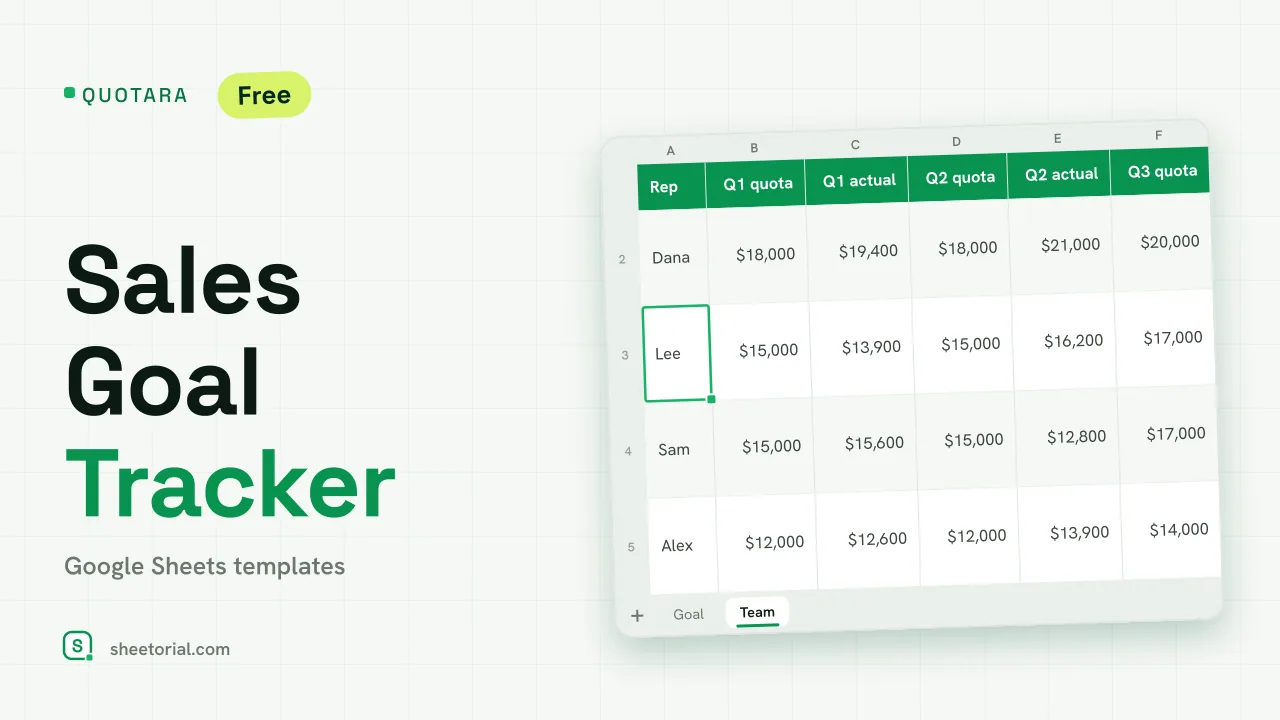 CRM & Sales QUOTARA: Sales Goal Tracker for Google Sheets Sales goal tracker for Google Sheets: an annual goal split into monthly targets, actual vs target, a year-end projection and quarterly quota by rep. Free. View template →
 -
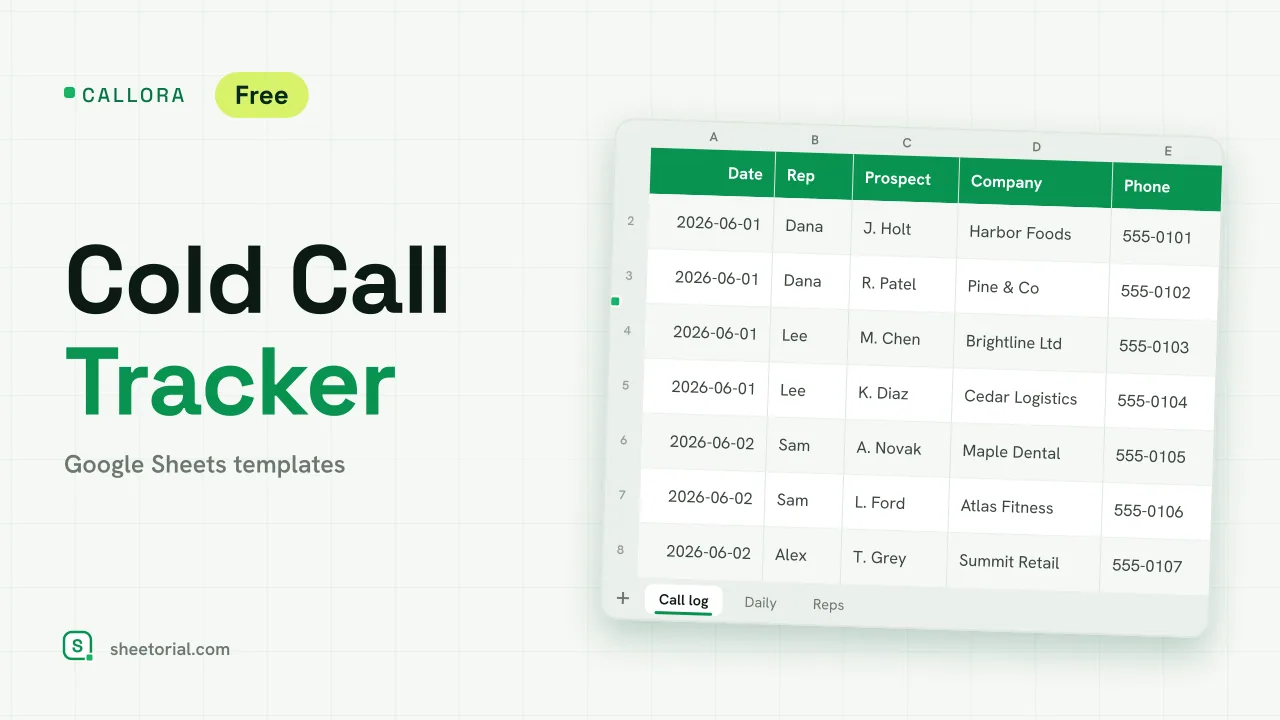 CRM & Sales CALLORA: Cold Call Tracker for Google Sheets Cold call tracker for Google Sheets: a sales call log that counts dials, connects and meetings booked, with daily activity and rates per rep. Free XLSX. View template →
 -
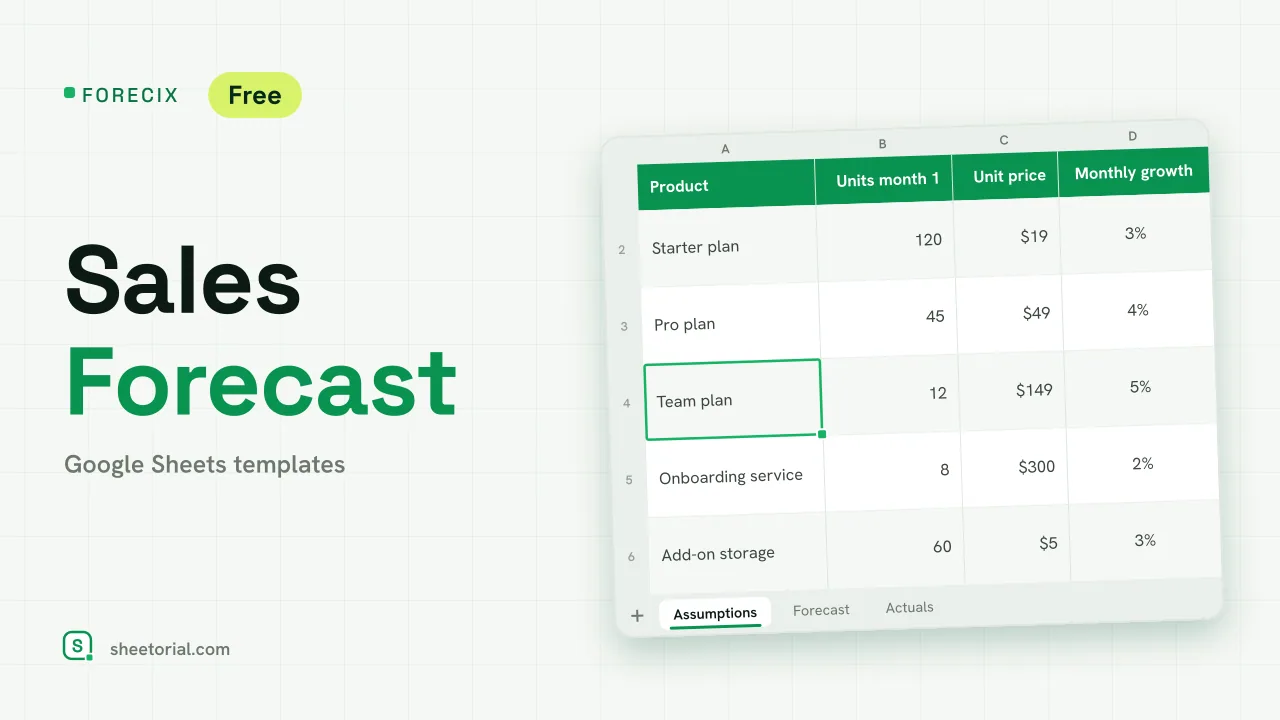 CRM & Sales FORECIX: Sales Forecast Template for Google Sheets Sales forecast template for Google Sheets and Excel: 12 months of units and revenue per product from starting volume, price and growth, plus actuals vs forecast. View template →
 -
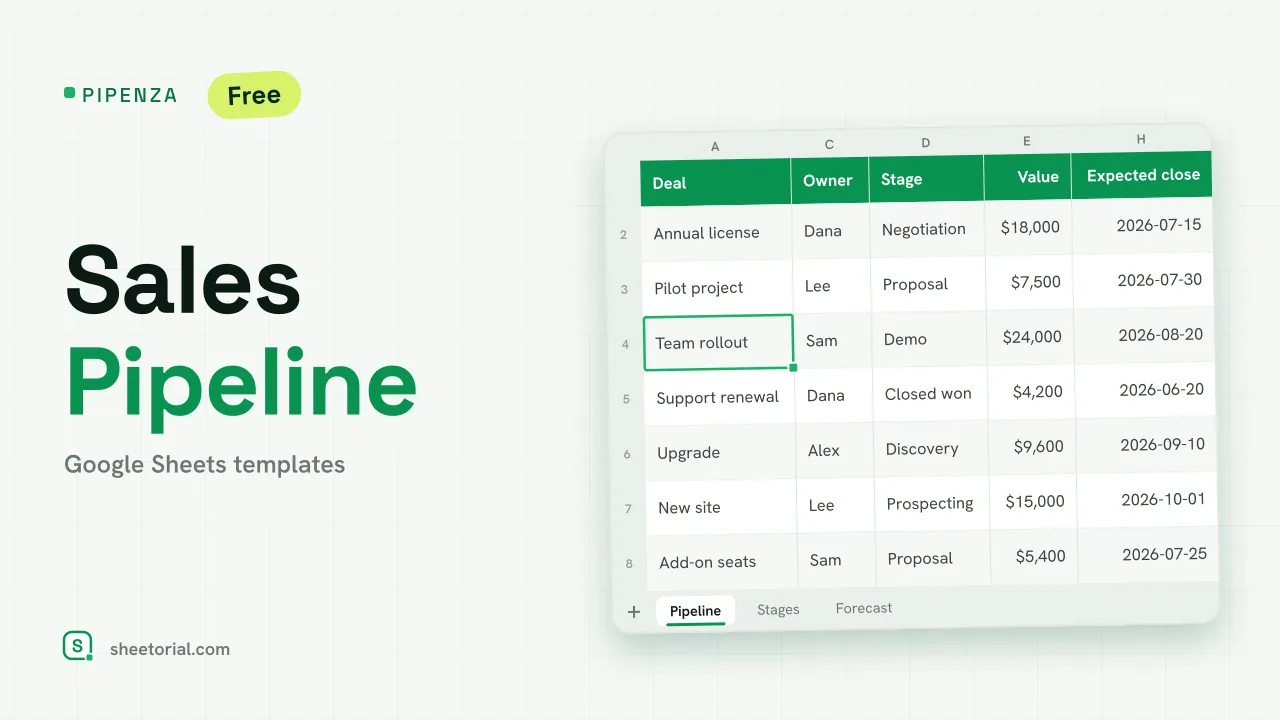 CRM & Sales PIPENZA: Sales Pipeline Template for Excel and Google Sheets Sales pipeline template for Excel and Google Sheets: deals by stage with win probability, weighted value, overdue close dates and a forecast by month. Free. View template →
 -
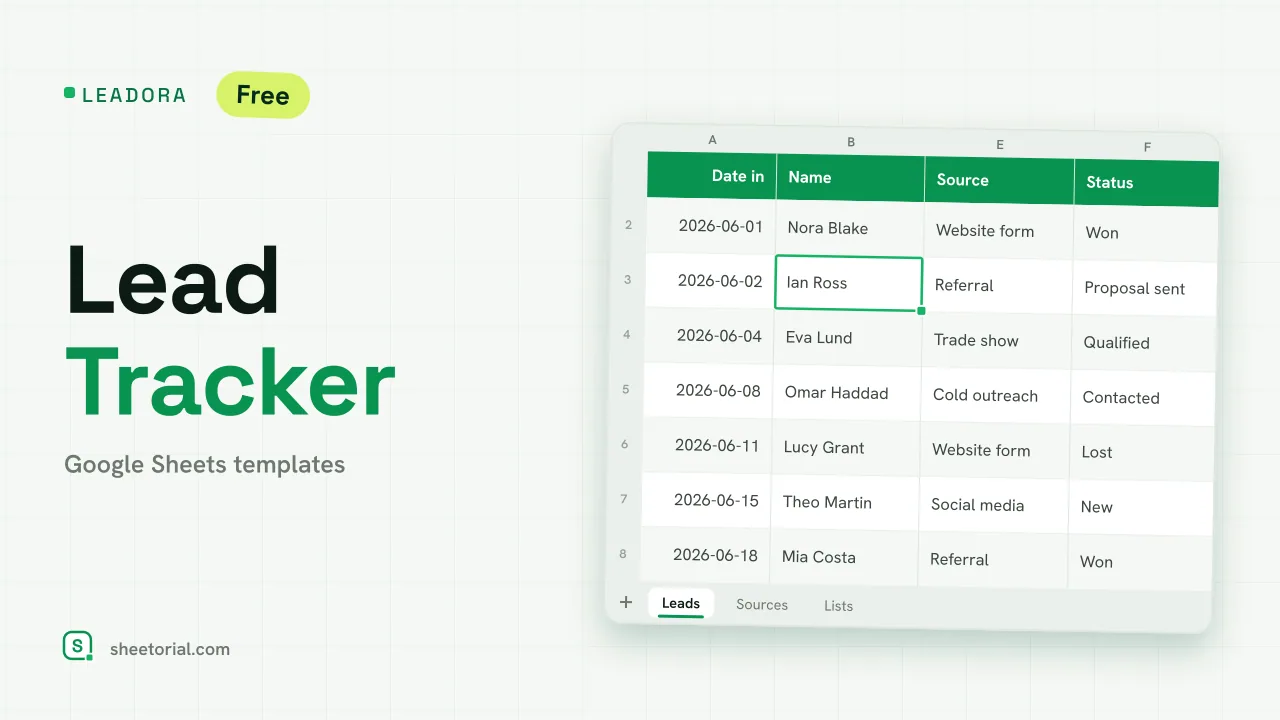 CRM & Sales LEADORA: Lead Tracker Template for Google Sheets Lead tracker template for Google Sheets: status, score, response time and overdue follow-ups for every incoming lead, plus win rate by source. Free XLSX. View template →
 -
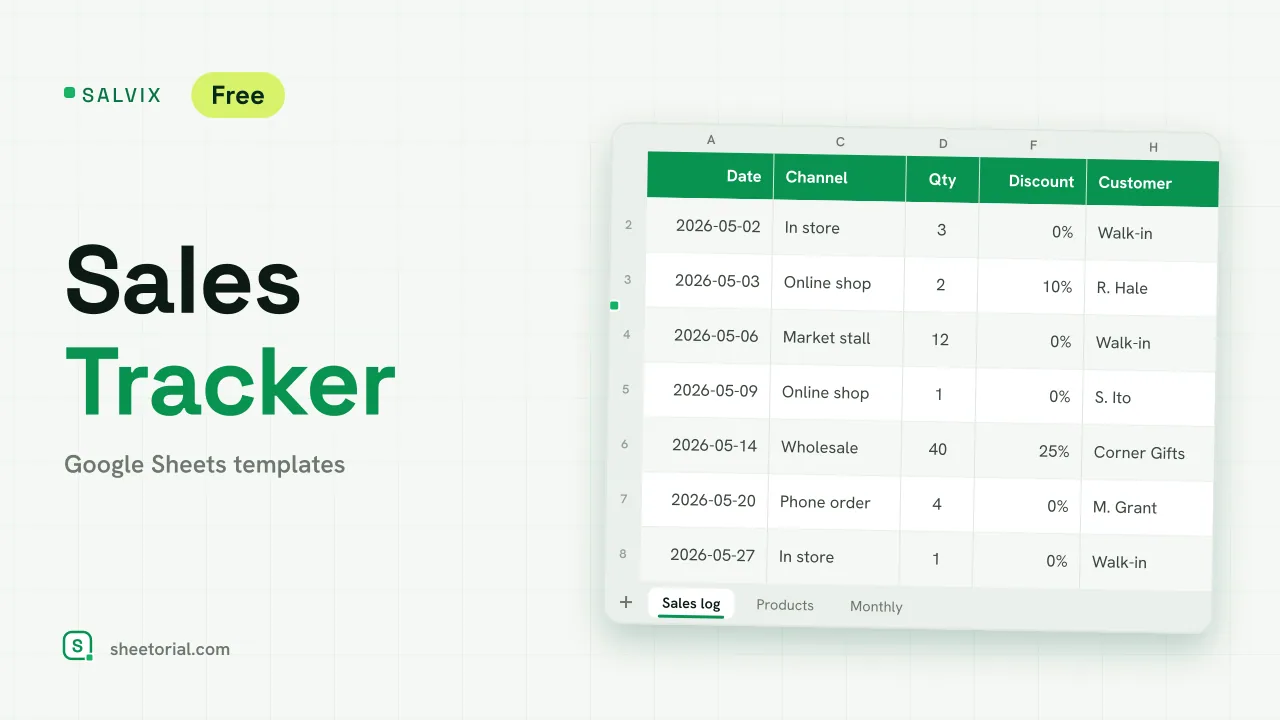 CRM & Sales SALVIX: Sales Tracker for Google Sheets Small business sales tracker for Google Sheets: a daily sales log with prices and discounts, a product ranking and monthly sales against a target. Free XLSX. View template →
 -
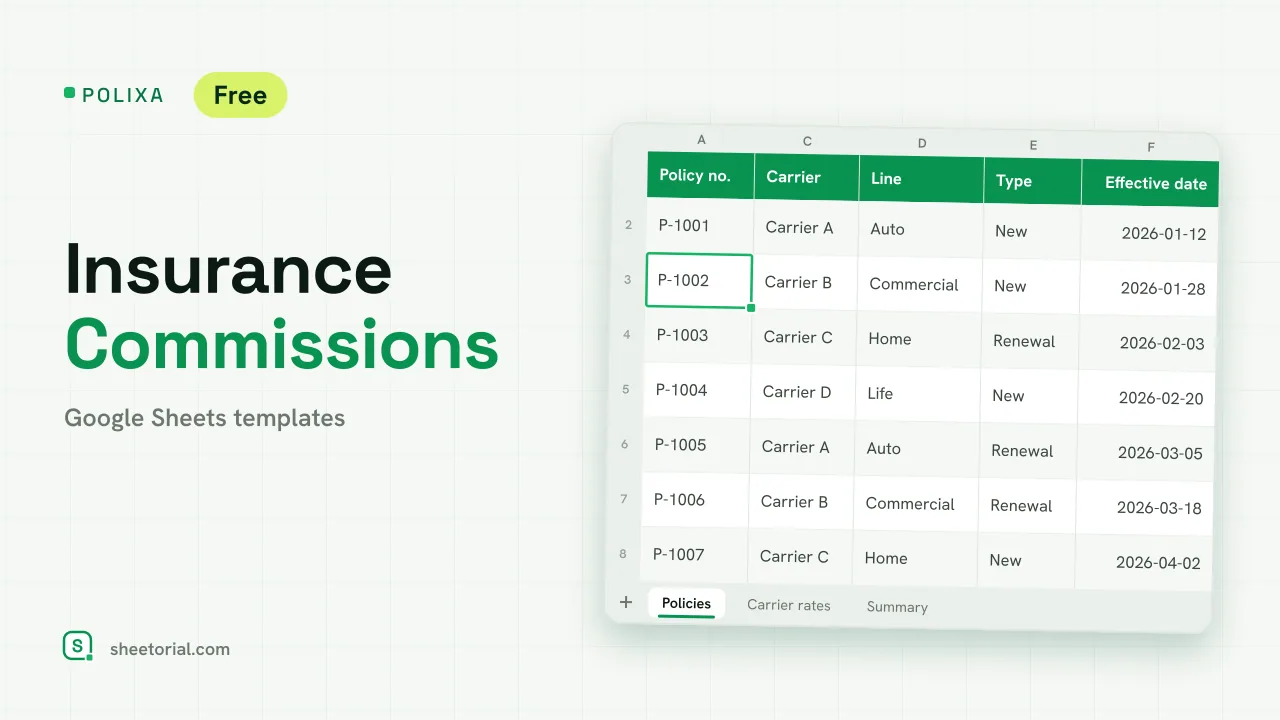 CRM & Sales POLIXA: Insurance Commission Tracker for Google Sheets Insurance commission tracker: carrier rates for new and renewal business, expected vs received commission per policy and a summary by line. Free XLSX. View template →
 -
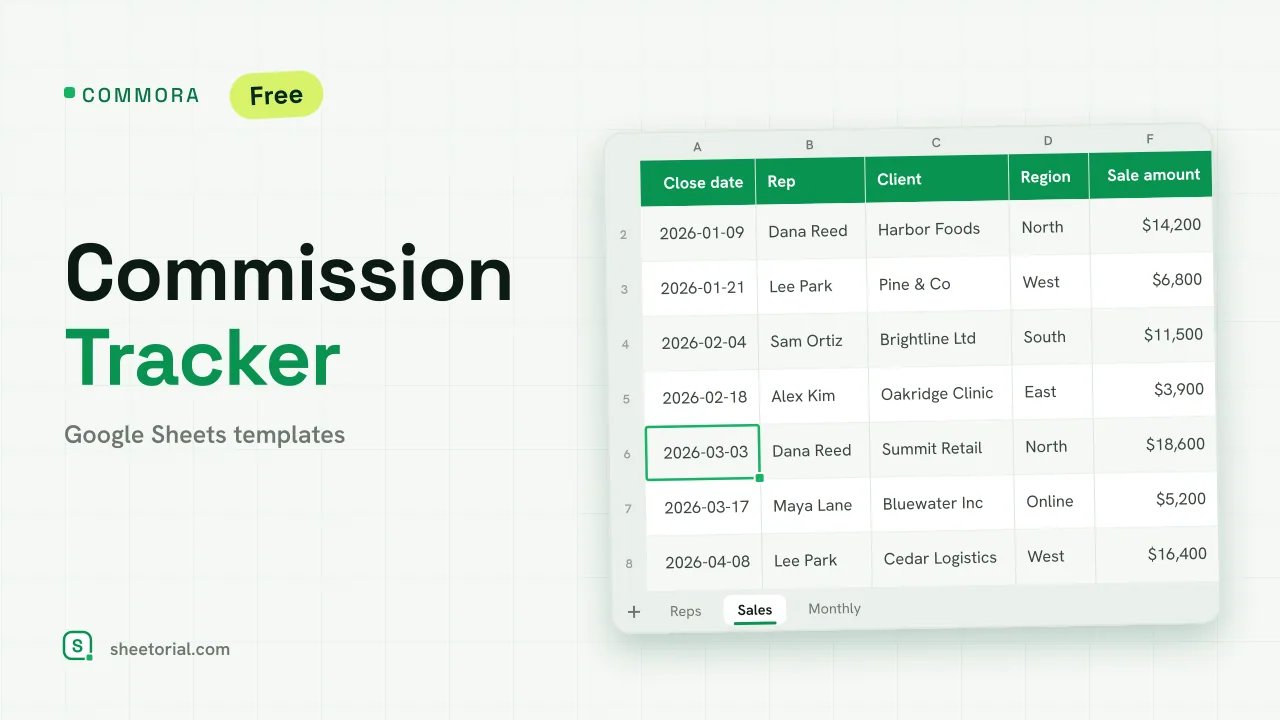 CRM & Sales COMMORA: Commission Tracker for Google Sheets Commission tracker for Google Sheets: tiered pay with a quota accelerator, a closed-sales log with payout status and a monthly view per rep. Free XLSX. View template →
 -
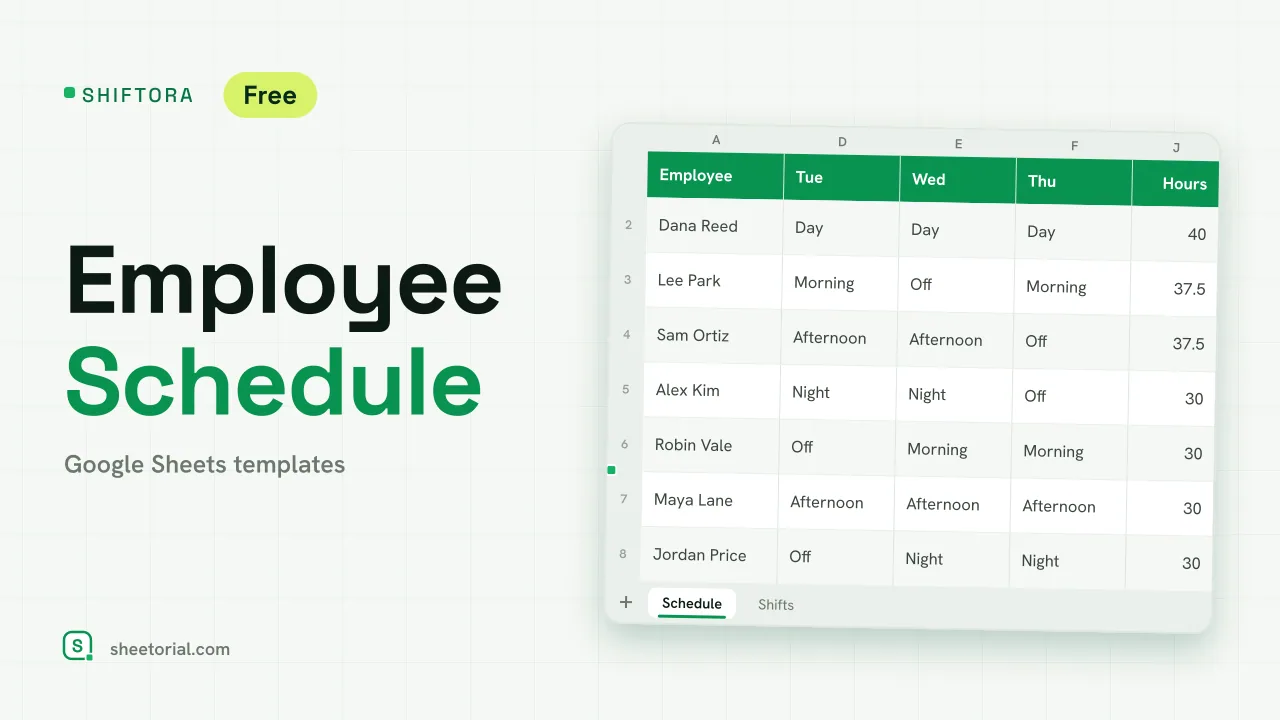 HR & Time Tracking SHIFTORA: Employee Schedule Template for Google Sheets Employee schedule template for Google Sheets: a weekly shift grid, hours against contract per person and coverage per shift and day against the staff you need. View template →
 -
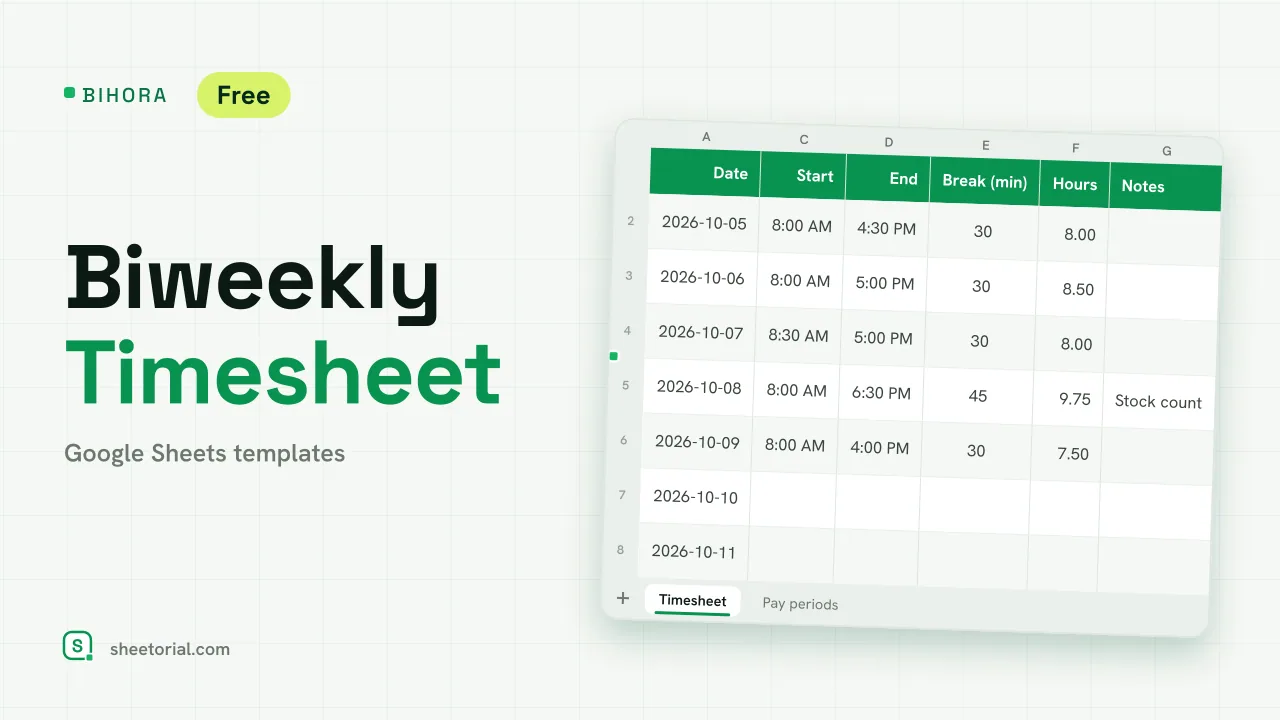 HR & Time Tracking BIHORA: Biweekly Timesheet Template for Google Sheets Biweekly timesheet template for Google Sheets: 14 days of start, end and break times, weekly overtime split out, regular and overtime pay, 26 pay periods. View template →
 -
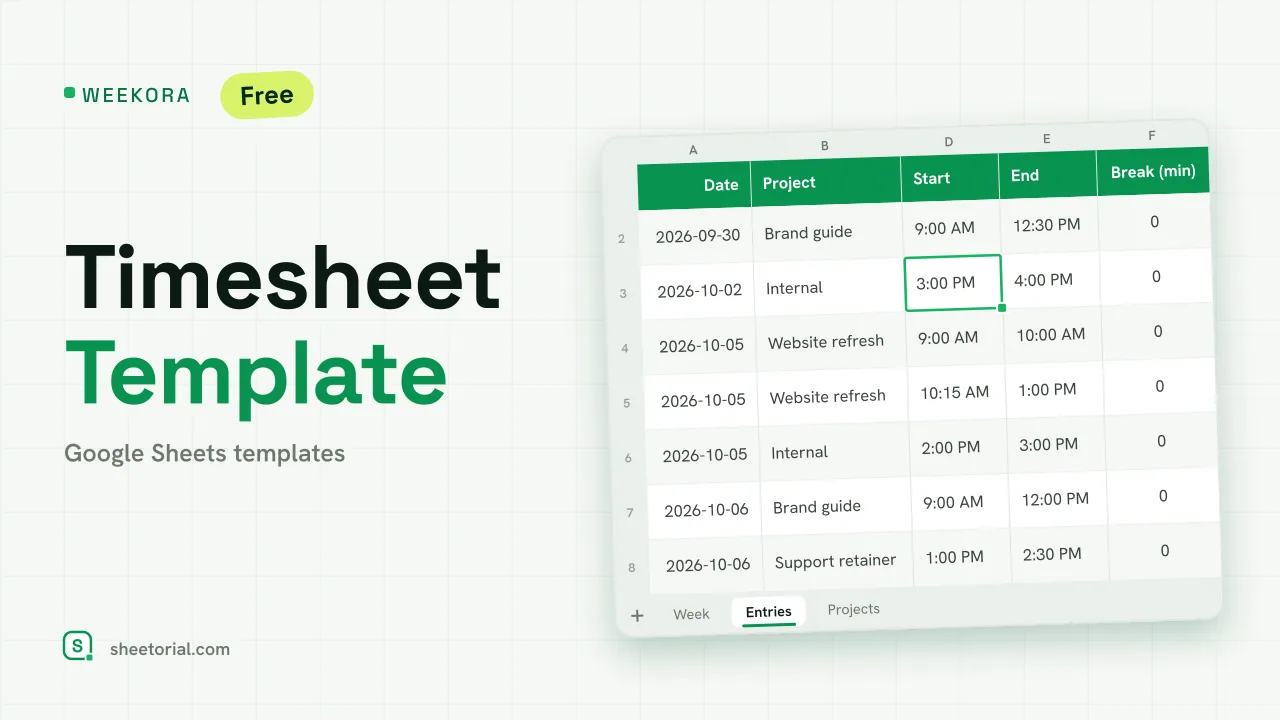 HR & Time Tracking WEEKORA: Timesheet Template for Google Sheets Timesheet template for Google Sheets: log time by project and task with start, end and break, mark billable hours and get a weekly summary by day and project. View template →
 -
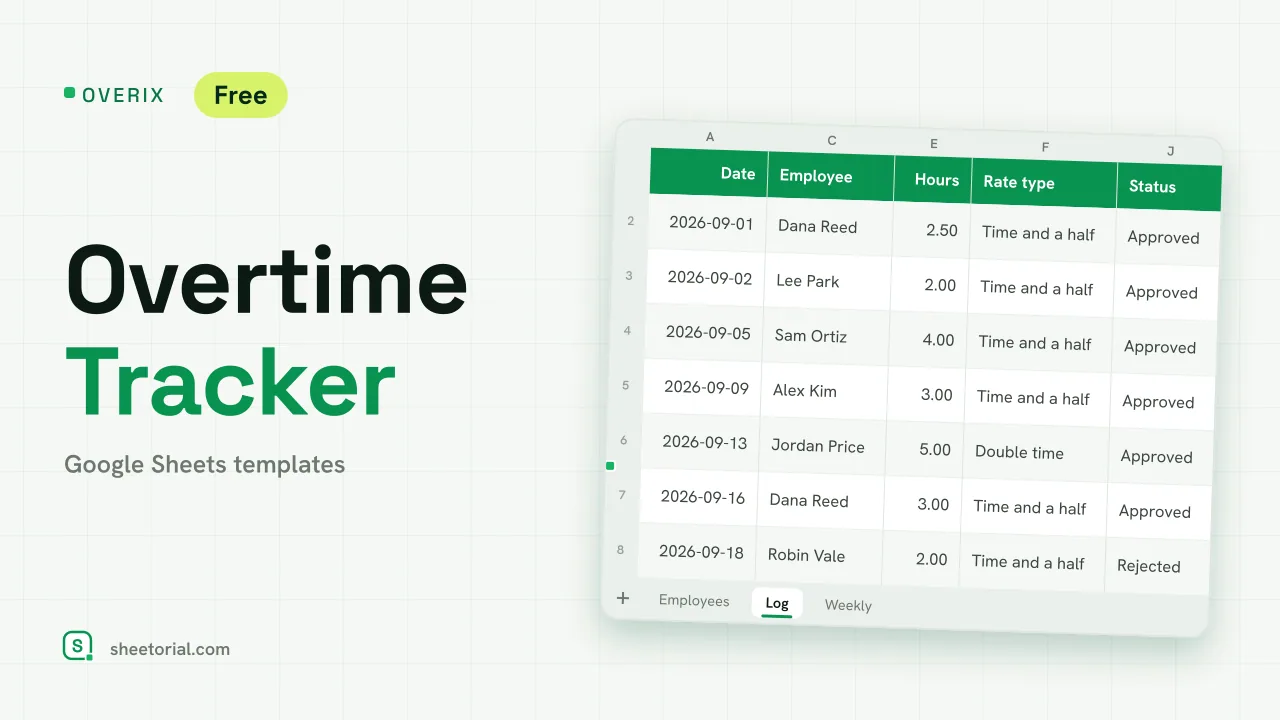 HR & Time Tracking OVERIX: Overtime Tracker for Google Sheets Overtime tracker for Google Sheets: log extra hours with a reason and approval status, pay from hourly rate and a multiplier, hour budgets and weekly totals. View template →
 -
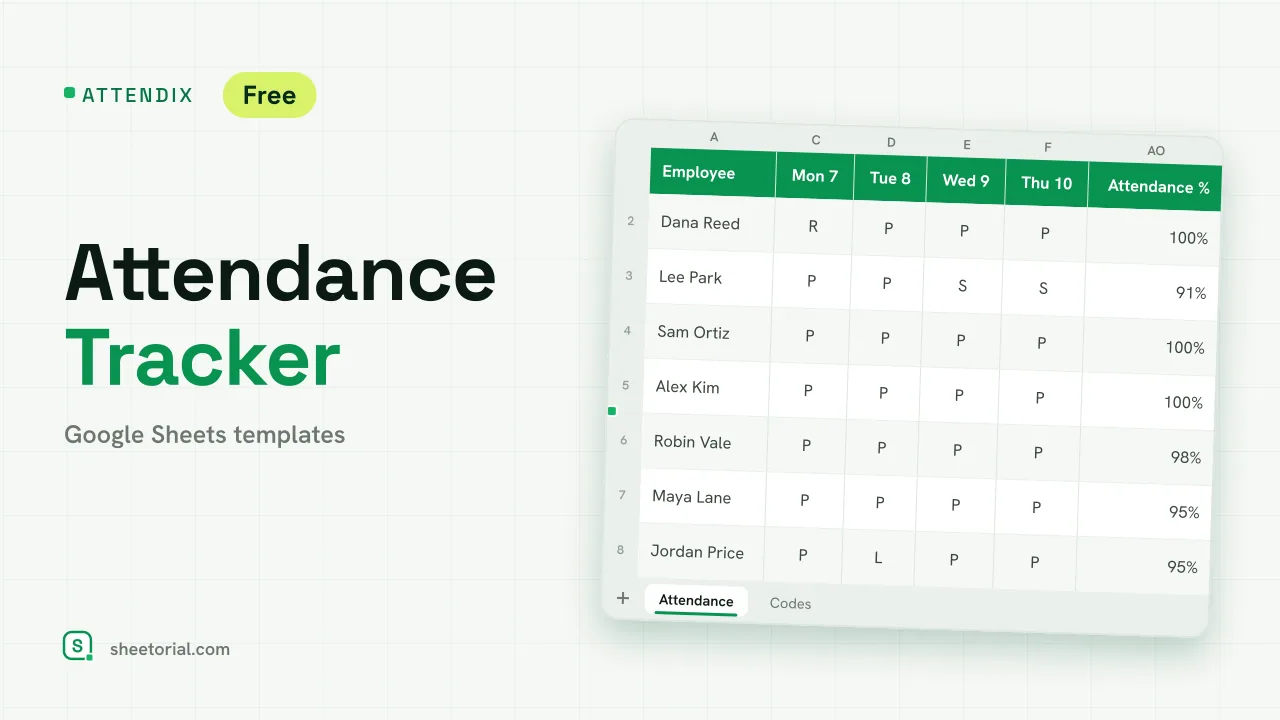 HR & Time Tracking ATTENDIX: Employee Attendance Tracker for Google Sheets Employee attendance tracker for Google Sheets: a monthly grid of daily codes (present, remote, late, absent, sick, vacation) with totals and attendance rate. View template →
 -
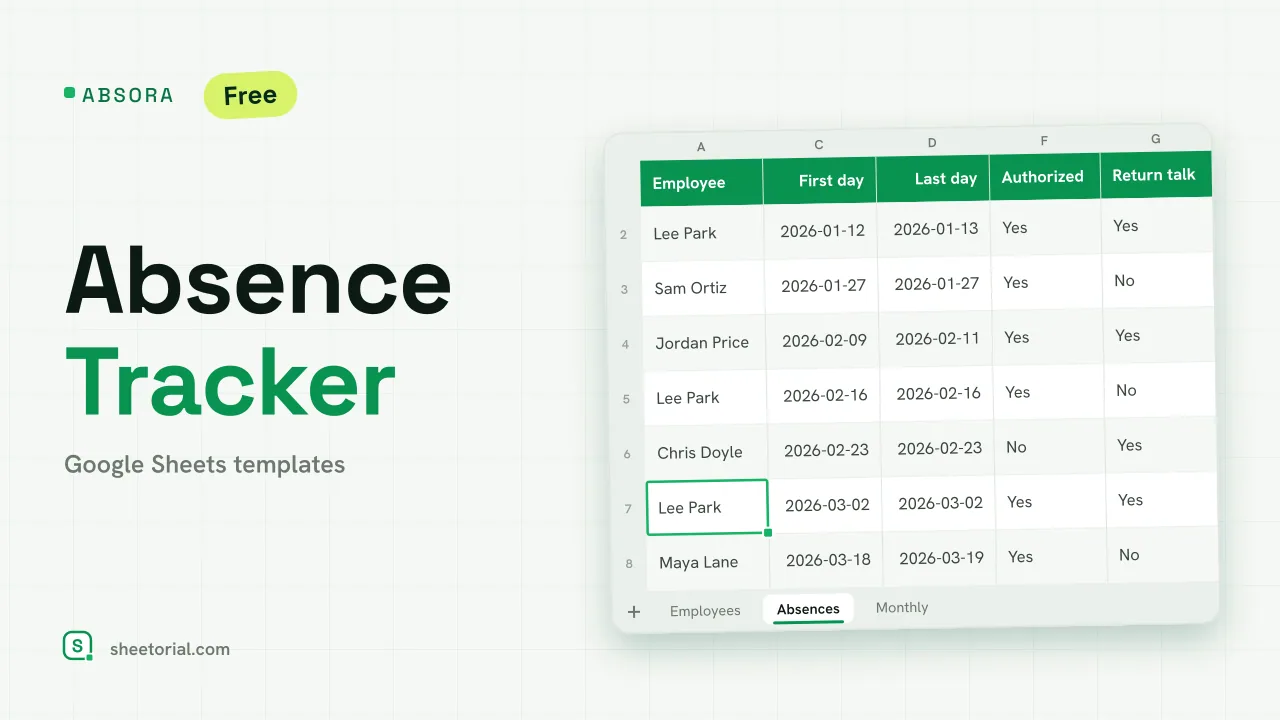 HR & Time Tracking ABSORA: Absence Tracker for Google Sheets Absence tracker for Google Sheets: log sick days and other absences, see spells, days lost and a Bradford factor per employee, plus days lost by month. Free. View template →
 -
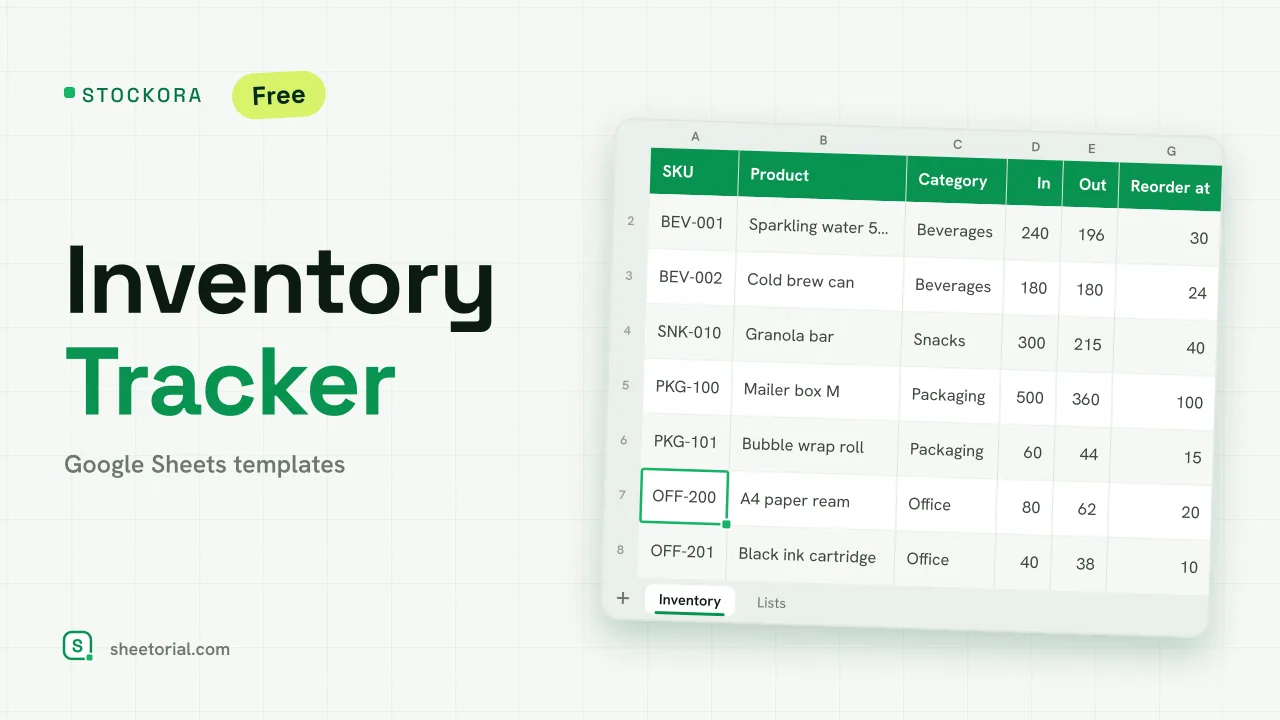 Inventory Spreadsheet STOCKORA: Small Business Inventory Template for Google Sheets Small business inventory template for Google Sheets: stock in/out, current stock and value, reorder alerts and totals. Free XLSX, no account, no trial. View template →
 -
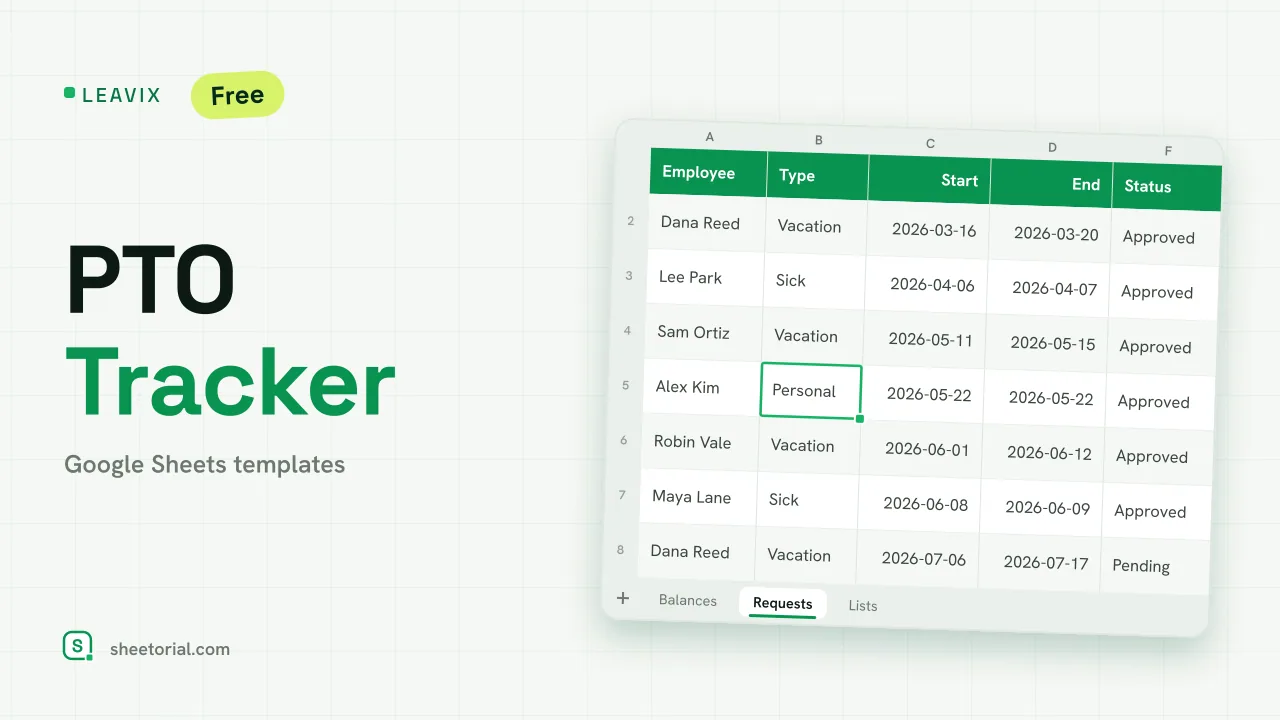 HR & Time Tracking LEAVIX: PTO Tracker for Google Sheets PTO tracker for Google Sheets: allowance, taken and remaining days per employee, plus a leave request log where only approved days are deducted. Free. View template →
 -
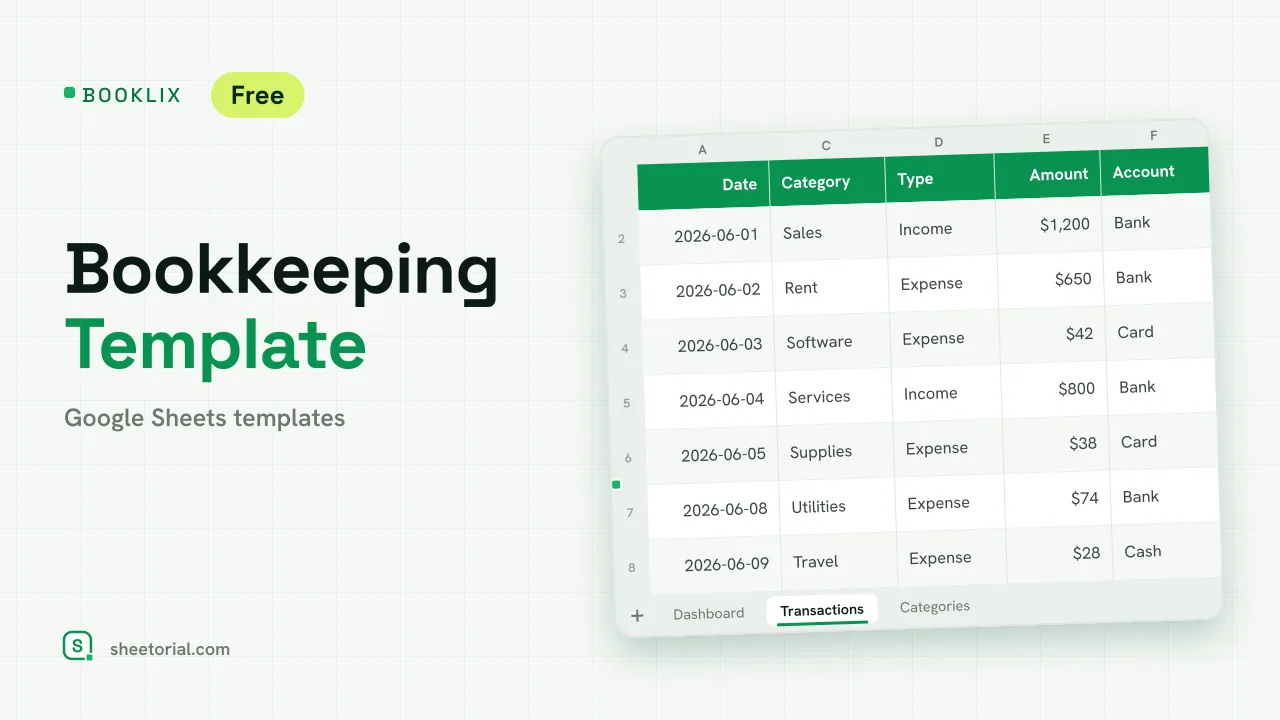 Accounting & Bookkeeping BOOKLIX: Bookkeeping Template for Google Sheets Bookkeeping template for Google Sheets: log income and expenses by category, get a monthly dashboard and per-account balances. Free XLSX, no account. View template →
 -
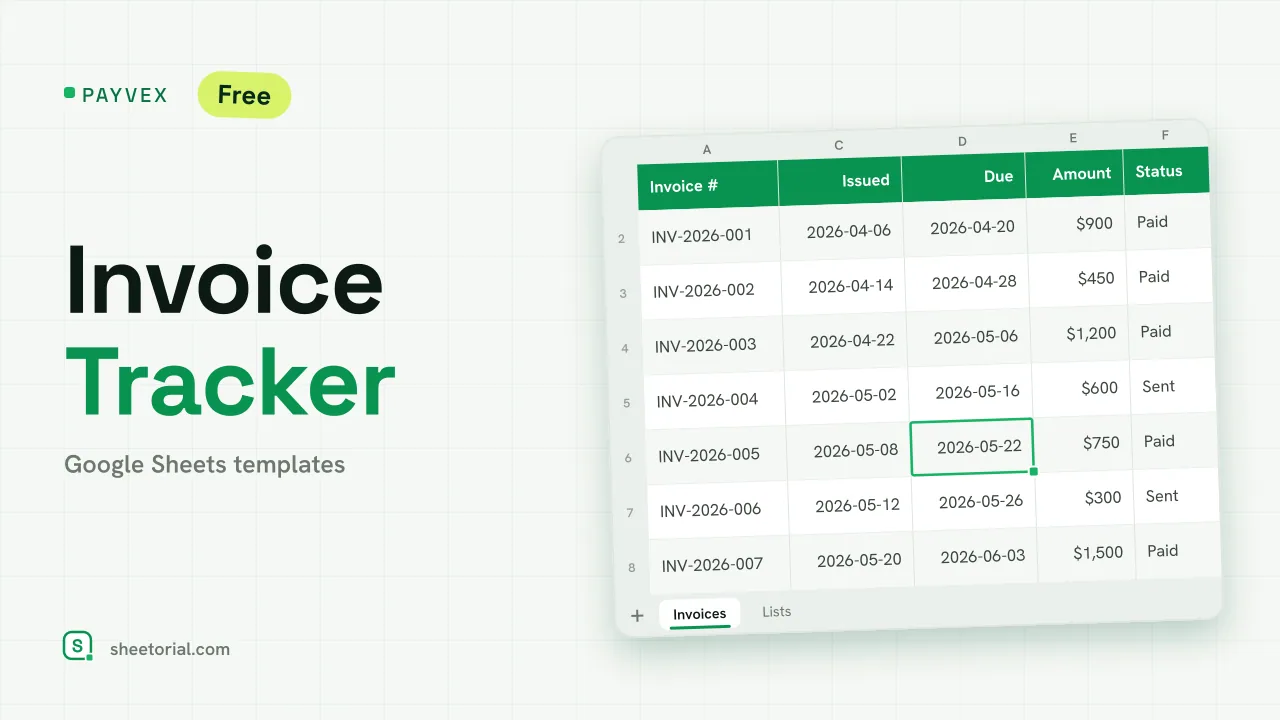 Google Sheets Invoice Templates PAYVEX: Invoice Tracking Template for Google Sheets Invoice tracking template for Google Sheets: statuses, automatic days overdue and running totals for invoiced, collected and outstanding. Free XLSX. View template →
 -
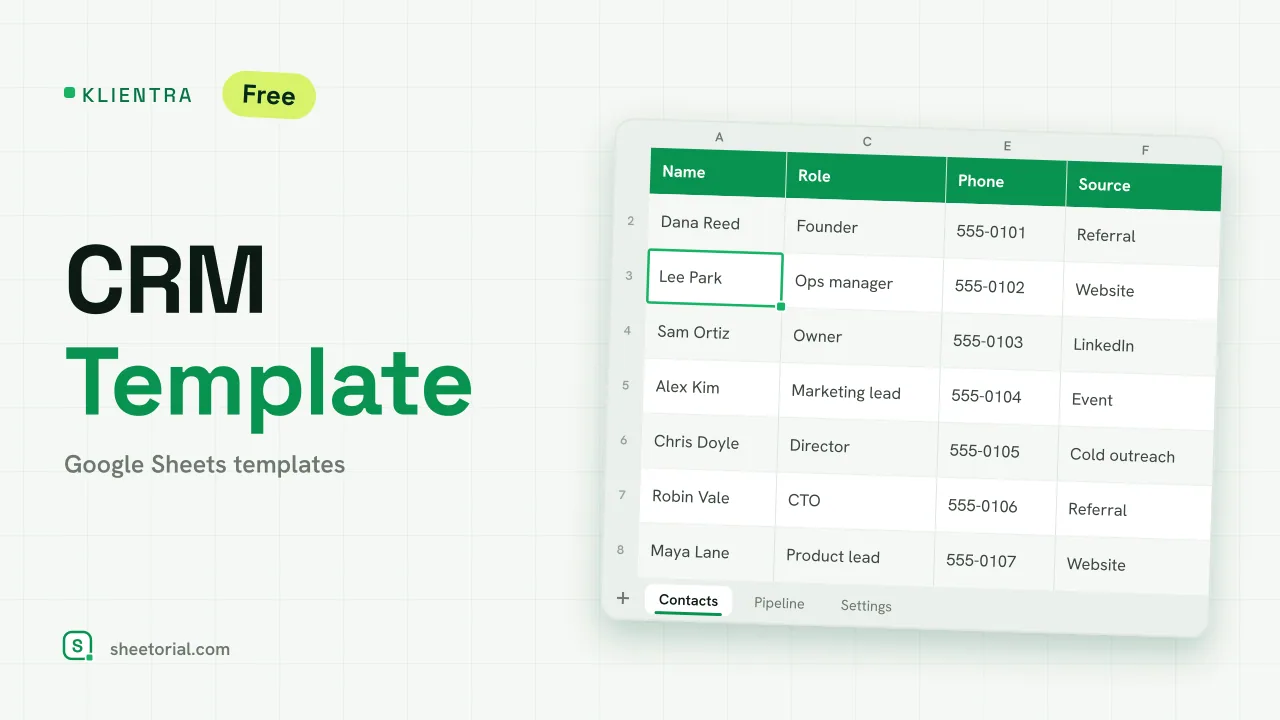 CRM & Sales KLIENTRA: CRM Template for Google Sheets CRM template for Google Sheets: contacts with follow-up alerts, a deal pipeline by stage and editable settings. Free XLSX, no account, no trial. View template →
 -
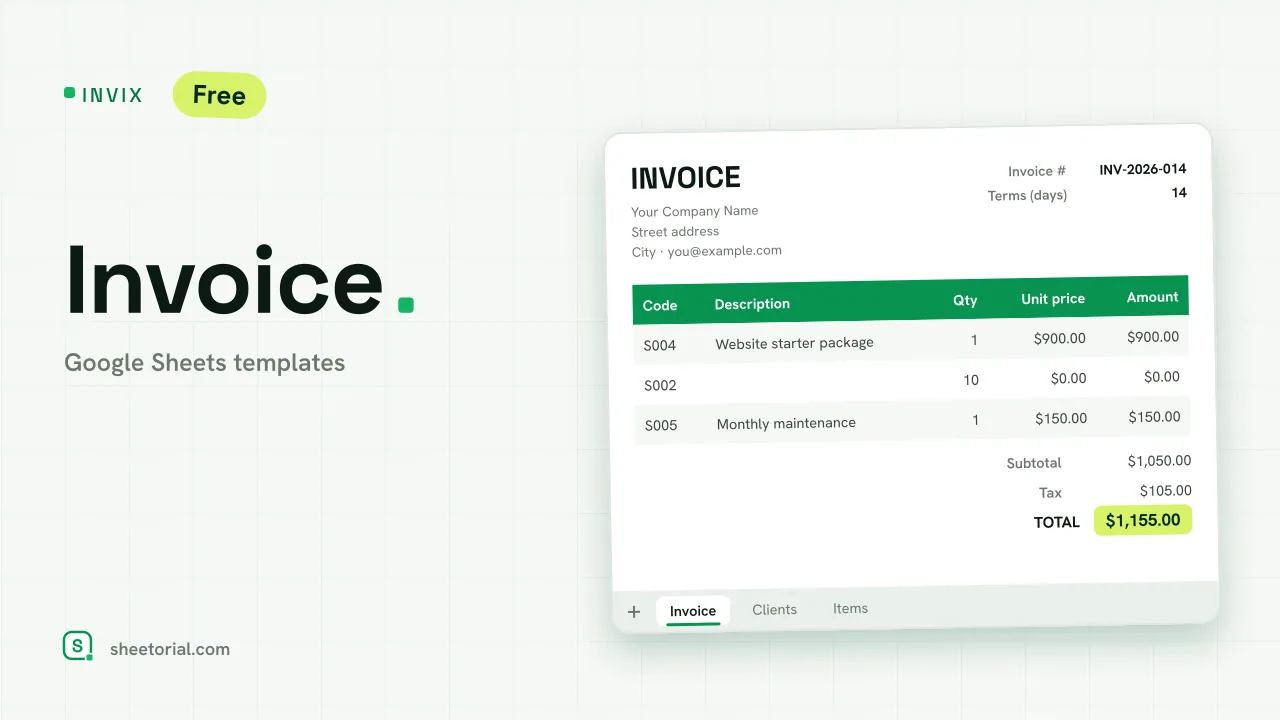 Google Sheets Invoice Templates INVIX: Google Sheets Invoice Template Google Sheets invoice template with client and item lookups: pick an ID, the invoice fills itself in and prints to one A4 page. Free XLSX download. View template →
This section collects free Google Sheets templates for running a business from a spreadsheet: sending invoices, keeping the books, counting stock, logging hours and following up on leads. Every template is a plain .xlsx file you download in one click and open in Google Sheets, Excel or LibreOffice — no sign-up, no trial, no per-seat pricing.
Google Sheets templates for small business owners
Most of these sheets are sized for freelancers, side businesses and small teams — the stage where dedicated software costs more than it saves. A well-built spreadsheet handles invoicing, bookkeeping or a sales pipeline for years; when the volume finally outgrows the grid, your data is already in rows and columns, ready to export anywhere.
Invoice templates and billing trackers
The invoicing templates cover both halves of getting paid: an invoice layout with line items, quantities, tax and totals computed for you, ready to fill in and send as a PDF — and a billing tracker that lists every invoice you issue, so one glance shows what is paid, what is pending and what is overdue.
Accounting, bookkeeping and inventory spreadsheets
For the record-keeping side there are simple ledgers and income-and-expense sheets that total by category and month, built for people who are not accountants. The inventory spreadsheets track what comes in, what goes out and what is left on the shelf, with running stock counts you can check against reality.
Time sheets, CRM and sales tracking
Time sheet templates log hours per person, day and project, and add them up by pay period. On the sales side, a lightweight CRM in spreadsheet form keeps contacts, pipeline stages and next follow-ups in one tab — enough structure to stop deals from slipping, without the overhead of a real CRM platform.
How to choose a business template for Google Sheets
Pick by the task, not by ambition: one sheet that does one job well beats a twelve-tab mega-workbook nobody maintains. Check that the columns match what you actually record — and delete the ones you don't use; the formulas in these templates are written to survive edits. Personal money matters live in the personal finance templates section, and if you have never opened an .xlsx in Google Sheets, this short guide shows the three ways to do it.