Templates
CRM & Sales Templates for Google Sheets
-
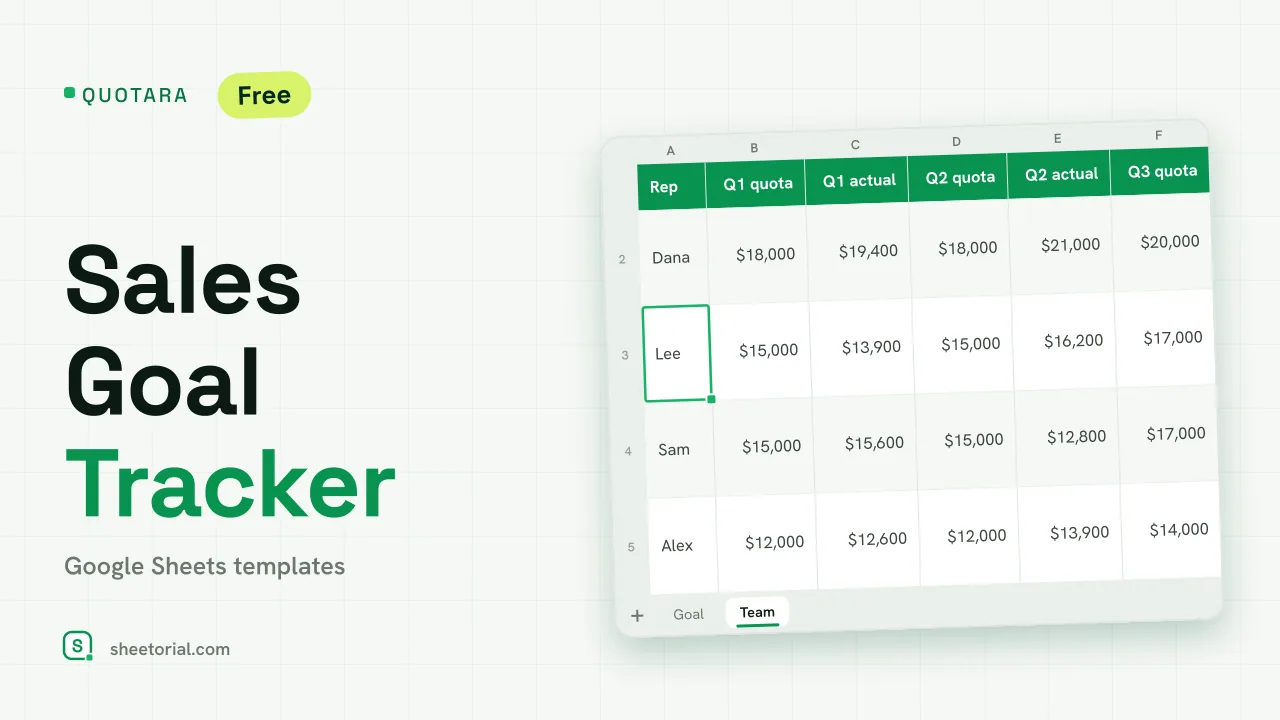 CRM & Sales QUOTARA: Sales Goal Tracker for Google Sheets Sales goal tracker for Google Sheets: an annual goal split into monthly targets, actual vs target, a year-end projection and quarterly quota by rep. Free. View template →
 -
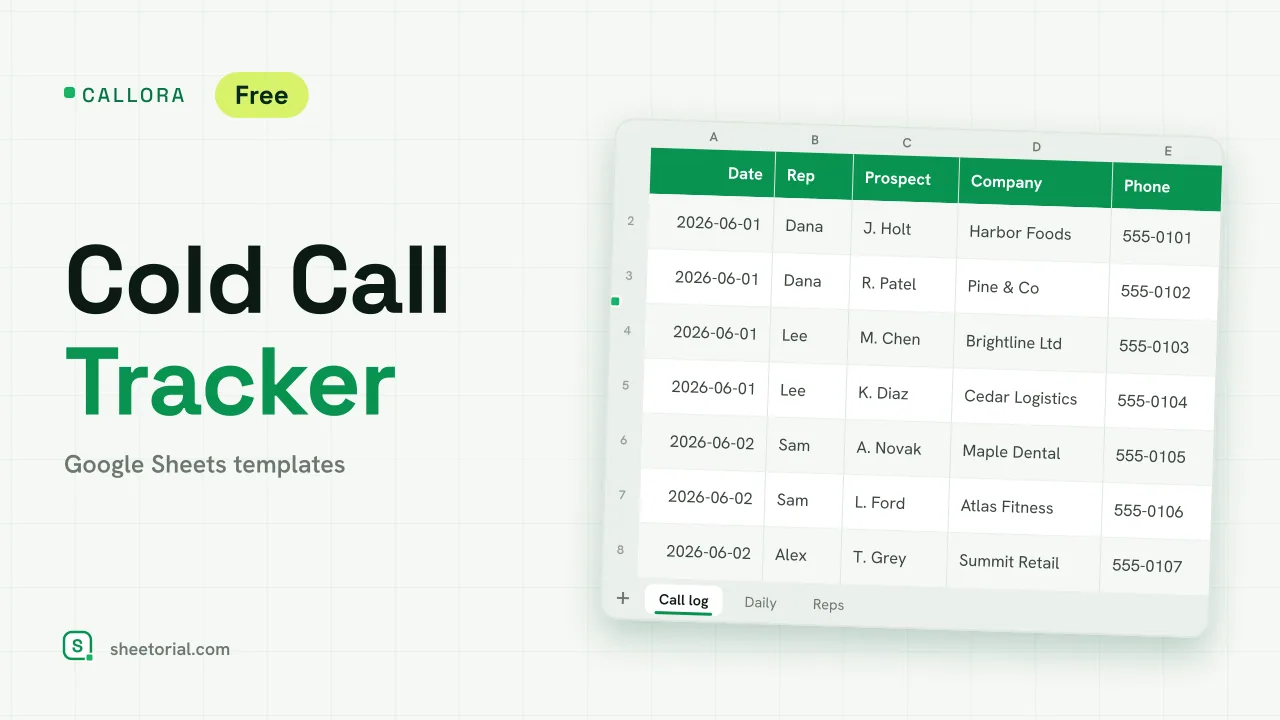 CRM & Sales CALLORA: Cold Call Tracker for Google Sheets Cold call tracker for Google Sheets: a sales call log that counts dials, connects and meetings booked, with daily activity and rates per rep. Free XLSX. View template →
 -
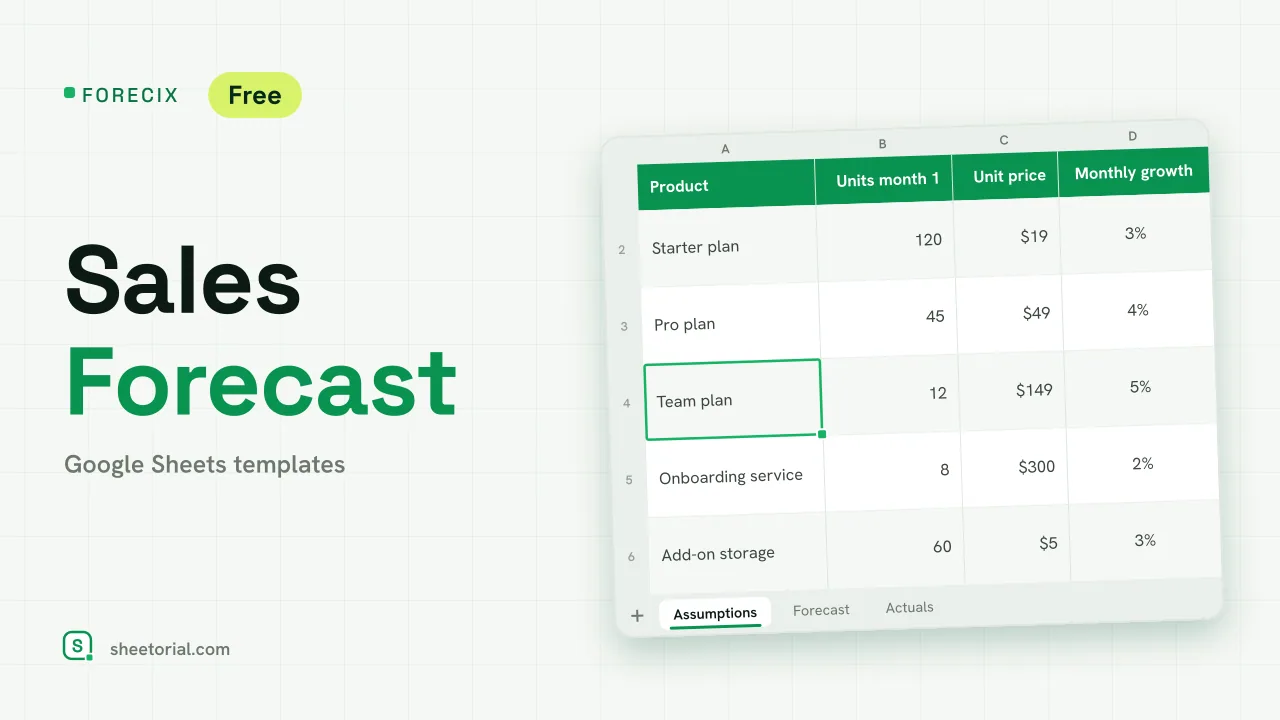 CRM & Sales FORECIX: Sales Forecast Template for Google Sheets Sales forecast template for Google Sheets and Excel: 12 months of units and revenue per product from starting volume, price and growth, plus actuals vs forecast. View template →
 -
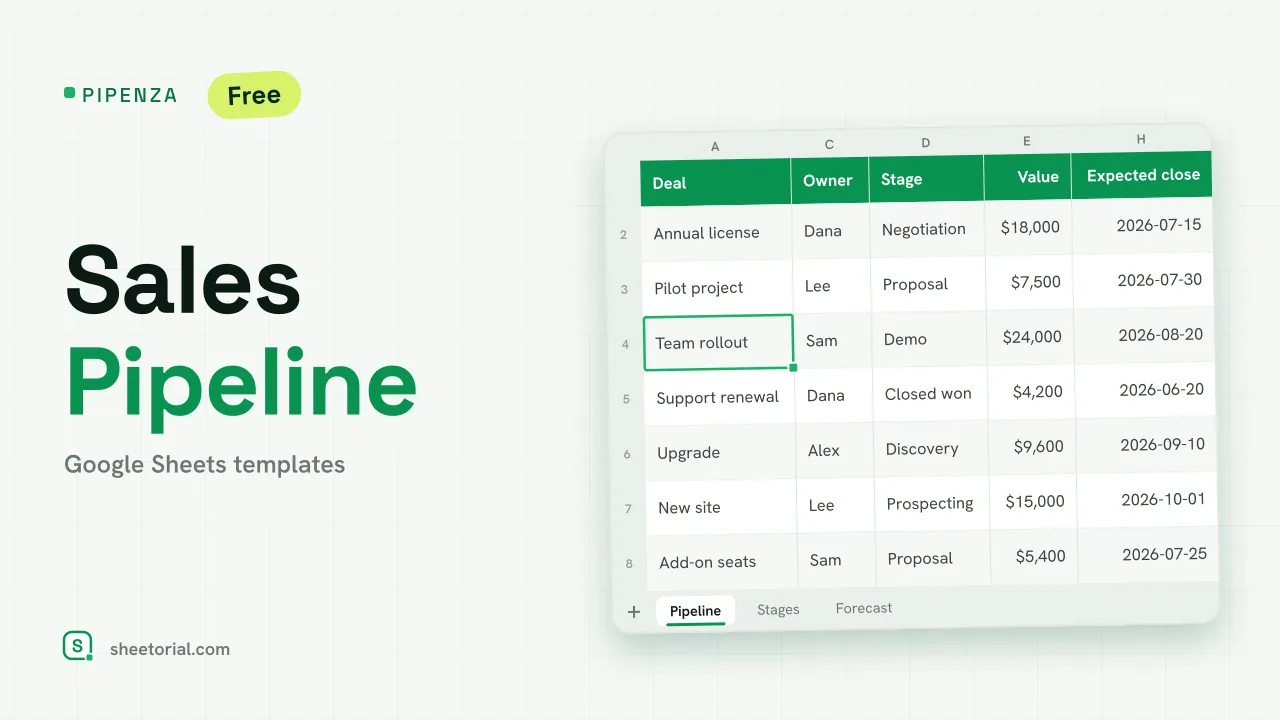 CRM & Sales PIPENZA: Sales Pipeline Template for Excel and Google Sheets Sales pipeline template for Excel and Google Sheets: deals by stage with win probability, weighted value, overdue close dates and a forecast by month. Free. View template →
 -
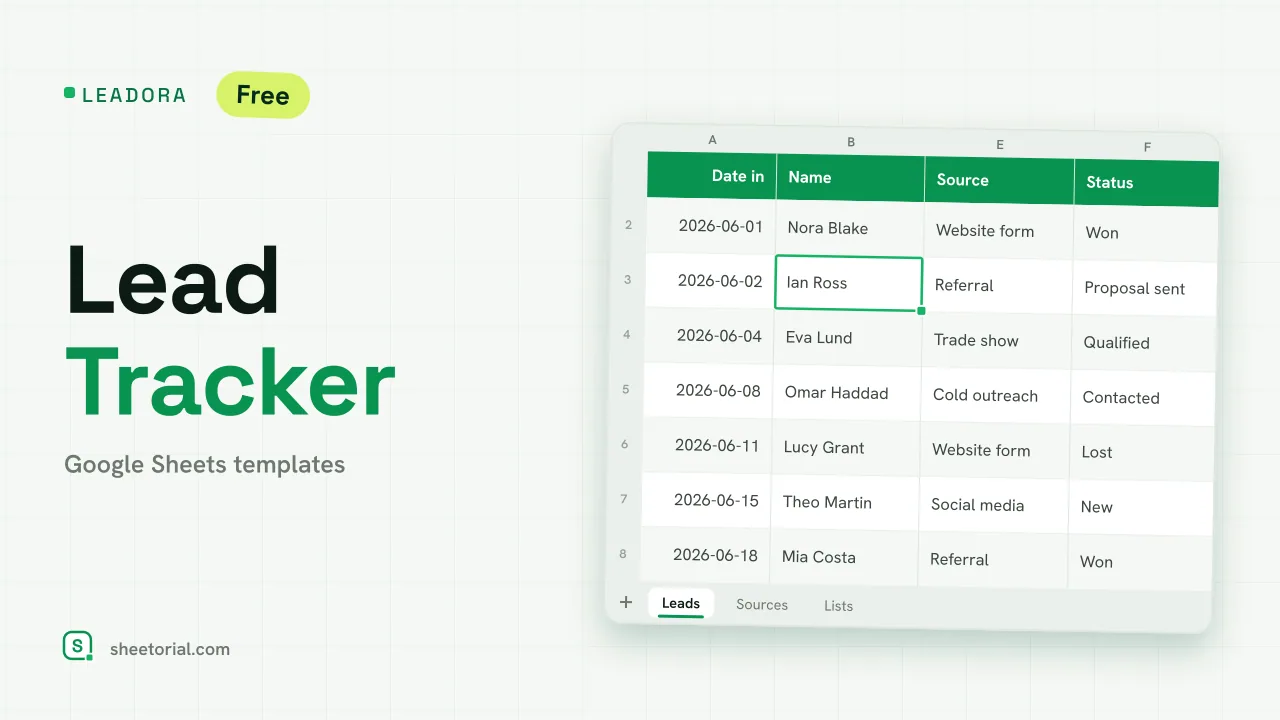 CRM & Sales LEADORA: Lead Tracker Template for Google Sheets Lead tracker template for Google Sheets: status, score, response time and overdue follow-ups for every incoming lead, plus win rate by source. Free XLSX. View template →
 -
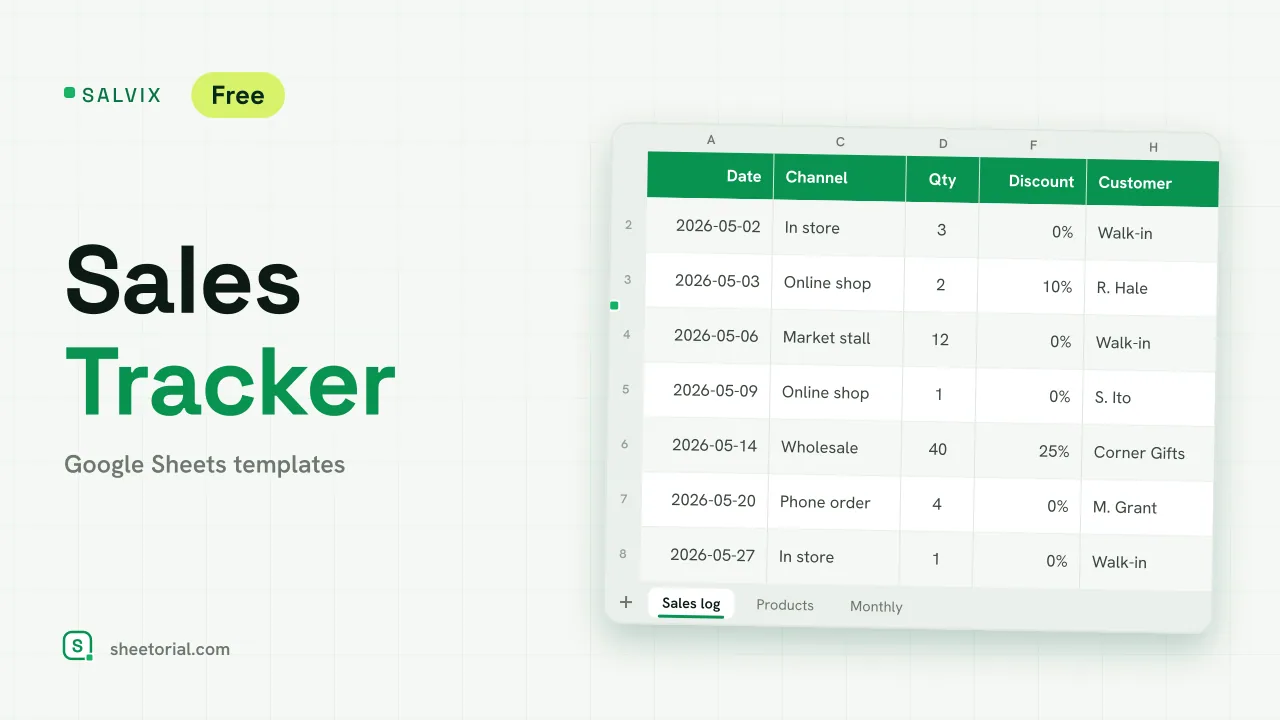 CRM & Sales SALVIX: Sales Tracker for Google Sheets Small business sales tracker for Google Sheets: a daily sales log with prices and discounts, a product ranking and monthly sales against a target. Free XLSX. View template →
 -
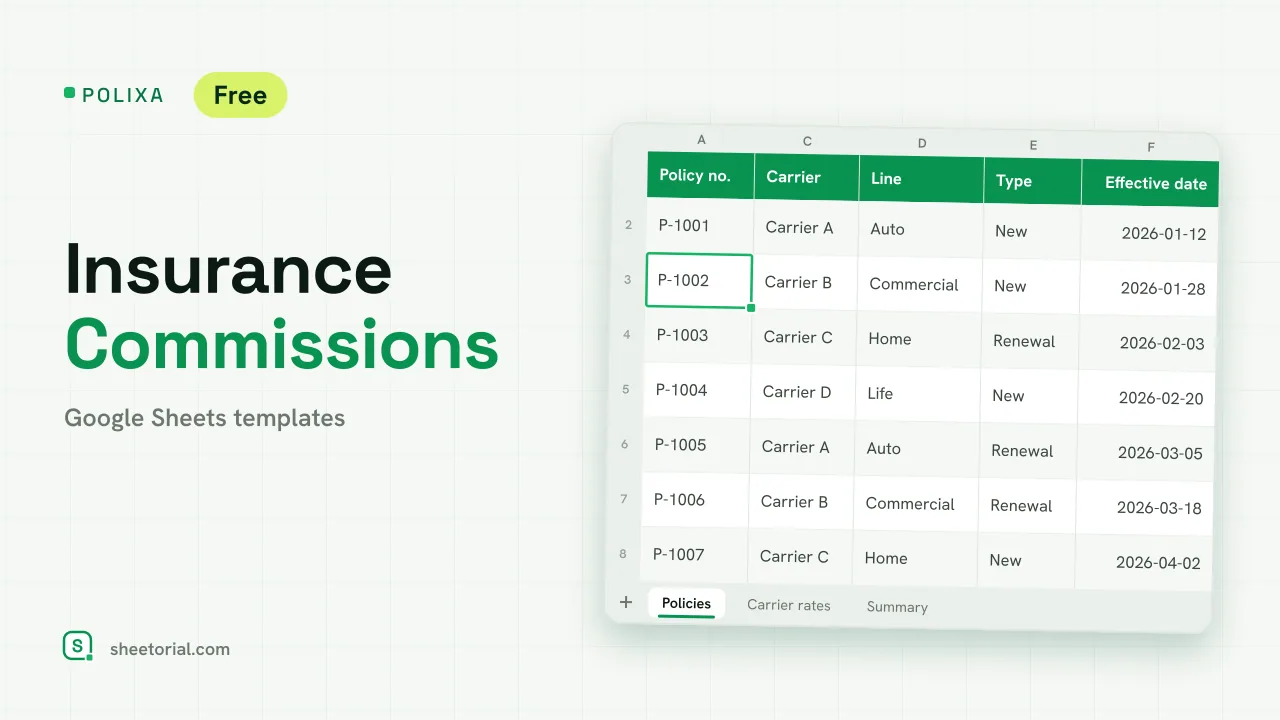 CRM & Sales POLIXA: Insurance Commission Tracker for Google Sheets Insurance commission tracker: carrier rates for new and renewal business, expected vs received commission per policy and a summary by line. Free XLSX. View template →
 -
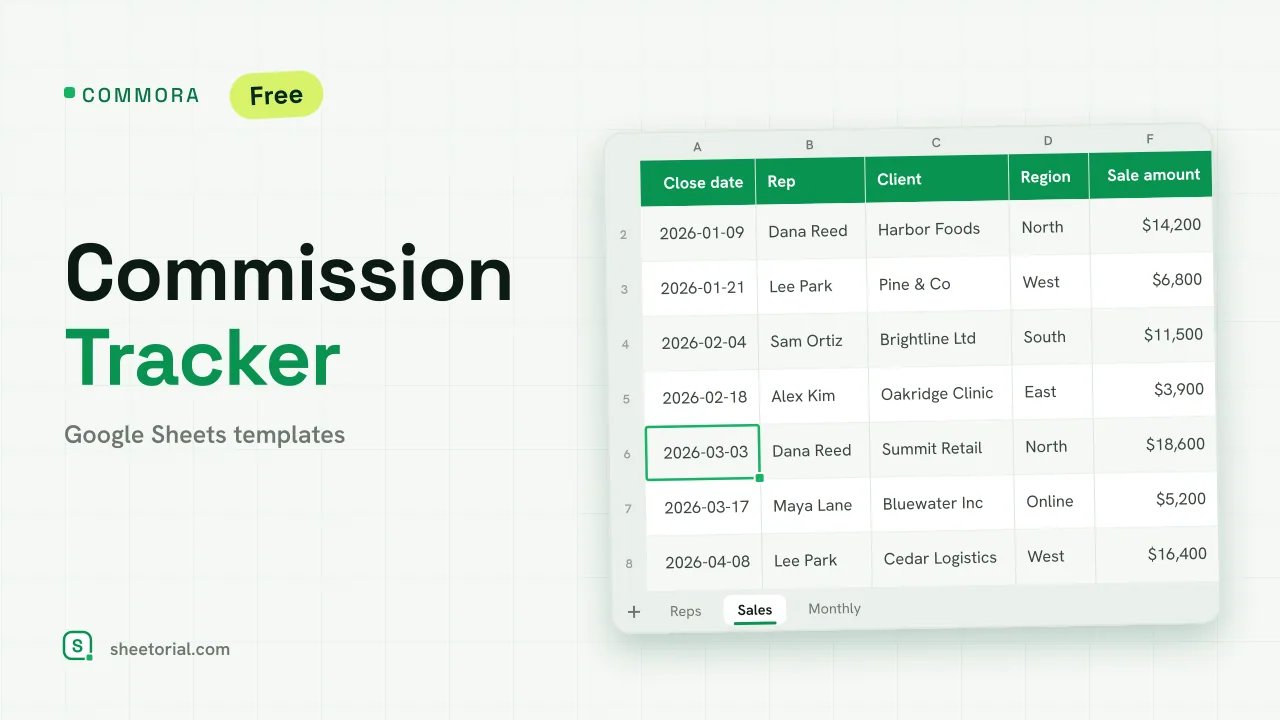 CRM & Sales COMMORA: Commission Tracker for Google Sheets Commission tracker for Google Sheets: tiered pay with a quota accelerator, a closed-sales log with payout status and a monthly view per rep. Free XLSX. View template →
 -
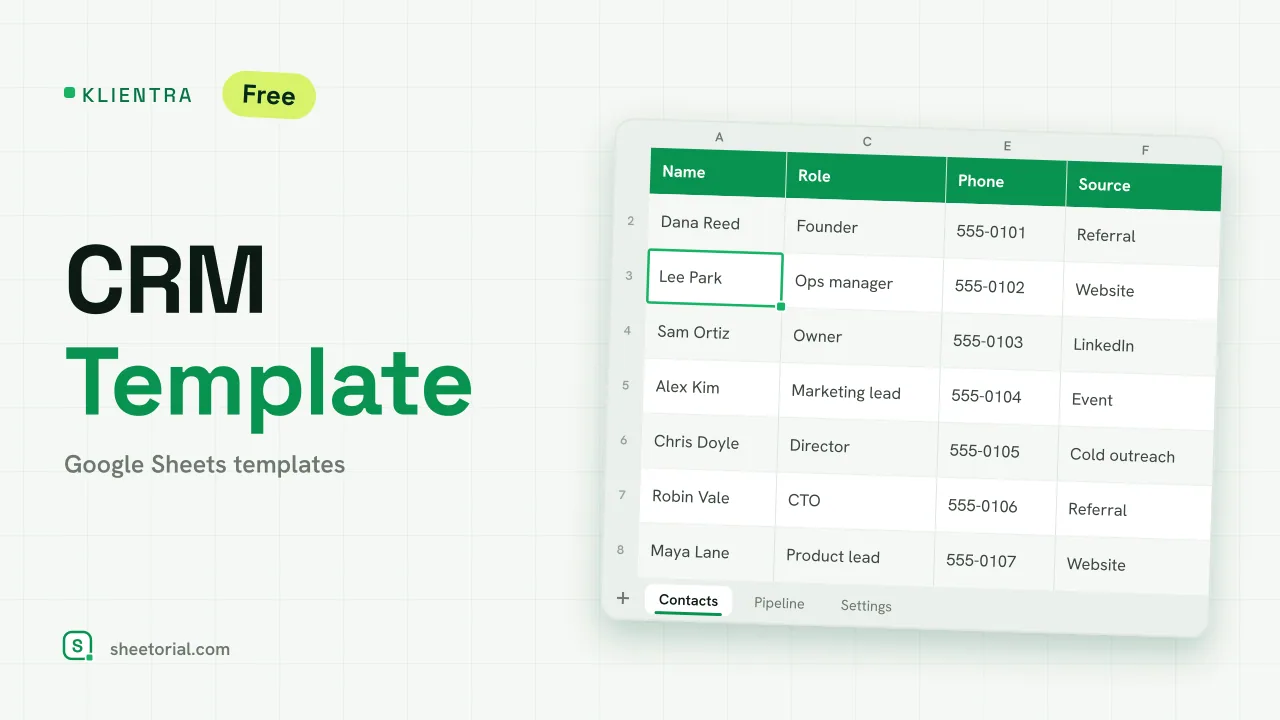 CRM & Sales KLIENTRA: CRM Template for Google Sheets CRM template for Google Sheets: contacts with follow-up alerts, a deal pipeline by stage and editable settings. Free XLSX, no account, no trial. View template →
Before a sales team has software, it has a spreadsheet — and for a surprising number of teams the spreadsheet stays the better tool. This section gathers CRM and sales templates for Google Sheets: contact and pipeline sheets, lead lists and commission math, downloaded free as .xlsx for Google Sheets or Excel.
Using Google Sheets as a CRM
A CRM in Google Sheets is a disciplined contact list: one row per deal or relationship, columns for stage, value, last contact and next step. What it lacks in automation it returns in honesty — every field is visible, nothing hides behind a view you never configured. For one person, or a team that fits around one table, that is usually the right trade.
Lead tracking templates and sales trackers
The lead tracking sheet works the top of the funnel: where each lead came from, who owns it, what happened last. The sales tracker works the bottom: what closed, when, for how much, against which target. Keeping them as two tabs of one file means the awkward middle — leads that stall — shows up as rows in neither, which is precisely the report most teams are missing.
Commission tracking in a spreadsheet
A commission spreadsheet template removes the monthly argument: deals in rows, the rate rules in formulas, a per-rep total nobody had to compute by hand. The mechanics stay transparent — anyone can audit the formula behind their own payout, which is most of what people want from commission tracking. Price lists and quote sheets, the documents commissions get computed from, follow the same one-tab logic.
When a spreadsheet CRM is enough — and when it isn't
The honest boundary: a spreadsheet CRM works while one person can still read every row. When follow-ups need automating, emails need to log themselves and three people edit the pipeline at once, you have outgrown it — and the rows export cleanly into whatever you graduate to. Until then, the sheet costs nothing and answers fast. The invoices your closed deals turn into live under invoice templates, and the opening guide covers opening the .xlsx in Google Sheets.