Category
Personal Finance Templates for Google Sheets
- Expense Tracker Google Sheets Templates 1 template
- Google Sheets Budget Templates 3 templates
- Tracker & Log Templates for Google Sheets 1 template
-
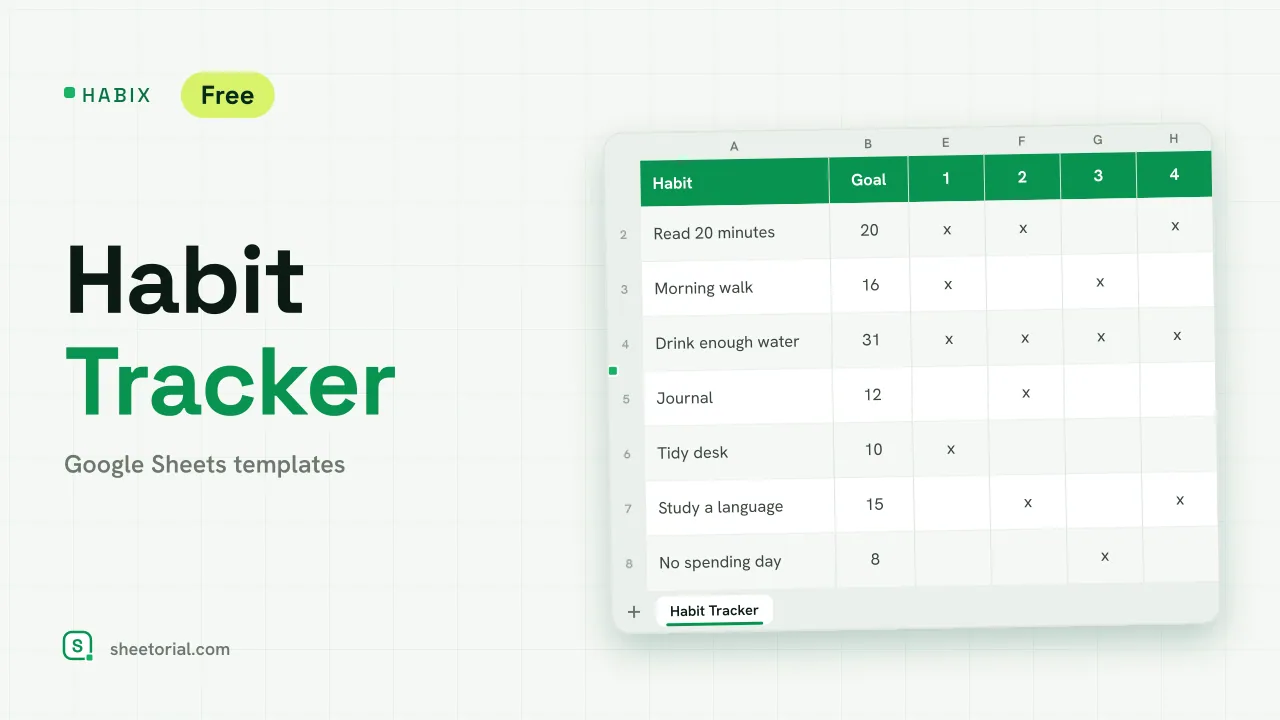 Tracker & Log HABIX: Habits Tracker for Google Sheets Free habit tracker for Google Sheets: a monthly grid where every x turns green, with a goal and a progress percentage for each habit you keep up. View template →
 -
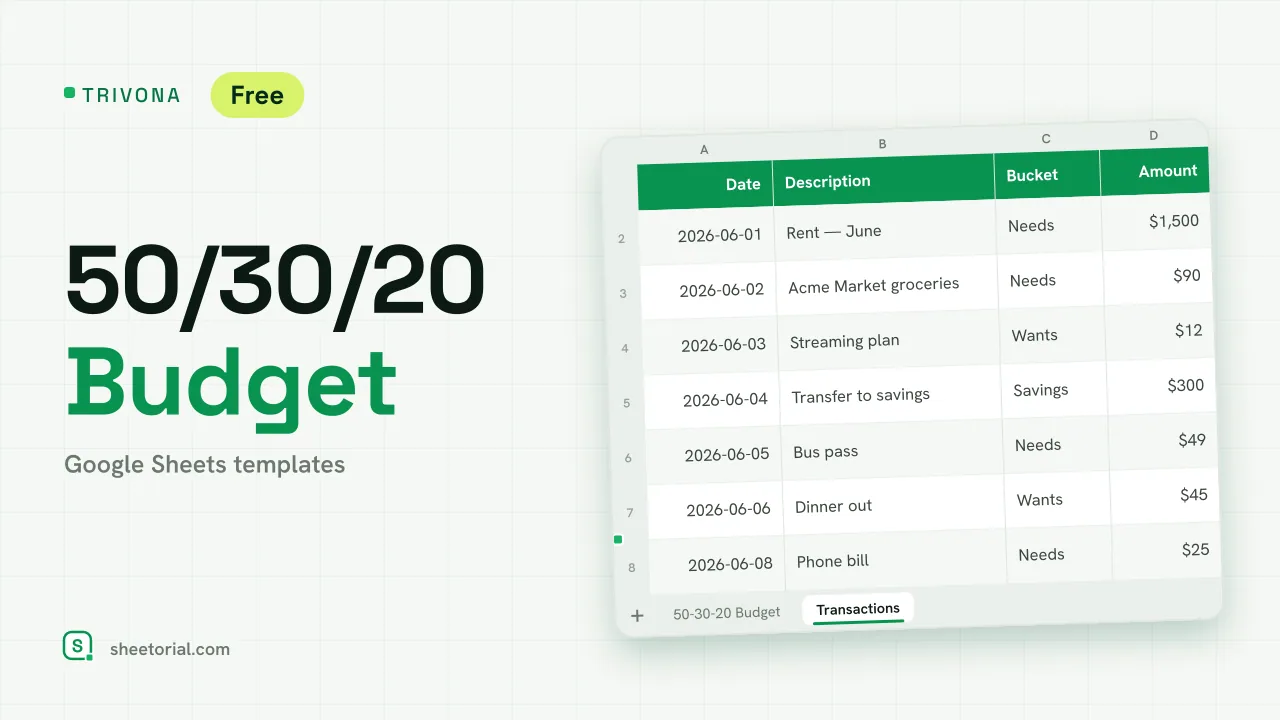 Google Sheets Budget Templates TRIVONA: 50/30/20 Budget Template for Google Sheets 50/30/20 budget template for Google Sheets: type your income, get needs, wants and savings targets, and track real spending per bucket. Free XLSX. View template →
 -
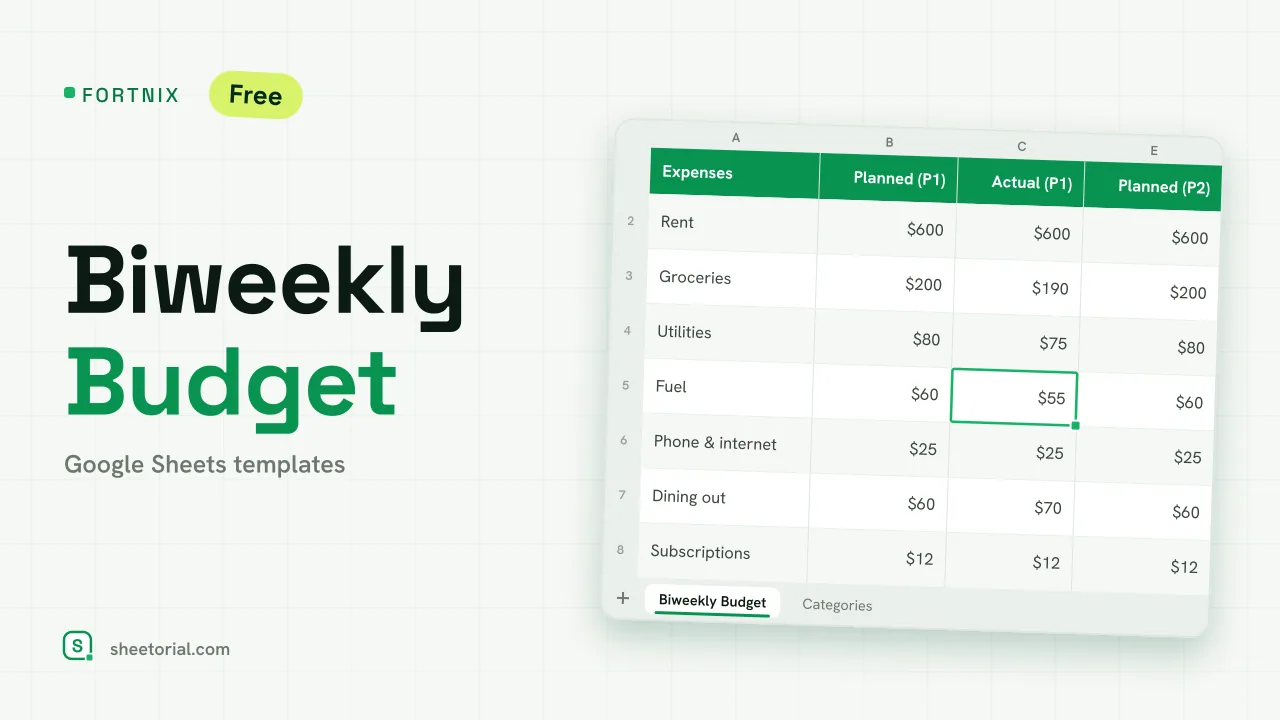 Google Sheets Budget Templates FORTNIX: Biweekly Budget Template for Google Sheets Biweekly budget template for Google Sheets: two 14-day pay periods side by side, planned versus actual and left-to-spend per paycheck. Free XLSX. View template →
 -
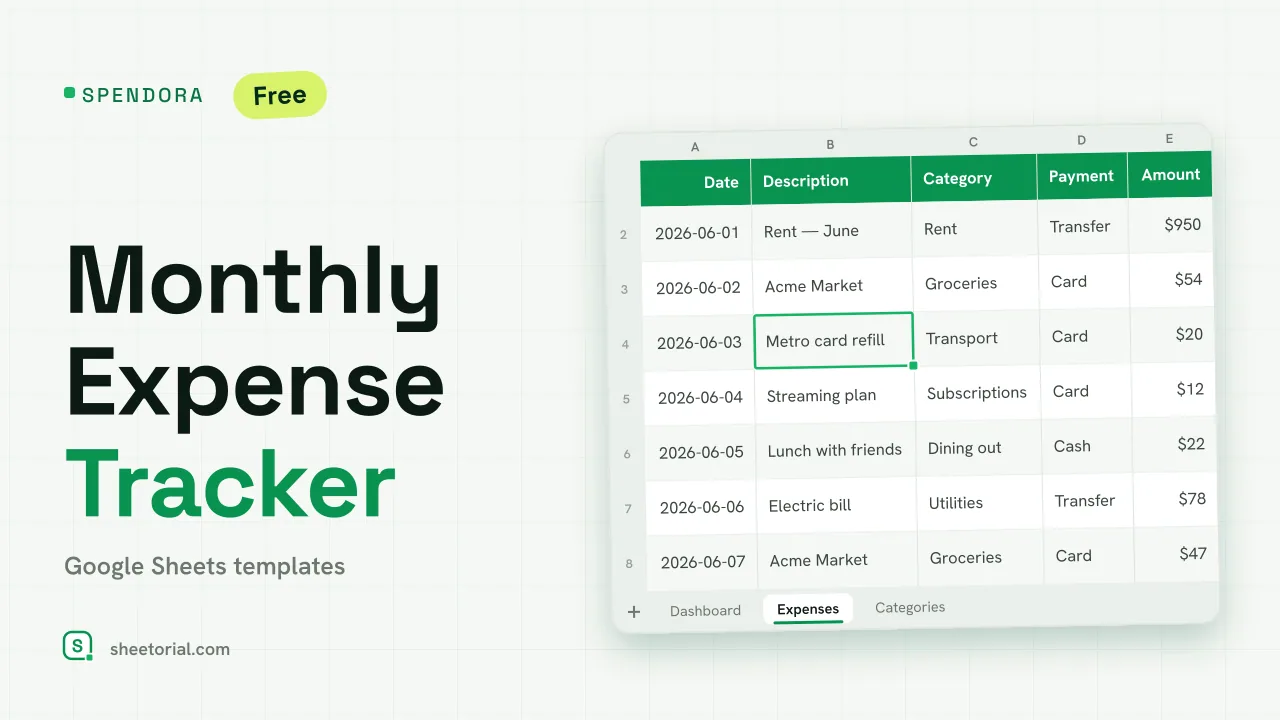 Expense Tracker Google Sheets Templates SPENDORA: Monthly Expense Tracker — Google Sheets Template Monthly expense tracker Google Sheets template with a category dashboard: log each expense and see where the month went. Free XLSX, no sign-up. View template →
 -
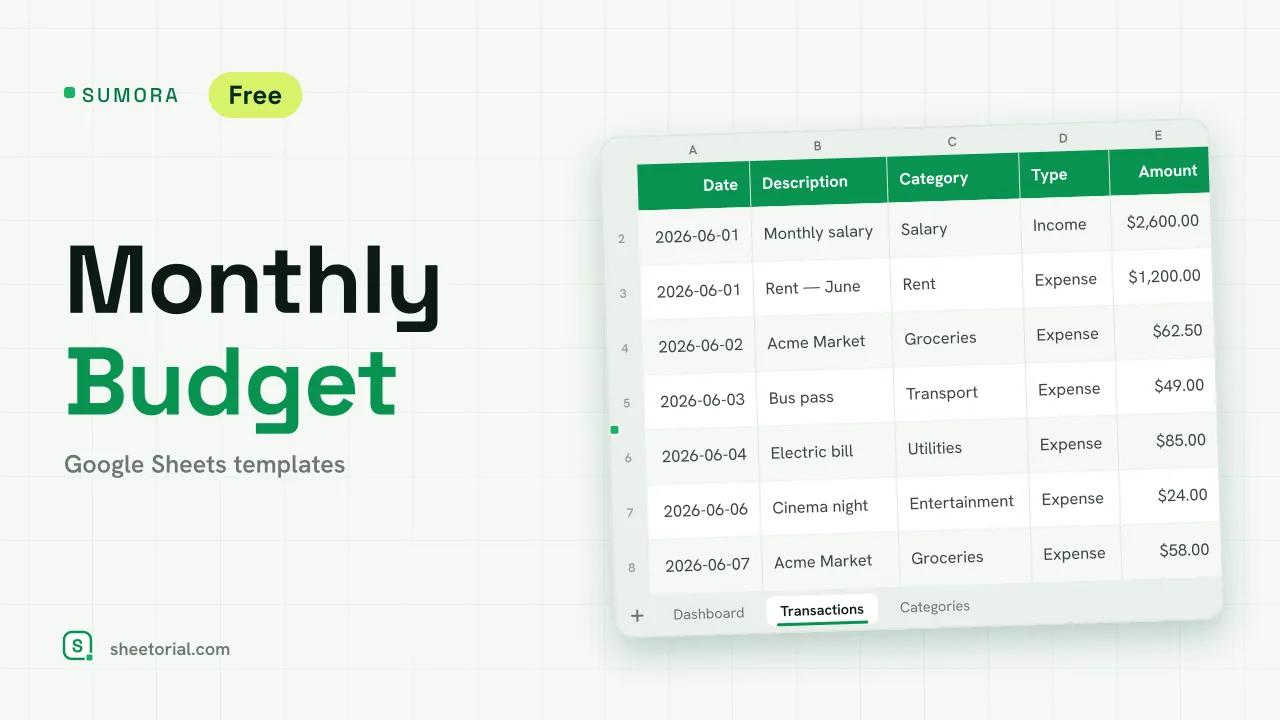 Google Sheets Budget Templates SUMORA: Free Monthly Budgeting Template for Google Sheets Free monthly budgeting template for Google Sheets: budget by category, log transactions and read a dashboard of plan versus actual. XLSX, no sign-up. View template →
These are money templates of the unglamorous, useful kind: budgets, expense trackers and logs that hold the numbers you give them and add them up correctly. You type what you earn and what you spend; the sheet shows the totals, the differences and where the month went. Every file is a free .xlsx download that opens in Google Sheets or Excel.
Budget templates: plan the month before it starts
The budget spreadsheets pair planned amounts against real ones, category by category, and keep the difference in view all month. There are layouts for monthly and biweekly pay cycles, and rule-based sheets that split income into fixed shares — the structure changes, the mechanics stay the same: plan, record, compare.
Expense trackers and spending logs
An expense tracker is the simpler tool: no plan, just a faithful record. One row per expense with date, category and amount, and summary formulas that turn the list into totals per category and per month. Two honest weeks of entries usually explain more about your spending than any app dashboard.
Trackers and logs beyond the money
The same grid logic works for anything you count over time, so this section also collects general-purpose trackers — habit streaks, savings toward a goal, whatever you want a written record of. If a thing happens repeatedly and you want to see the pattern, a tracker template is the shortest path to it.
Personal finance spreadsheets keep records, not advice
A line worth being clear about: these templates store and total what you enter, and that is all. They don't recommend how much to save, where to put money or what to cut — there are no projections and no scoring. What the numbers tell you to do is your call, ideally with advice from someone qualified when the decisions are big.
How to choose a personal finance template
Match the template to your pay cadence first — a monthly budget fights you if you are paid every two weeks. Start with fewer categories than feels right; ten you maintain beat thirty you abandon in March. Business money — invoices, ledgers, client tracking — has its own section under business templates, and the opening guide covers getting the .xlsx into Google Sheets in under a minute.