TRIVONA: 50/30/20 Budget Template for Google Sheets
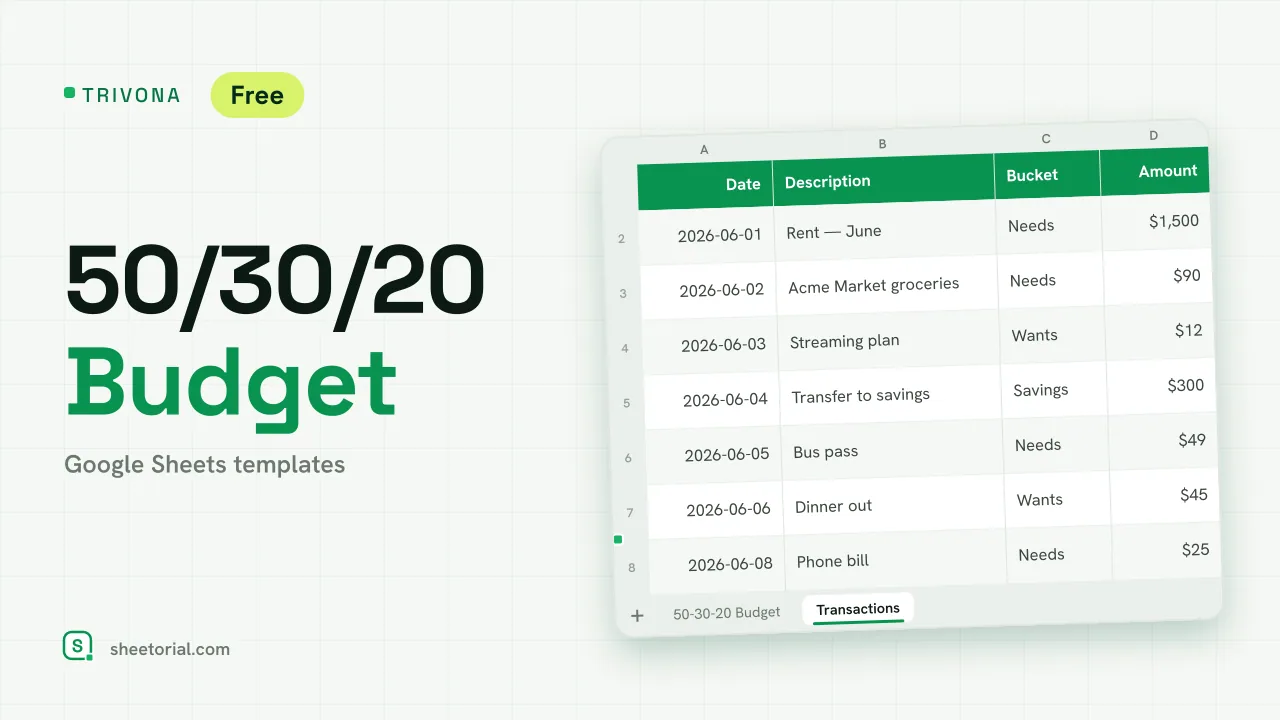
Important: you need to be signed in to a Google account to copy the template to your Drive. Need help opening the template?
TRIVONA turns the 50/30/20 rule into working formulas. Type one number — your monthly income — and the sheet splits it into targets for needs, wants and savings, then tracks how your actual spending stacks up against each share. It downloads free as .xlsx and opens in Google Sheets, Excel or LibreOffice.
How the 50/30/20 budget rule works as a spreadsheet
The rule is arithmetic, which is why it fits a spreadsheet so well: half of income for needs like rent, groceries and utilities, 30% for wants, 20% for savings. TRIVONA stores those three percentages in editable cells, multiplies each by your income to get a target amount, and sums your logged transactions per bucket to put the real figure next to it. The percentages aren't locked — change the split to anything you prefer and a check cell warns if the three shares stop adding up to 100%. The rule here is a starting structure built into formulas, not advice: the sheet computes whatever proportions you give it.
What the 50/30/20 budget template includes
Two tabs. The budget tab holds the income cell and the three-bucket table — target %, target amount, actual, difference, and each bucket's true share of income — plus a small breakdown of what was spent inside each bucket. The Transactions tab is the log: date, description, amount, and a dropdown that files every movement under Needs, Wants or Savings. Conditional formatting does the talking: a bucket turns red when actual passes its target, and a positive difference shows green. The example month uses a round 3,000 income and ten sample movements, so the mechanics are visible before your own numbers go in.
How to use the 50/30/20 template in Google Sheets
- Type your monthly net income into the Monthly income cell.
- Keep 50/30/20 or edit the three Target % cells — the sheet warns if they don't sum to 100%.
- Log each expense in Transactions and pick its bucket from the dropdown.
- Read the main table: it shows how much of each bucket you've used and turns red past the target.
- Clear the example rows and start your month.
A free 50/30/20 budget spreadsheet in eleven languages
Each language edition is its own .xlsx — tabs, bucket names and currency formats translated, formulas identical. Pick the file from the page in your language and, if you need it, the opening guide shows the three ways to bring an .xlsx into Google Sheets.
Three buckets too coarse for you? SUMORA budgets the same plan-versus-actual way but across as many categories as you want to define. Both live with the rest of the budget templates for Google Sheets.
More templates
-
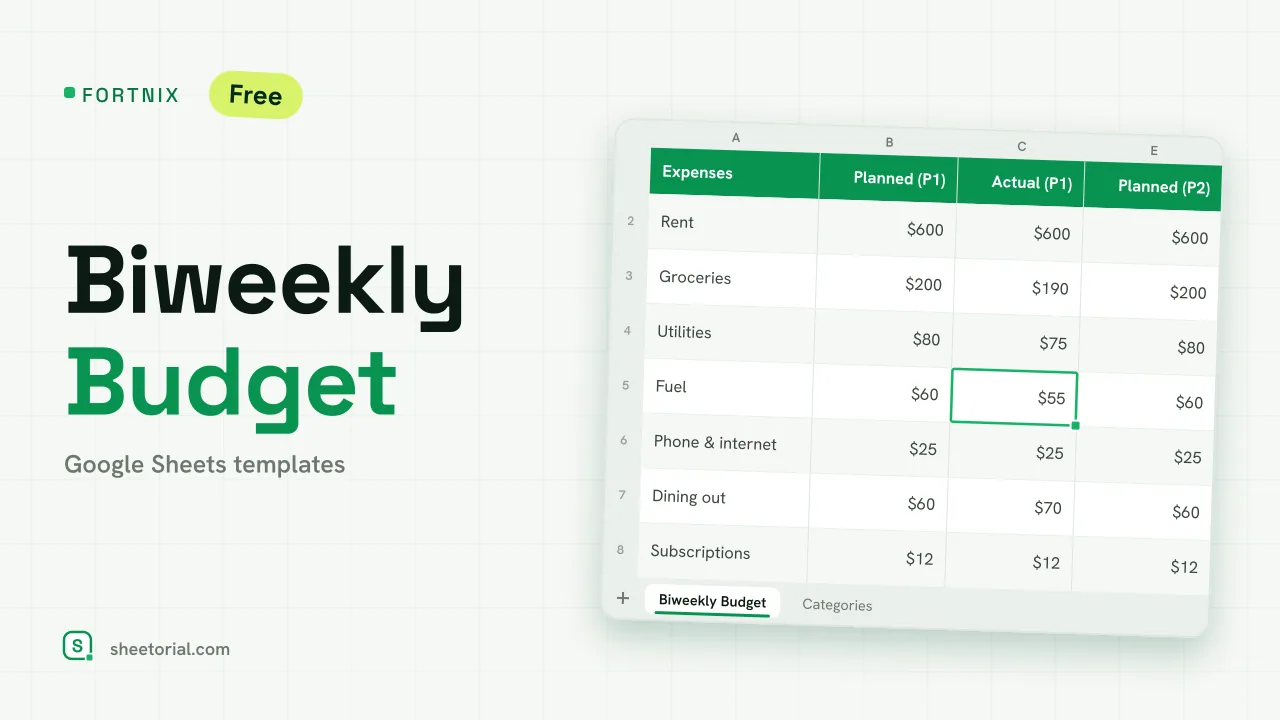 Google Sheets Budget Templates FORTNIX: Biweekly Budget Template for Google Sheets Biweekly budget template for Google Sheets: two 14-day pay periods side by side, planned versus actual and left-to-spend per paycheck. Free XLSX. View template →
 -
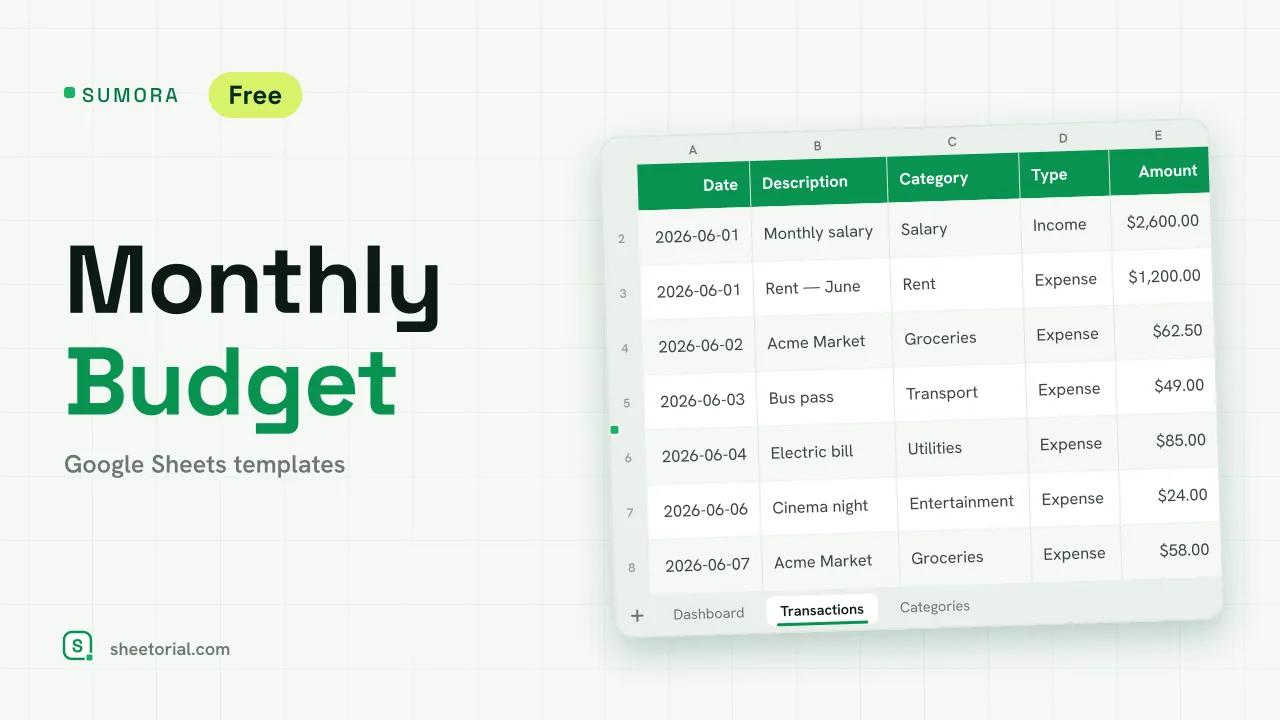 Google Sheets Budget Templates SUMORA: Free Monthly Budgeting Template for Google Sheets Free monthly budgeting template for Google Sheets: budget by category, log transactions and read a dashboard of plan versus actual. XLSX, no sign-up. View template →
 -
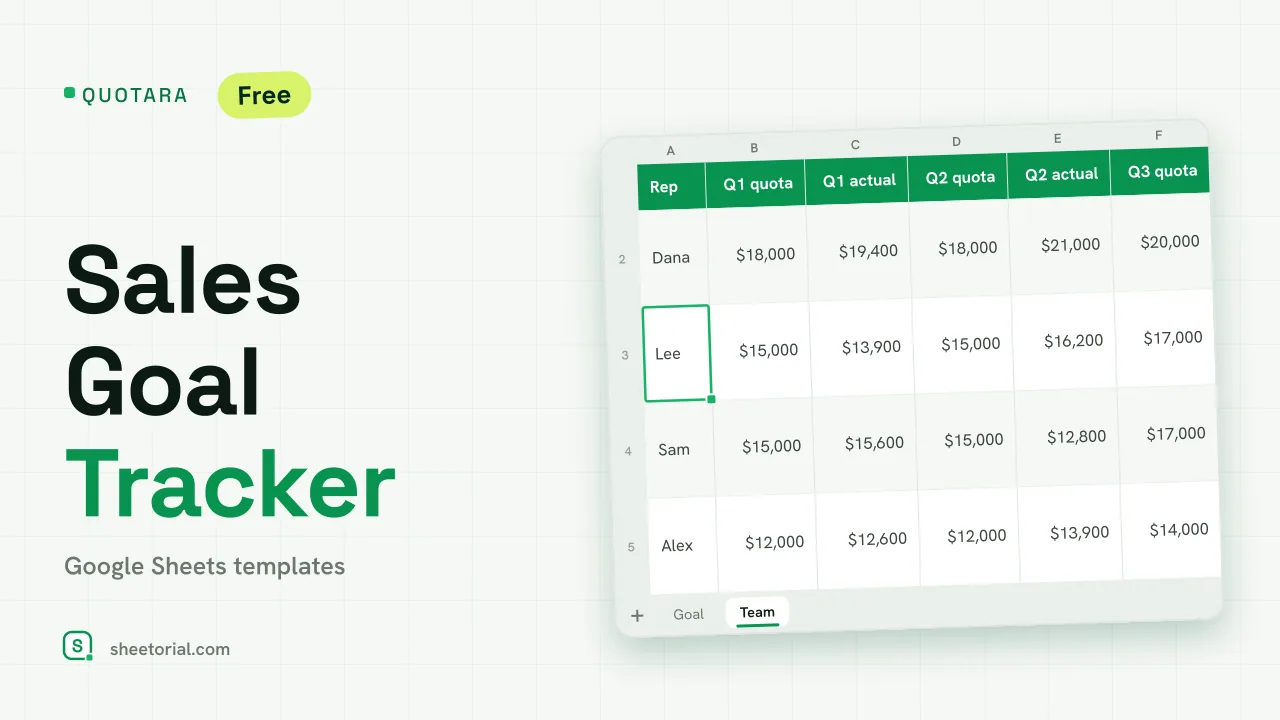 CRM & Sales QUOTARA: Sales Goal Tracker for Google Sheets Sales goal tracker for Google Sheets: an annual goal split into monthly targets, actual vs target, a year-end projection and quarterly quota by rep. Free. View template →
 -
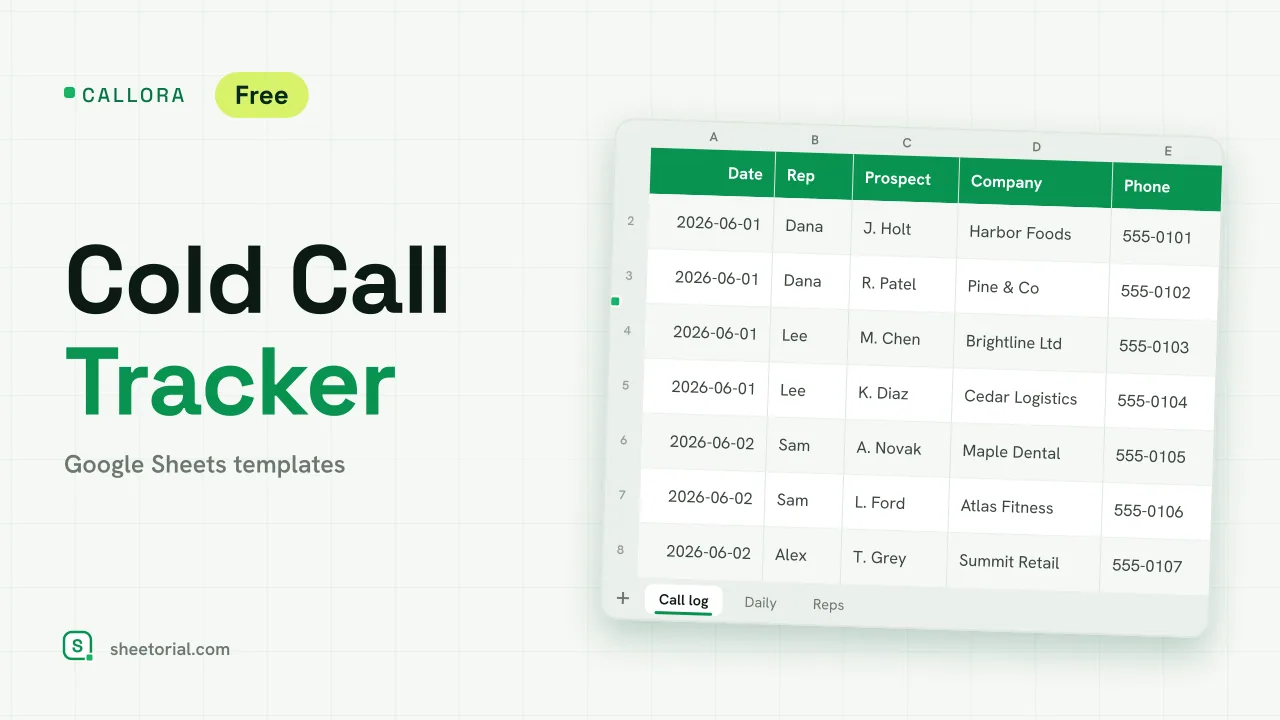 CRM & Sales CALLORA: Cold Call Tracker for Google Sheets Cold call tracker for Google Sheets: a sales call log that counts dials, connects and meetings booked, with daily activity and rates per rep. Free XLSX. View template →