SUMORA: Free Monthly Budgeting Template for Google Sheets
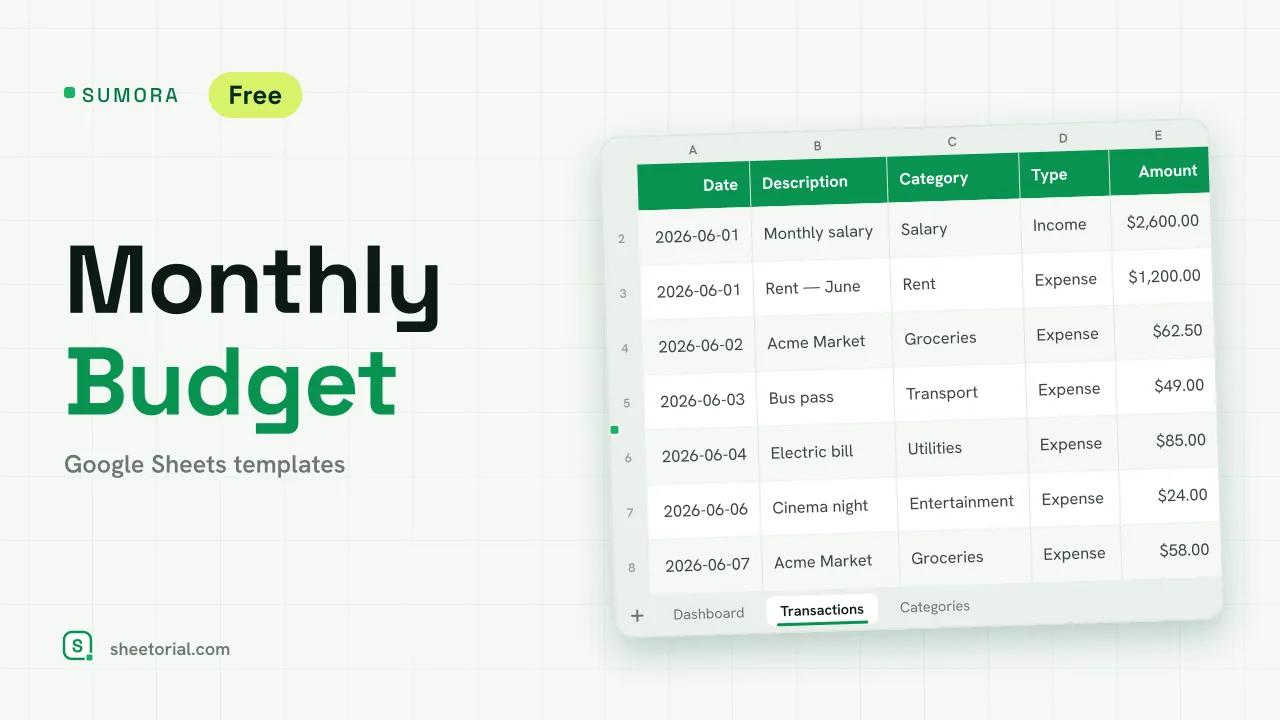
Important: you need to be signed in to a Google account to copy the template to your Drive. Need help opening the template?
SUMORA keeps the whole monthly budgeting routine on three tabs: set a budget per category, log what you spend, and read a dashboard that compares plan against reality for whichever month you pick. The download is a free .xlsx file that behaves the same in Google Sheets, Excel and LibreOffice.
What's inside the monthly budget template
Dashboard is the tab you read. Change the active month in one cell and three headline figures recalculate: income, expenses and the net for that month. Below them, a table lines up every category's budget against what you've actually spent, with the difference and the share of budget used. The % column carries a traffic light: green under 80%, amber from 80%, red once a category goes over its budget.
Transactions is the tab you type in. One row per movement — date, description, then category and type picked from dropdowns, then the amount. Twelve example rows show the pattern, and income rows tint green so the list stays readable as it grows.
Categories holds the plan: an editable list of categories — rent, groceries, utilities and ten more to start — each with its monthly budget. This list feeds the dropdowns and the dashboard, so renaming a category or adding one updates the whole file.
How the monthly budget spreadsheet does the math
No scripts, just formulas you can open and read. The dashboard looks up each category's budget on the Categories tab and adds up the matching transactions inside the active month, so a purchase logged today lands in the month's totals the moment you type it. The % used column divides one by the other and drives the colour coding. SUMORA totals and compares what you record — the spending decisions stay yours, and it offers no advice about them.
How to use this free monthly budget template in Google Sheets
- Edit the Categories tab: your categories, and a monthly budget for each.
- Set the active month on the Dashboard to the month you're budgeting.
- Log each movement in Transactions, picking category and type from the dropdowns.
- Read the Dashboard as the month runs: amber means a category passed 80% of its budget, red means it went over.
- Delete the example rows when you start for real.
A simple monthly budget template in eleven languages
SUMORA ships in eleven language editions, each a separate .xlsx with tab names, categories, dropdown values and currency formatting translated — the formulas stay identical underneath. Download the file from the page in your language, and if the import step is new to you, the opening guide walks through the three routes into Google Sheets.
Paid every two weeks instead of monthly? FORTNIX matches that cycle with two pay periods side by side. If you only want to record spending without setting targets, SPENDORA keeps the diary side on its own. More plan-versus-actual layouts live with the budget templates for Google Sheets.
More templates
-
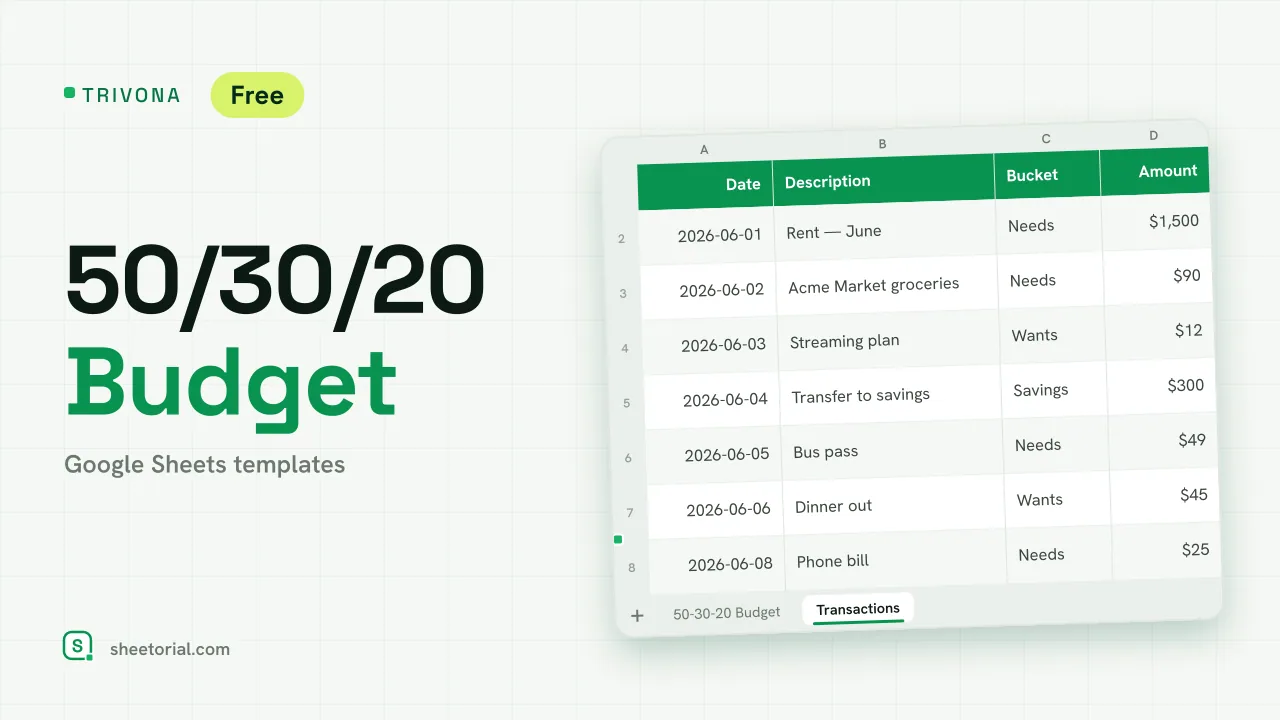 Google Sheets Budget Templates TRIVONA: 50/30/20 Budget Template for Google Sheets 50/30/20 budget template for Google Sheets: type your income, get needs, wants and savings targets, and track real spending per bucket. Free XLSX. View template →
 -
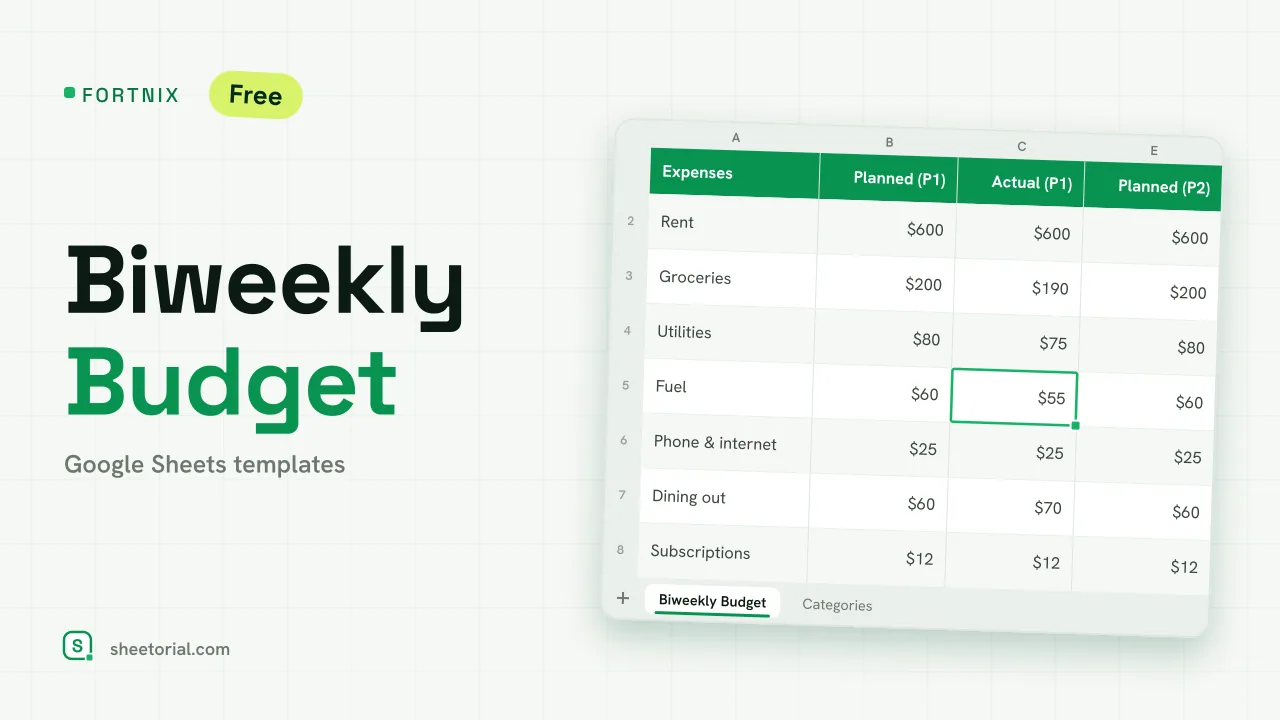 Google Sheets Budget Templates FORTNIX: Biweekly Budget Template for Google Sheets Biweekly budget template for Google Sheets: two 14-day pay periods side by side, planned versus actual and left-to-spend per paycheck. Free XLSX. View template →
 -
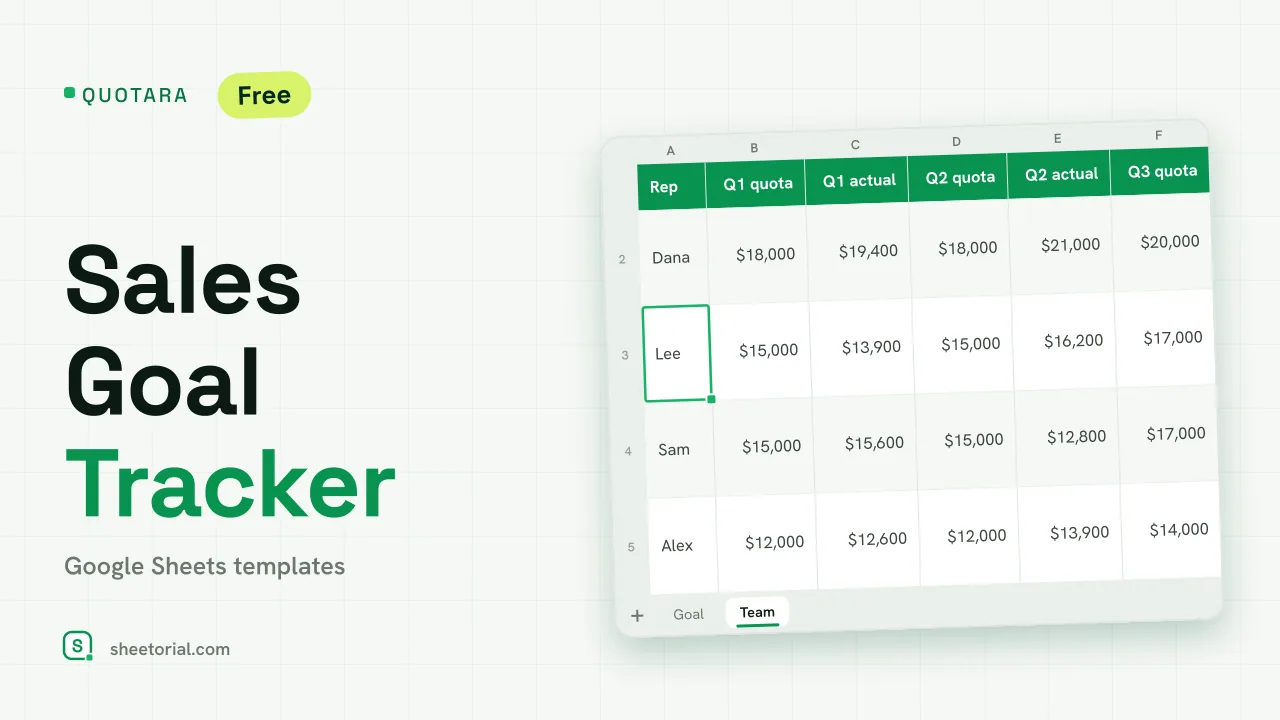 CRM & Sales QUOTARA: Sales Goal Tracker for Google Sheets Sales goal tracker for Google Sheets: an annual goal split into monthly targets, actual vs target, a year-end projection and quarterly quota by rep. Free. View template →
 -
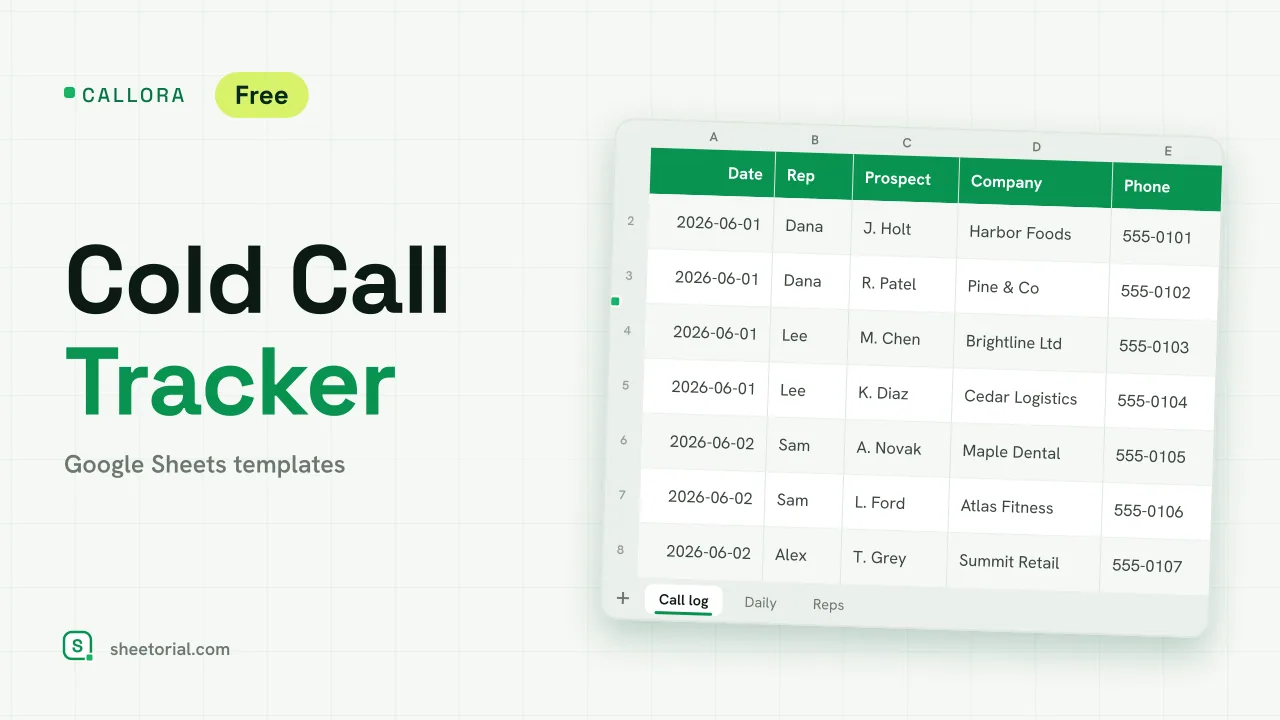 CRM & Sales CALLORA: Cold Call Tracker for Google Sheets Cold call tracker for Google Sheets: a sales call log that counts dials, connects and meetings booked, with daily activity and rates per rep. Free XLSX. View template →