SPENDORA: Monthly Expense Tracker — Google Sheets Template
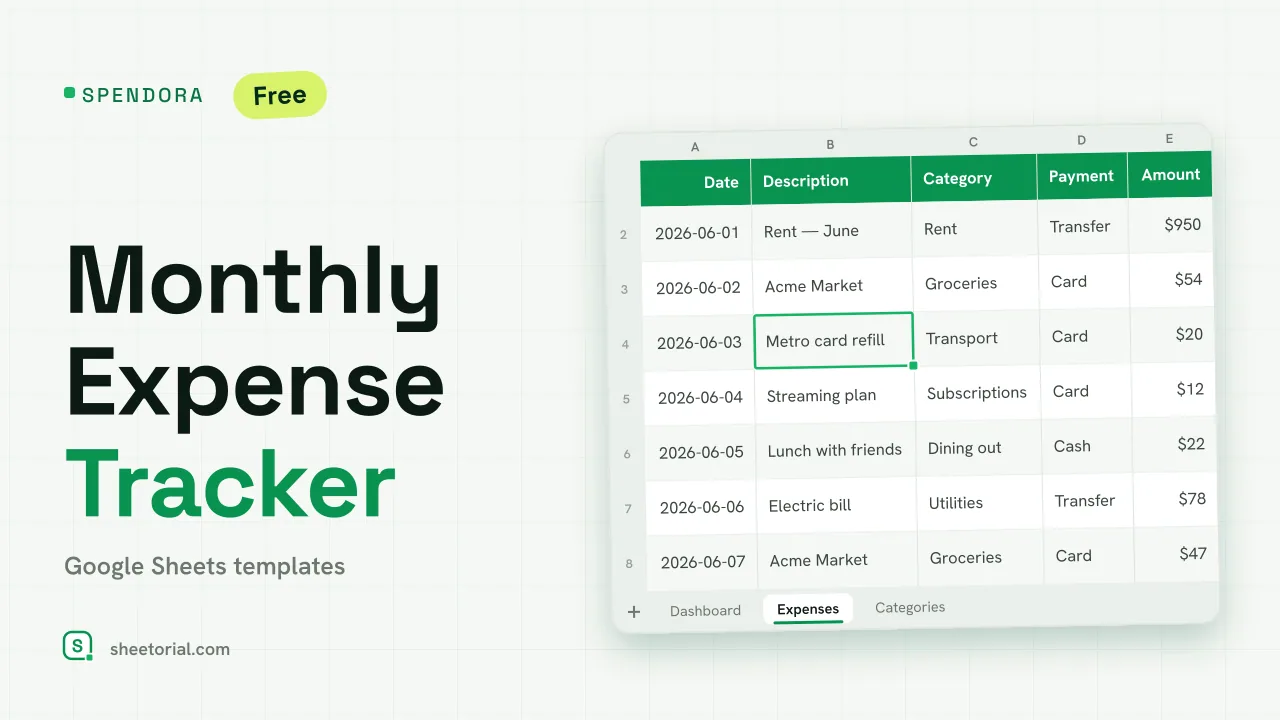
Important: you need to be signed in to a Google account to copy the template to your Drive. Need help opening the template?
SPENDORA is the recording half of money management: a monthly expense tracker for Google Sheets where every expense gets logged with its date, category and payment method, and a dashboard totals the month by category as you type. The template is a free .xlsx — no sign-up — and works the same in Google Sheets, Excel and LibreOffice.
An expense tracker template, not another budget sheet
Search for an expense tracker and half of what ranks is actually budget spreadsheets. The two answer different questions: a budget sets limits in advance, a tracker records what really happened. SPENDORA is deliberately the second thing — no targets, no plan columns, just a clean diary of spending with the arithmetic done for you. If you want limits as well, pair it with the SUMORA monthly budget and let each sheet do its half.
Inside the monthly expense tracker, tab by tab
Expenses is the log: date, description, category and payment method from dropdowns, amount. Entries of 100 or more tint amber, so the big tickets jump out when you scroll back through the month. Dashboard reads that log for whichever month you set in the Active month cell: total spent, number of entries, average expense, and a per-category table with each category's share of the total — the line that answers where the money went. Any category crossing 30% of the month flags amber as the one dominating it. Categories holds both lists, spending categories and payment methods, so the dropdowns match how you actually pay — card, cash, transfer or your own labels.
How to track monthly expenses in Google Sheets
- Adjust your categories and payment methods on the Categories tab.
- Log each expense in Expenses: date, concept, the two dropdowns, amount.
- Switch the Active month on the Dashboard to review any month you've recorded.
- Check which category takes the biggest share of the total — it flags amber from 30%.
- Delete the twelve example rows when you start logging for real.
A free expense tracker template in eleven languages
SPENDORA comes in eleven language editions, each one a separate .xlsx with tab names, default categories, payment methods and currency formatting in that language. Download from the page in your language; the opening guide covers the import into Google Sheets in three short routes.
Other layouts for the same job — business spending, daily logs, income and expenses combined — are grouped under the expense tracker templates.
More templates
-
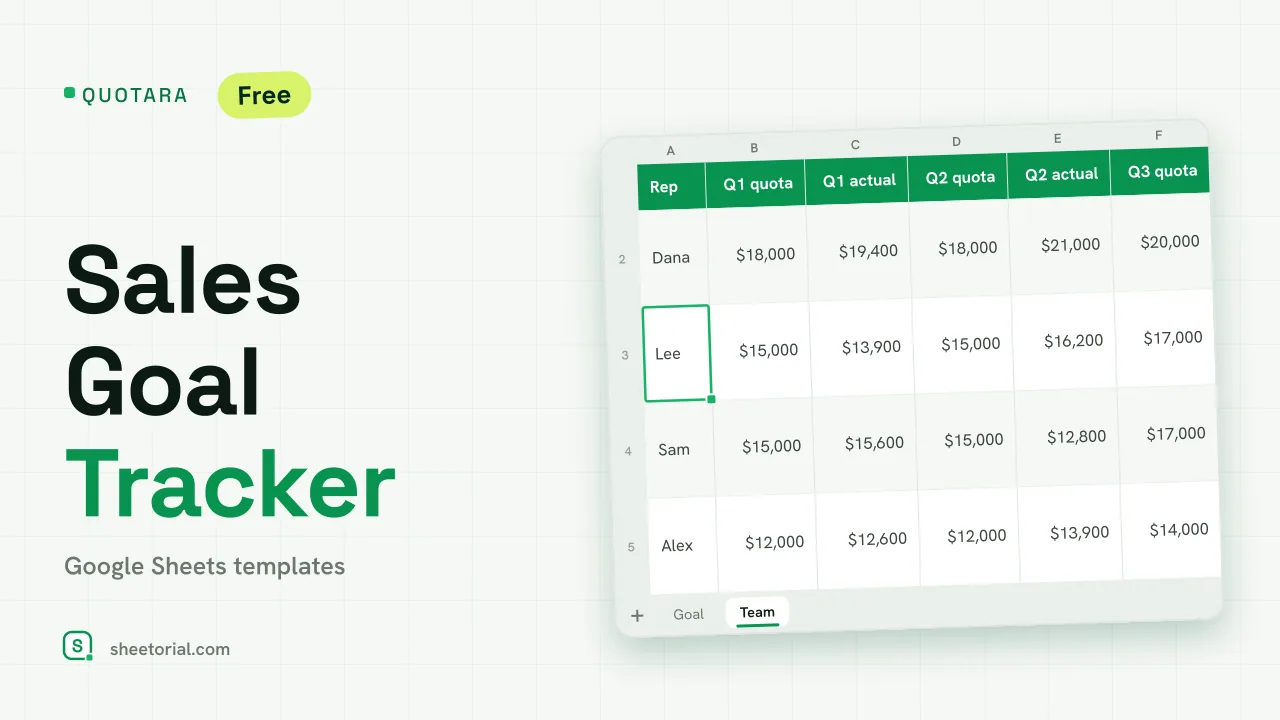 CRM & Sales QUOTARA: Sales Goal Tracker for Google Sheets Sales goal tracker for Google Sheets: an annual goal split into monthly targets, actual vs target, a year-end projection and quarterly quota by rep. Free. View template →
 -
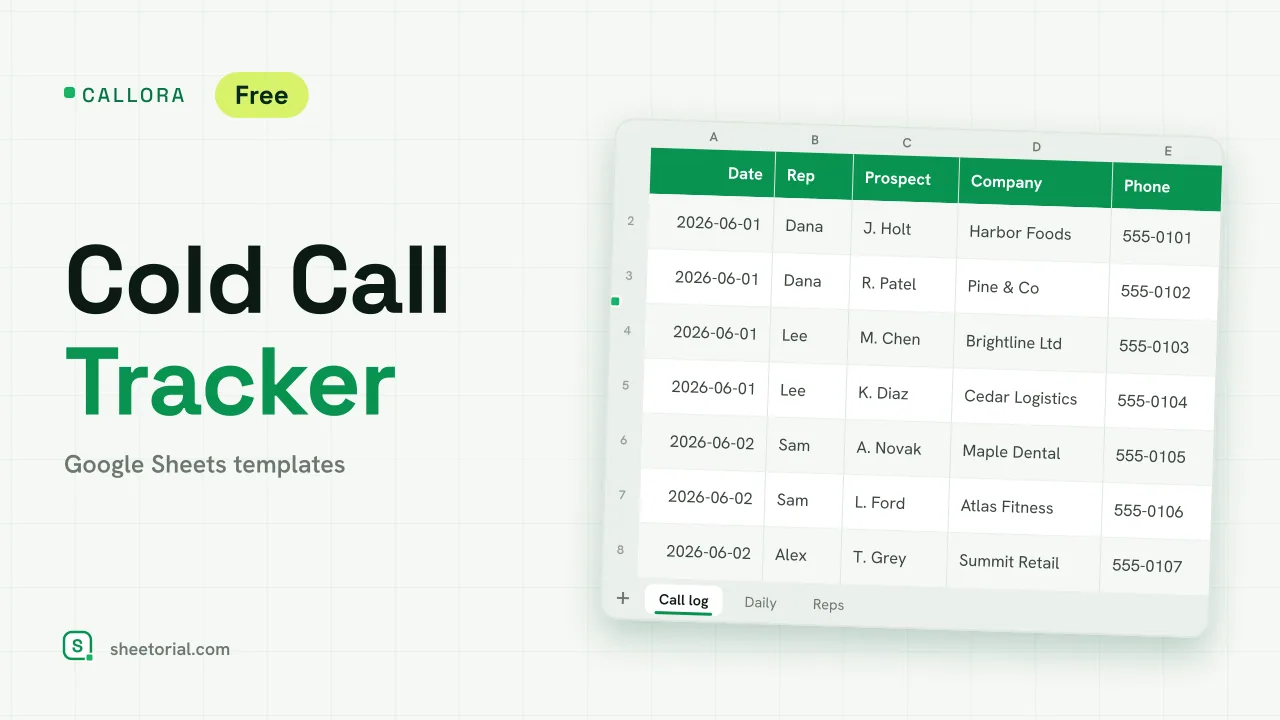 CRM & Sales CALLORA: Cold Call Tracker for Google Sheets Cold call tracker for Google Sheets: a sales call log that counts dials, connects and meetings booked, with daily activity and rates per rep. Free XLSX. View template →
 -
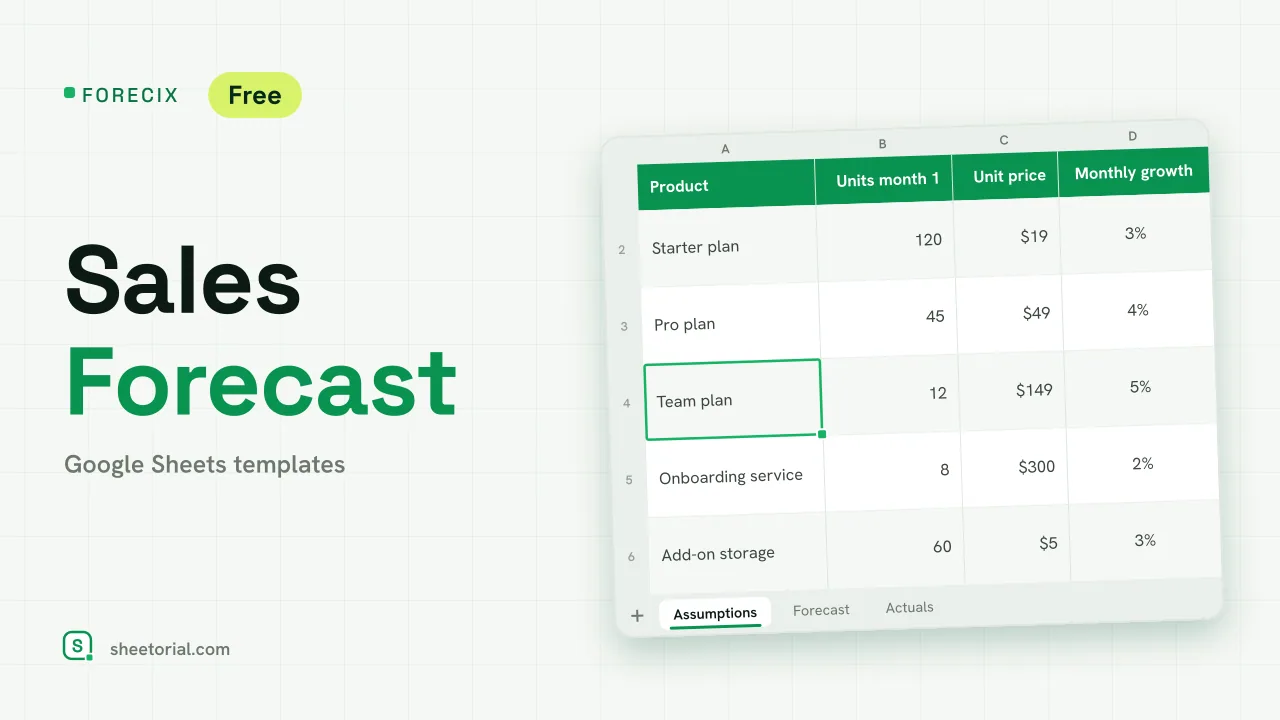 CRM & Sales FORECIX: Sales Forecast Template for Google Sheets Sales forecast template for Google Sheets and Excel: 12 months of units and revenue per product from starting volume, price and growth, plus actuals vs forecast. View template →
 -
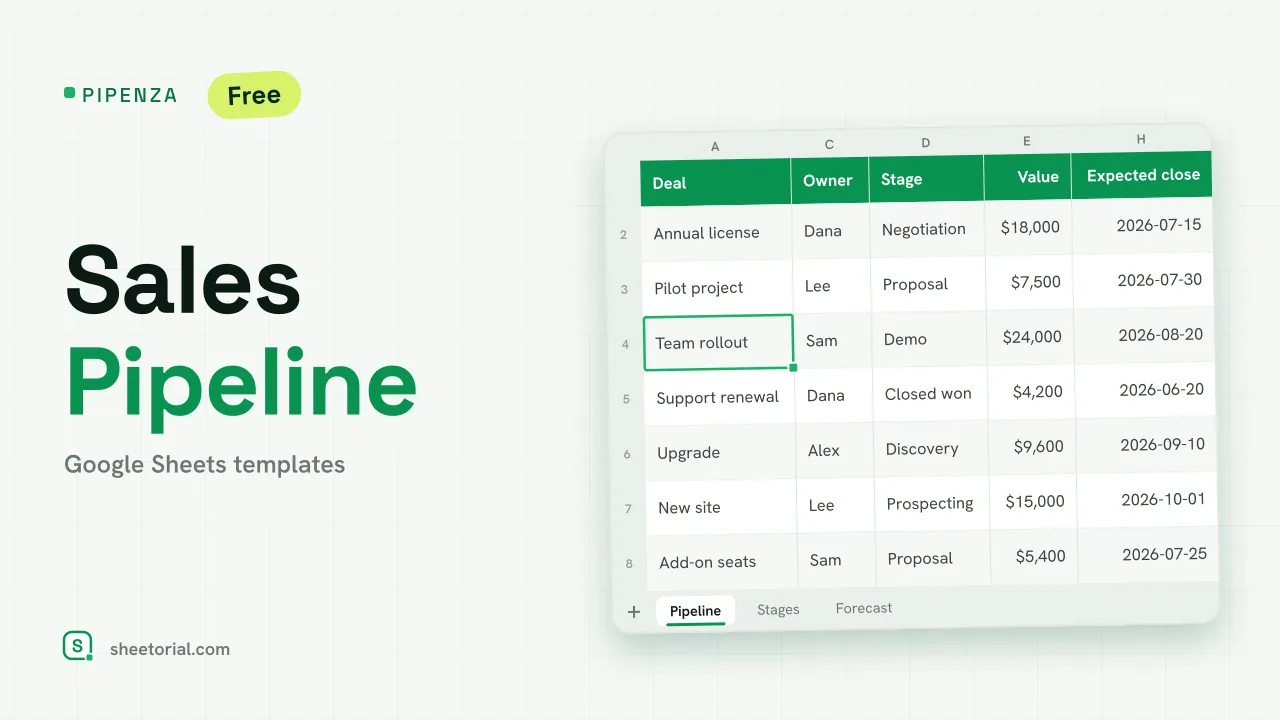 CRM & Sales PIPENZA: Sales Pipeline Template for Excel and Google Sheets Sales pipeline template for Excel and Google Sheets: deals by stage with win probability, weighted value, overdue close dates and a forecast by month. Free. View template →