CALLORA: Cold Call Tracker for Google Sheets
Important: you need to be signed in to a Google account to copy the template to your Drive. Need help opening the template?
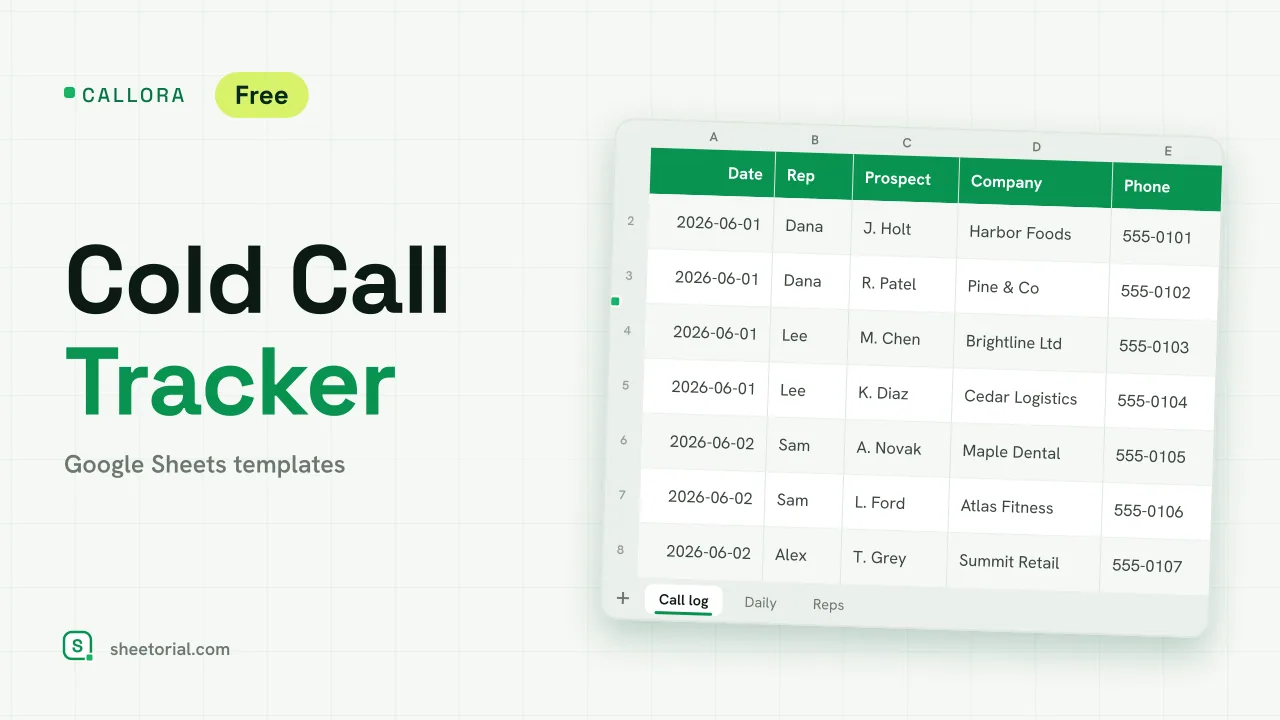
CALLORA is a call sheet for outbound prospecting. Each dial gets one row and one outcome; from those outcomes the sheet counts how many calls reached a person and how many ended in a meeting, day by day and rep by rep. It is a cold call tracker for Google Sheets, free to download as an .xlsx that also opens in Excel, and simple enough for someone who will never log into a CRM.
A sales call log that counts dials, connects and meetings
The Call log tab holds date, rep, prospect, company, phone, outcome, minutes, result, follow-up date and notes. Outcomes come from a dropdown with seven options: No answer, Voicemail, Gatekeeper, Conversation, Not interested, Call back later and Meeting booked. On the Lists tab each outcome is mapped to what it counts as: a dial only, a connect (you spoke to the prospect) or a meeting. The Result column looks that up for every call, so the totals never depend on someone remembering which outcomes count. A meeting booked turns the row green, and a follow-up date that has passed without a meeting turns it amber.
Cold calling metrics the tracker calculates
The Reps tab gives each caller a daily dial target and calculates, from the log, their dials, connects, meetings, connect rate (connects divided by dials) and meeting rate (meetings divided by dials). A rep booking meetings on 5% or more of dials is shaded green; set that threshold to whatever is realistic for your market. The Daily tab lists fourteen days from a start date you choose with dials, connects, meetings, connect rate and progress against the team's combined daily target, green on days the target was met and amber on days below half of it. Four figures above the log keep the running totals in view.
How to use the cold call tracker
- Add your callers on Reps with a daily dial target for each.
- Log every call on Call log and pick the outcome from the dropdown.
- Set a follow-up date when a prospect asks you to call back.
- Set the first day on Daily to review any two-week stretch.
- Compare connect and meeting rates per rep on Reps.
A cold calling spreadsheet in eleven languages
CALLORA is published in eleven language editions with translated tabs, outcomes and date formats; the counting logic is the same in every one. The opening guide shows how to open the .xlsx in Google Sheets. Prospects who agree to a meeting can move on to LEADORA, the lead tracker, or straight into PIPENZA, the sales pipeline template. The full set is under CRM and sales templates.
More templates
-
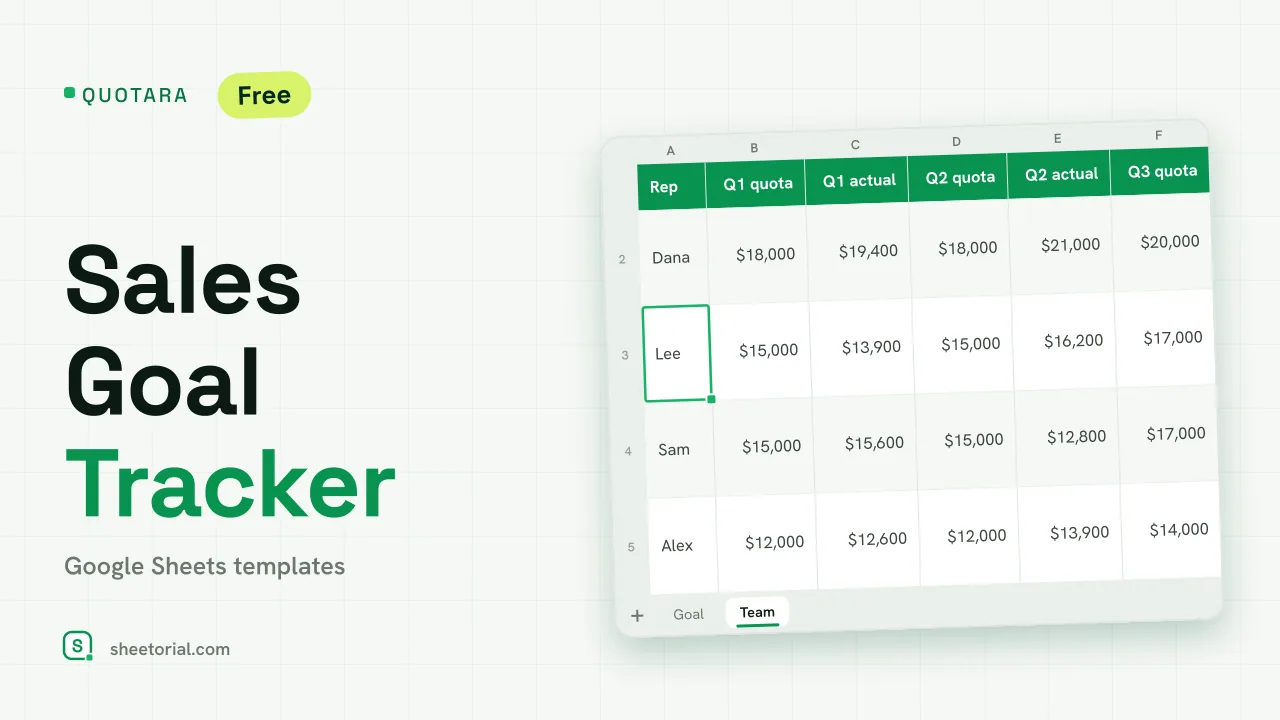 CRM & Sales QUOTARA: Sales Goal Tracker for Google Sheets Sales goal tracker for Google Sheets: an annual goal split into monthly targets, actual vs target, a year-end projection and quarterly quota by rep. Free. View template →
 -
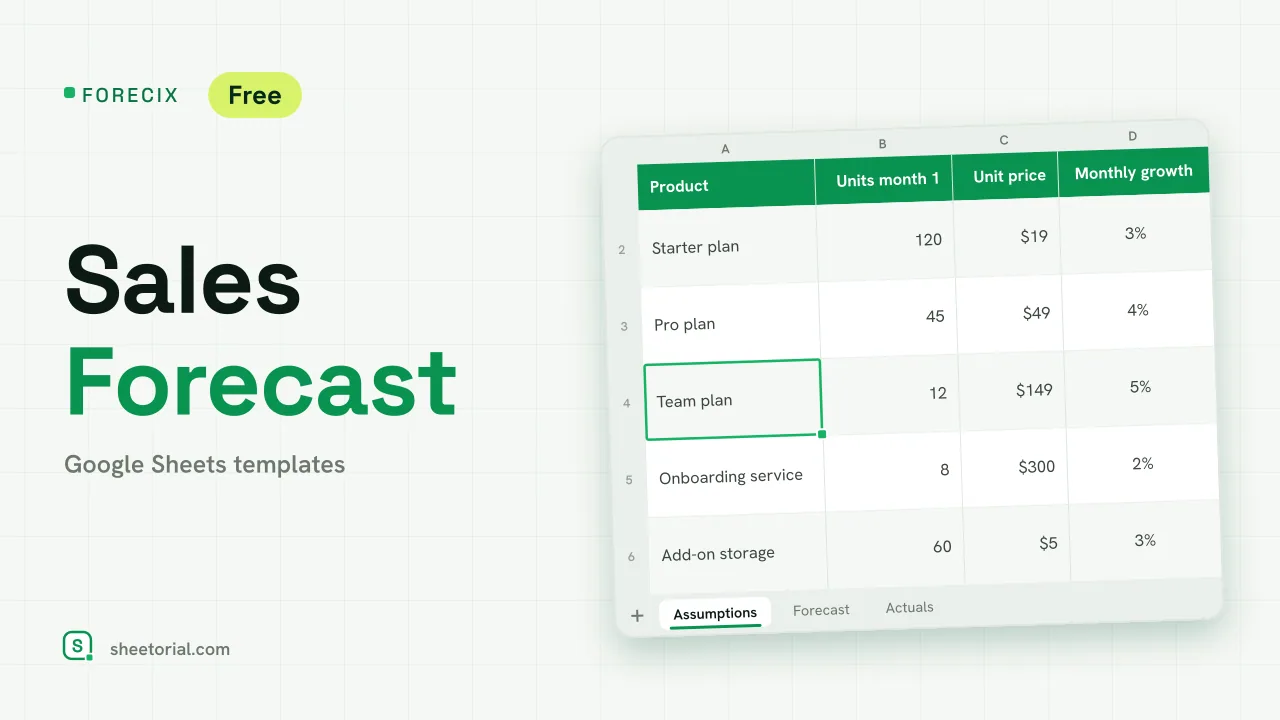 CRM & Sales FORECIX: Sales Forecast Template for Google Sheets Sales forecast template for Google Sheets and Excel: 12 months of units and revenue per product from starting volume, price and growth, plus actuals vs forecast. View template →
 -
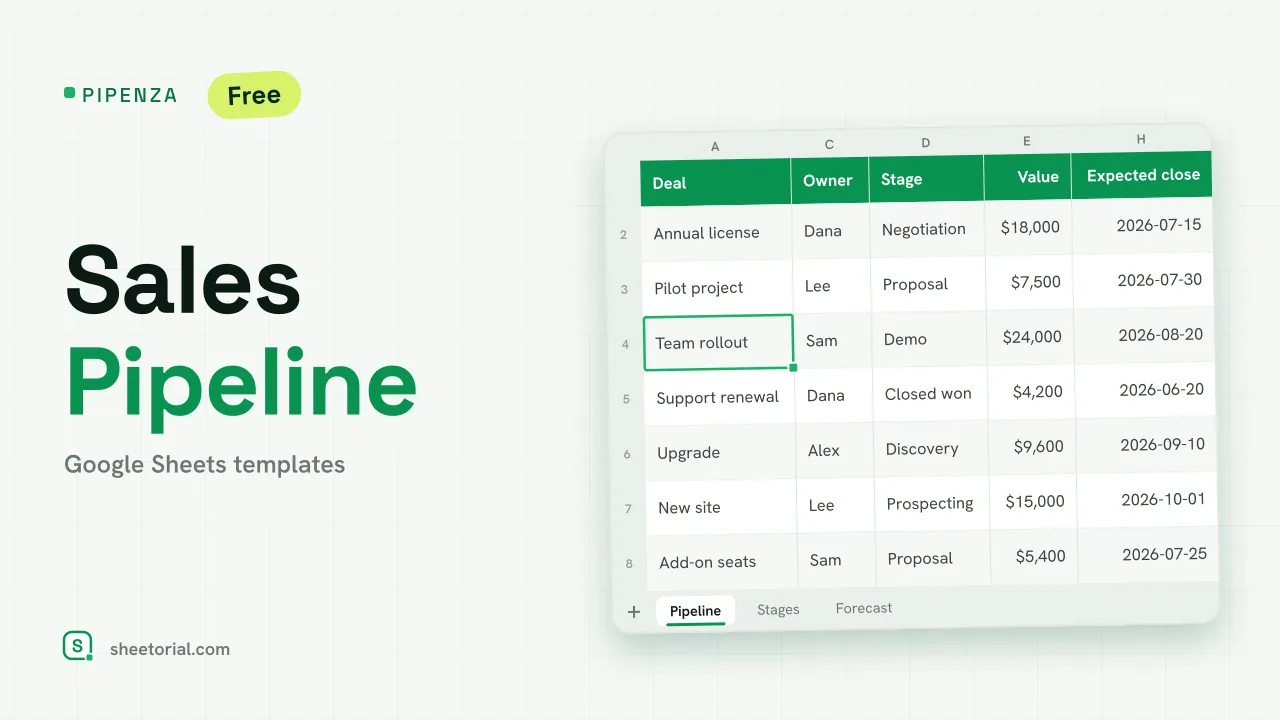 CRM & Sales PIPENZA: Sales Pipeline Template for Excel and Google Sheets Sales pipeline template for Excel and Google Sheets: deals by stage with win probability, weighted value, overdue close dates and a forecast by month. Free. View template →
 -
 CRM & Sales LEADORA: Lead Tracker Template for Google Sheets Lead tracker template for Google Sheets: status, score, response time and overdue follow-ups for every incoming lead, plus win rate by source. Free XLSX. View template →