QUOTARA: Sales Goal Tracker for Google Sheets
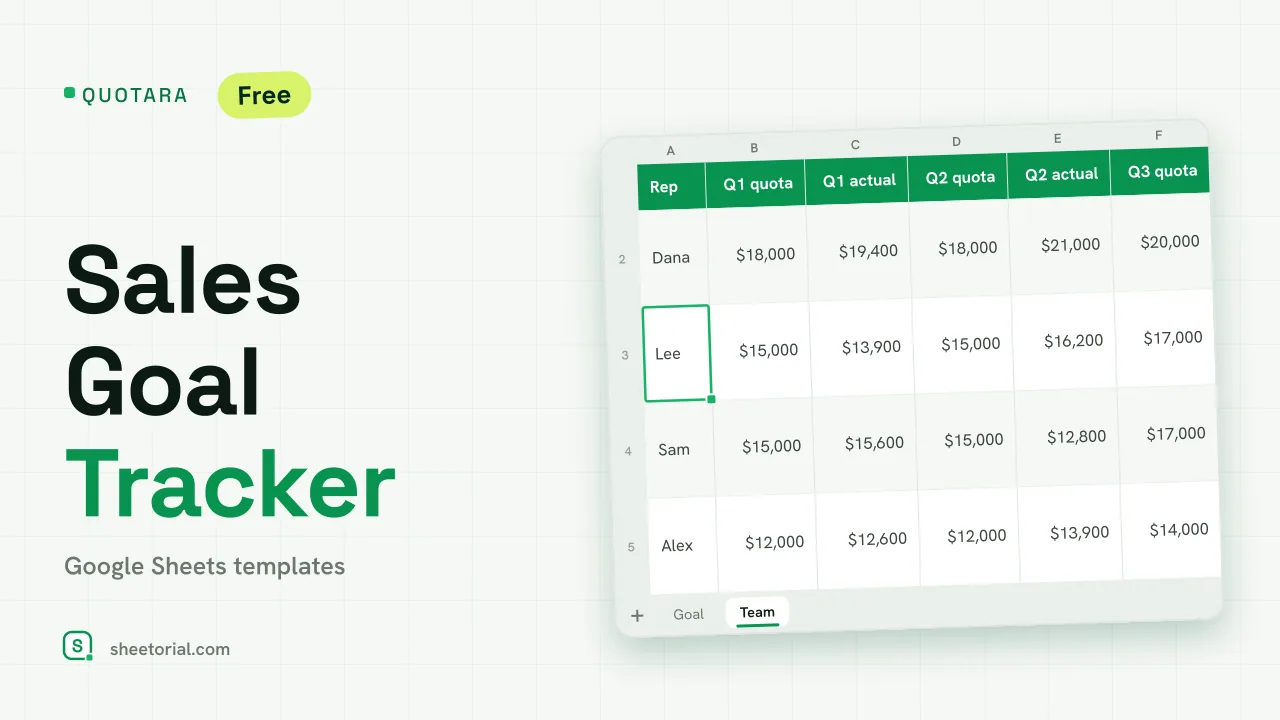
Important: you need to be signed in to a Google account to copy the template to your Drive. Need help opening the template?
QUOTARA answers one question all year: are we on pace for the goal? You set the annual sales goal and decide how it spreads across the months; each month you type what was sold; the sheet compares the two, adds them up and projects where the year will finish. A second tab does the same quarter by quarter for each rep. It is a sales goal tracker for Google Sheets, downloaded free as an .xlsx that opens in Excel too.
A sales goal tracker template with monthly targets
On the Goal tab you enter the annual goal and the first month. Each of the twelve months then gets a weight, and its target is the annual goal times that weight. Weighting matters because few businesses sell evenly: the sample loads more of the goal onto the last quarter, and you can set yours from last year's pattern. The weights have to add up to 100%; if they do not, the total turns red. Splitting evenly means 8.33% a month.
Actual vs target and the year-end projection
As each month closes, type the actual sales. Variance, percent of target, cumulative target and cumulative actual fill in beside it. A month that reached its target turns green, and one below 90% of it turns amber. Above the table, the sheet shows sold so far, attainment against the whole year, the gap left to close and a year-end projection: sales so far divided by the months recorded, times twelve. That run rate is deliberately simple and does not know about seasonality, so read it next to the cumulative target rather than on its own.
Tracking quota attainment by rep
The Team tab holds a quota and an actual for each quarter and each rep, a year attainment figure and the rep's best quarter. Attainment only counts quarters that already have an actual, so a rep is not marked down in March for quarters that have not happened. A team row adds every column up. Reps at or above 100% shade green and those under 90% amber. Six months of sample sales and two closed quarters for four reps show how the projections behave mid-year.
How to track a sales goal in Google Sheets
- Enter the annual goal and the first month on Goal.
- Adjust the monthly weights until they reflect your seasons and total 100%.
- Type actual sales at the end of each month.
- Watch the projection and the gap to goal.
- On Team, load each rep's quarterly quota and update actuals as quarters close.
QUOTARA is available in eleven language editions with translated tabs and currency formats; the opening guide covers the import. Commission owed on the same quotas is calculated in COMMORA, the commission tracker, and a product-by-product forecast for setting next year's goal lives in FORECIX. More sheets are under CRM and sales templates.
More templates
-
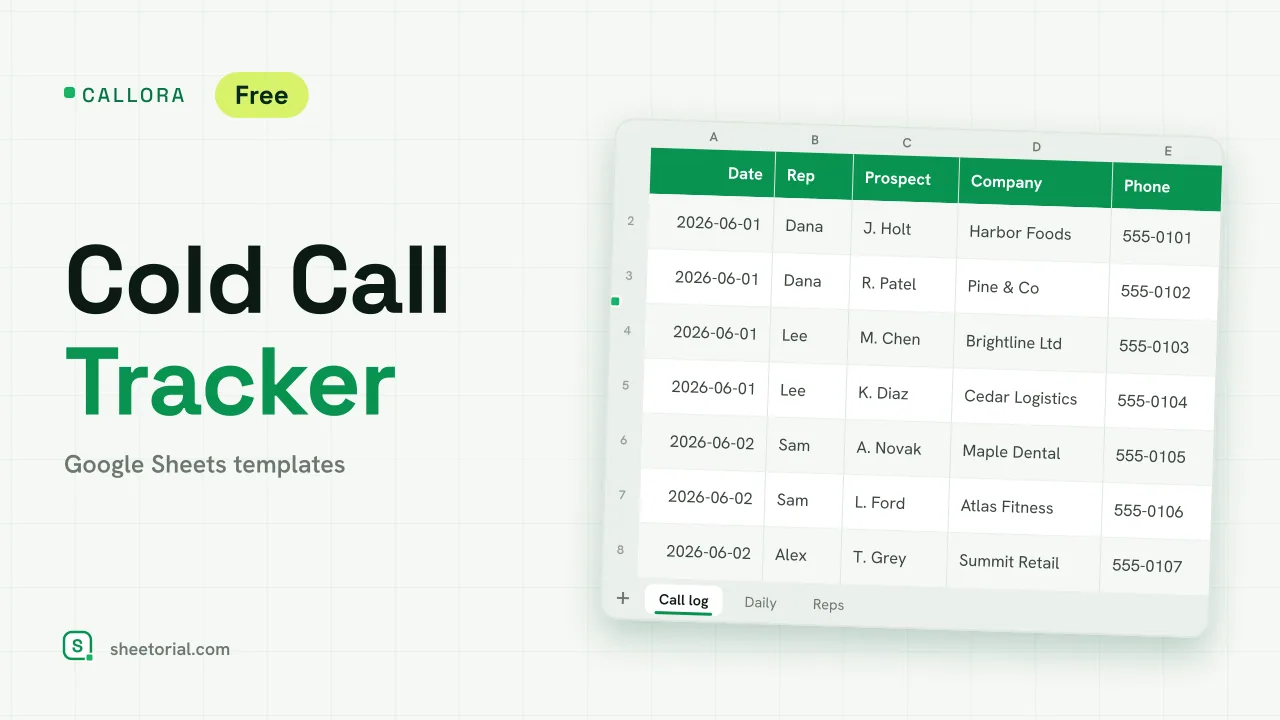 CRM & Sales CALLORA: Cold Call Tracker for Google Sheets Cold call tracker for Google Sheets: a sales call log that counts dials, connects and meetings booked, with daily activity and rates per rep. Free XLSX. View template →
 -
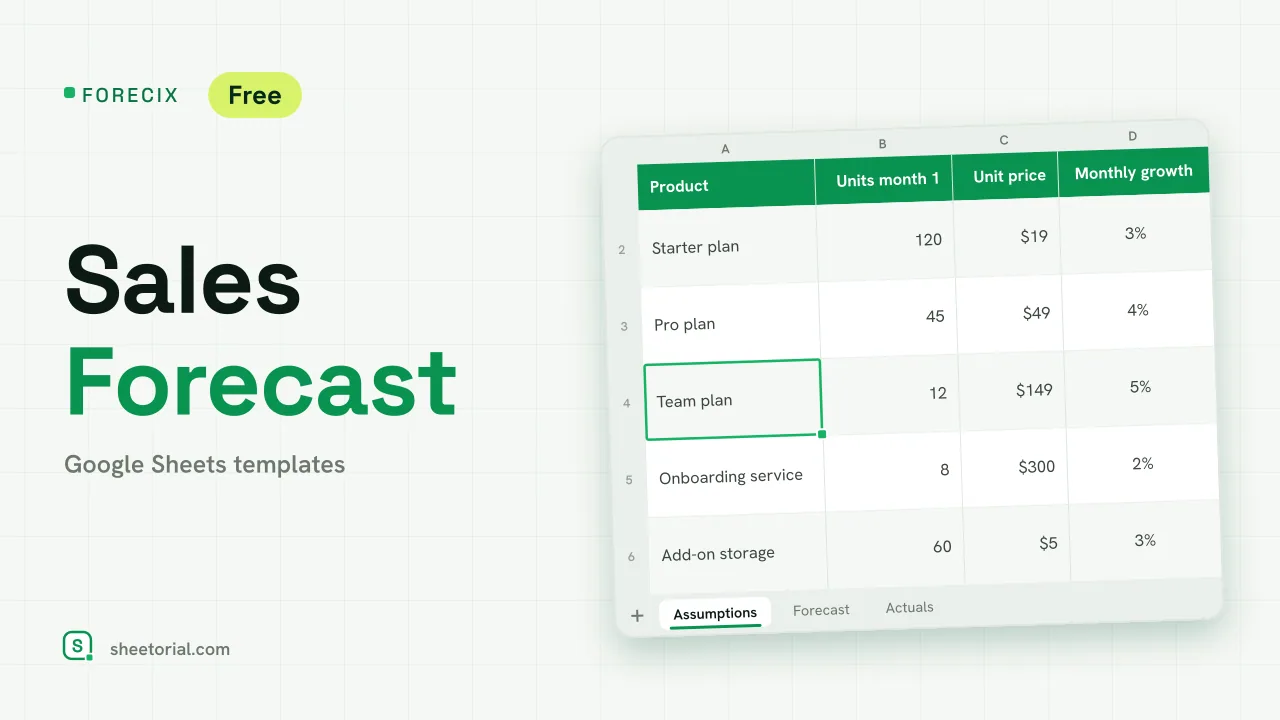 CRM & Sales FORECIX: Sales Forecast Template for Google Sheets Sales forecast template for Google Sheets and Excel: 12 months of units and revenue per product from starting volume, price and growth, plus actuals vs forecast. View template →
 -
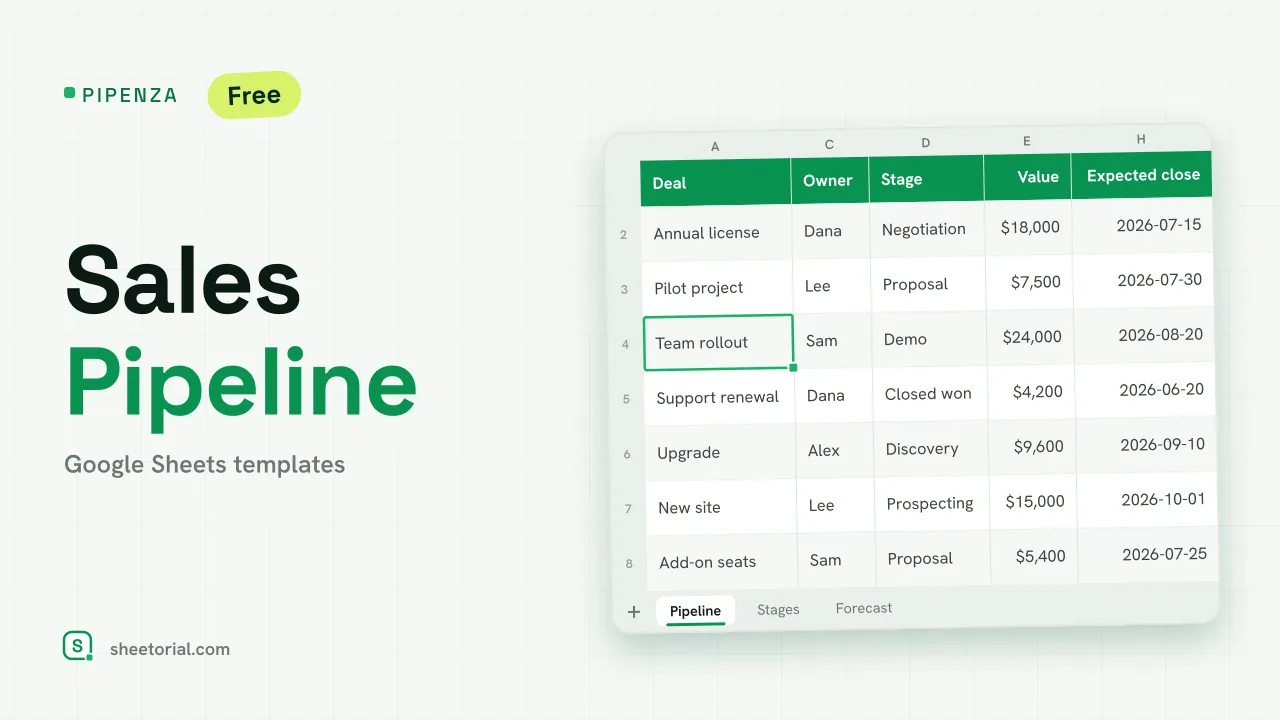 CRM & Sales PIPENZA: Sales Pipeline Template for Excel and Google Sheets Sales pipeline template for Excel and Google Sheets: deals by stage with win probability, weighted value, overdue close dates and a forecast by month. Free. View template →
 -
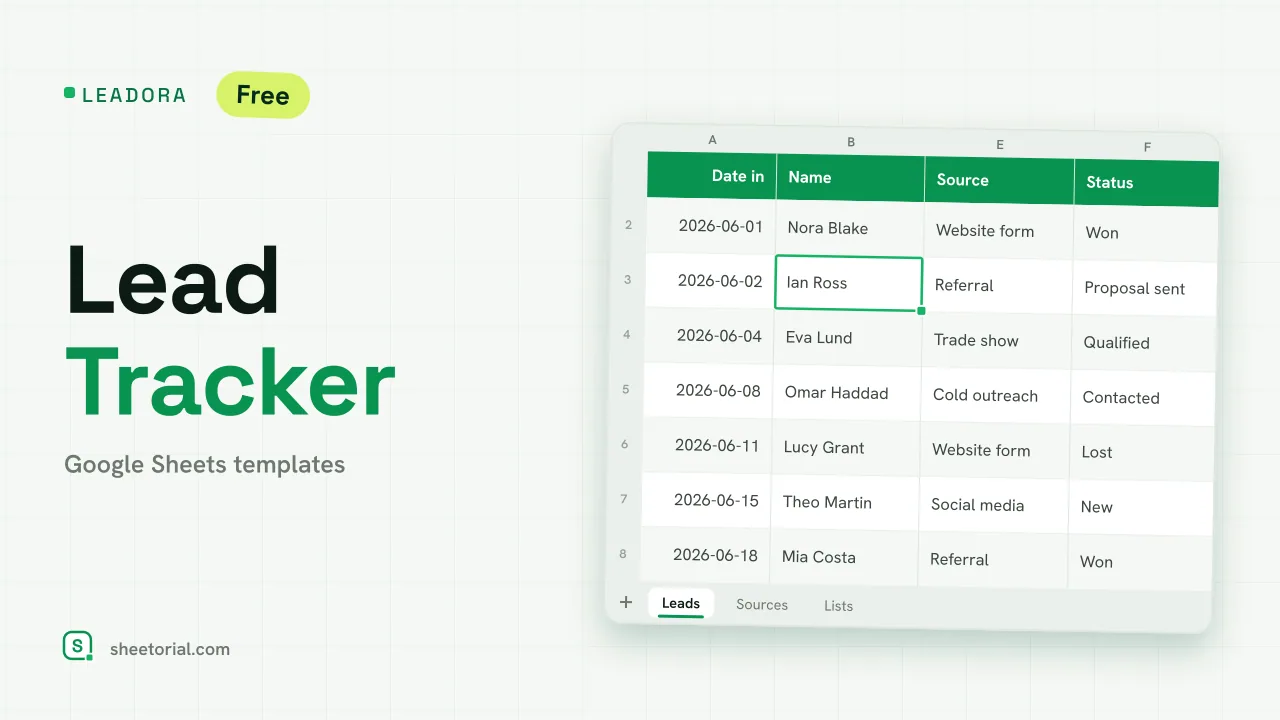 CRM & Sales LEADORA: Lead Tracker Template for Google Sheets Lead tracker template for Google Sheets: status, score, response time and overdue follow-ups for every incoming lead, plus win rate by source. Free XLSX. View template →