FORECIX: Sales Forecast Template for Google Sheets
Important: you need to be signed in to a Google account to copy the template to your Drive. Need help opening the template?
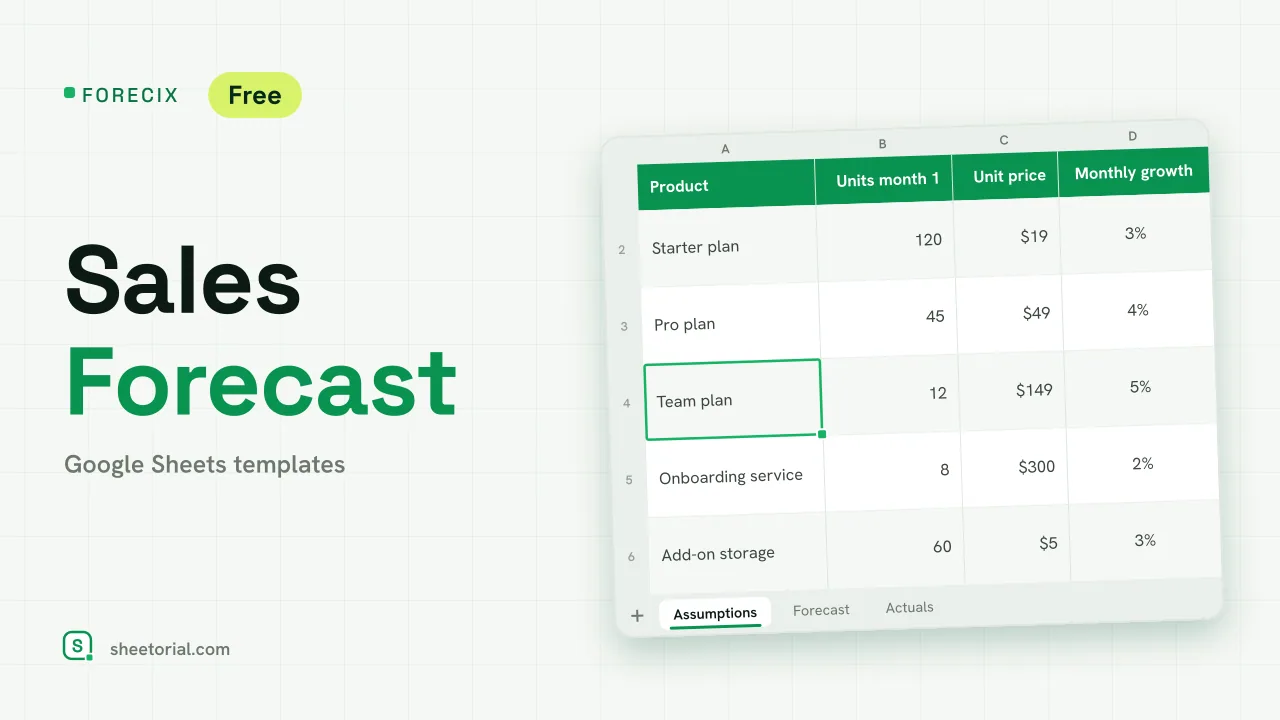
FORECIX is a sales forecast built from assumptions you can see and change. For each product you enter how many units you expect to sell in the first month, the price and a monthly growth rate; the sheet projects the next twelve months and totals the revenue. When real months come in, you type the actual figure next to the forecast and see how far off it was. It is a sales forecast template for Google Sheets and Excel, downloaded free as an .xlsx. A projection is a planning tool, not a promise or financial advice.
A 12-month sales forecast template
The Assumptions tab holds the inputs: the first month of the forecast, a yearly price change, and for each product its starting units, unit price and monthly growth. Next to each product you read its year-one units and revenue, pulled back from the forecast. Any growth rate above 10% a month is shaded amber as a reminder to compare it with your own history before trusting it. The sample is a small software business with three plans, an onboarding service and a storage add-on.
How the sales forecast spreadsheet projects revenue
On the Forecast tab each product takes two rows. Units grow by compounding, ROUND(starting units x (1 + growth)^n, 0) for month n, so a 3% monthly rate builds on itself rather than adding a flat amount. Revenue is units times price, with the yearly price change applied from the thirteenth month if you extend the sheet. A total revenue row adds every product month by month and the busiest month is shaded. Nothing on this tab needs typing; change the assumptions and the whole year recalculates.
Actuals vs forecast, month by month
The Actuals tab lists the same twelve months with the forecast revenue already filled in. As each month closes, enter what you really sold. Variance (actual minus forecast), variance as a percentage and a cumulative variance appear beside it, red when you are behind and green when you are ahead. Three sample months are filled in to show the comparison. A forecast that is reviewed against actuals every month gets better quickly, because the assumptions that were wrong become obvious.
How to forecast sales in Excel or Google Sheets
- Set the first month and, if prices rise each year, the yearly price change.
- Enter each product with its starting units, price and monthly growth.
- Review the twelve months on Forecast; adjust any growth rate that looks optimistic.
- At the end of each month, type the actual revenue on Actuals.
- Use the variance to correct the assumptions for the months still ahead.
FORECIX comes in eleven language editions with translated tabs and currency formats; see the opening guide for the import. If you sell through a list of named deals rather than product volumes, a deal-by-deal forecast fits better in PIPENZA, the sales pipeline template, and the yearly target itself can be followed in QUOTARA. Other sheets are under CRM and sales templates.
More templates
-
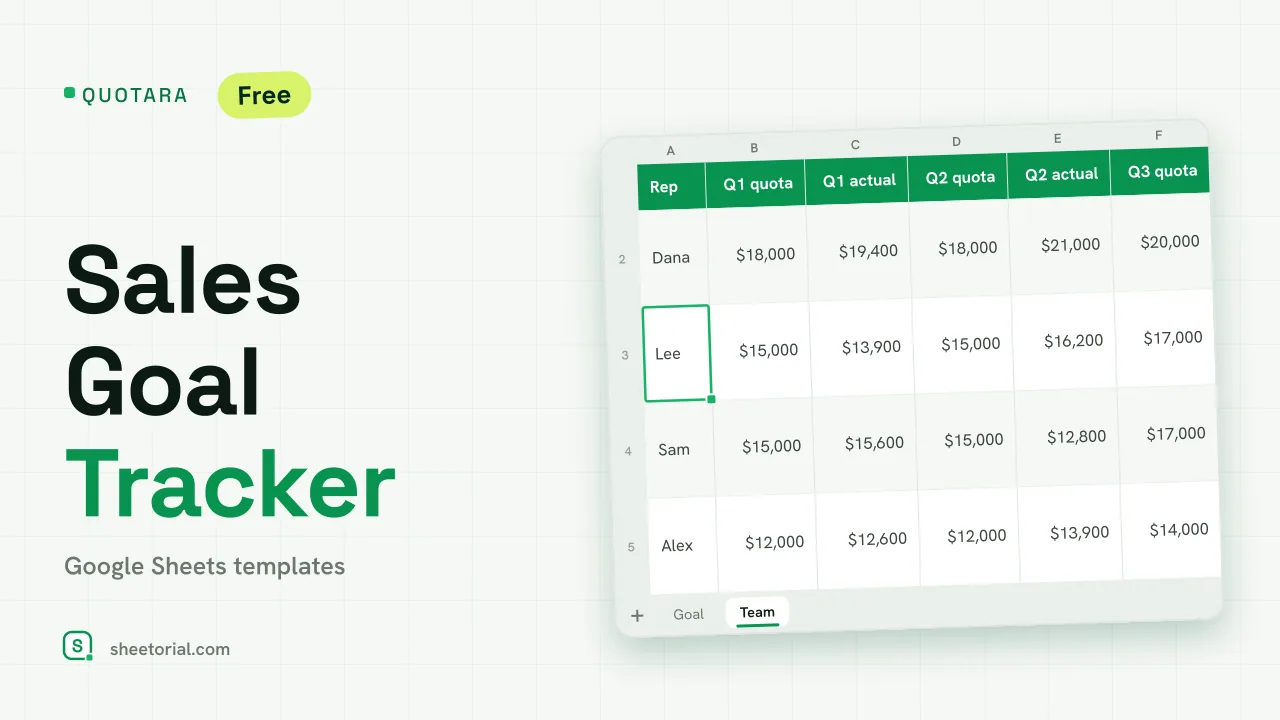 CRM & Sales QUOTARA: Sales Goal Tracker for Google Sheets Sales goal tracker for Google Sheets: an annual goal split into monthly targets, actual vs target, a year-end projection and quarterly quota by rep. Free. View template →
 -
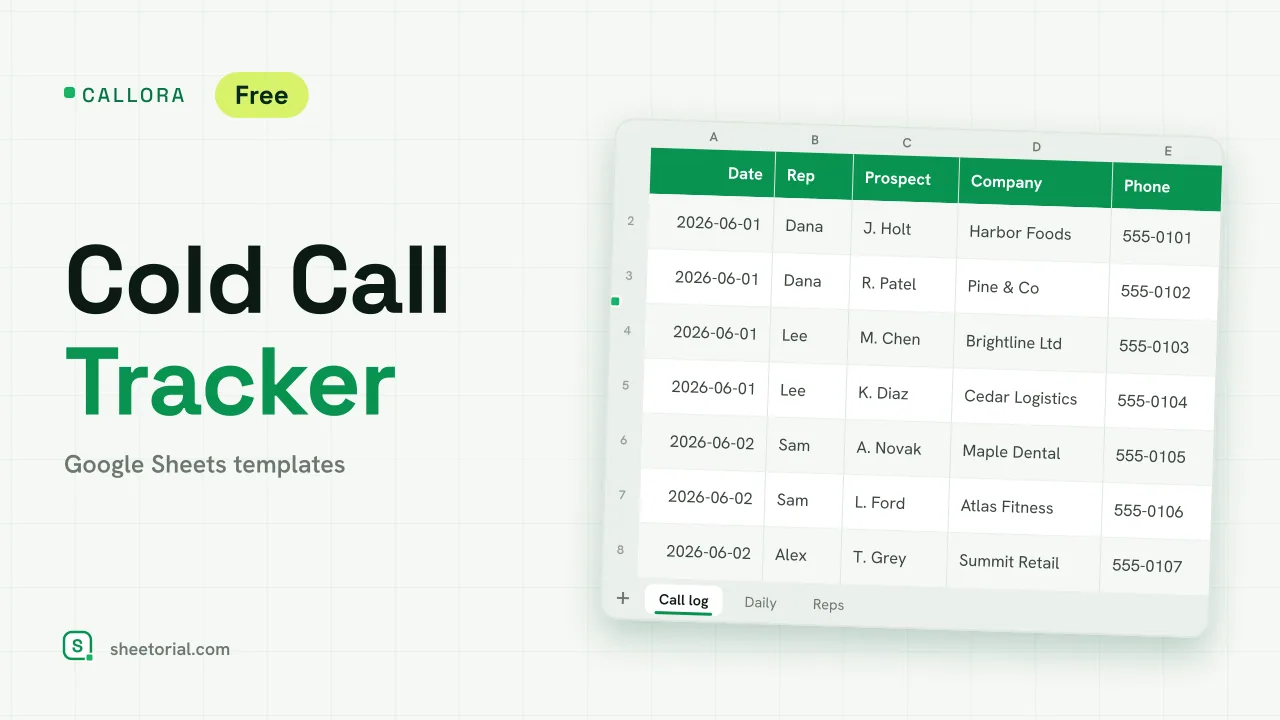 CRM & Sales CALLORA: Cold Call Tracker for Google Sheets Cold call tracker for Google Sheets: a sales call log that counts dials, connects and meetings booked, with daily activity and rates per rep. Free XLSX. View template →
 -
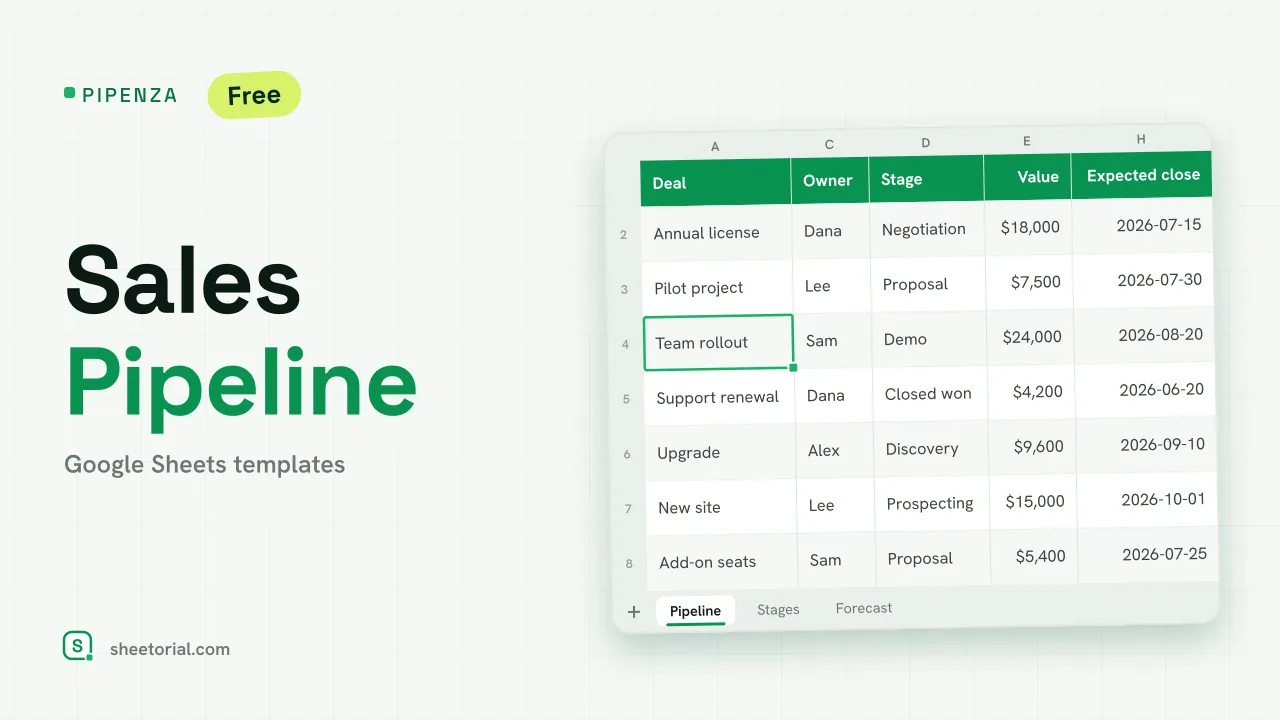 CRM & Sales PIPENZA: Sales Pipeline Template for Excel and Google Sheets Sales pipeline template for Excel and Google Sheets: deals by stage with win probability, weighted value, overdue close dates and a forecast by month. Free. View template →
 -
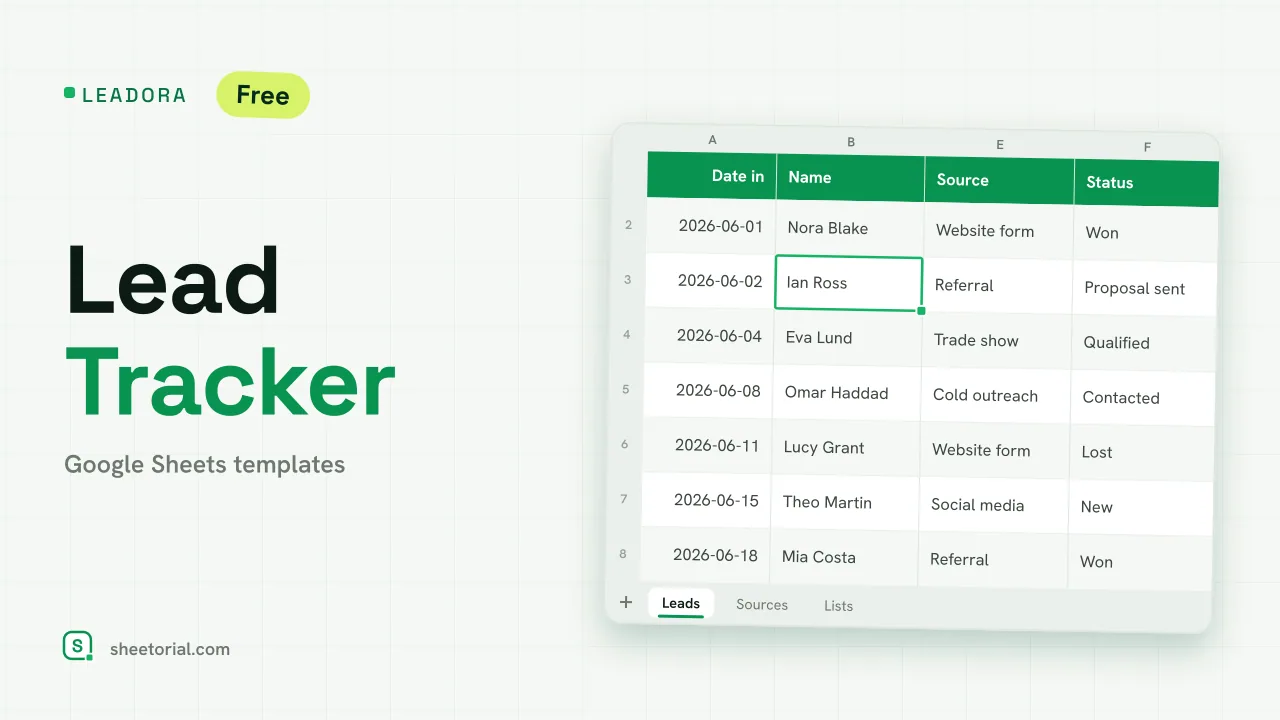 CRM & Sales LEADORA: Lead Tracker Template for Google Sheets Lead tracker template for Google Sheets: status, score, response time and overdue follow-ups for every incoming lead, plus win rate by source. Free XLSX. View template →