Category
Planning Templates for Google Sheets
- Checklist & To-Do List Templates for Google Sheets 1 template
- Google Sheets Calendar Templates 1 template
- Project Management Templates for Google Sheets 1 template
- Schedule Templates for Google Sheets 1 template
- Travel & Itinerary Templates for Google Sheets 3 templates
-
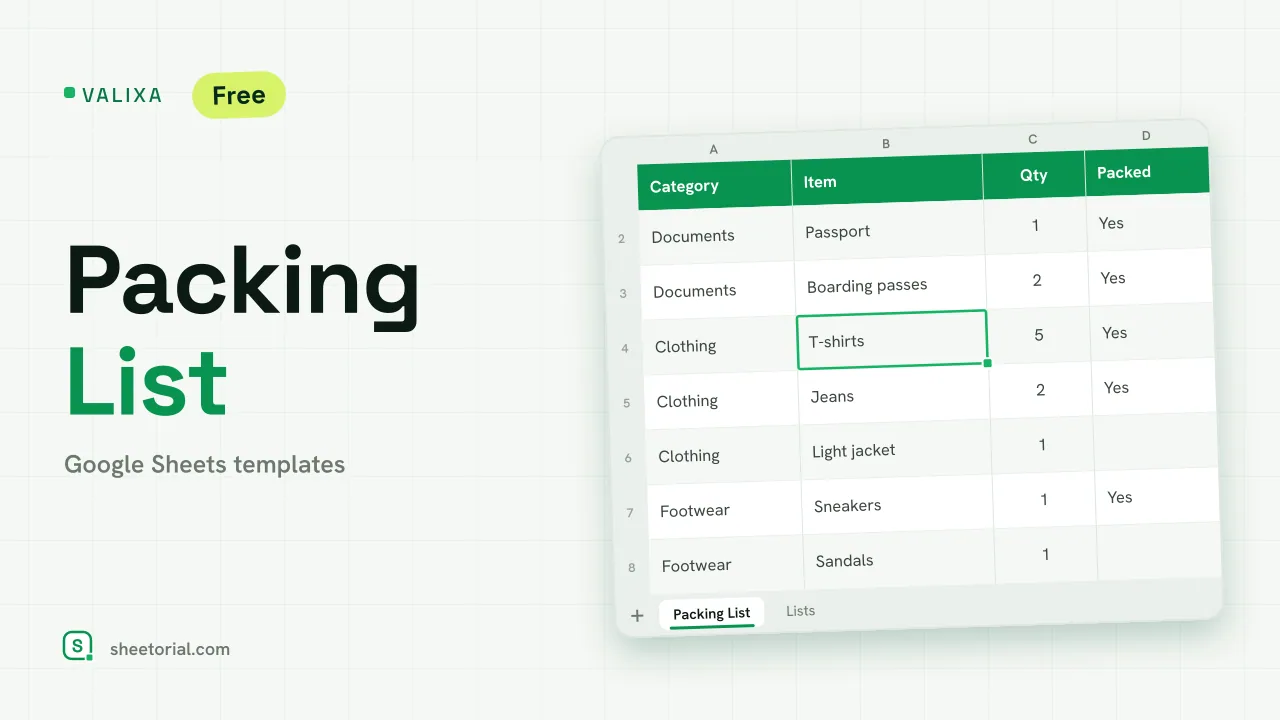 Travel & Itinerary VALIXA: Packing List Template for Google Sheets Free packing list template for Google Sheets: items by category, quantities, a Packed dropdown and a progress counter that says what's left to pack. View template →
 -
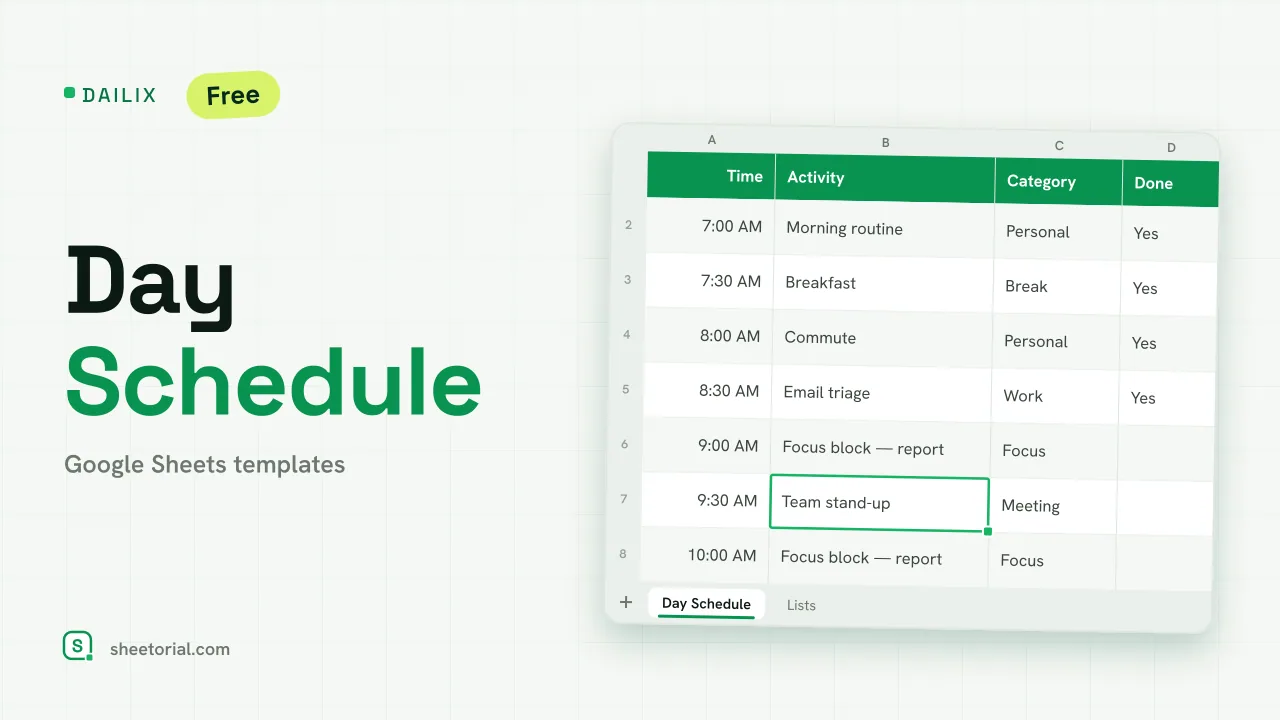 Schedule DAILIX: Day Schedule Template for Google Sheets Free day schedule template for Google Sheets: 28 half-hour blocks that recalculate from your start time, a top-3 priorities box and a done counter. View template →
 -
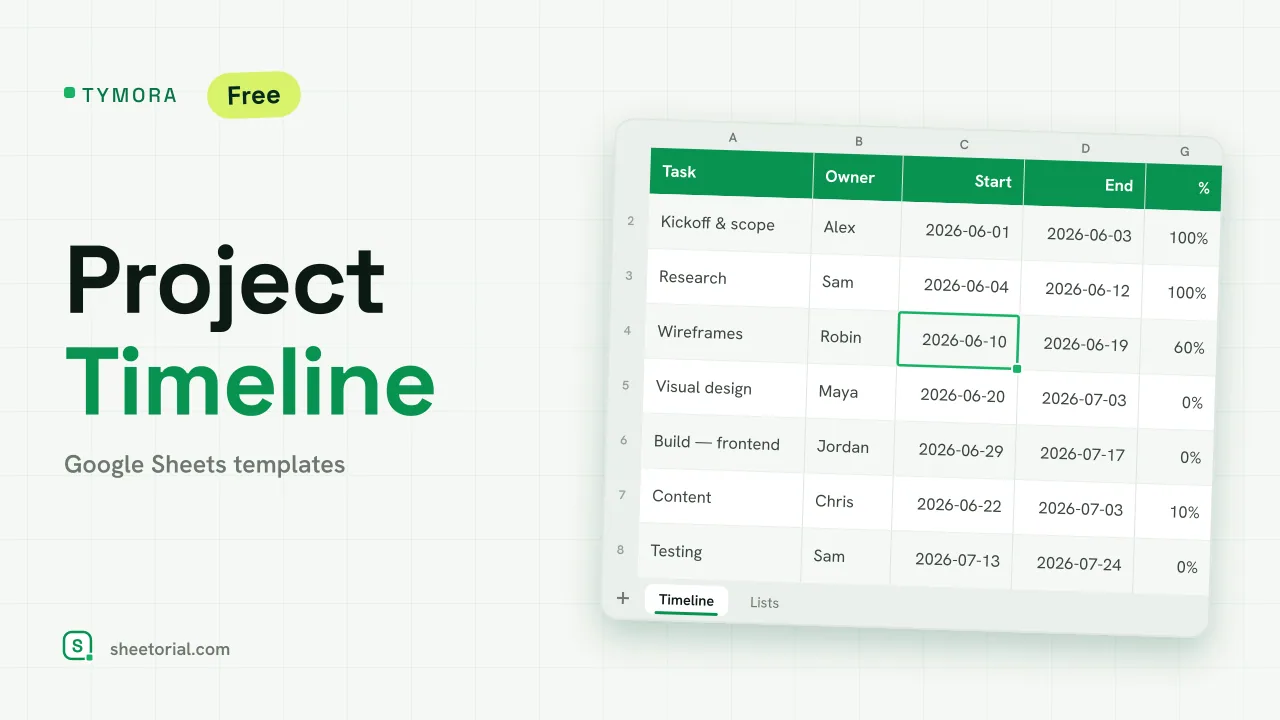 Project Management TYMORA: Project Timeline Google Sheets Template Project timeline template for Google Sheets: tasks with owners and dates, a calculated week grid that draws a light Gantt bar, status and progress. View template →
 -
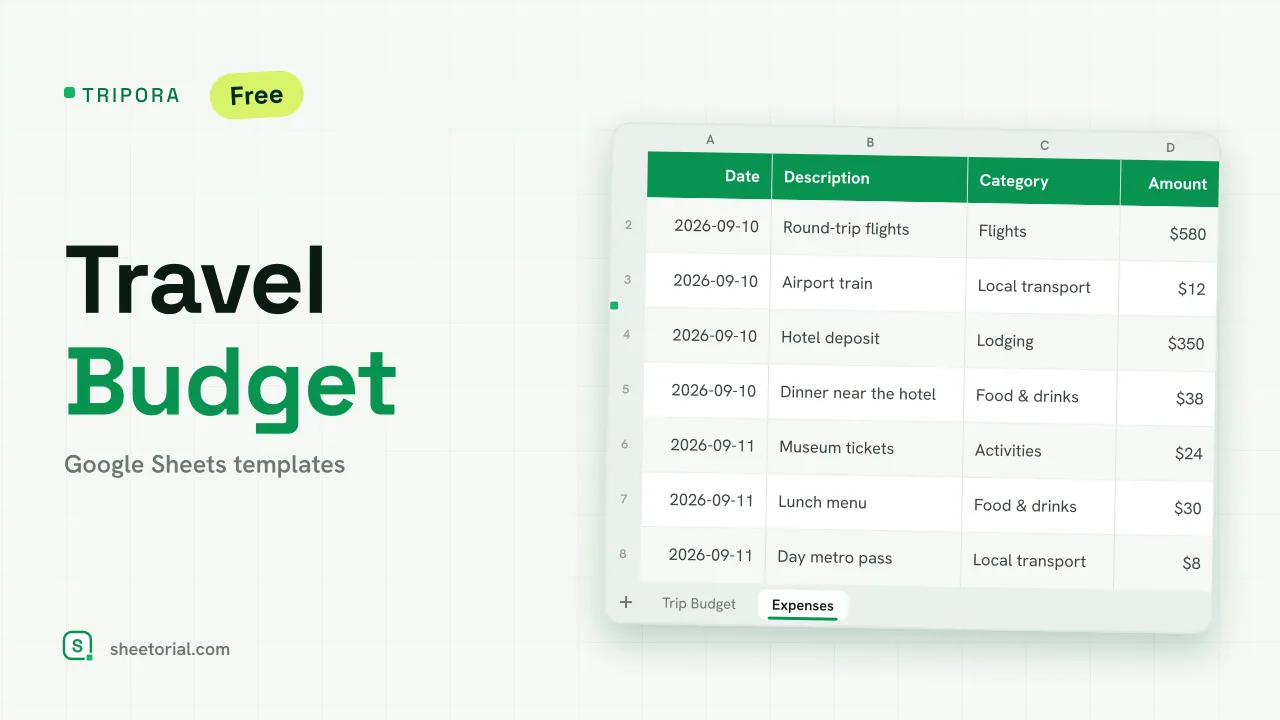 Travel & Itinerary TRIPORA: Travel Budget Template for Google Sheets Free travel budget template for Google Sheets: plan by category, log expenses on the road and watch remaining amounts and budget left update on their own. View template →
 -
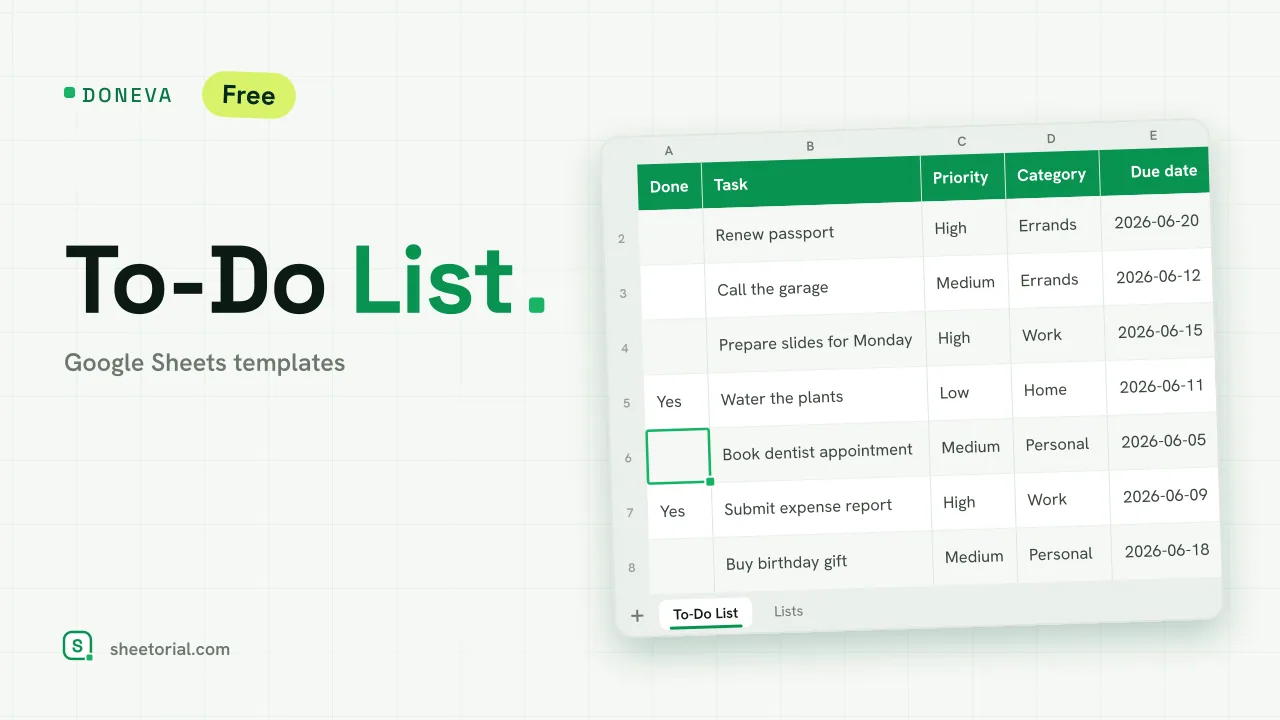 Checklist & To-Do List DONEVA: To-Do List Google Spreadsheet Template Free to-do list spreadsheet for Google Sheets with priorities, due dates, a days-left countdown and tasks that cross themselves out when you finish them. View template →
 -
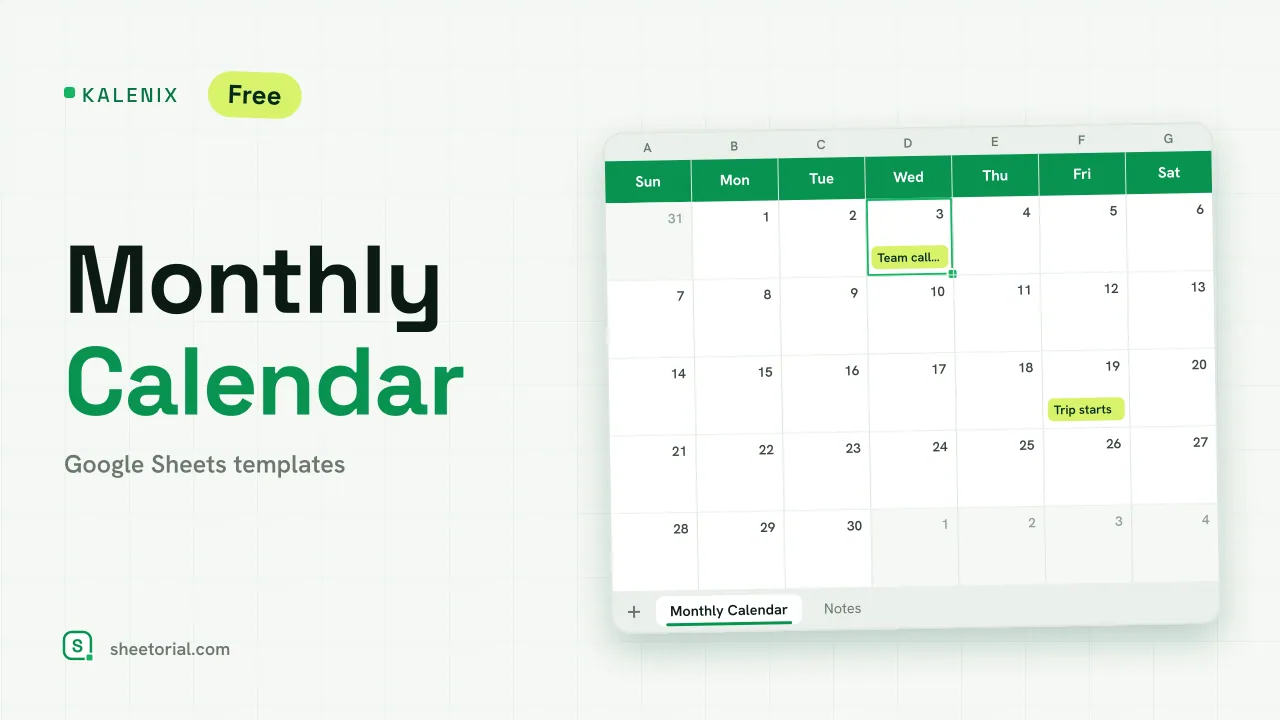 Google Sheets Calendar Templates KALENIX: Google Sheets Monthly Calendar Template Free Google Sheets monthly calendar template: change the year and month in two cells and the whole grid rebuilds itself. XLSX download in 11 languages. View template →
 -
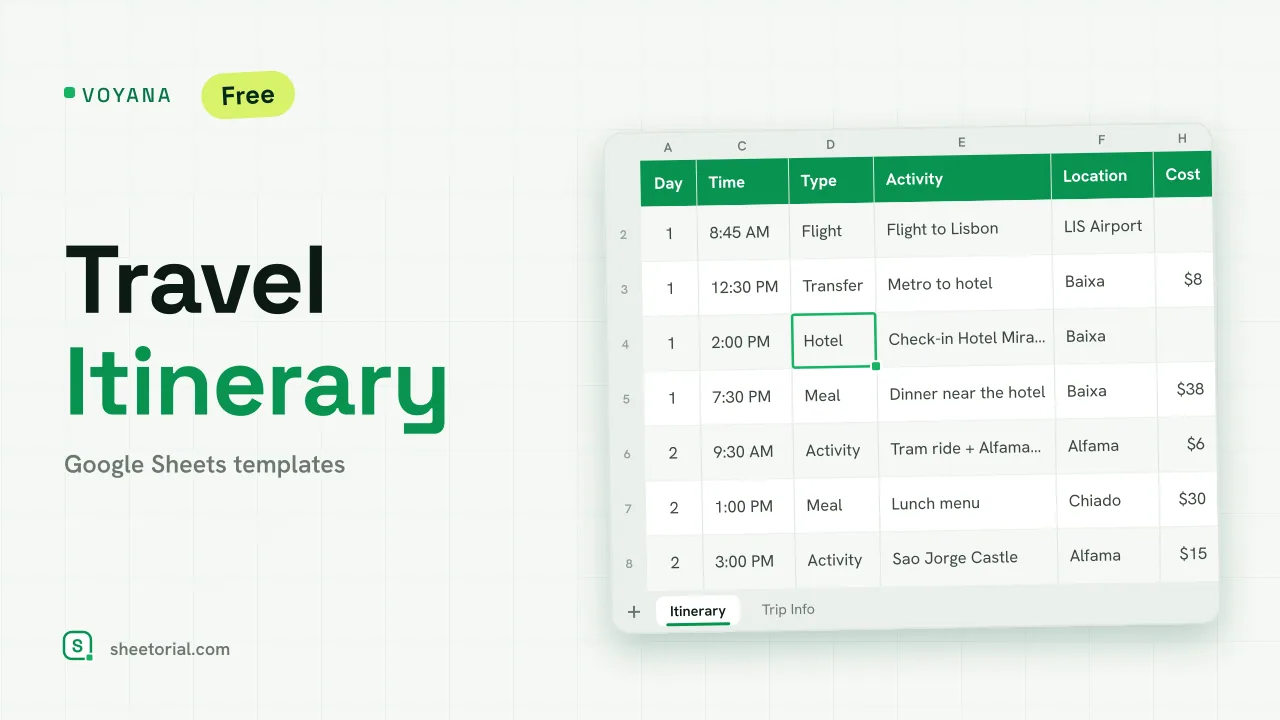 Travel & Itinerary VOYANA: Travel Itinerary Template for Google Sheets Free travel itinerary template for Google Sheets: a day-by-day plan whose dates move with your start date, plus booking confirmations and a cost total. View template →
Everything in this section is about putting time on a grid: calendars, schedules, to-do lists, project plans and trip itineraries. A spreadsheet turns out to be a stubbornly good planning tool — rows are hours or tasks, columns are days or people, and you can sort, filter and total in ways a paper planner never will. Each template downloads as a free .xlsx for Google Sheets or Excel.
Calendar and schedule spreadsheets
The calendar templates lay the month out as a grid you can type into — notes on dates, color for deadlines, a tab per month. The schedule templates work at the day scale instead: time blocks down the rows, so a workday, a shift or a study session gets planned hour by hour rather than lost in a vague list.
To-do lists and checklists in Google Sheets
A to-do list in a spreadsheet earns its place the moment you want more than checkboxes: priority columns to sort by, status values to filter on, dates that flag what is slipping. Checklists do the same for repeatable routines — pack, clean, launch, close — where the list itself is the procedure and you just work down it.
Project plans without project software
For projects that need a task list with owners and dates — but not software with its own onboarding — these sheets keep scope, responsibilities and progress in one tab. Most small projects die of untracked tasks, not of missing Gantt charts; a shared sheet everyone actually opens fixes the first problem cheaply.
Travel and itinerary planning
The travel templates put a whole trip in one file: an itinerary tab with days, times, places and confirmation numbers, plus room for costs and what is booked versus pending. Useful precisely because it lives offline too — airports are where cloud-only plans go to fail.
How to pick a planning template for Google Sheets
Decide the horizon first — a day schedule, a monthly calendar and a project plan answer different questions, and the wrong scale is why planners get abandoned. If the plan is shared, keep it in Google Sheets so everyone edits one copy; if it is yours alone, Excel works just as well. Meal plans and other household planning live under home & life templates, and the opening guide shows how to get any of these files into Google Sheets.