Templates
Project Management Templates for Google Sheets
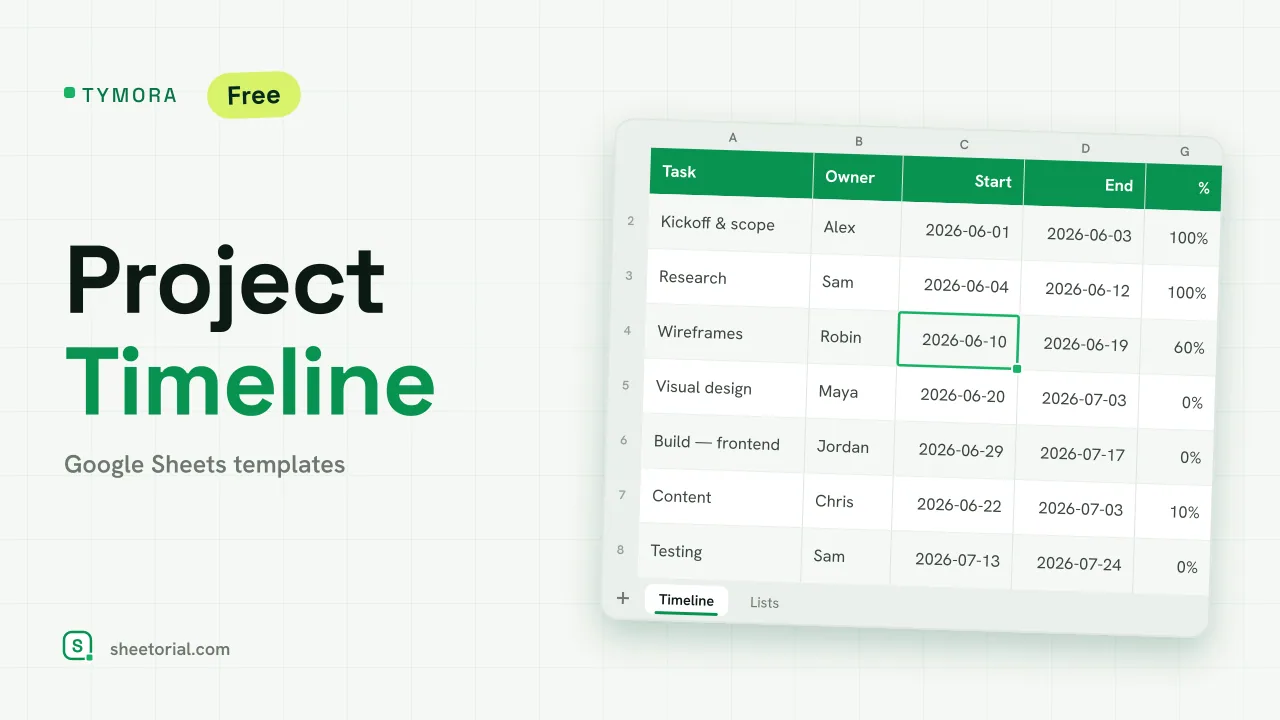
Most projects do not fail for lack of methodology; they fail because nobody can say, on a Tuesday, what is late and who owns it. That is a data problem, and spreadsheets are good at data problems. The project management templates in this category keep scope, owners, dates and status in plain grids — free .xlsx files that open in Google Sheets or Excel, with no licenses to buy and no tool for the team to learn. For a renovation, a client project or a product launch run by a handful of people, that is usually the right amount of software.
The project tracker: tasks, owners, status, dates
The working core of spreadsheet project management is a tracker with one row per task and four honest columns: what, who, by when, and where it stands. Filter by owner before a check-in and the agenda writes itself; sort by date and the next slippage is visible before it happens. A project tracker in Google Sheets stays current for the same reason the shared rota does — there is one copy, and everyone edits it.
A simple project plan, scope on one tab
A simple project plan template adds the framing around the task list: goal, phases, milestones, and who is involved. Writing scope down before the work starts is unglamorous and reliably useful — the plan tab becomes the reference for what was actually agreed, which settles more disputes than any status meeting. Small projects rarely need more plan than fits on one tab.
Timelines, roadmaps and Gantt charts
When the order of work matters more than the list of it, the grid changes shape: weeks across the columns, workstreams down the rows, colored bars where the two meet. That covers the project timeline (what happens when), the roadmap (what comes after what) and, with dependencies drawn in, the Gantt chart. Sheets handles all three without plugins — conditional formatting draws the bars — and the same one-row-per-task data can feed whichever view the project needs.
Agendas, RACI charts and OKRs: the coordination sheets
Project management is half tracking, half coordination, and the coordination half also fits in a grid. A meeting agenda sheet keeps topics, time boxes and decisions in one place; a RACI chart writes down who is responsible, accountable, consulted and informed before the confusion starts; an OKR sheet pairs each objective with the numbers that say whether it is moving. None of these documents need to be longer than a screen.
When a spreadsheet beats project management software
Dedicated tools earn their cost with big teams, deep dependencies and integrations. Below that line — and most projects live below it — the spreadsheet wins on the metric that decides whether tracking happens at all: everyone already knows how to use it. No seats, no onboarding, no exporting your own data when the project ends. The file is the record.
How to choose a project management template
Start from the question you most need answered. "What is late?" wants the tracker; "what was agreed?" the plan; "what happens when?" a timeline; "who decides?" a RACI. Single-run task lists without owners can live more simply in the checklist and to-do templates. The opening guide shows how to get any of these .xlsx files into Google Sheets, and the wider planning templates section holds the calendars and schedules the project dates land on.