Templates
Checklist & To-Do List Templates for Google Sheets
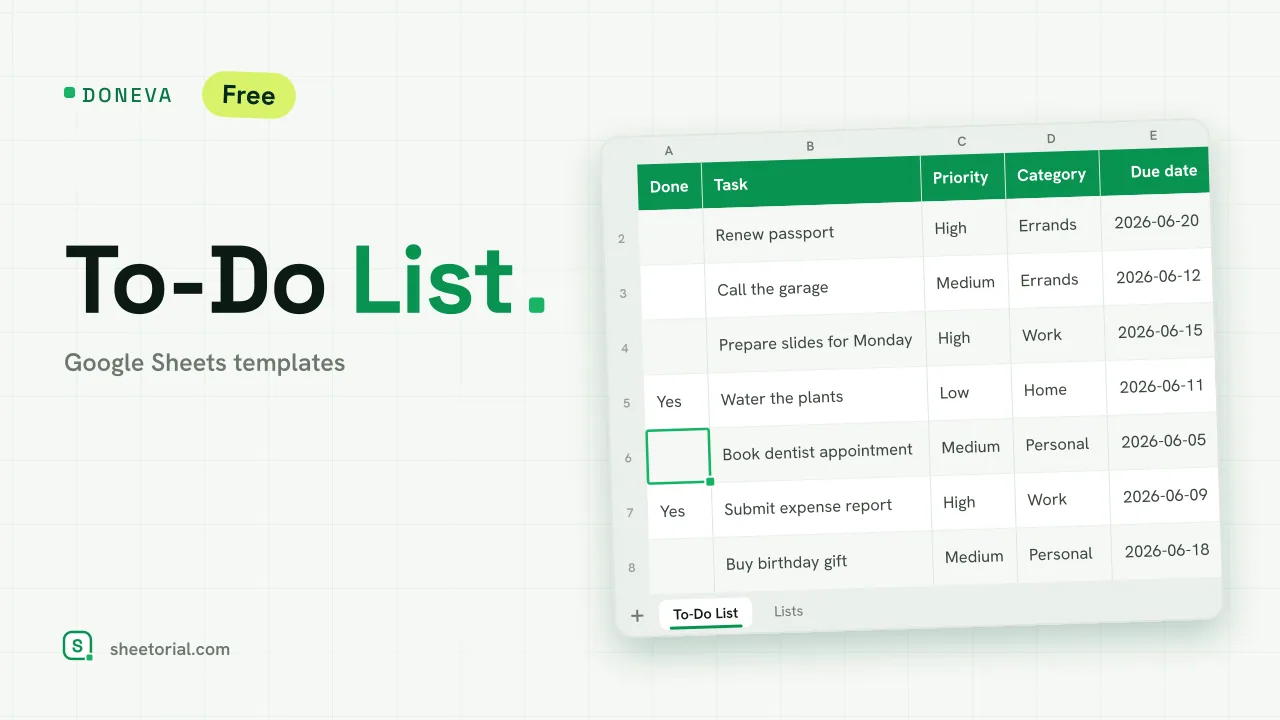
A list is the oldest planning tool there is, and a spreadsheet is where a list goes once it outgrows paper — past ten items, past one person, or past "done / not done". The checklist templates here add the columns a homemade list usually lacks (status, priority, owner, due date) and download as free .xlsx files for Google Sheets or Excel. The difference sounds small until you sort a forty-row list by deadline for the first time.
A task tracker in Google Sheets, not just checkboxes
What turns a list into a task tracker is structure: one row per task, one column per fact about it. With status values you can filter to what is still open; with a priority column the list sorts itself into an order of attack; with dates, this week's items float to the top. Google Sheets adds the sharing layer — assign the owner column to real names and the same file runs a household, a small team or a class project.
Daily checklists and repeatable routines
Some lists are not meant to be finished once but repeated: opening the shop, closing the kitchen, publishing a post, leaving for a trip. A daily checklist template keeps the routine as a reusable column block — duplicate today's column, tick as you go, and the history of past days stays on the sheet. That record is the quiet advantage over a paper list, which remembers nothing.
Printable checklists from the same sheet
Spreadsheets print better than people expect. A checklist formatted for the screen — clear rows, a tick column, no rainbow of colors — turns into a printable checklist with File > Print and nothing else, which matters for the places lists actually live: the fridge door, the packing pile, the workshop wall. The templates here keep print in mind, so the paper copy looks intentional rather than like a screenshot.
Checklist or to-do list: pick the right shape
The distinction earns its keep when you choose a template. A to-do list collects unlike items that each happen once — errands, work tasks, the loose ends of a move. A checklist is a fixed procedure you run repeatedly, where the list itself is the knowledge. If your items carry deadlines and owners, start from a to-do template; if you keep redoing the same sequence, a checklist. For tasks that belong to hours rather than lists, the schedule templates take over, the opening guide shows how to load any of these files into Google Sheets, and the other planning templates cover the calendars and projects around the list.