Templates
Schedule Templates for Google Sheets
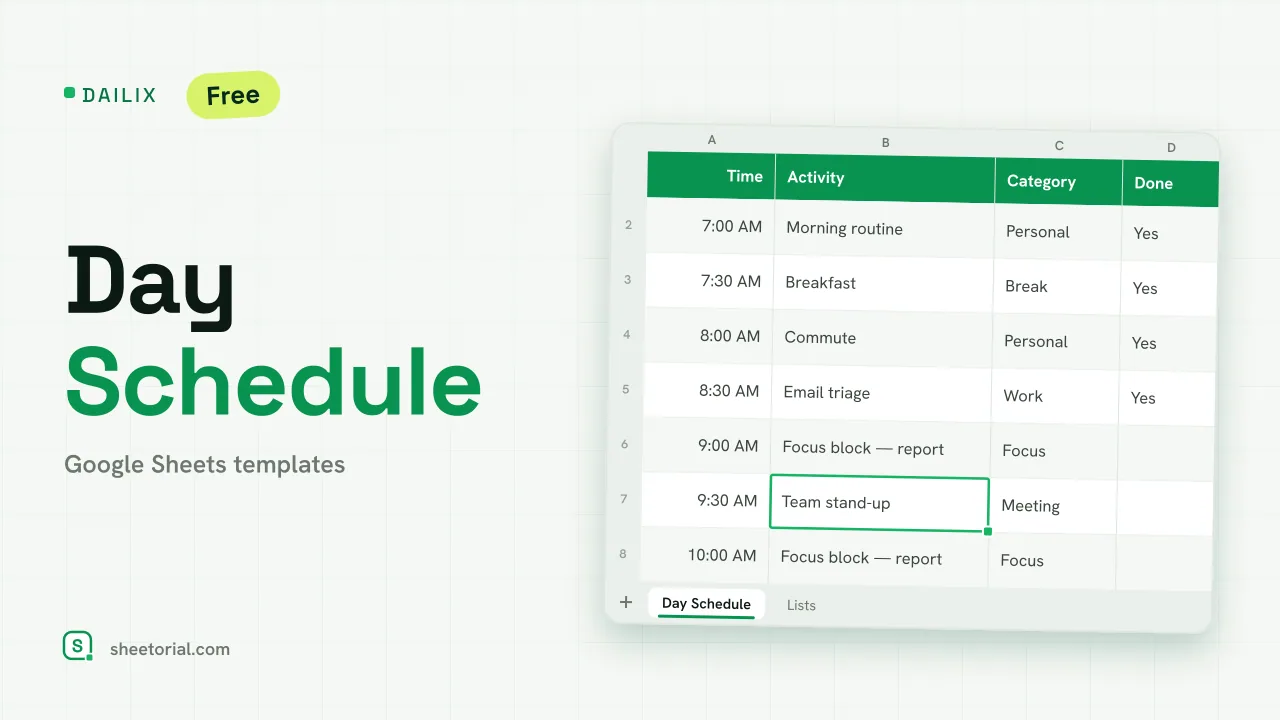
A calendar answers "what day"; a schedule answers "what hour". The templates in this category run time down the rows and days — or people — across the columns: a day planned in half-hour blocks, a seven-day grid, a staff rota by shift. Each downloads as a free .xlsx for Google Sheets or Excel. Building one from a blank sheet is mostly formatting drudgery (time columns, merged headers, color rules for shifts), and that is exactly the part the template already did.
Work and employee schedule templates
Staff scheduling is the spreadsheet's home turf: employees down the rows, days across the top, shifts written in the cells. Kept as a shared Google Sheet, a work schedule beats the printed rota for one practical reason — when Tuesday changes, nobody is reprinting Wednesday; everyone opens the same current version. The identical grid covers an employee shift schedule for a crew of five or a freelancer blocking out client hours for the week.
From the day plan to the weekly grid
Day-scale templates plan hour by hour: time blocks down one column, the plan beside them. That resolution suits deep-work days, filming days and anything appointment-driven. Weekly versions zoom out to the recurring pattern — training sessions, lessons, standing meetings — where the shape of the week matters more than any single hour. A useful rule from watching schedules get abandoned: pick the coarsest scale that still answers your question, because over-detailed plans die first.
Class timetables and household routines
The same rows-and-columns logic handles a class timetable (periods down, weekdays across) and the domestic kind of scheduling — chore rotations, cleaning days, who has the car. None of these need their own app; they need a grid someone actually opens, and a sheet shared with the household or the class group is usually that grid.
How to choose a schedule template in Google Sheets
Decide the unit of time first — hours, shifts or weekdays — and then who has to read it. Anything shared belongs in Google Sheets so there is exactly one live copy; a private day plan works just as well in Excel. If you are placing items on dates rather than hours, the calendar templates are the better tool, and the opening guide covers getting these .xlsx files into Google Sheets in a few steps. The rest of the planning templates handle what the hours are for.