Templates
Google Sheets Calendar Templates
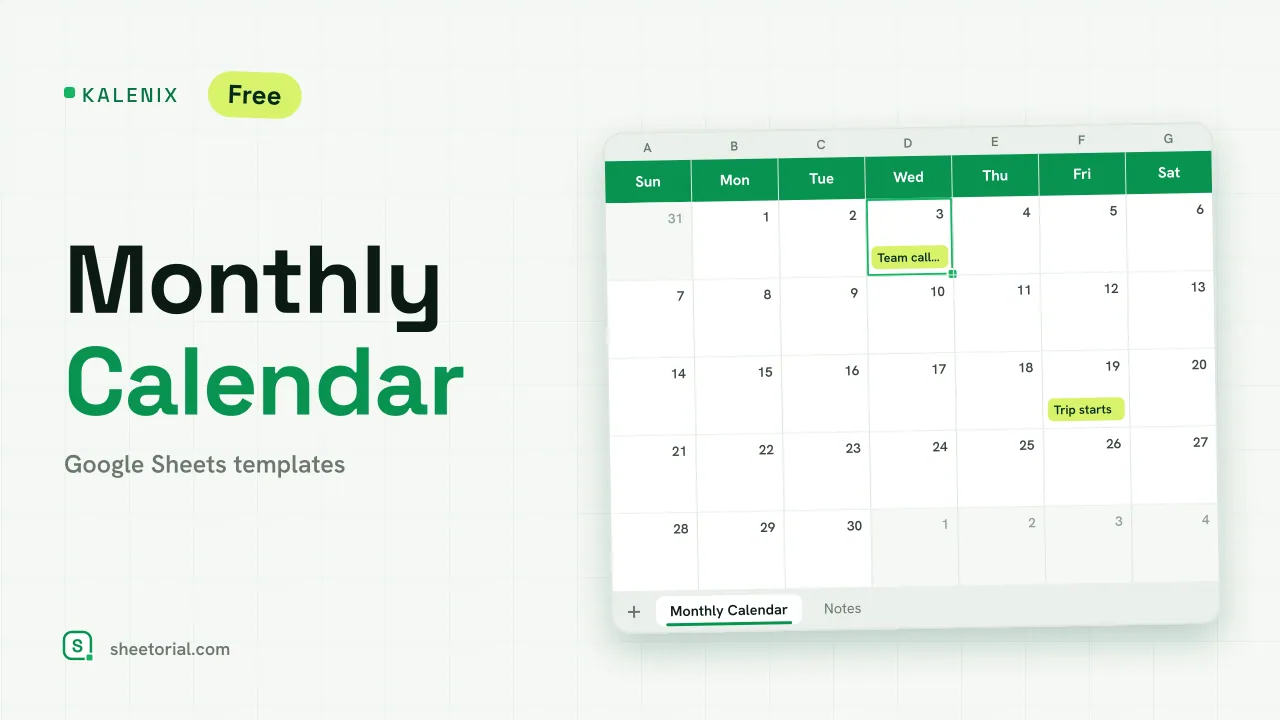
A calendar inside a spreadsheet sounds redundant until you try to put your own information on a calendar. Google Calendar manages appointments; what it will not give you is a month you can type into — deadlines colored by project, a rota written in the date boxes, an editorial plan you can print and pin up. That is the job of a Google Sheets template calendar: a grid of real dates that behaves like a spreadsheet. Each one here downloads as a free .xlsx and opens in Google Sheets or Excel.
Inside a Google spreadsheet calendar template
The mechanics are simple and tedious to build by hand, which is the whole case for downloading the file. A month needs seven weekday columns, a row block per week, and the 1st placed under the correct weekday — an alignment that changes every month and resets every year. A ready Google Sheet calendar template has those offsets handled, weekends shaded and writing room under each date, so the work starts at "type the plan in" rather than "count the cells out".
Monthly grids, weekly layouts and a yearly view
The month grid is the format most people mean by a calendar: one tab per month, a box per date, space for a few lines of notes. A weekly calendar layout trades coverage for room — seven wide columns where a whole paragraph fits under Tuesday. The yearly calendar view compresses twelve months onto a single tab, useful for date-only items such as renewals, school terms and product launches. Teams also bend these grids into content and social posting calendars; the structure is identical, only the column labels change.
Set up for the current year — same link every January
Calendars age on a fixed schedule, and a surprising number of the ones floating around online expired several Januaries ago. The templates in this category are kept on the current year's dates and refreshed when the year turns, at the same address — a bookmark made in October still points at a working calendar in February. If you plan further ahead than the file does, duplicate a month tab and adjust the dates: the layout carries over, only the numbers move.
How to choose a calendar template for Google Sheets
Match the grid to what you write on it. Three words per day fits a month grid; full sentences need the weekly layout; bare dates sit happily in the year view. Check the tab structure too — twelve month tabs are easier to live with than one endless scroll. If your planning runs on hours rather than dates, you want the schedule templates next door instead, and the opening guide shows how to get any .xlsx from this collection into Google Sheets. The rest of the planning templates cover the lists and projects the calendar dates point at.