PIPENZA: Sales Pipeline Template for Excel and Google Sheets
Important: you need to be signed in to a Google account to copy the template to your Drive. Need help opening the template?
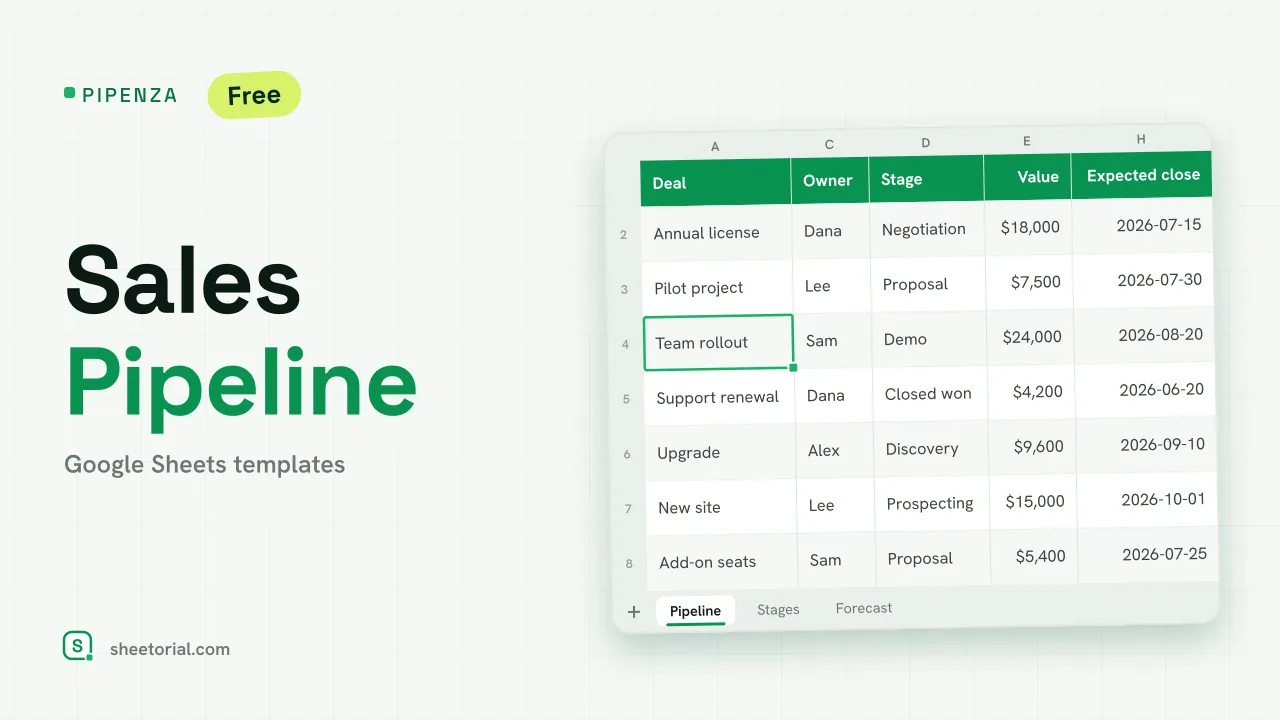
PIPENZA is a pipeline you can read in one screen: every open deal with its stage, value, probability and expected close date, and below it the number that matters to anyone planning ahead, the weighted value of what is likely to close and when. It is a sales pipeline template for Excel and Google Sheets, a free .xlsx download with no CRM behind it. The stages and their probabilities are yours to set, so the forecast reflects how your own deals tend to move.
A sales pipeline tracker with weighted value
The Pipeline tab has one row per opportunity: deal, account, owner, stage, value, probability, weighted value, expected close date, next step and days to close. Probability is looked up from the stage, and weighted value is value x probability, which is the standard way of discounting a deal that is still at demo against one already in negotiation. Days to close counts down from TODAY(). Four totals sit on top: open deals, open pipeline value, weighted value and value already won.
Pipeline stages and win probability
The Stages tab lists seven stages (Prospecting, Discovery, Demo, Proposal, Negotiation, Closed won and Closed lost) with an editable probability for each, from 10% at prospecting up to 80% at negotiation in the sample. Next to each stage the sheet counts the deals sitting there, their total value and their weighted value, which works as a simple funnel: a stage holding far more value than the next one is where deals are getting stuck. Keep Closed won and Closed lost as the last two stages, because the open totals leave them out.
How the pipeline template forecasts by close month
The Forecast tab takes six months from a start month you choose and adds up, for each month, the open deals expected to close in it, their value and their weighted value, using SUMIFS on the close dates and excluding won and lost deals. The month with the largest weighted value is shaded. In the pipeline itself, a deal whose close date has passed while it is still open turns amber, a prompt to move the date or the stage instead of letting the forecast drift.
How to build a sales pipeline in Google Sheets
- Set the probability of each stage on Stages, or keep the sample values.
- Add each opportunity on Pipeline with its stage, value and expected close date.
- Move the stage forward as the deal progresses; probability and weighted value follow.
- Update or close any amber deal whose date has passed.
- Read Forecast to see the weighted revenue month by month.
PIPENZA is published in eleven language editions with translated tabs, stages and currency formats; the opening guide covers opening it in Google Sheets. For a forecast built from products and growth rates rather than from individual deals, see FORECIX, the sales forecast template. Early enquiries that are not deals yet belong in LEADORA, the lead tracker. More sheets are under CRM and sales templates.
More templates
-
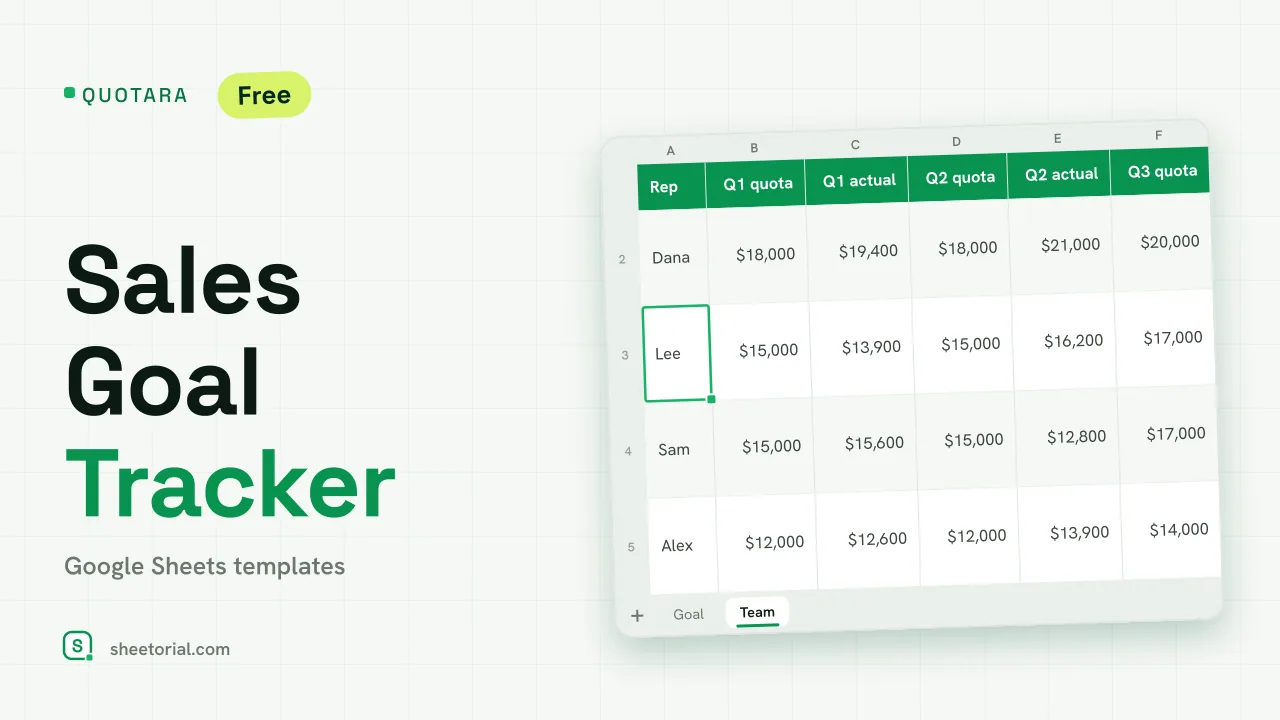 CRM & Sales QUOTARA: Sales Goal Tracker for Google Sheets Sales goal tracker for Google Sheets: an annual goal split into monthly targets, actual vs target, a year-end projection and quarterly quota by rep. Free. View template →
 -
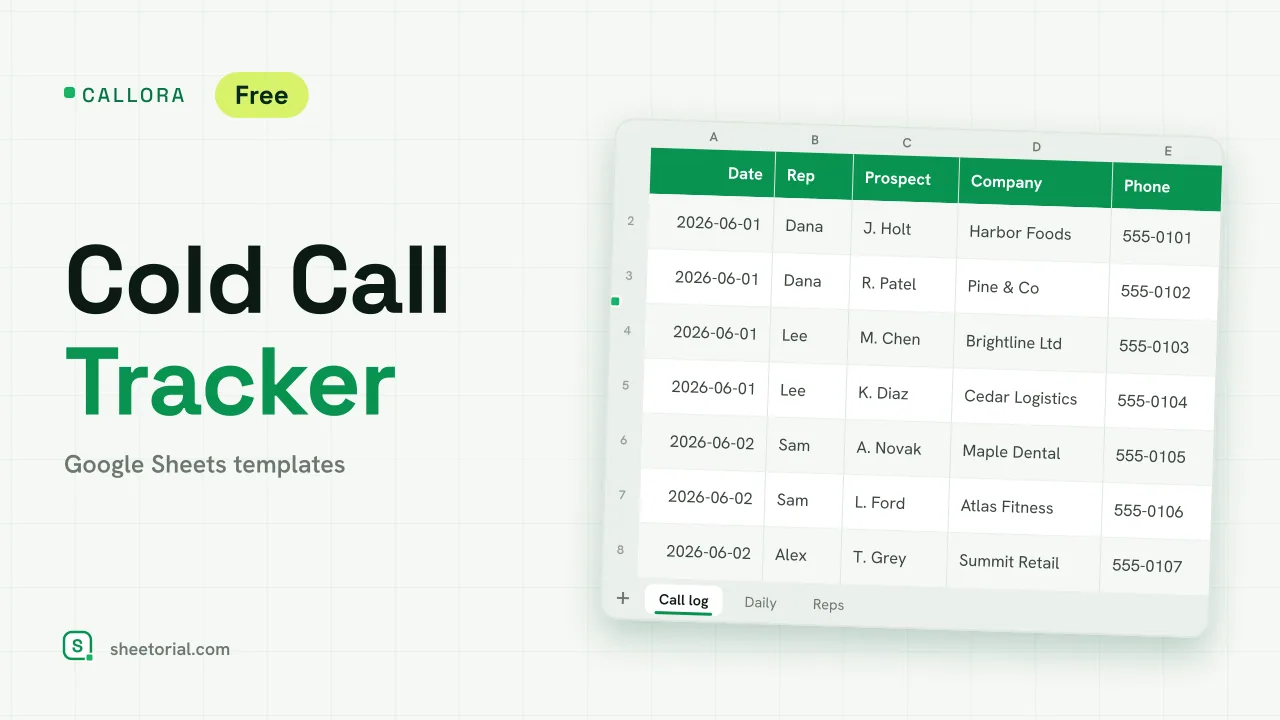 CRM & Sales CALLORA: Cold Call Tracker for Google Sheets Cold call tracker for Google Sheets: a sales call log that counts dials, connects and meetings booked, with daily activity and rates per rep. Free XLSX. View template →
 -
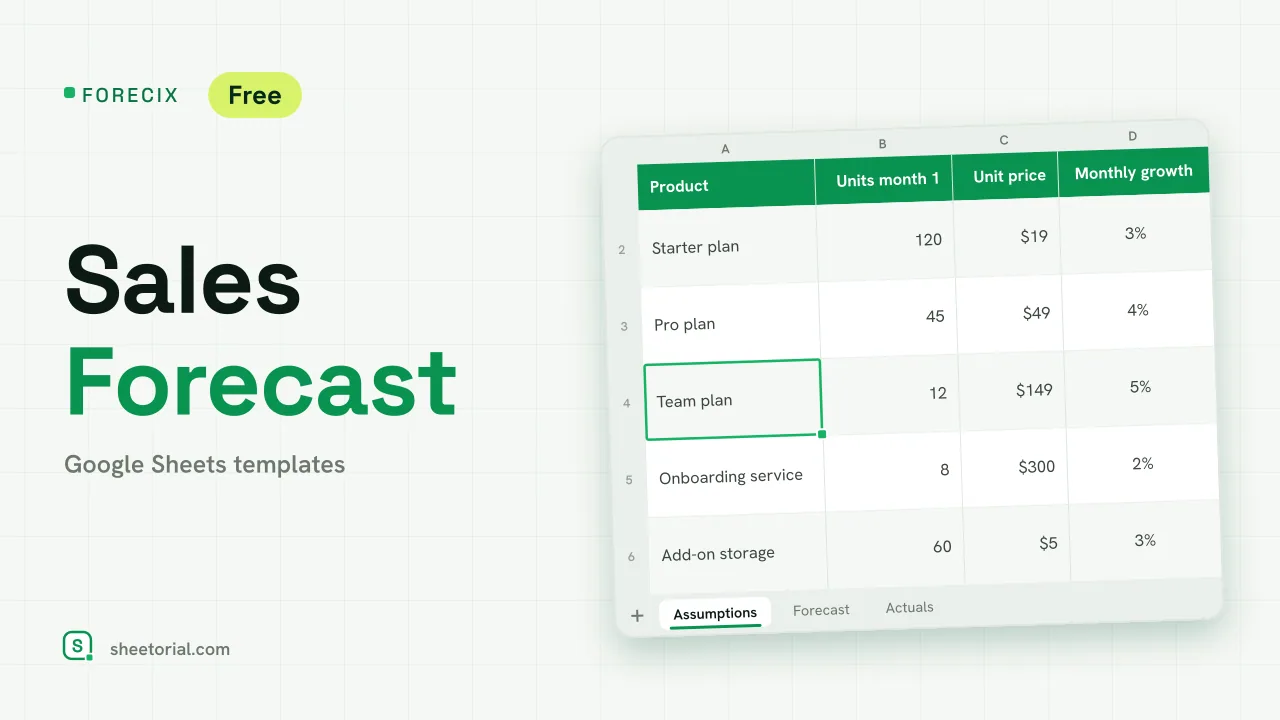 CRM & Sales FORECIX: Sales Forecast Template for Google Sheets Sales forecast template for Google Sheets and Excel: 12 months of units and revenue per product from starting volume, price and growth, plus actuals vs forecast. View template →
 -
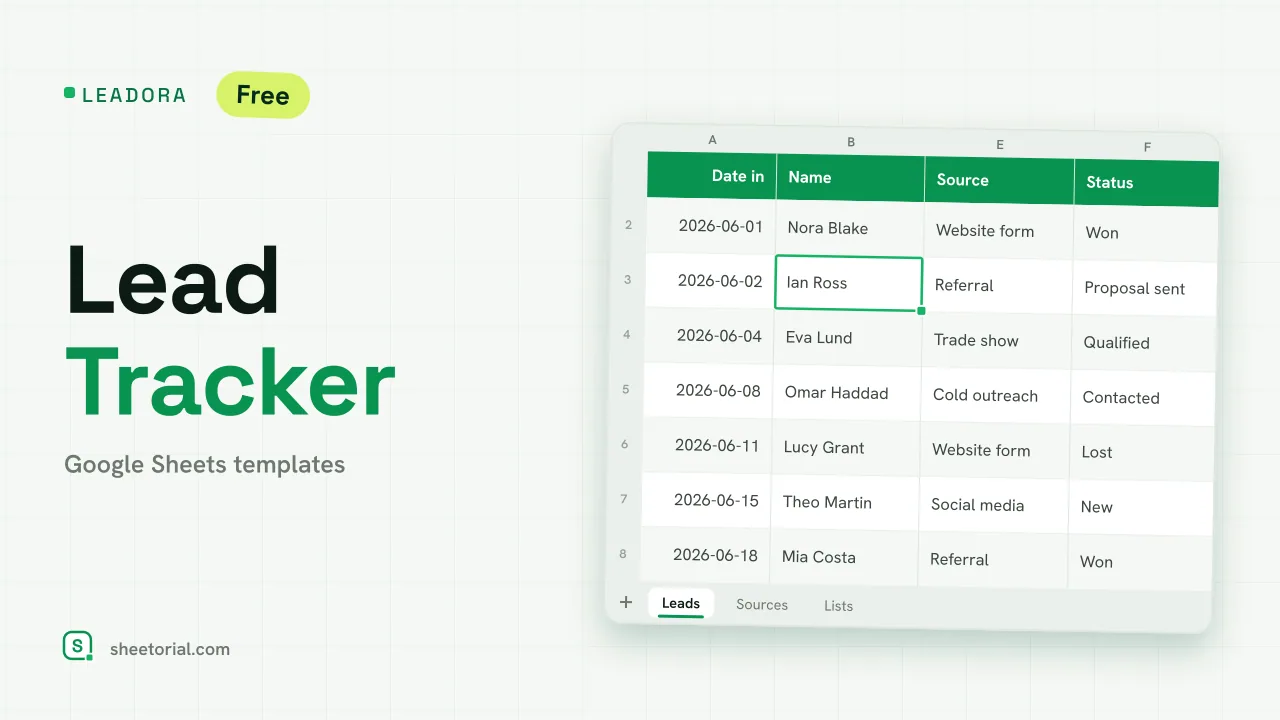 CRM & Sales LEADORA: Lead Tracker Template for Google Sheets Lead tracker template for Google Sheets: status, score, response time and overdue follow-ups for every incoming lead, plus win rate by source. Free XLSX. View template →