LEADORA: Lead Tracker Template for Google Sheets
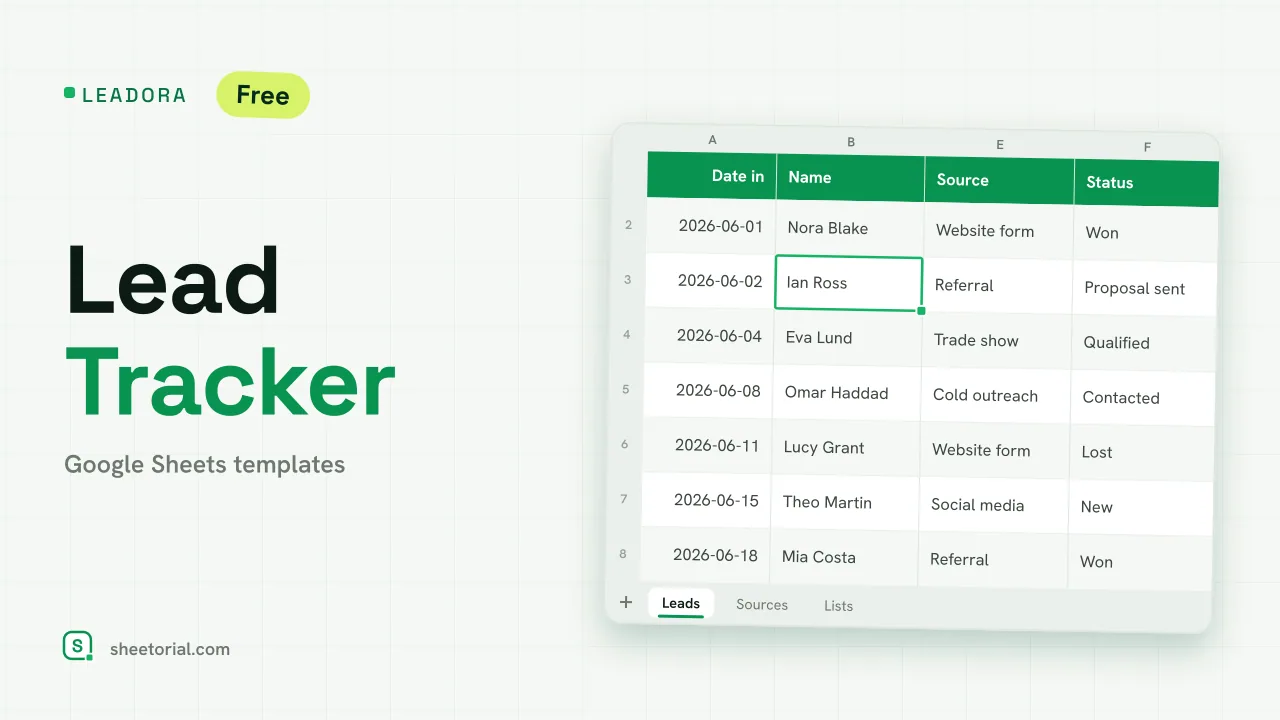
Important: you need to be signed in to a Google account to copy the template to your Drive. Need help opening the template?
LEADORA covers the first part of a sale: the enquiry that arrives through a form, a referral or a trade show and has to be answered, qualified and followed up before it becomes a deal or is closed as lost. Every lead gets one row; the sheet calculates how quickly you replied, marks the follow-ups that are overdue and adds up, channel by channel, which sources produce customers. It is a lead tracker template for Google Sheets, free to download as an .xlsx that also opens in Excel.
A sales lead tracker for the top of the funnel
The Leads tab holds date in, name, company, email, source, status, a score from 1 to 5, estimated value, date of first contact, next follow-up and response time in days. Status runs New, Contacted, Qualified, Proposal sent, Won and Lost, in that order, and the source and status dropdowns read from the Lists tab, so you can rename your sources without touching a formula. The score only accepts whole numbers from 1 (cold) to 5 (hot). Four figures at the top show total leads, leads still open, value won and the average response time.
How the lead tracking spreadsheet flags follow-ups
Response time is first contact minus date in, which keeps the speed of your replies visible lead by lead. A colour rule compares each next follow-up date with TODAY(): if the date has passed and the lead is neither won nor lost, the row turns amber. Won leads shade green and lost ones fade to grey on red, so the open work is what stands out. The Sources tab counts leads, leads that reached Qualified or beyond, wins, win rate, value won and average score for each source, and a source converting at 30% or more turns green.
How to track leads in Google Sheets
- Rename the lead sources on Lists to the channels you actually use.
- Add each new lead on Leads with its date in and source.
- Fill in the first contact date when you reply; response time is calculated.
- Set a next follow-up date every time you touch a lead and move the status forward.
- Read Sources at the end of the month to see which channels deserve more effort.
Lead tracker or CRM template?
LEADORA stops where the relationship starts. Once a lead is won and becomes an ongoing customer, contact history and repeat deals fit better in KLIENTRA, the CRM template, and leads that turn into larger opportunities can move to PIPENZA, the sales pipeline template. If your leads come from outbound calls rather than inbound enquiries, CALLORA logs the dialling.
The lead tracker is available as a free Excel and Google Sheets file in eleven language editions with translated tabs, statuses and date formats. The opening guide explains the import, and the other sales sheets are under CRM and sales templates.
More templates
-
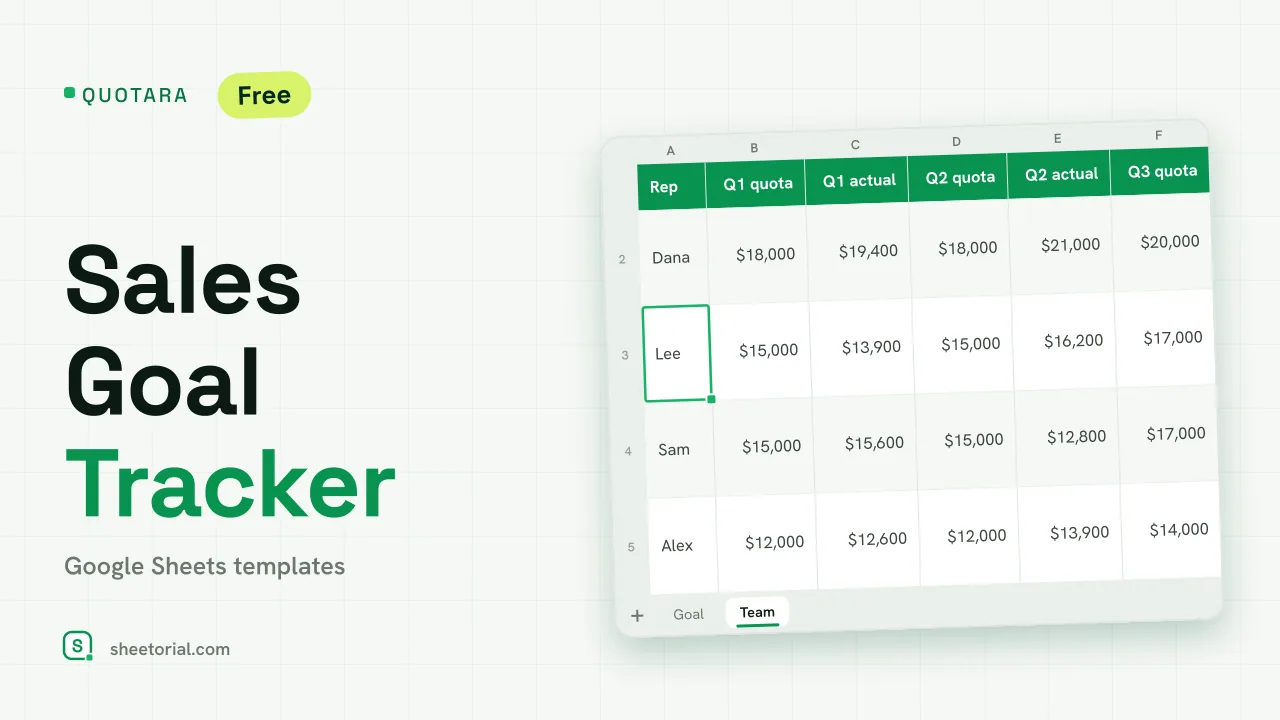 CRM & Sales QUOTARA: Sales Goal Tracker for Google Sheets Sales goal tracker for Google Sheets: an annual goal split into monthly targets, actual vs target, a year-end projection and quarterly quota by rep. Free. View template →
 -
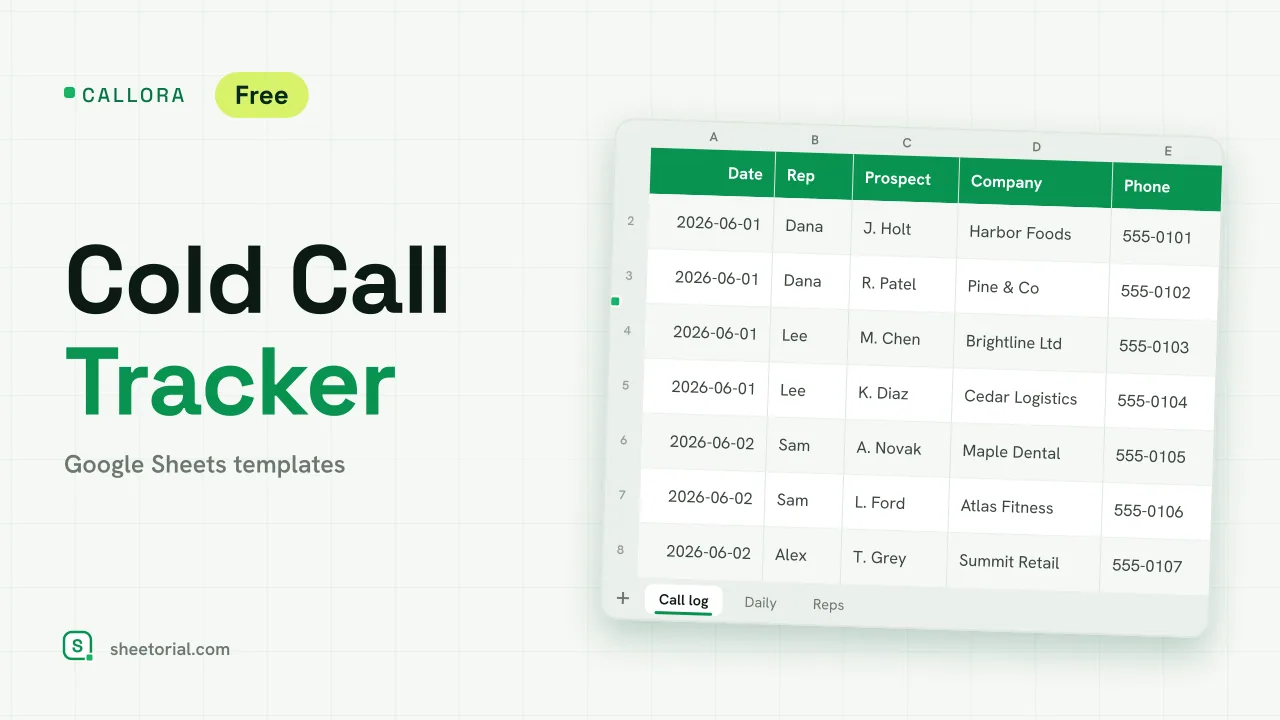 CRM & Sales CALLORA: Cold Call Tracker for Google Sheets Cold call tracker for Google Sheets: a sales call log that counts dials, connects and meetings booked, with daily activity and rates per rep. Free XLSX. View template →
 -
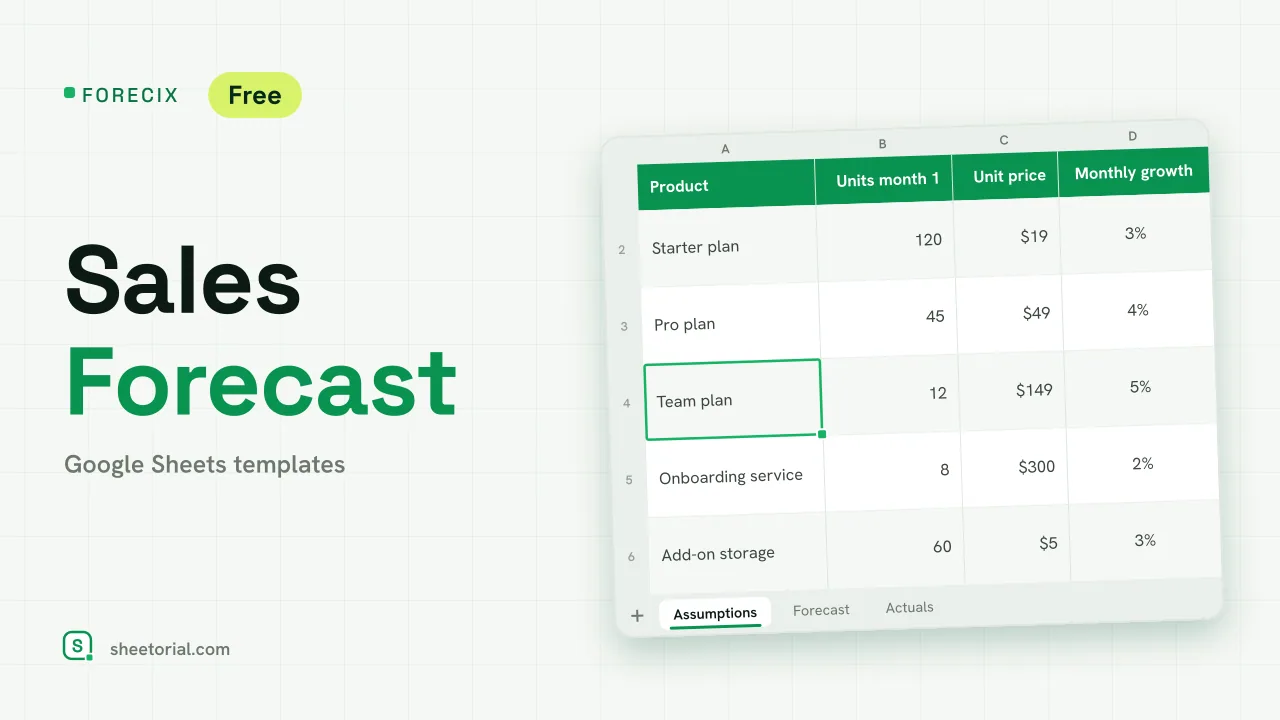 CRM & Sales FORECIX: Sales Forecast Template for Google Sheets Sales forecast template for Google Sheets and Excel: 12 months of units and revenue per product from starting volume, price and growth, plus actuals vs forecast. View template →
 -
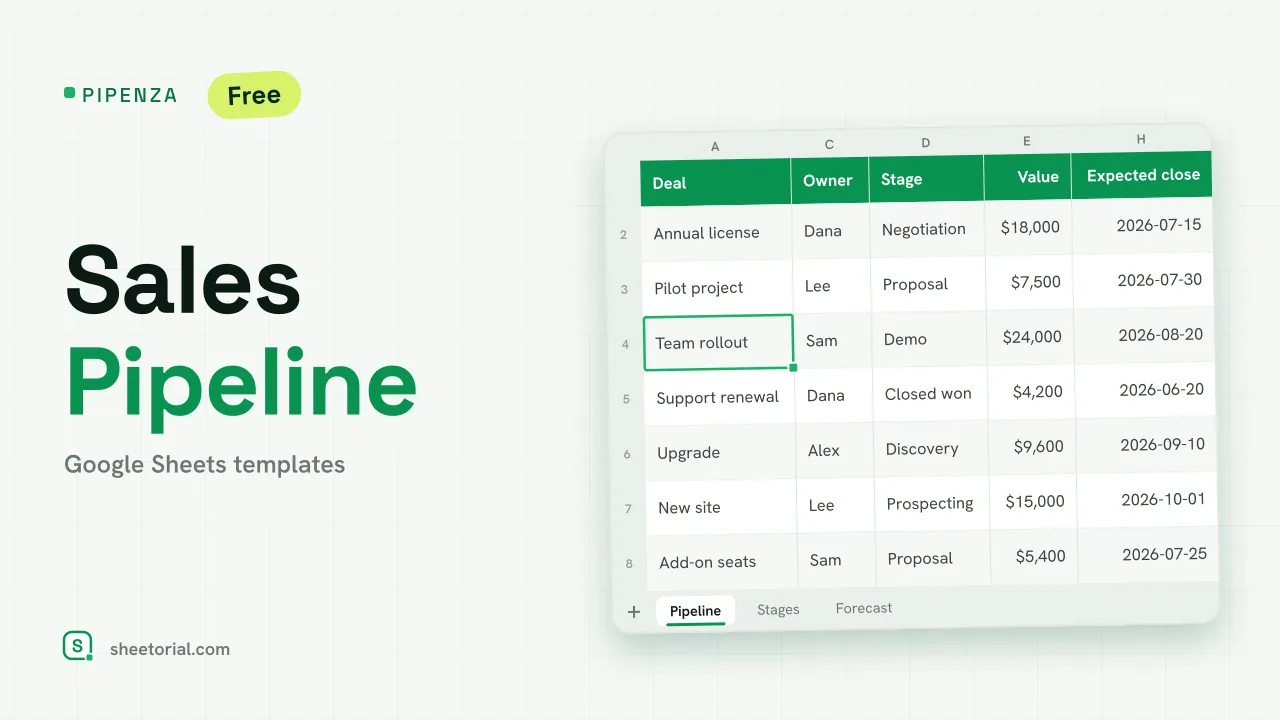 CRM & Sales PIPENZA: Sales Pipeline Template for Excel and Google Sheets Sales pipeline template for Excel and Google Sheets: deals by stage with win probability, weighted value, overdue close dates and a forecast by month. Free. View template →