KLIENTRA: CRM Template for Google Sheets
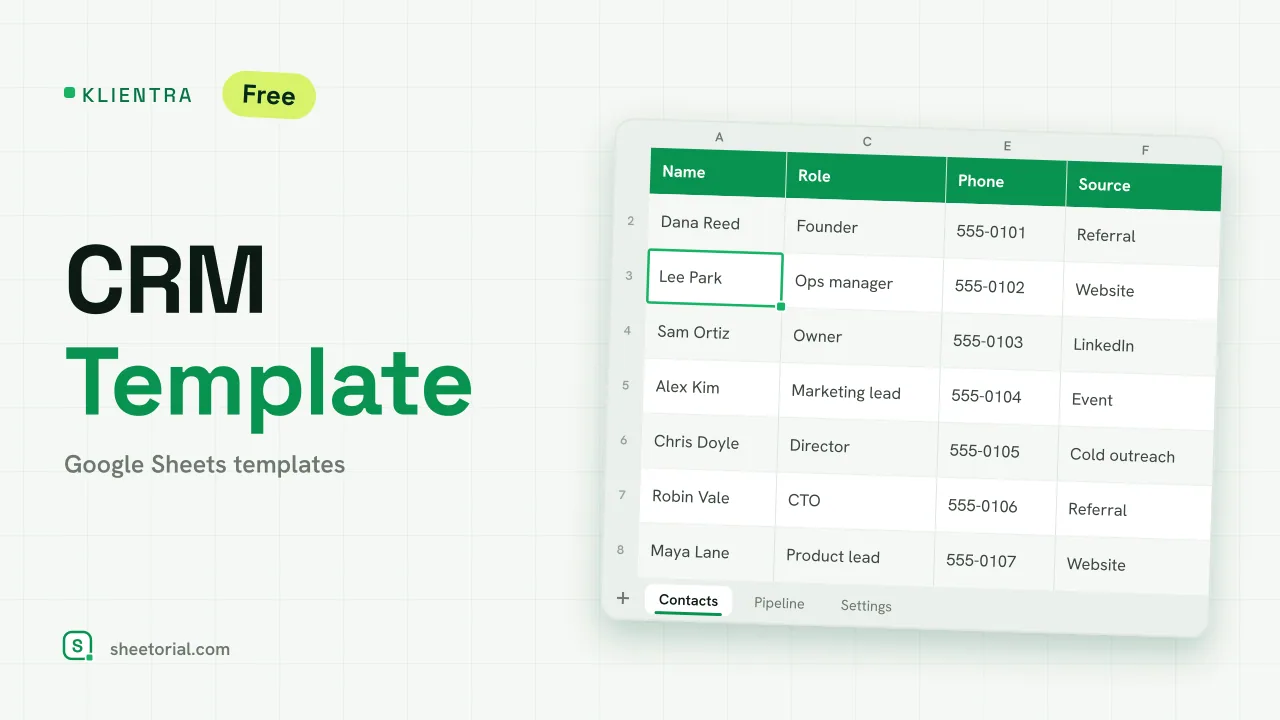
Important: you need to be signed in to a Google account to copy the template to your Drive. Need help opening the template?
KLIENTRA runs a small sales operation from three tabs: the people you know, the deals you're chasing, and a settings sheet that bends both to your process. It's a CRM template for Google Sheets with no account behind it and no trial clock — the free .xlsx download is the product, and it opens in Google Sheets, Excel or LibreOffice.
A Google Sheets CRM in three tabs
Contacts is the address book with a pulse: name, company, role, email, phone, where the contact came from (a dropdown), the date you last spoke, the next follow-up and notes. Pipeline holds the deals: each one with company, contact, stage, value, a close-by date, owner and next action — and a summary above that totals open value, won value and the number of deals sitting at each stage. Settings feeds the dropdowns: six pipeline stages from Lead to Won and Lost, plus the contact sources. Rename a stage there and every dropdown follows; the eight sample contacts and eight sample deals show the moving parts before you clear them.
How the CRM template keeps follow-ups from slipping
What makes a spreadsheet CRM hold up isn't the columns, it's the nags. A contact whose next follow-up date arrives — or quietly passed — flags amber. A deal still open beyond its close-by date flags amber too. Won rows turn green, Lost rows fade red, and a counter above the contact list totals the follow-ups due today or already late. All of it is conditional formatting and a pair of counting formulas you can open and read; nothing scripted, nothing that breaks when you add rows.
How to set up the CRM spreadsheet
- Adapt the stages and sources in Settings to your sales process.
- Add your contacts — and always set the next follow-up date, since that's what drives the amber alert.
- Create each deal in Pipeline with its stage, value and target close date.
- Move stages from the dropdown as things advance; Won and Lost recolour the row on their own.
- Check the summary for open value, won value and deals per stage.
A free CRM template in eleven languages
Sales conversations don't all happen in English, so KLIENTRA ships in eleven language editions — each a separate .xlsx with stages, column labels and currency formats translated. Download from the page in your language, and use the opening guide if the .xlsx import step is unfamiliar.
When a deal reaches Won, the paperwork starts: PAYVEX follows the invoices that come out of it through to collection. More sales-side sheets are grouped under the CRM and sales templates.
More templates
-
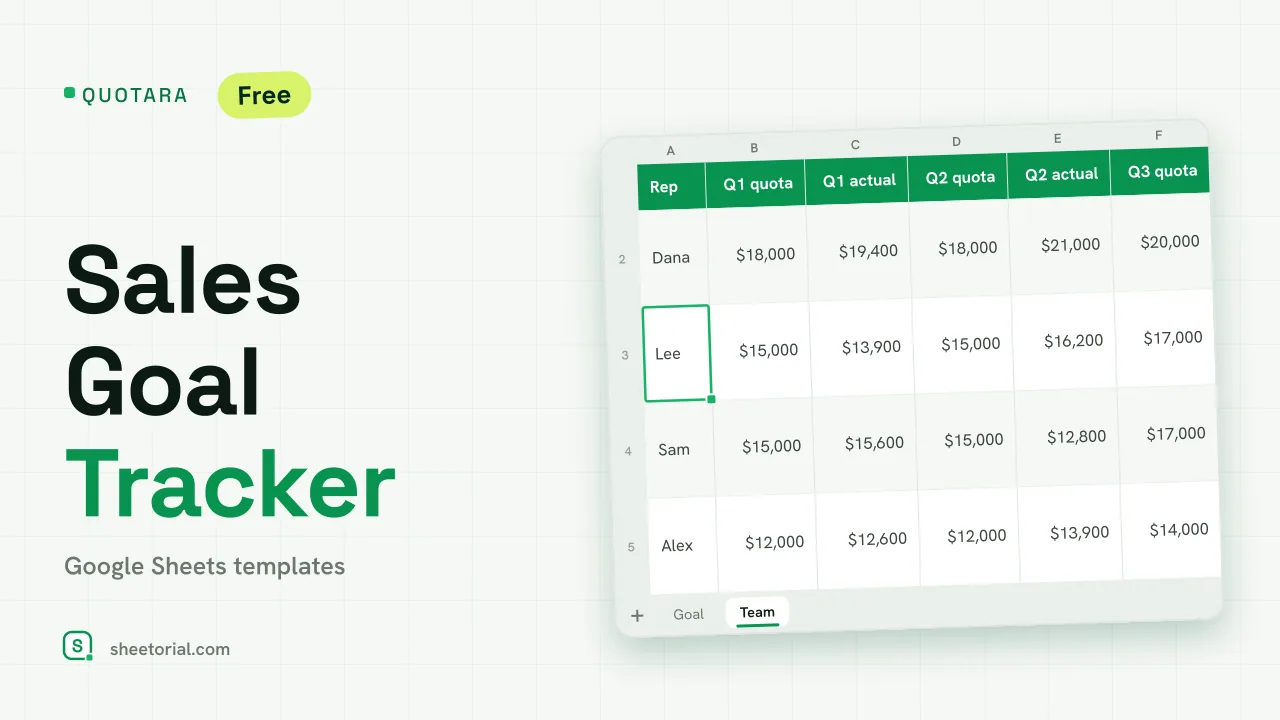 CRM & Sales QUOTARA: Sales Goal Tracker for Google Sheets Sales goal tracker for Google Sheets: an annual goal split into monthly targets, actual vs target, a year-end projection and quarterly quota by rep. Free. View template →
 -
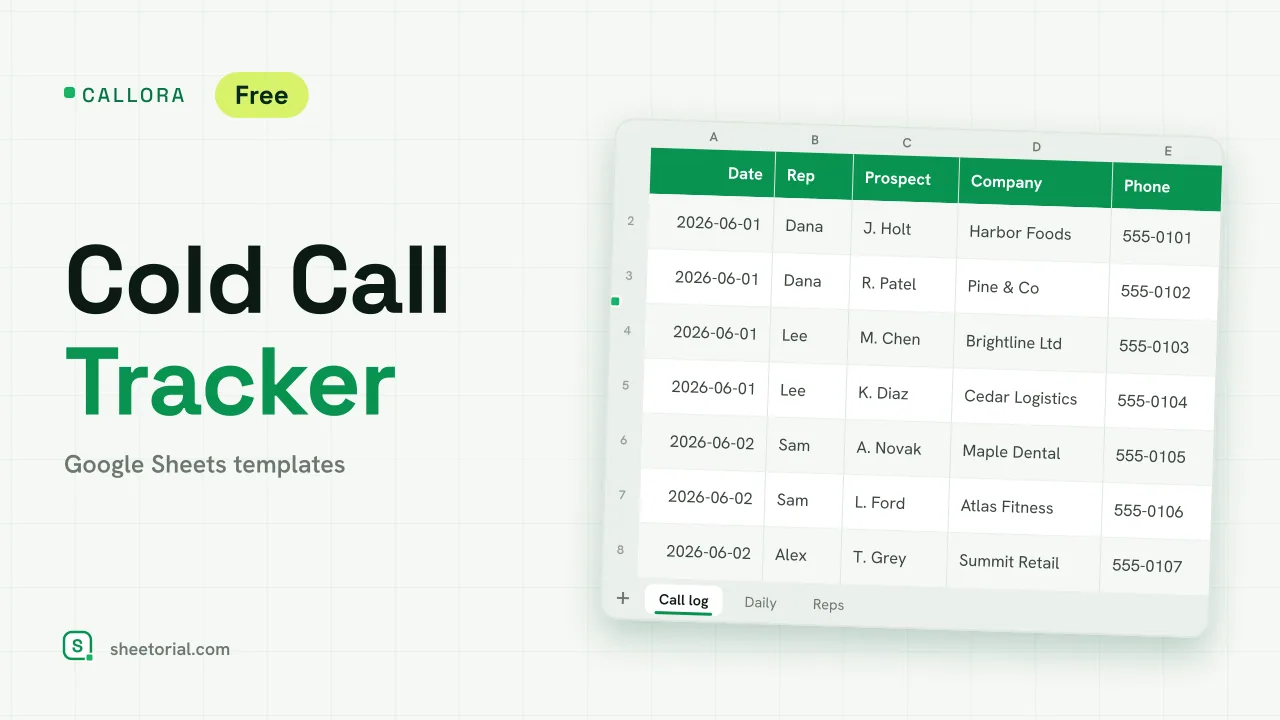 CRM & Sales CALLORA: Cold Call Tracker for Google Sheets Cold call tracker for Google Sheets: a sales call log that counts dials, connects and meetings booked, with daily activity and rates per rep. Free XLSX. View template →
 -
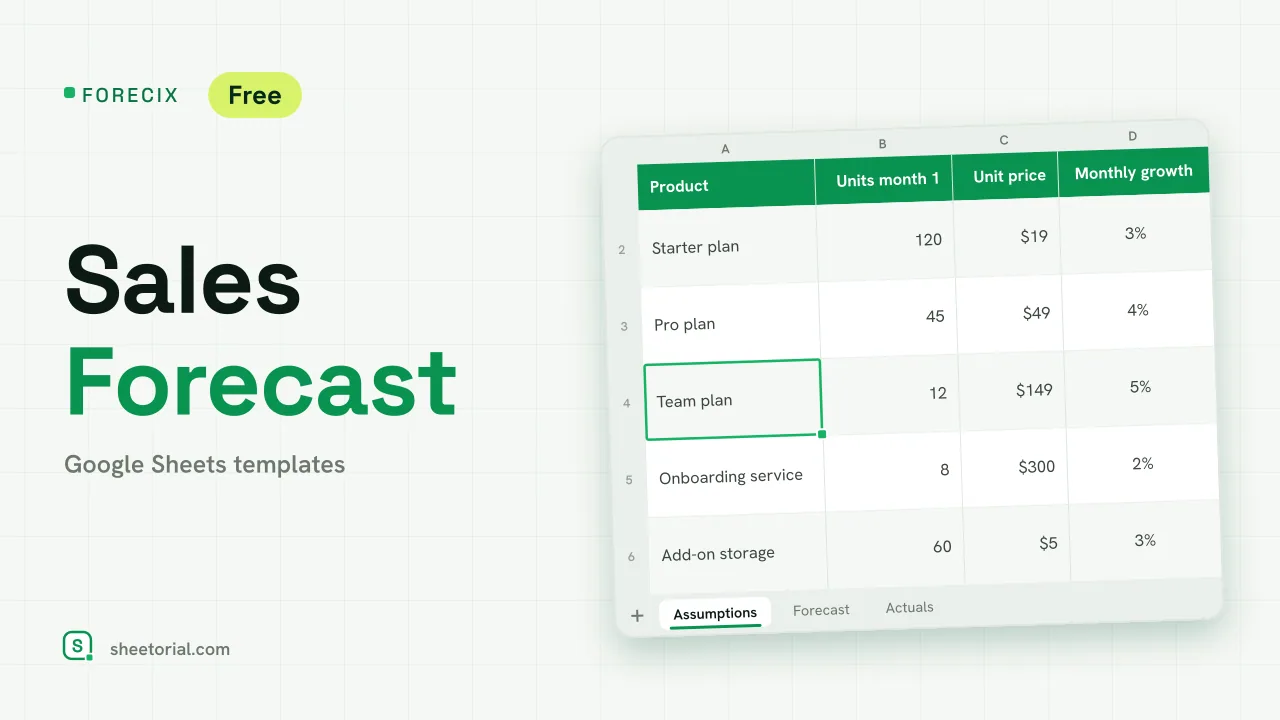 CRM & Sales FORECIX: Sales Forecast Template for Google Sheets Sales forecast template for Google Sheets and Excel: 12 months of units and revenue per product from starting volume, price and growth, plus actuals vs forecast. View template →
 -
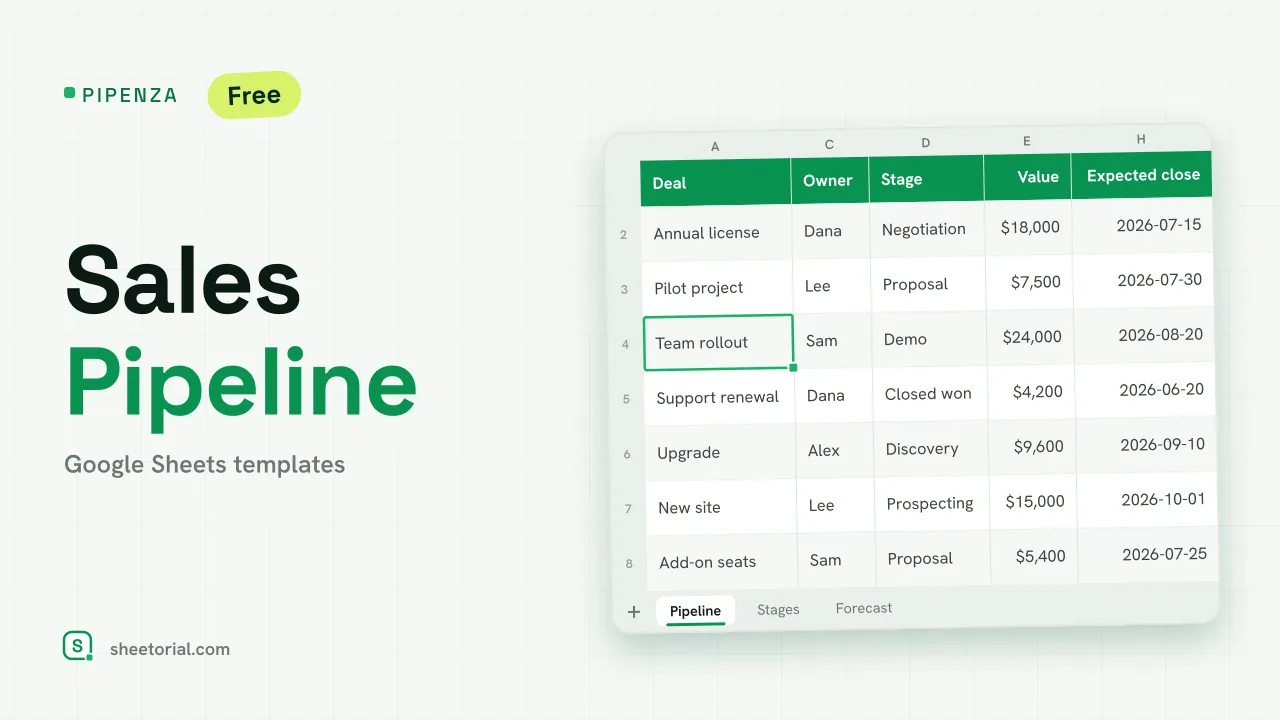 CRM & Sales PIPENZA: Sales Pipeline Template for Excel and Google Sheets Sales pipeline template for Excel and Google Sheets: deals by stage with win probability, weighted value, overdue close dates and a forecast by month. Free. View template →