COMMORA: Commission Tracker for Google Sheets
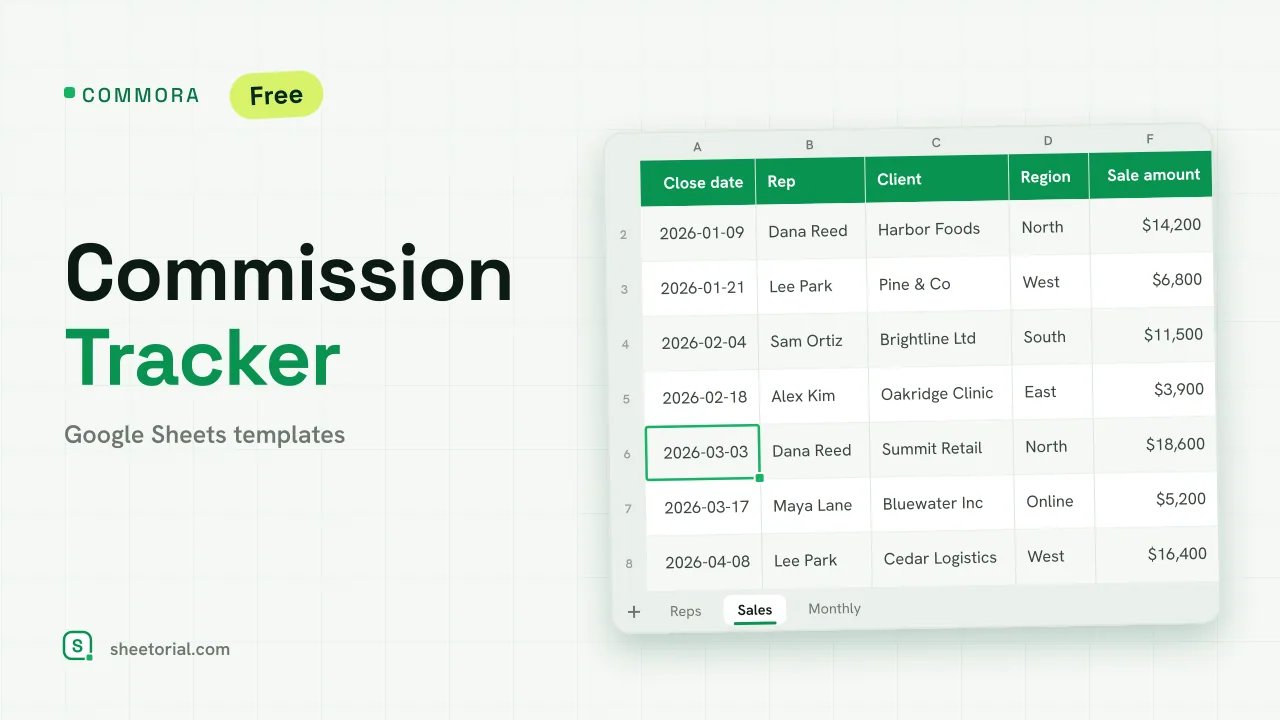
Important: you need to be signed in to a Google account to copy the template to your Drive. Need help opening the template?
COMMORA turns a list of closed deals into commission figures nobody has to argue about. Each rep has a quota, a base rate and an accelerator rate; every sale goes into one log; the sheet works out what was earned, what has been paid out and what is still owed. It is a commission tracker for Google Sheets with no subscription behind it: the free .xlsx download is the whole product, and it opens in Google Sheets, Excel or LibreOffice. Your commission plan is your own; the sheet only does the arithmetic.
A sales commission tracker with an accelerator built in
Most free commission spreadsheets multiply each sale by one rate and stop there. Real plans rarely look like that. On the Reps tab every salesperson gets a quota, a base rate that applies up to the quota and an accelerator rate for everything sold above it. Commission is calculated as MIN(sales, quota) x base rate + MAX(0, sales - quota) x accelerator, so a rep who crosses the line is paid the higher rate only on the excess, which is how tiered plans are usually written. Next to it sit total sales, commission, paid, owed and percent of quota, with three team totals across the top.
How the commission tracker template calculates pay
The Sales tab is the log: close date, rep, client, region, product, sale amount, an estimated commission and a payout status (Unpaid, Paid or On hold). The per-deal estimate uses the rep's base rate, which is what a rep usually wants to see the day a deal closes; the Reps tab then applies the accelerator to the period total. Paid commission is worked out from the share of each rep's sales already marked Paid, and Owed is what remains. A row turns green once it is paid and amber while it is on hold. The Monthly tab lays six months side by side per rep from a start month you choose, using SUMIFS on the close dates, and shades any month in which a rep sold nothing. Five sample reps and twelve sample deals come filled in, with one rep already over quota, so you can see the accelerator working before you clear them.
How to track commissions in Google Sheets
- On Reps, enter each salesperson with their quota, base rate and accelerator rate.
- Edit the payout statuses and regions on the Lists tab if yours differ.
- Log every closed deal on Sales, picking the rep from the dropdown.
- Read earned, paid and owed commission per rep on the Reps tab.
- Switch each deal to Paid when the commission goes out, and change the first month on Monthly to review another half-year.
A rep shaded green has passed 100% of quota; one in amber is below half. If your plan pays a single flat rate, set the accelerator equal to the base rate and the sheet behaves like a plain commission spreadsheet.
A commission tracker for Excel and Google Sheets, in eleven languages
COMMORA ships in eleven language editions, each a separate .xlsx with translated tab names, headers, statuses and currency formats and the same formulas underneath. It works as a commission tracker in Excel as well as in Sheets. Download the edition that matches your page language; the opening guide walks through the import if you have not opened an .xlsx in Google Sheets before.
Agents paid by insurance carriers rather than by an employer will find a closer fit in POLIXA, the insurance commission tracker, and the quota side of the same plan has its own sheet in QUOTARA, the sales goal tracker. Both sit with the rest of the CRM and sales templates.
More templates
-
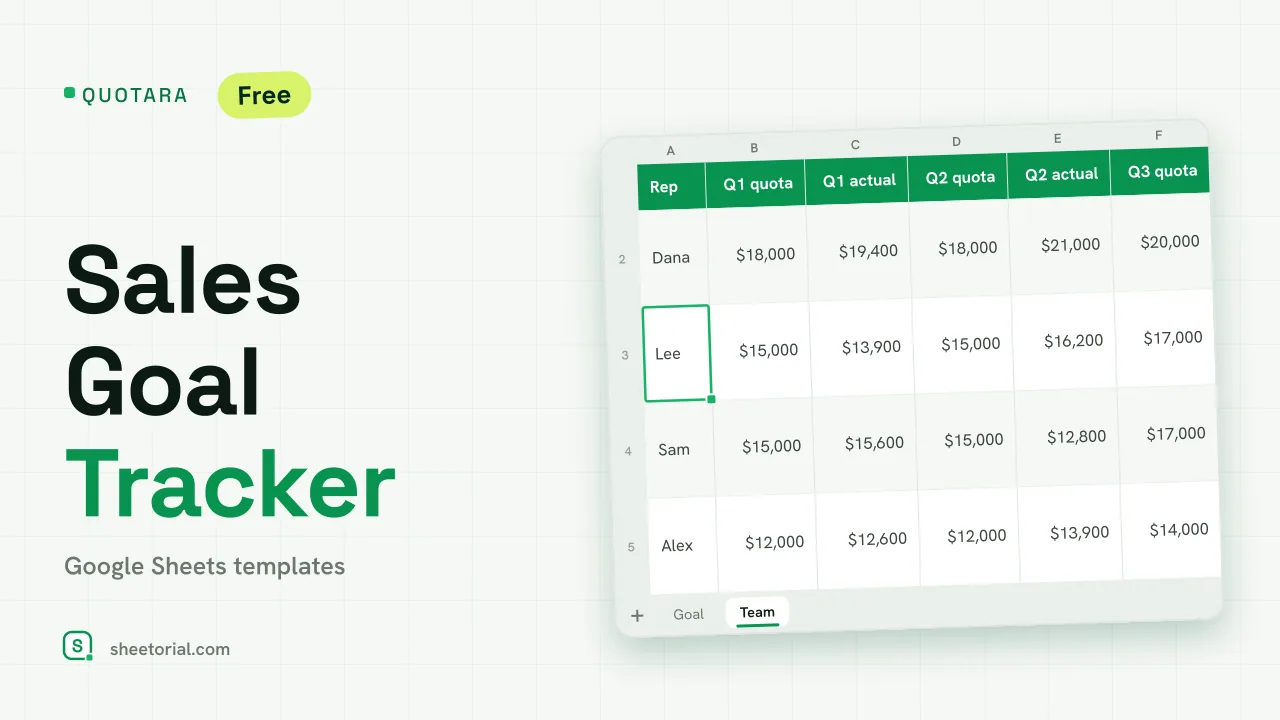 CRM & Sales QUOTARA: Sales Goal Tracker for Google Sheets Sales goal tracker for Google Sheets: an annual goal split into monthly targets, actual vs target, a year-end projection and quarterly quota by rep. Free. View template →
 -
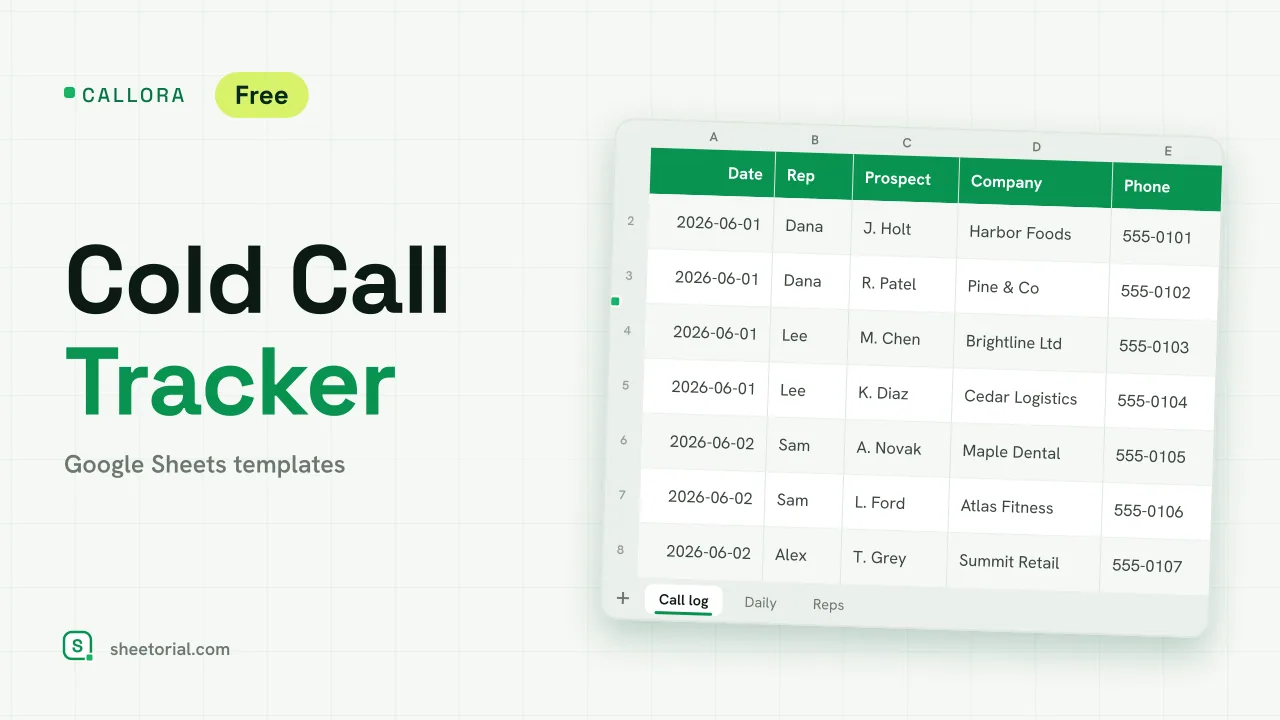 CRM & Sales CALLORA: Cold Call Tracker for Google Sheets Cold call tracker for Google Sheets: a sales call log that counts dials, connects and meetings booked, with daily activity and rates per rep. Free XLSX. View template →
 -
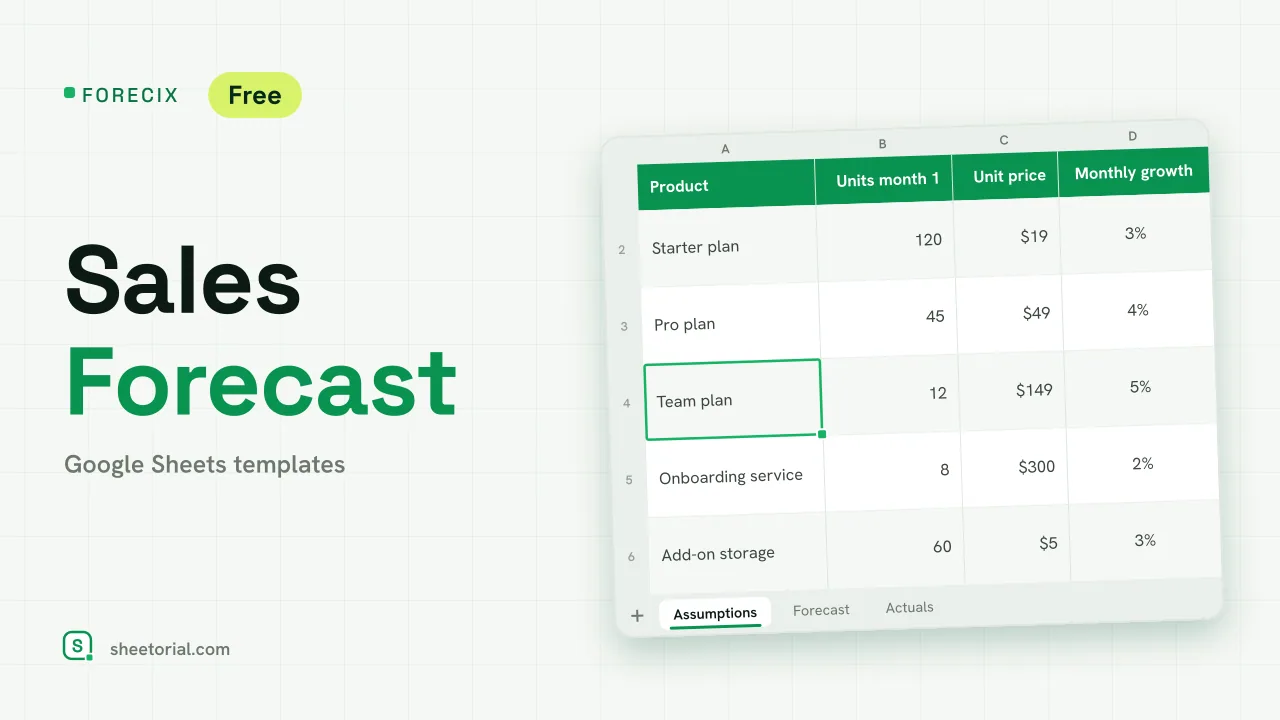 CRM & Sales FORECIX: Sales Forecast Template for Google Sheets Sales forecast template for Google Sheets and Excel: 12 months of units and revenue per product from starting volume, price and growth, plus actuals vs forecast. View template →
 -
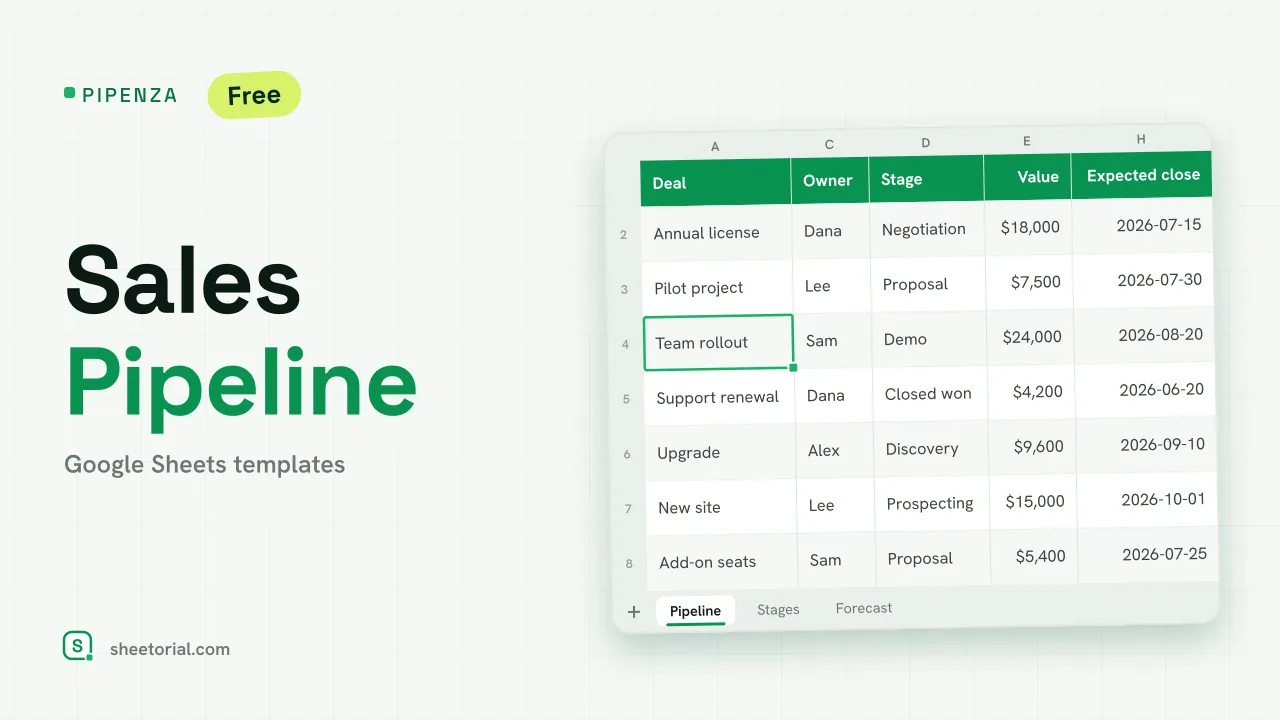 CRM & Sales PIPENZA: Sales Pipeline Template for Excel and Google Sheets Sales pipeline template for Excel and Google Sheets: deals by stage with win probability, weighted value, overdue close dates and a forecast by month. Free. View template →