POLIXA: Insurance Commission Tracker for Google Sheets
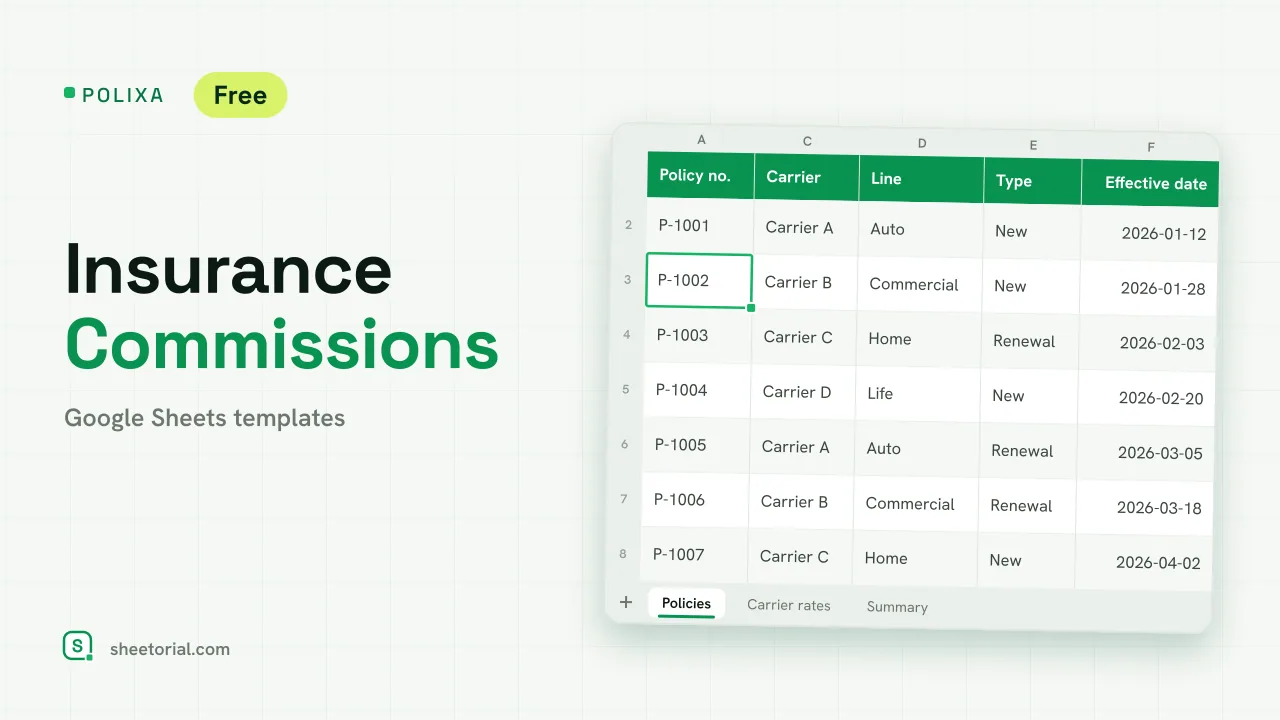
Important: you need to be signed in to a Google account to copy the template to your Drive. Need help opening the template?
POLIXA is for agents and small agencies who are paid by carriers and need to know whether every commission actually arrived. You record each policy with its premium; the sheet looks up the right rate for that carrier, works out the commission you should receive and compares it with what came in. It is an insurance commission tracker for Google Sheets, delivered as a free .xlsx that also opens in Excel. The rates come from your own carrier agreements: the template holds no rates of its own and gives no insurance or tax advice.
An insurance commission tracker built around carrier rates
The Carrier rates tab lists each carrier you write with two percentages: a new-business rate and a renewal rate. Those two numbers are why a general sales commission sheet falls short for insurance work: the same carrier often pays one rate in the first year and a lower one on renewal. On the Policies tab each row holds the policy number, client, carrier, line of business, type (New or Renewal), effective date and premium. The Rate column runs a VLOOKUP against Carrier rates and picks the new or renewal column according to the type you chose, and Expected is premium times rate.
Insurance commission tracking: expected vs received
When a carrier statement arrives, type the amount paid for each policy into Received and the payment date into Paid on. Difference is expected minus received. Three colour rules do the reconciliation for you: a policy with nothing received yet stays amber, an exact payment turns green, and anything paid short turns red, so a missing or reduced commission stands out without anyone re-reading the statement line by line. Four totals at the top count policies and add up expected, received and outstanding commission. The Summary tab groups the same figures by line of business (auto, home, life, health, commercial and other), with outstanding lines in red. Ten sample policies across four placeholder carriers show a short payment and two unpaid policies before you replace them with your own book.
How to use the insurance commission tracker in Excel or Google Sheets
- Enter your carriers on Carrier rates with the new-business and renewal rates from your agreements.
- Adjust the lines of business on the Lists tab if you write others.
- Add each policy on Policies, choosing carrier, line and type from the dropdowns.
- When a statement comes in, record what was paid and when.
- Follow up the red rows (paid short) and the amber ones (still unpaid), and check Summary for the totals by line.
An insurance commission spreadsheet in eleven languages
POLIXA comes in eleven language editions with translated tabs, headers, lines of business and currency formats; the lookups and reconciliation rules are identical in all of them. Pick the edition for your language and see the opening guide if importing an .xlsx into Google Sheets is new.
If your commissions come from an employer's sales plan rather than from carriers, COMMORA, the commission tracker, handles quotas and accelerators instead. Both are part of the CRM and sales templates.
More templates
-
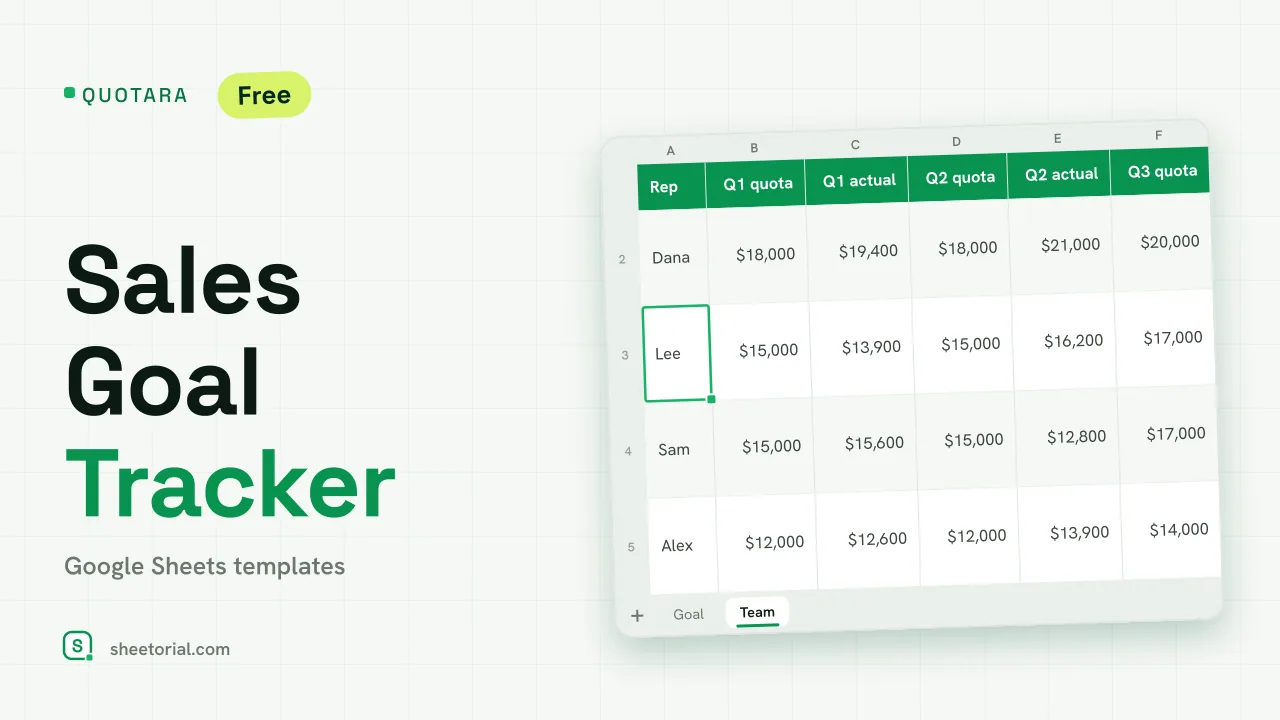 CRM & Sales QUOTARA: Sales Goal Tracker for Google Sheets Sales goal tracker for Google Sheets: an annual goal split into monthly targets, actual vs target, a year-end projection and quarterly quota by rep. Free. View template →
 -
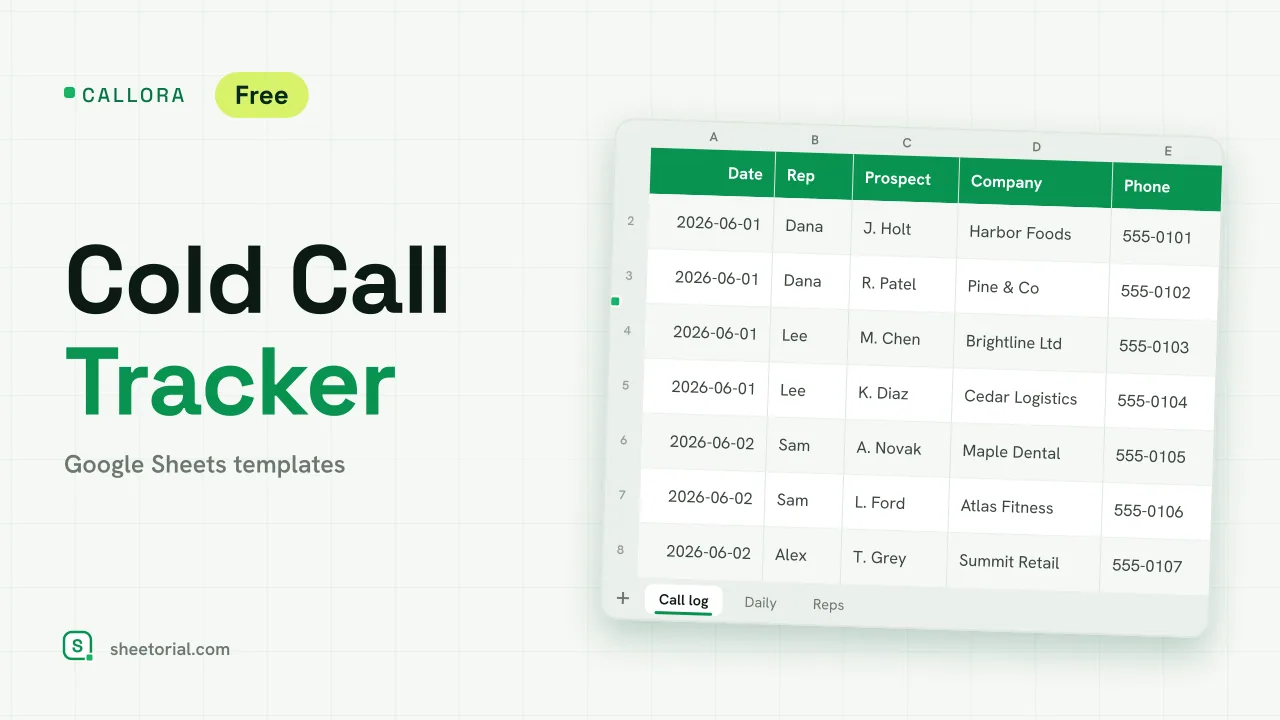 CRM & Sales CALLORA: Cold Call Tracker for Google Sheets Cold call tracker for Google Sheets: a sales call log that counts dials, connects and meetings booked, with daily activity and rates per rep. Free XLSX. View template →
 -
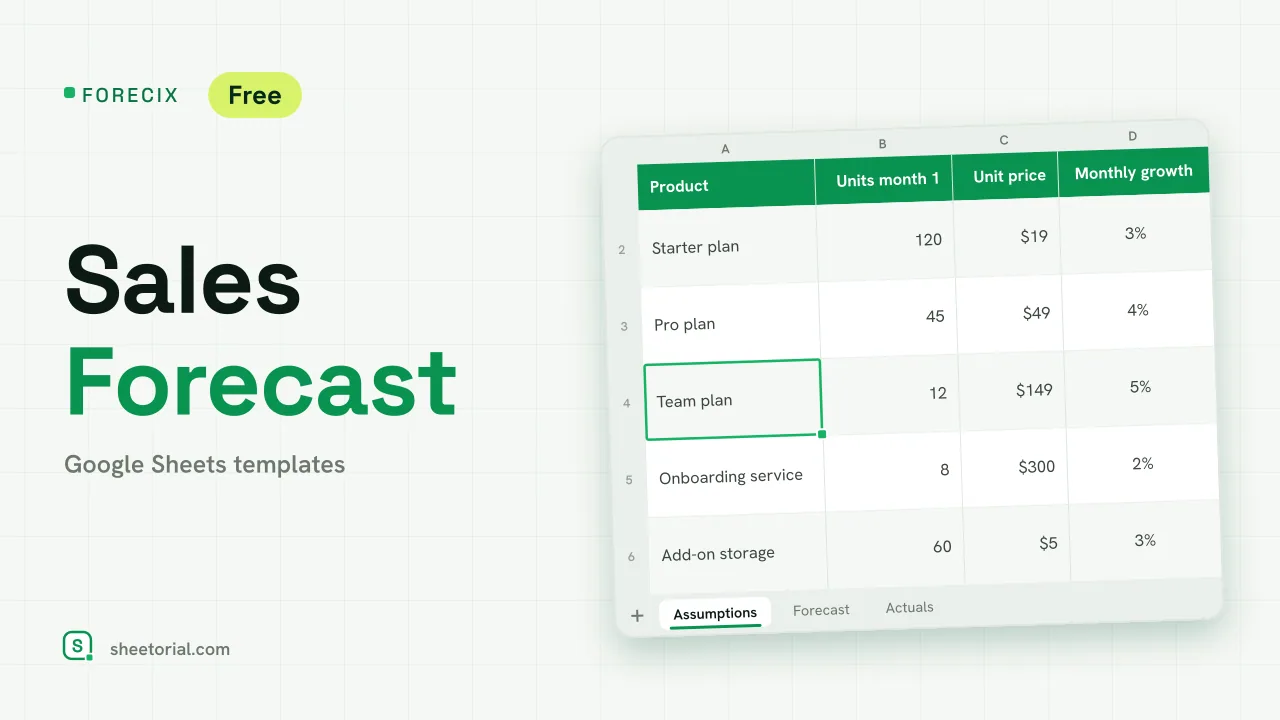 CRM & Sales FORECIX: Sales Forecast Template for Google Sheets Sales forecast template for Google Sheets and Excel: 12 months of units and revenue per product from starting volume, price and growth, plus actuals vs forecast. View template →
 -
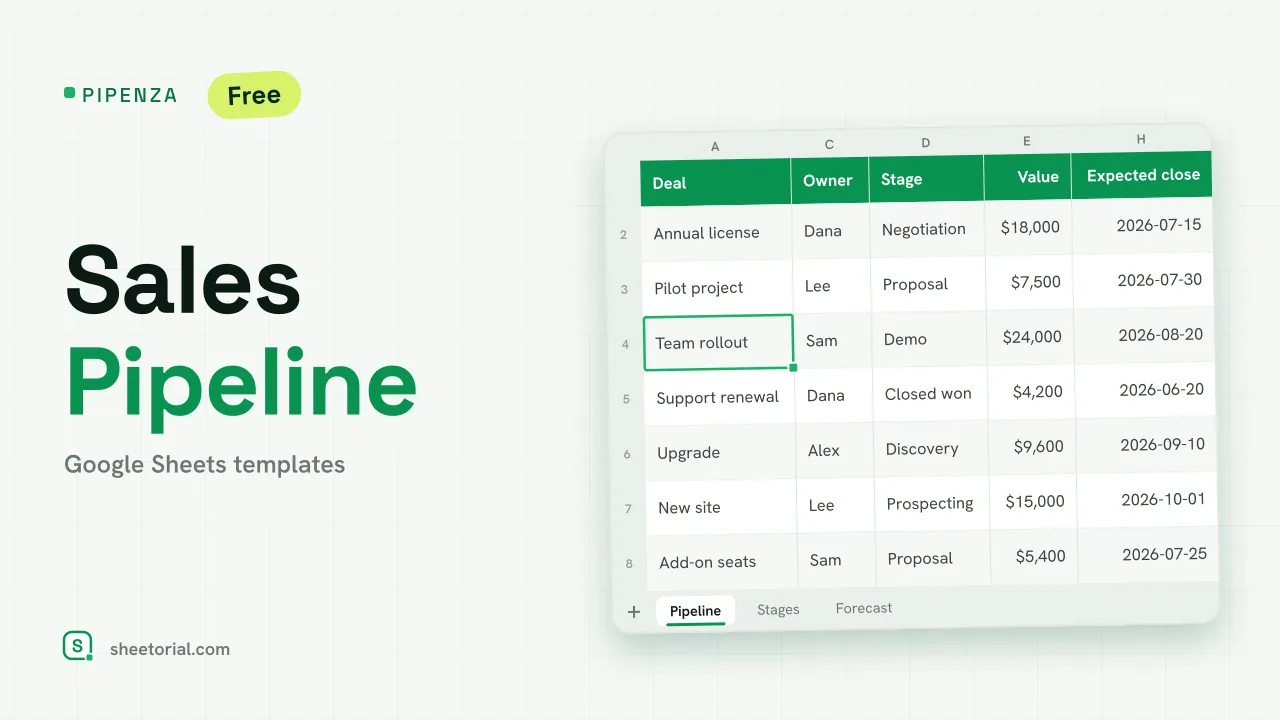 CRM & Sales PIPENZA: Sales Pipeline Template for Excel and Google Sheets Sales pipeline template for Excel and Google Sheets: deals by stage with win probability, weighted value, overdue close dates and a forecast by month. Free. View template →