FORTNIX: Biweekly Budget Template for Google Sheets
Important: you need to be signed in to a Google account to copy the template to your Drive. Need help opening the template?
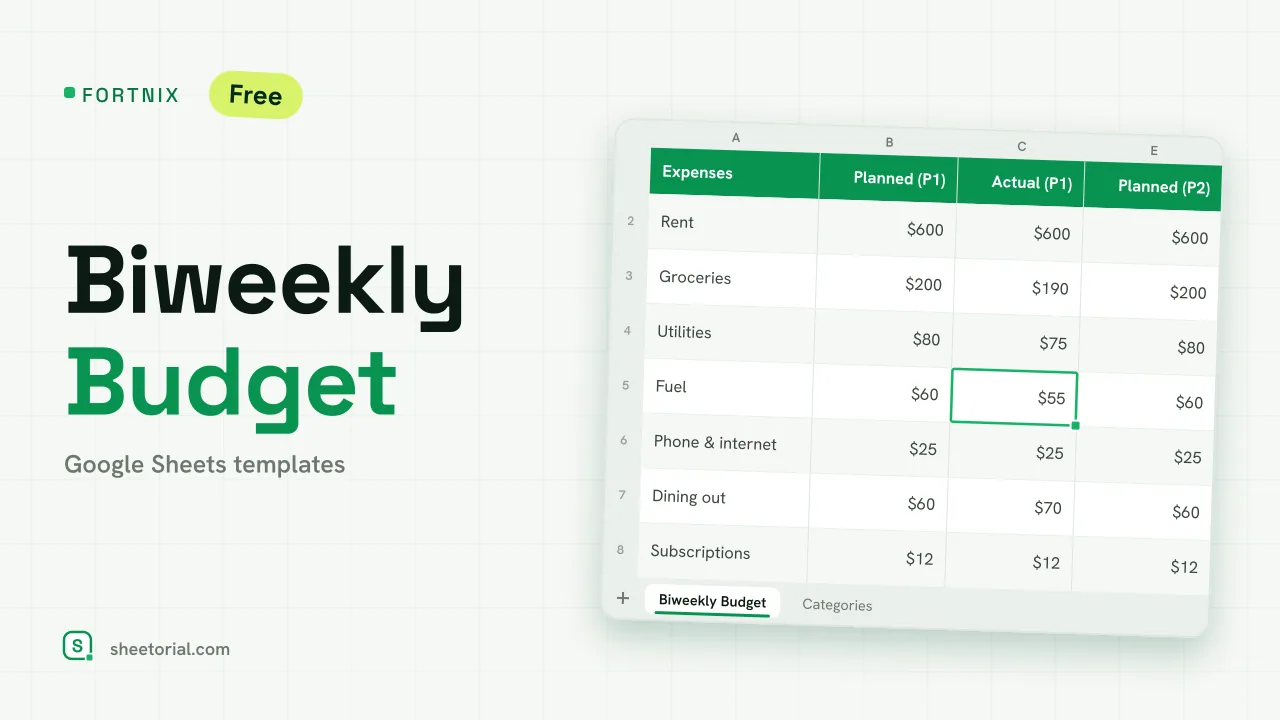
FORTNIX is a biweekly budget template for Google Sheets built around the way the money actually arrives: every two weeks, not once a month. Two 14-day periods sit side by side on one tab, each with its own income, planned spending, actual spending and what's left. The file downloads free as .xlsx and opens in Google Sheets, Excel or LibreOffice without changes.
A budget template that follows your paychecks
Monthly budgets wobble on biweekly pay: half the bills fall in one pay period, half in the other, and some months a third paycheck appears. FORTNIX splits the plan the way your pay splits. Type the date your next pay period starts into a single cell and the sheet rebuilds the calendar around it — period one runs 14 days, period two starts the day after it ends, and all the dates recalculate from that one edit. New pay cycle, one change.
Inside the bi-weekly budget spreadsheet
The main tab stacks two blocks. Income first: what each paycheck brings in, planned and actual. Then expenses: one row per concept — rent, groceries, fuel and six more sample lines to start, each picked from a dropdown you edit on the Categories tab — with planned, actual and the difference for both periods. Totals close each column, and a 'Left to spend' line subtracts real spending from real income per period: green while there's margin, red the moment a fortnight goes past its plan. Negative differences flag red line by line too, so you can see which concept broke the plan, not just that something did.
How to use the biweekly budget template in Google Sheets
- Change 'Period 1 starts' to the date of your next paycheck; every other date recalculates.
- Enter the income you expect in each two-week period.
- Fill Planned with what you intend to spend and Actual with what really happens.
- Watch Diff and 'Left to spend': red means that fortnight is over plan.
- Duplicate the tab each month if you want to keep a history.
A free biweekly budget template in eleven languages
Biweekly, bi-weekly or fortnightly — whatever you call the cycle, the sheet ships in eleven language editions, each its own .xlsx with tabs, category names and currency formats in that language. How to open the template in Google Sheets covers the import in three short routes.
If your money runs on a monthly rhythm instead, SUMORA applies the same planned-versus-actual idea with a category dashboard, and the rest of the Google Sheets budget templates cover rule-based and yearly layouts.
More templates
-
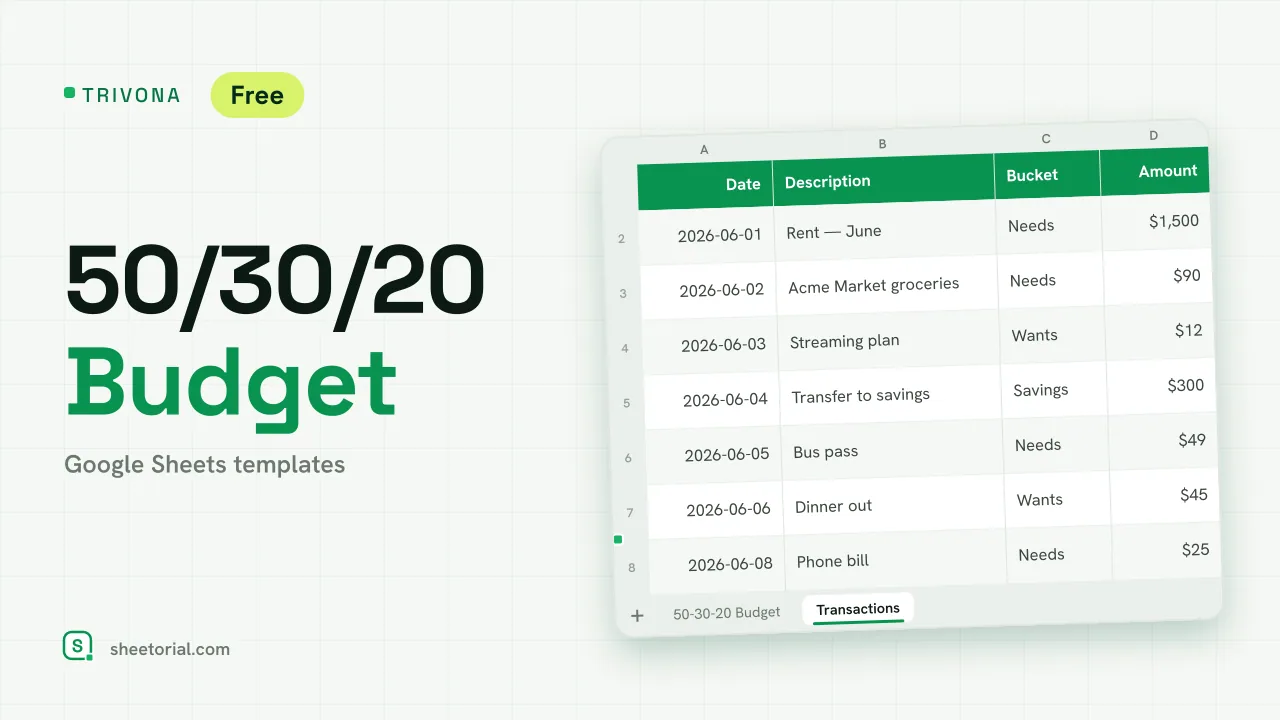 Google Sheets Budget Templates TRIVONA: 50/30/20 Budget Template for Google Sheets 50/30/20 budget template for Google Sheets: type your income, get needs, wants and savings targets, and track real spending per bucket. Free XLSX. View template →
 -
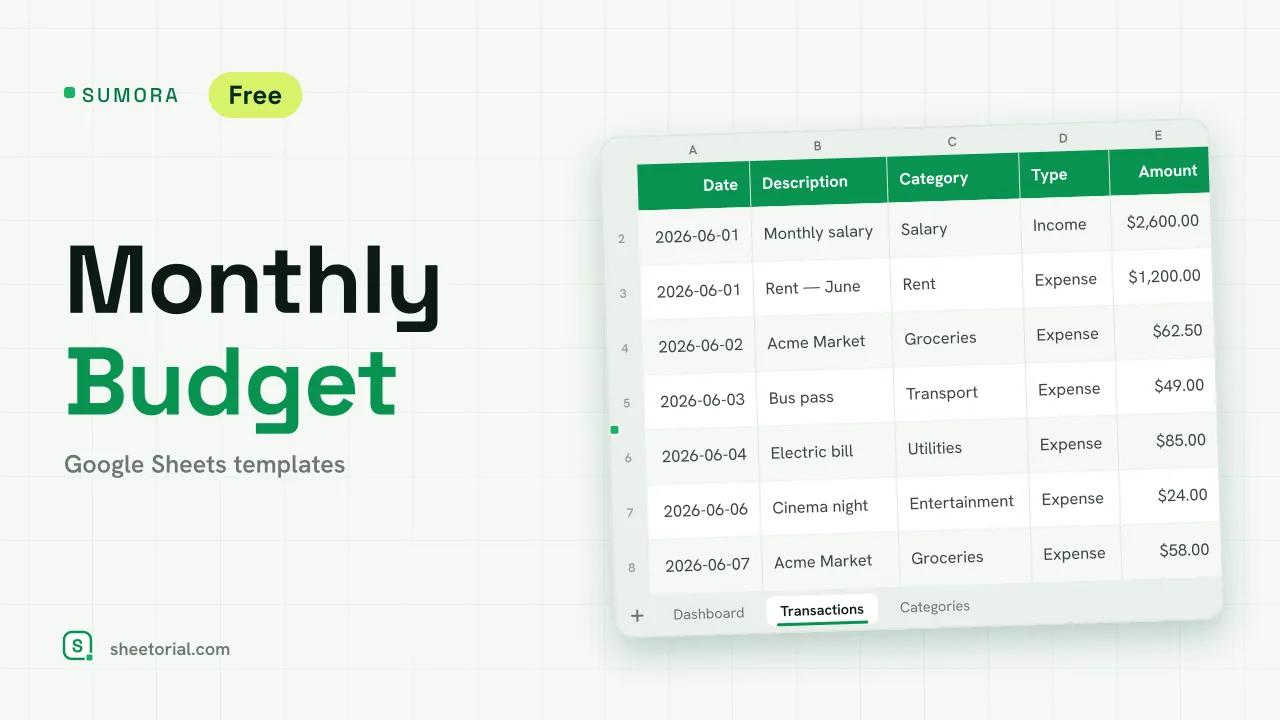 Google Sheets Budget Templates SUMORA: Free Monthly Budgeting Template for Google Sheets Free monthly budgeting template for Google Sheets: budget by category, log transactions and read a dashboard of plan versus actual. XLSX, no sign-up. View template →
 -
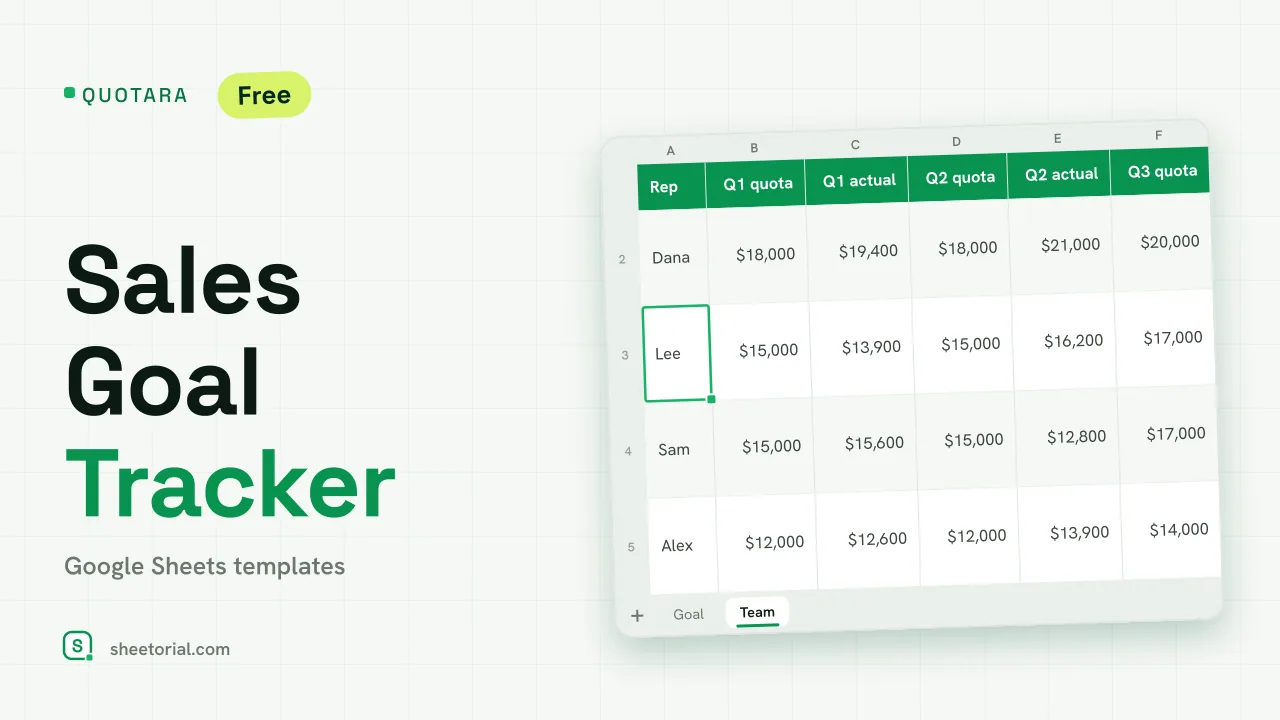 CRM & Sales QUOTARA: Sales Goal Tracker for Google Sheets Sales goal tracker for Google Sheets: an annual goal split into monthly targets, actual vs target, a year-end projection and quarterly quota by rep. Free. View template →
 -
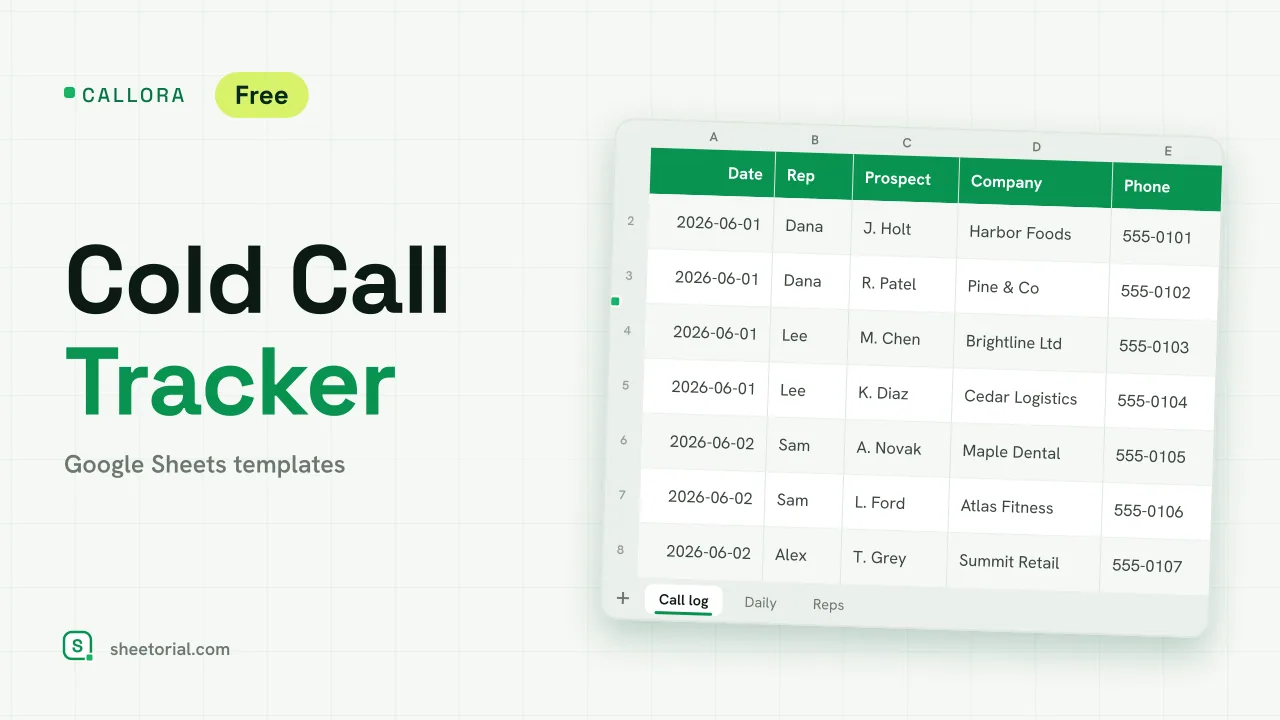 CRM & Sales CALLORA: Cold Call Tracker for Google Sheets Cold call tracker for Google Sheets: a sales call log that counts dials, connects and meetings booked, with daily activity and rates per rep. Free XLSX. View template →