Templates
Google Sheets Budget Templates
-
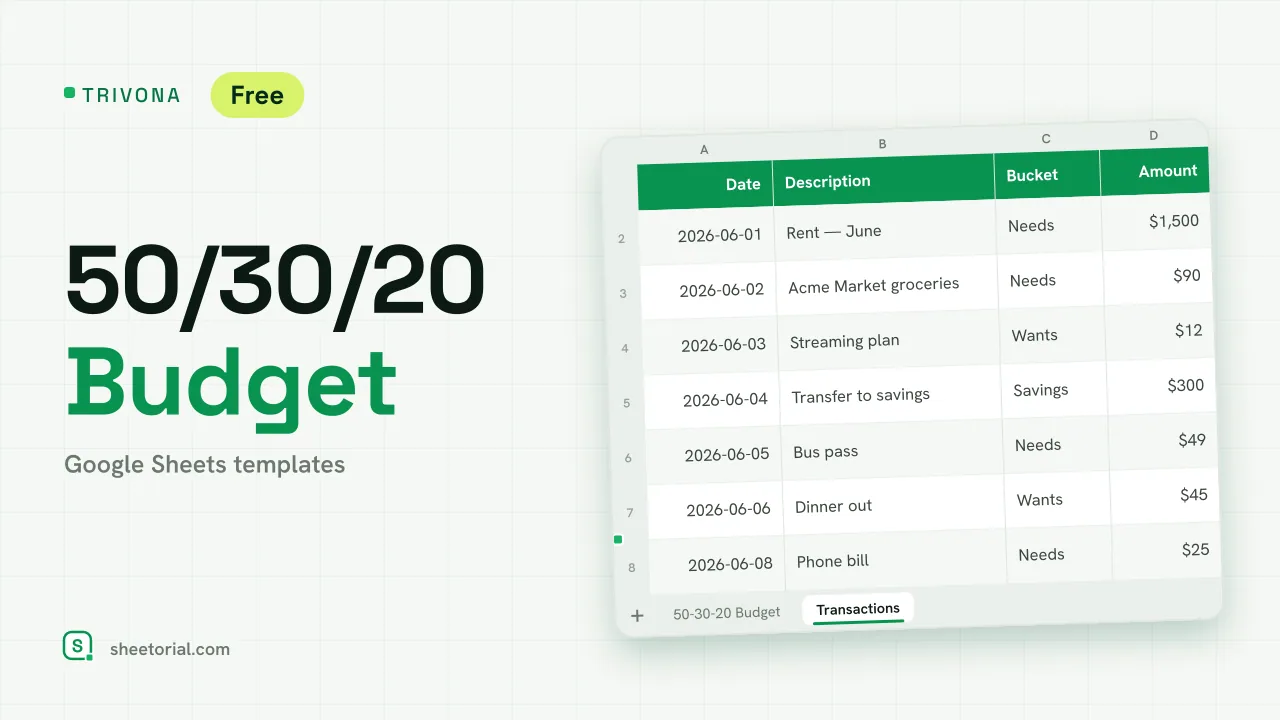 Google Sheets Budget Templates TRIVONA: 50/30/20 Budget Template for Google Sheets 50/30/20 budget template for Google Sheets: type your income, get needs, wants and savings targets, and track real spending per bucket. Free XLSX. View template →
 -
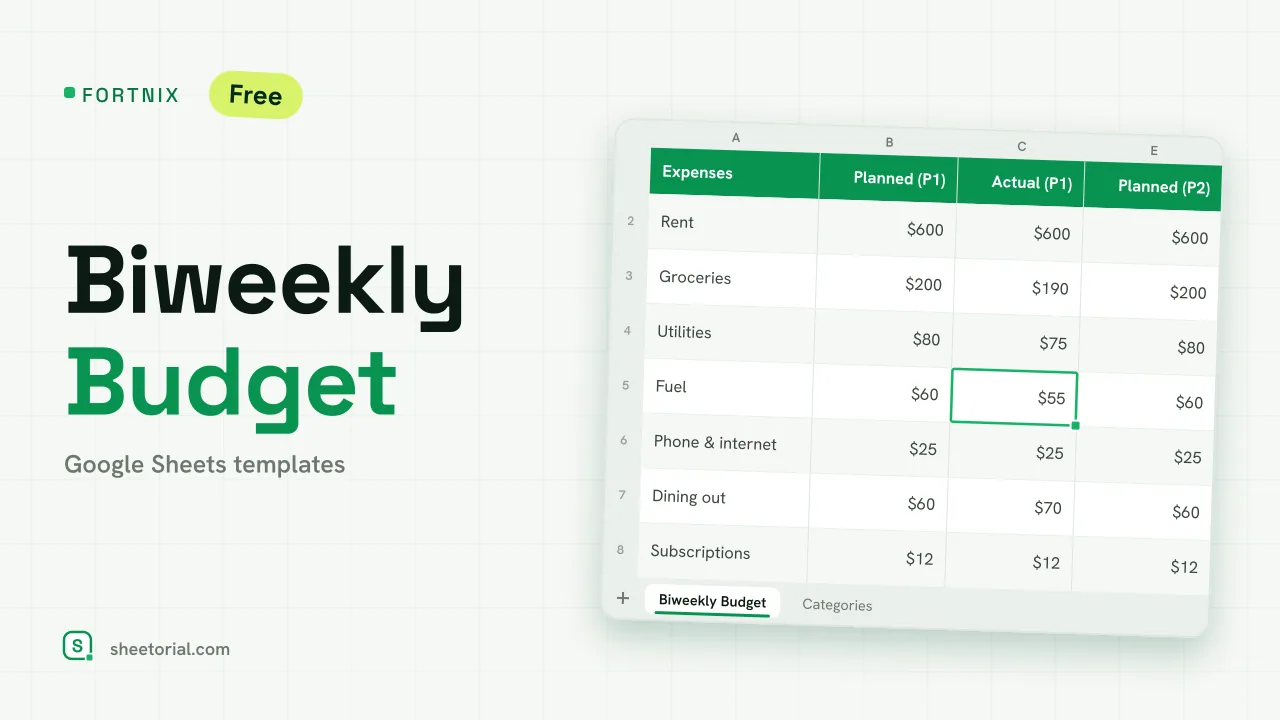 Google Sheets Budget Templates FORTNIX: Biweekly Budget Template for Google Sheets Biweekly budget template for Google Sheets: two 14-day pay periods side by side, planned versus actual and left-to-spend per paycheck. Free XLSX. View template →
 -
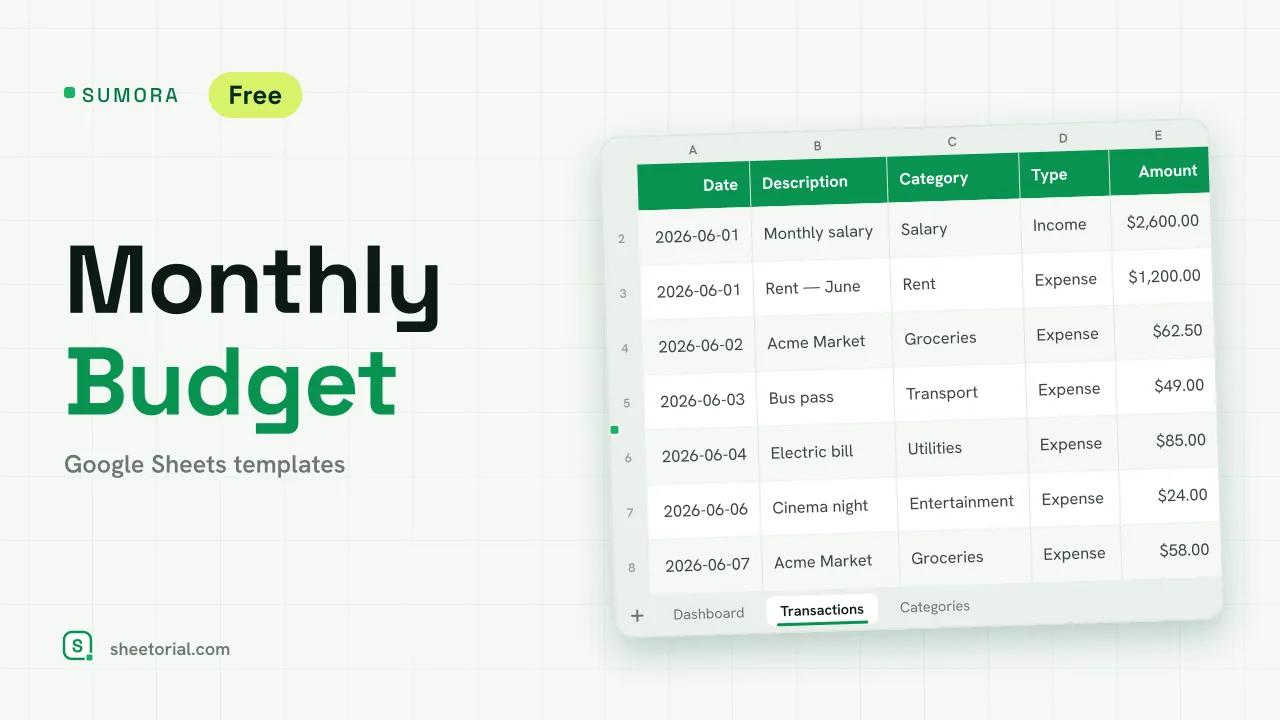 Google Sheets Budget Templates SUMORA: Free Monthly Budgeting Template for Google Sheets Free monthly budgeting template for Google Sheets: budget by category, log transactions and read a dashboard of plan versus actual. XLSX, no sign-up. View template →
Budget templates are the most asked-for spreadsheets in Google Sheets, and the least complicated: planned amounts on one side, actual amounts on the other, and a difference column that tells the truth in the middle. Every budget spreadsheet here downloads free as .xlsx and opens in Google Sheets, Excel or LibreOffice.
Personal and household budget templates
A personal budget tracks one income and one set of categories; a household budget merges several of each and adds the question of who entered what — which is where a shared Google Sheet quietly beats a budgeting app with one login. Both layouts keep the same backbone: income at the top, fixed costs, variable spending, and what is left at the bottom.
Budget template or budget tracker?
A budget template is the plan — category limits set before the month starts. A budget tracker is the diary — spending recorded as it happens. The sheets in this section pair the two on purpose, because each is weak alone: a plan with no record is fiction by the 10th, and a record with no plan is just arithmetic about the past.
Simple budget spreadsheets, free to download
Free here means the file, not a preview of it: download the .xlsx and it is yours, offline, no account attached. Simple means the formulas stay visible — sums and differences you can read and change, not scripts that break in silence. Among the simple layouts there are also structured ones: versions matched to a pay cycle, and rule-based sheets that split income into fixed shares, if a starting structure suits you better than a blank category list.
How to choose a budget template for Google Sheets
Match the sheet to your pay cycle first — monthly, every two weeks, or week by week — because a mismatched cycle is the main reason budgets get abandoned by February. Then go smaller than feels thorough: budgets die of too many categories more often than too few. And a line we repeat across this whole section on purpose: these are record-keeping tools that hold and total your numbers — they don't advise on them, and the bigger money decisions deserve qualified help. Day-to-day spending without a plan belongs in the expense trackers, and the opening guide shows how to open any of these files in Google Sheets.