Templates
HR & Time Tracking Templates for Google Sheets
-
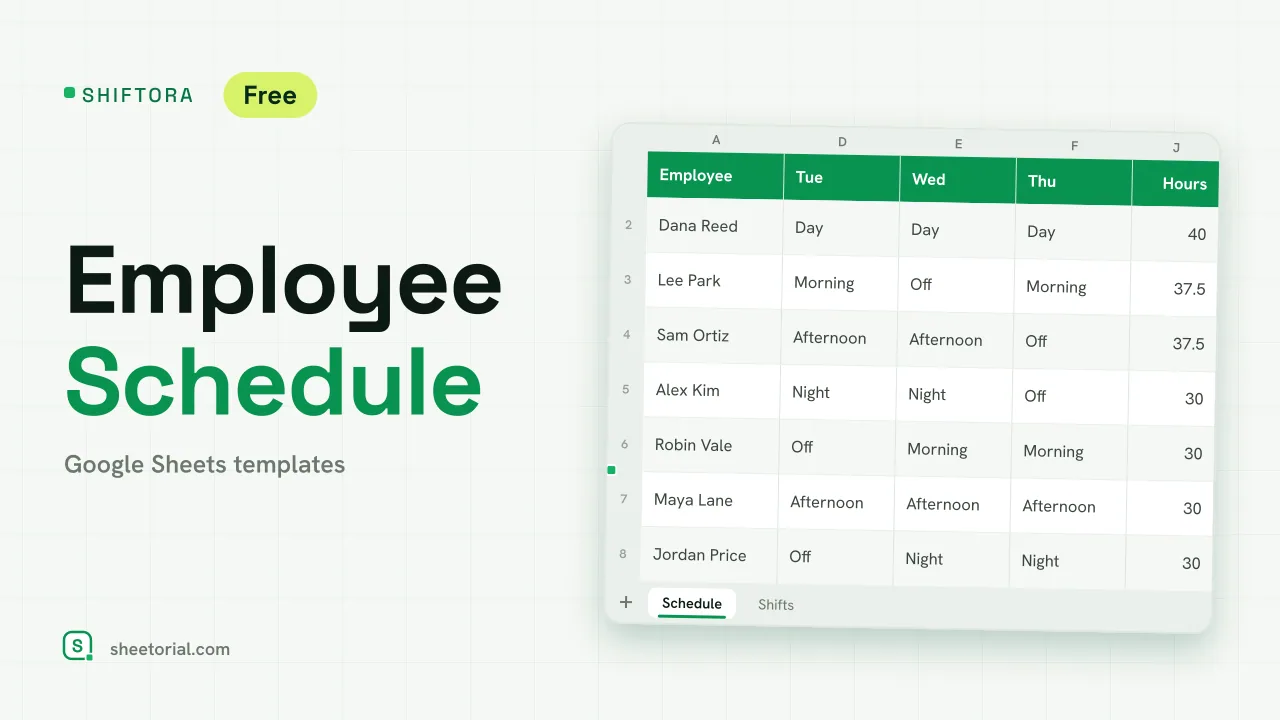 HR & Time Tracking SHIFTORA: Employee Schedule Template for Google Sheets Employee schedule template for Google Sheets: a weekly shift grid, hours against contract per person and coverage per shift and day against the staff you need. View template →
 -
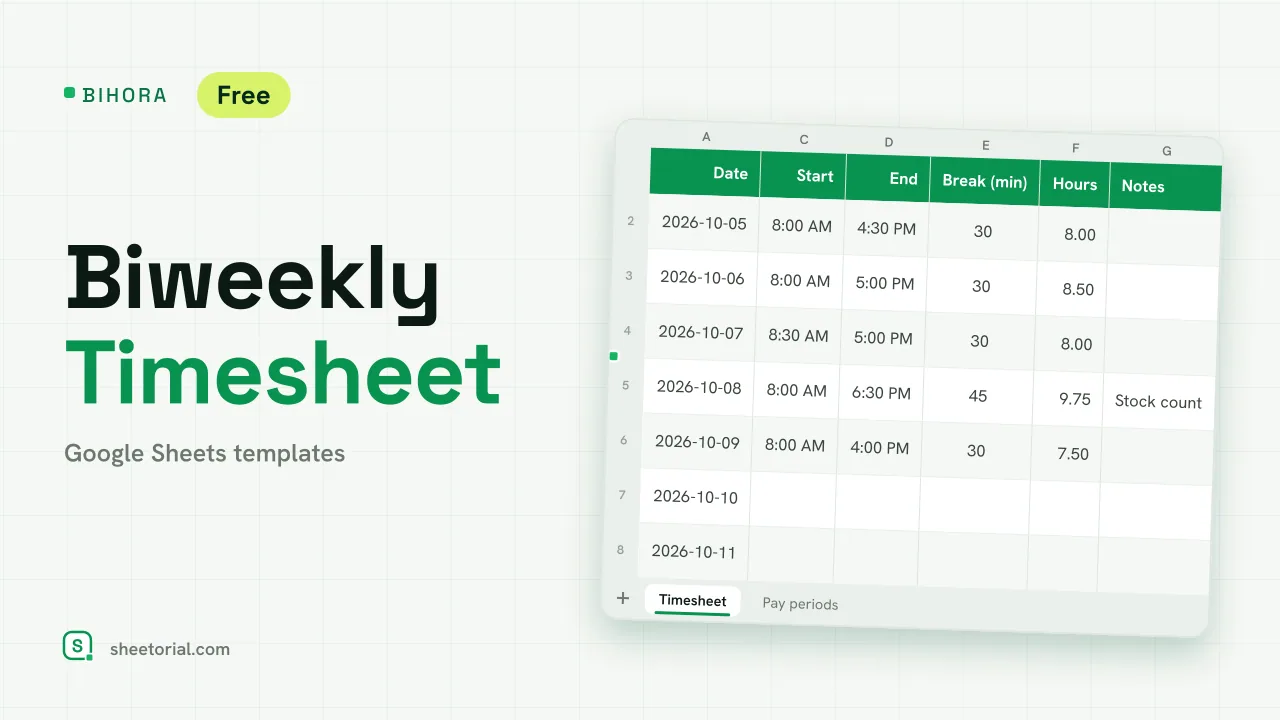 HR & Time Tracking BIHORA: Biweekly Timesheet Template for Google Sheets Biweekly timesheet template for Google Sheets: 14 days of start, end and break times, weekly overtime split out, regular and overtime pay, 26 pay periods. View template →
 -
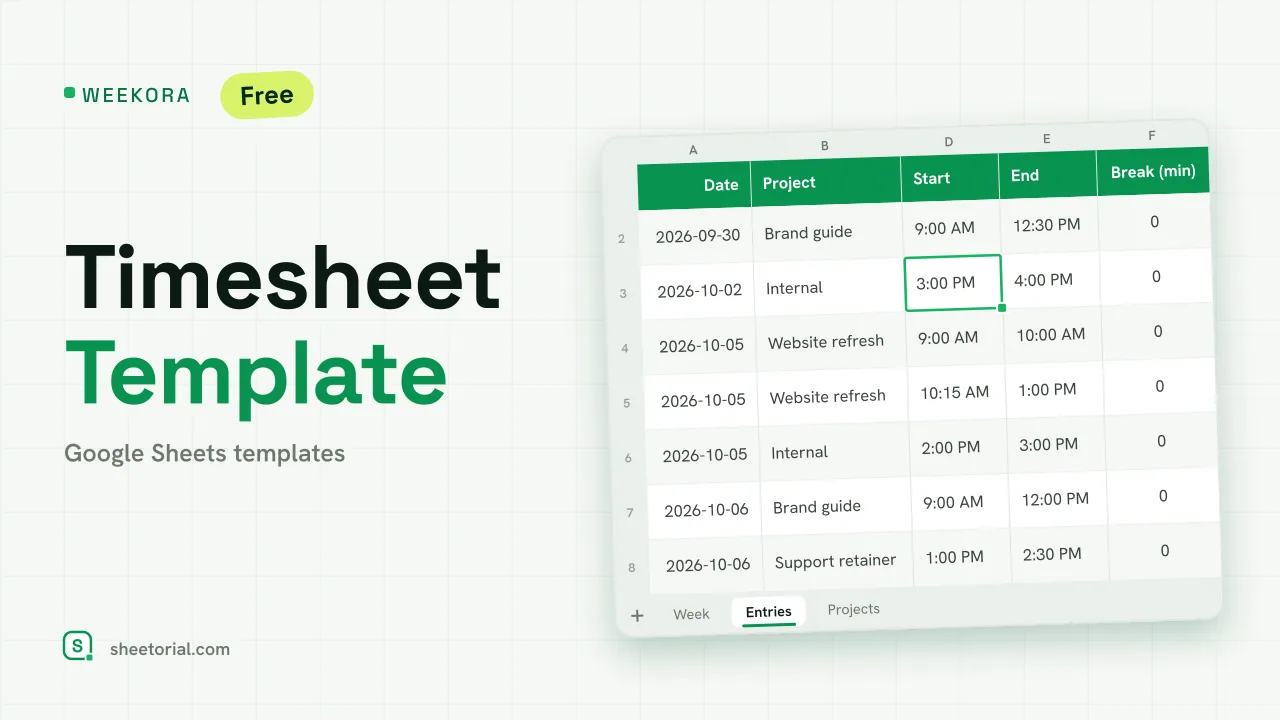 HR & Time Tracking WEEKORA: Timesheet Template for Google Sheets Timesheet template for Google Sheets: log time by project and task with start, end and break, mark billable hours and get a weekly summary by day and project. View template →
 -
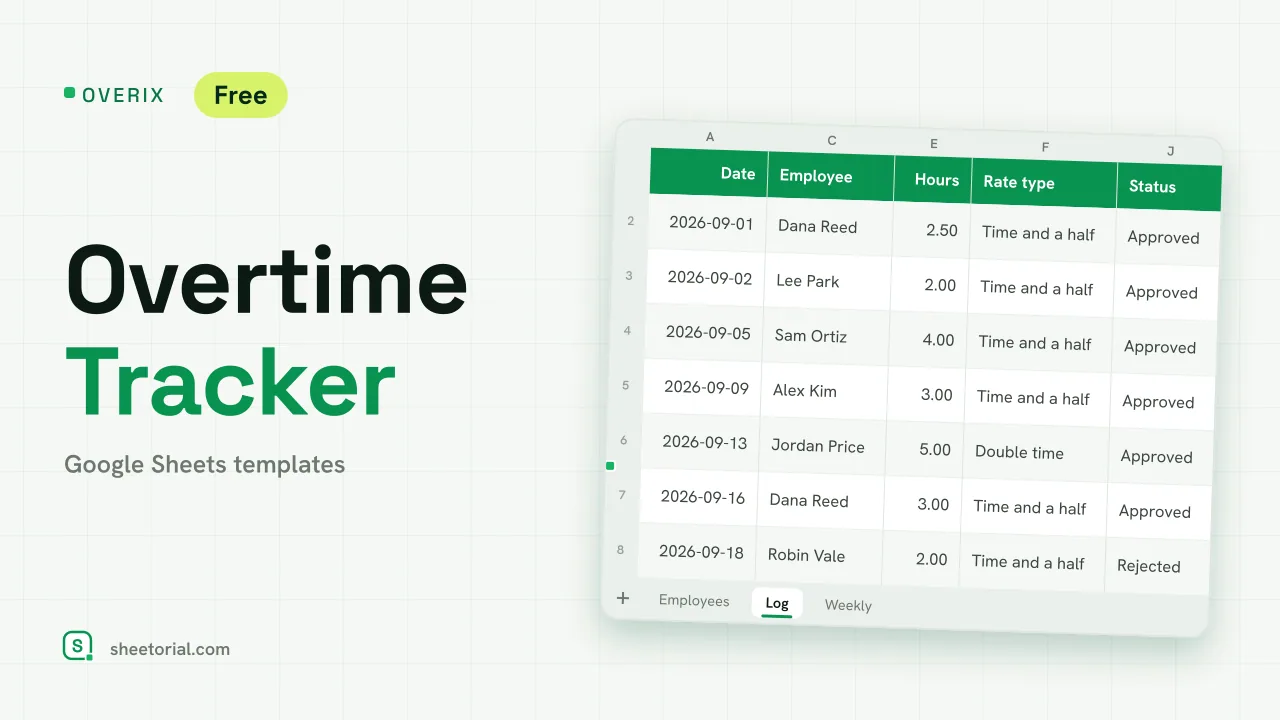 HR & Time Tracking OVERIX: Overtime Tracker for Google Sheets Overtime tracker for Google Sheets: log extra hours with a reason and approval status, pay from hourly rate and a multiplier, hour budgets and weekly totals. View template →
 -
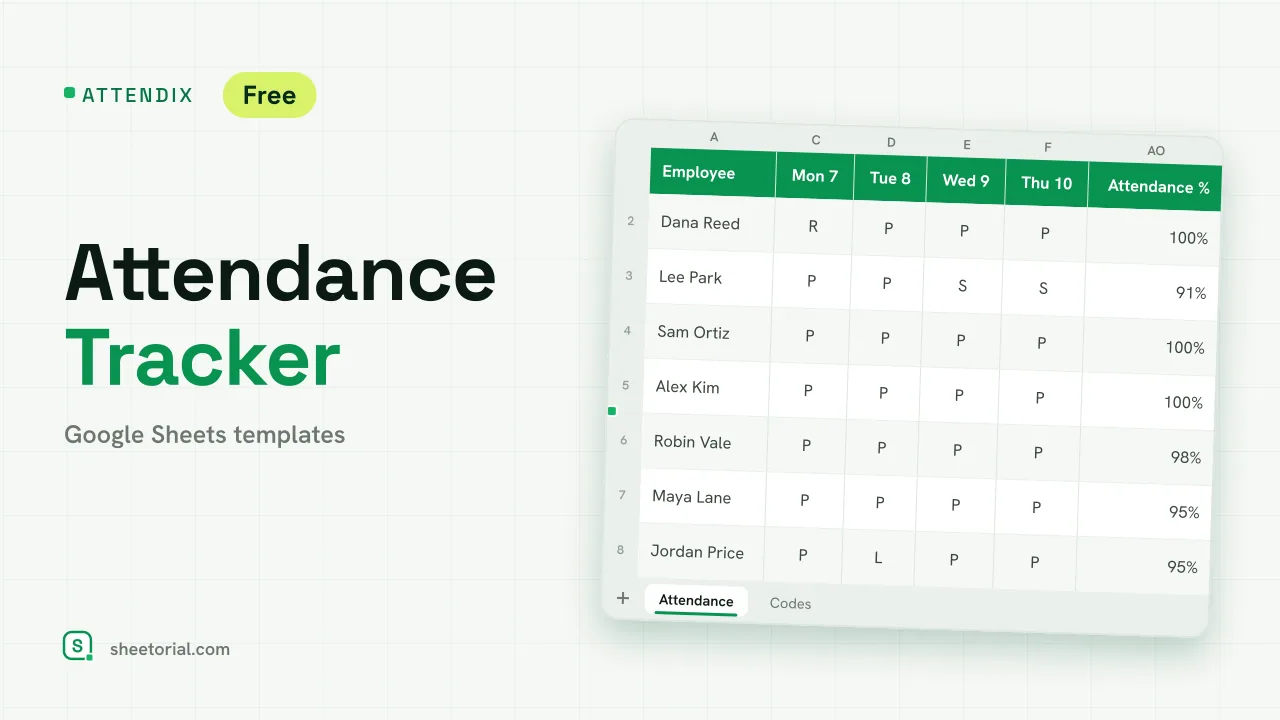 HR & Time Tracking ATTENDIX: Employee Attendance Tracker for Google Sheets Employee attendance tracker for Google Sheets: a monthly grid of daily codes (present, remote, late, absent, sick, vacation) with totals and attendance rate. View template →
 -
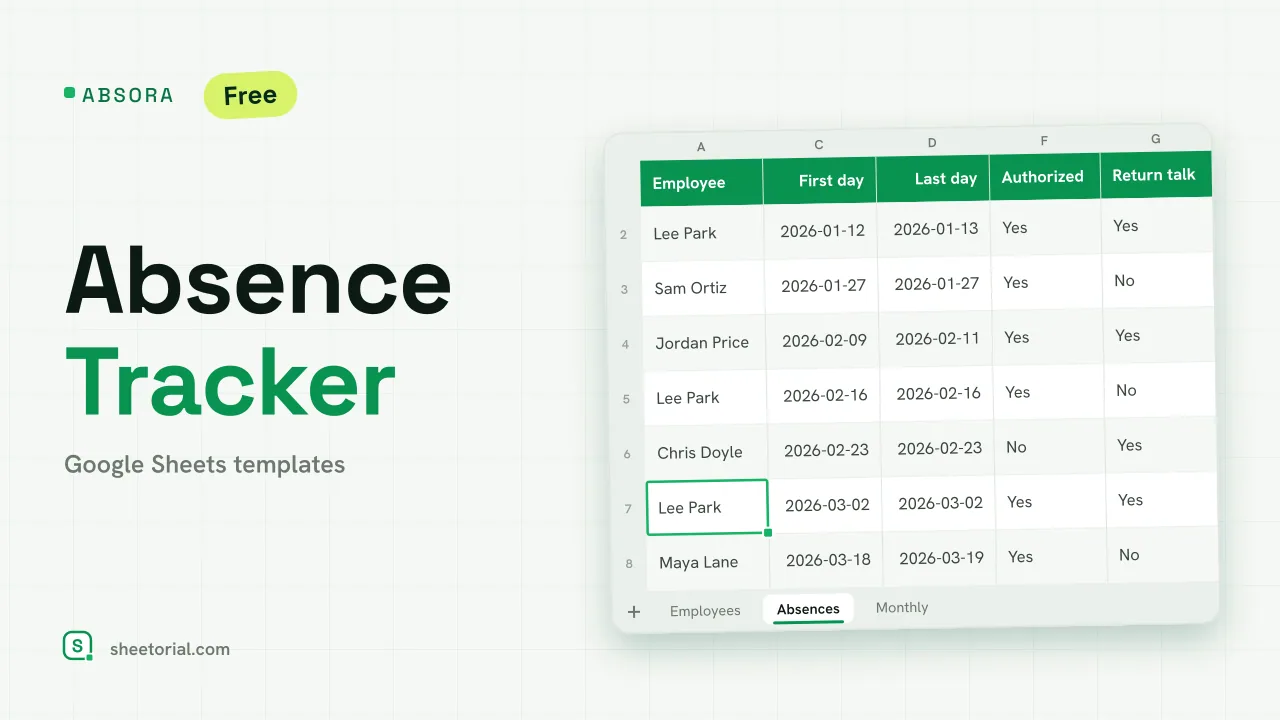 HR & Time Tracking ABSORA: Absence Tracker for Google Sheets Absence tracker for Google Sheets: log sick days and other absences, see spells, days lost and a Bradford factor per employee, plus days lost by month. Free. View template →
 -
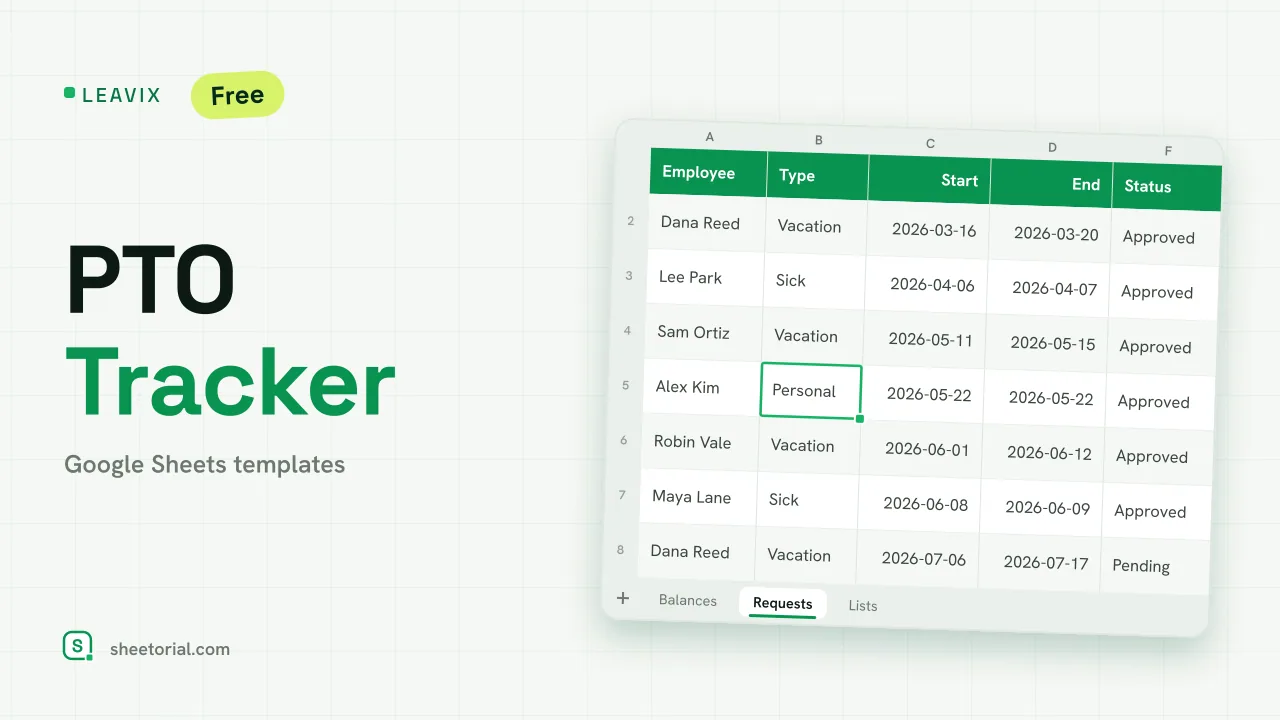 HR & Time Tracking LEAVIX: PTO Tracker for Google Sheets PTO tracker for Google Sheets: allowance, taken and remaining days per employee, plus a leave request log where only approved days are deducted. Free. View template →
Hours are the rawest HR data and the easiest to lose. This section covers time tracking and HR templates for Google Sheets — timesheets, leave and absence records, overtime logs and shift schedules — as free .xlsx downloads that open in Google Sheets or Excel. They suit teams small enough that dedicated HR software would be more system than staff.
Timesheet templates by pay period
Timesheets follow the payroll calendar, so the templates follow the two questions payroll and clients ask: a biweekly timesheet that covers one employee's pay period with weekly overtime split out, and a weekly timesheet by project for hours billed to clients. Pick the one matching how your hours are paid or billed and the totals land where they are needed: hours per row, summed per week or period, overtime apart.
Employee time tracking in a shared sheet
Google Sheets earns its keep here through sharing: each employee fills in their own tab, a summary tab collects the totals, and nobody emails around an Excel file with final-v3 in the name. Lock the formula cells, leave the hour cells open, and the sheet survives a year of fingers. For approval, a status column — submitted, approved — does the job a workflow tool charges for.
HR templates for leave, absences, overtime and shifts
Around the timesheet sit the records that explain it: a PTO tracker that counts days allowed against days taken, an absence tracker with a Bradford factor for frequent short absences, a monthly attendance tracker with one code per day, an overtime tracker with approvals and multipliers, and an employee schedule that checks shift coverage. As record-keeping tools they hold whatever rates and rules you enter — what those rules should be is a matter between you, your jurisdiction and your advisor, not the spreadsheet.
How to choose a time tracking template for Google Sheets
Match the template to the question you answer most often. Billing clients by the hour? You need per-project rows more than per-employee ones. Running payroll? The pay-period grid matters and the rest is decoration. Just proving the hours happened? The simplest weekly sheet wins, because the one that gets filled in beats the one that is theoretically complete. The money those hours become is handled under accounting & bookkeeping templates, and the opening guide covers the .xlsx-to-Google-Sheets step.