Templates
Inventory Spreadsheet Templates for Google Sheets
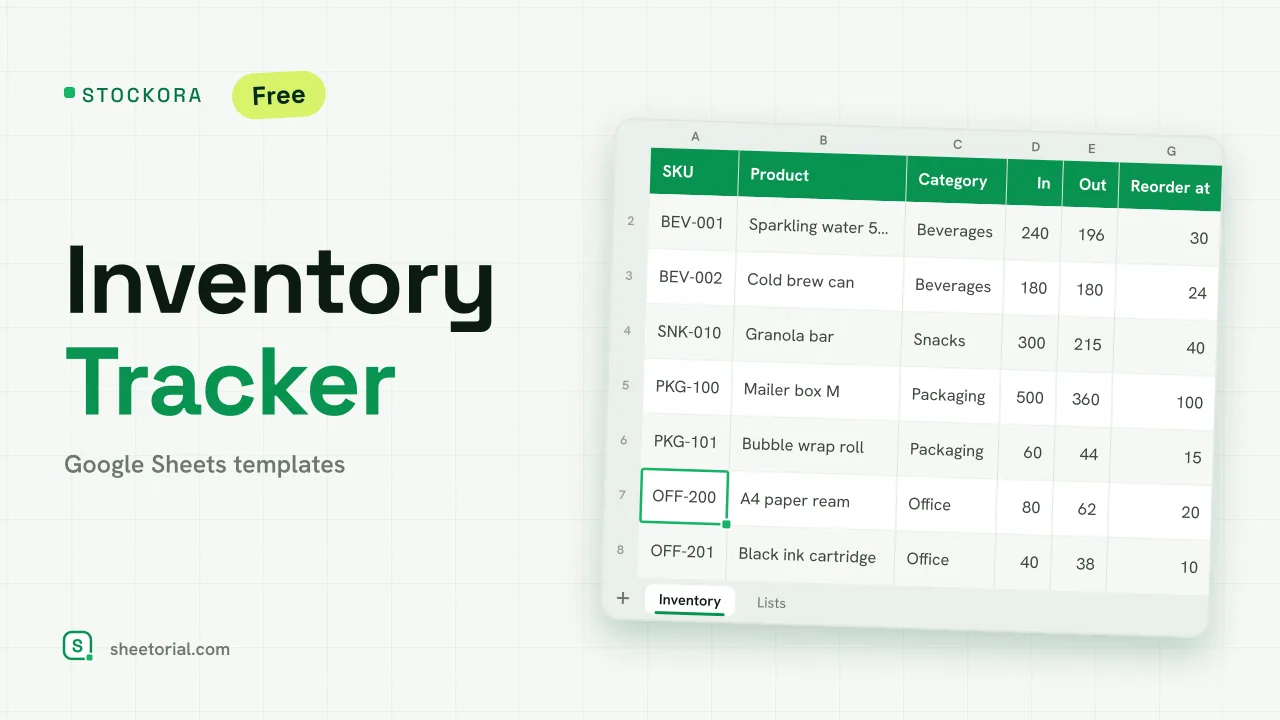
Inventory is where spreadsheets refuse to be replaced: every stockroom question — what do we have, where is it, when do we reorder — is a row-and-column question. The inventory spreadsheet templates here track items, quantities and movement in Google Sheets, downloaded free as .xlsx and working identically in Excel or LibreOffice.
A spreadsheet template for inventory: in, out, on hand
The core layout never changes: one row per item with a code, a description, a location and a unit; columns for what came in, what went out and the running balance. The template keeps the arithmetic — current stock is computed, not typed — so the sheet disagrees with the shelf only when an entry is missing, which is the disagreement you want to find.
Inventory templates for small business stock
A small business rarely needs warehouse software; it needs to know what is sellable today and what to reorder this week. The small business layouts add the two columns that answer that: a reorder point per item and a flag when stock falls below it. Sorting by that flag every Monday is a purchasing meeting in thirty seconds.
Product, equipment and asset inventory sheets
Not all inventory is for sale. A product inventory turns over and needs movement tracking; an equipment or asset inventory mostly sits still and needs identity — serial numbers, condition, who has it, when it was last checked. The templates differ accordingly: movement columns for stock, custody columns for assets. Specialized counts, from a bar's bottles to a household's insurance list, follow the same patterns with their own columns.
Inventory list or inventory tracker?
An inventory list is a snapshot: everything you own, counted once — useful for audits, insurance and moving day. An inventory tracker is a running record that changes as stock does. The list is the easier habit and often enough; the tracker pays off when goods move weekly. If you are unsure, start with the list: it becomes the opening balance of the tracker the day you need one.
How to keep stock counts honest
Three habits keep an inventory sheet trustworthy. Count physically on a schedule and correct the sheet, not your memory. Make one person the owner of entries — shared access is for reading, not for everyone adjusting quantities. And never overwrite history: corrections get their own dated row, so when the count and the sheet drift apart you can tell when it started. The purchase orders and invoices behind the stock live under invoice templates, and the opening guide shows how to open the .xlsx in Google Sheets.