INVIX: Google Sheets Invoice Template
Important: you need to be signed in to a Google account to copy the template to your Drive. Need help opening the template?
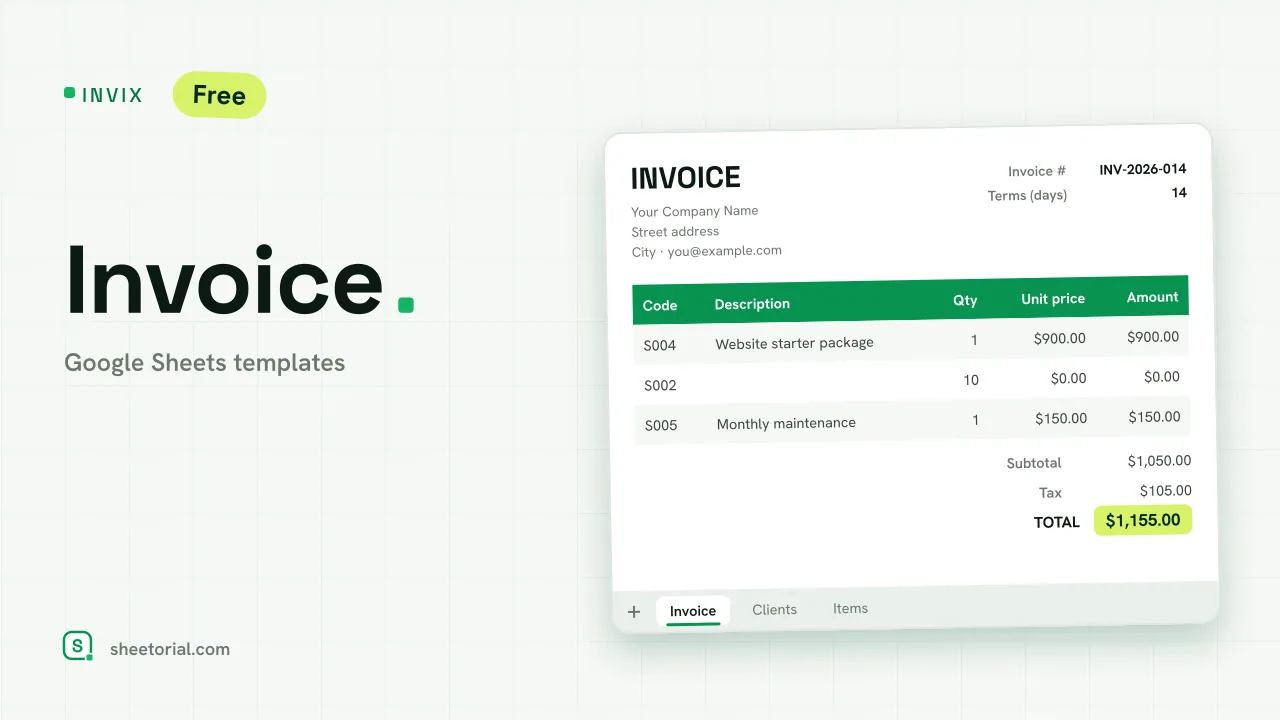
INVIX is a Google Sheets invoice template that does the filling-in for you: pick a client ID from a dropdown and the billing block completes itself, pick an item code and the line gets its description and unit price. Subtotal, tax and total calculate on their own, and the whole layout prints to a single A4 page. The download is a free .xlsx that behaves the same in Google Sheets, Excel and LibreOffice.
A Google Sheets invoice template that fills itself in
Most free invoice files are a formatted grid you retype every time. INVIX moves the typing to two catalogue tabs and lets lookups do the rest. Clients stores each customer once: ID, name, contact person, email, address, city. Items stores what you sell: code, description, unit price. On the invoice itself, choosing a client ID pulls the whole Bill To block; choosing an item code fills that line's description and price, and the amount multiplies by whatever quantity you enter. The sample catalogues hold six clients and eight services, with a finished example invoice billed to client C003, so you can watch the lookups work before swapping in your own data.
Inside the invoice template: the page that prints
The Invoice tab is kept print-clean — A4 portrait, fitted to one page. Your issuer block sits at the top and stays put once edited. The invoice number and issue date are yours to set, and the due date calculates itself from the payment terms you choose: 14 days, 30, whatever you bill on. Ten line items follow, then subtotal, tax and total. The tax percentage is a plain editable cell — the template applies whatever rate you set and leaves the question of which rate applies to you and your adviser.
How to make an invoice in Google Sheets with INVIX
- Fill in your issuer block and replace the Clients and Items catalogues with your own.
- Pick the Client ID from the dropdown — Bill To completes itself.
- Add lines by choosing item codes and quantities; descriptions and prices come from the catalogue.
- Set Tax % to your applicable rate and check the total.
- File > Print, or download as PDF: the invoice comes out on one A4 page.
A simple invoice template in eleven languages
INVIX ships in eleven language editions, each its own .xlsx with field labels, tab names, date and currency formats in that language — invoice a client in the language you work in. The opening guide shows the three ways to bring the file into Google Sheets.
Once invoices start going out, the open question becomes which ones came back paid: PAYVEX tracks exactly that, with days overdue counted per invoice. Related layouts live under the Google Sheets invoice templates.
More templates
-
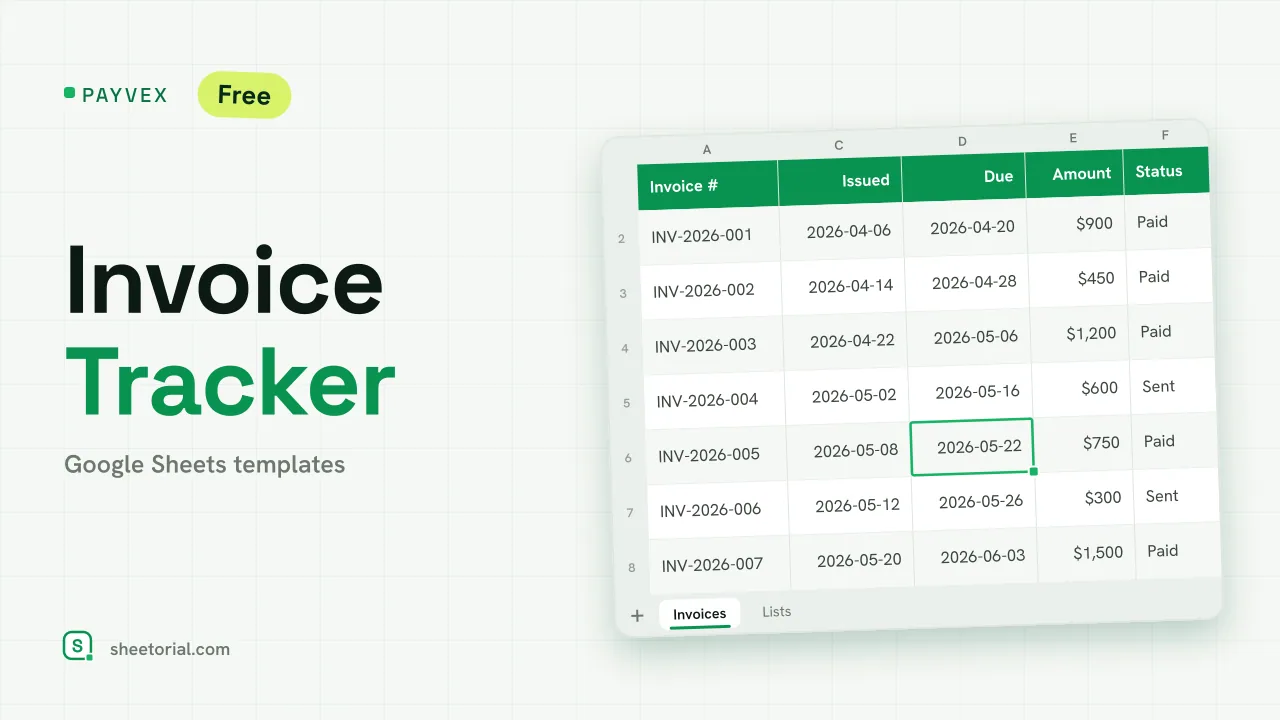 Google Sheets Invoice Templates PAYVEX: Invoice Tracking Template for Google Sheets Invoice tracking template for Google Sheets: statuses, automatic days overdue and running totals for invoiced, collected and outstanding. Free XLSX. View template →
 -
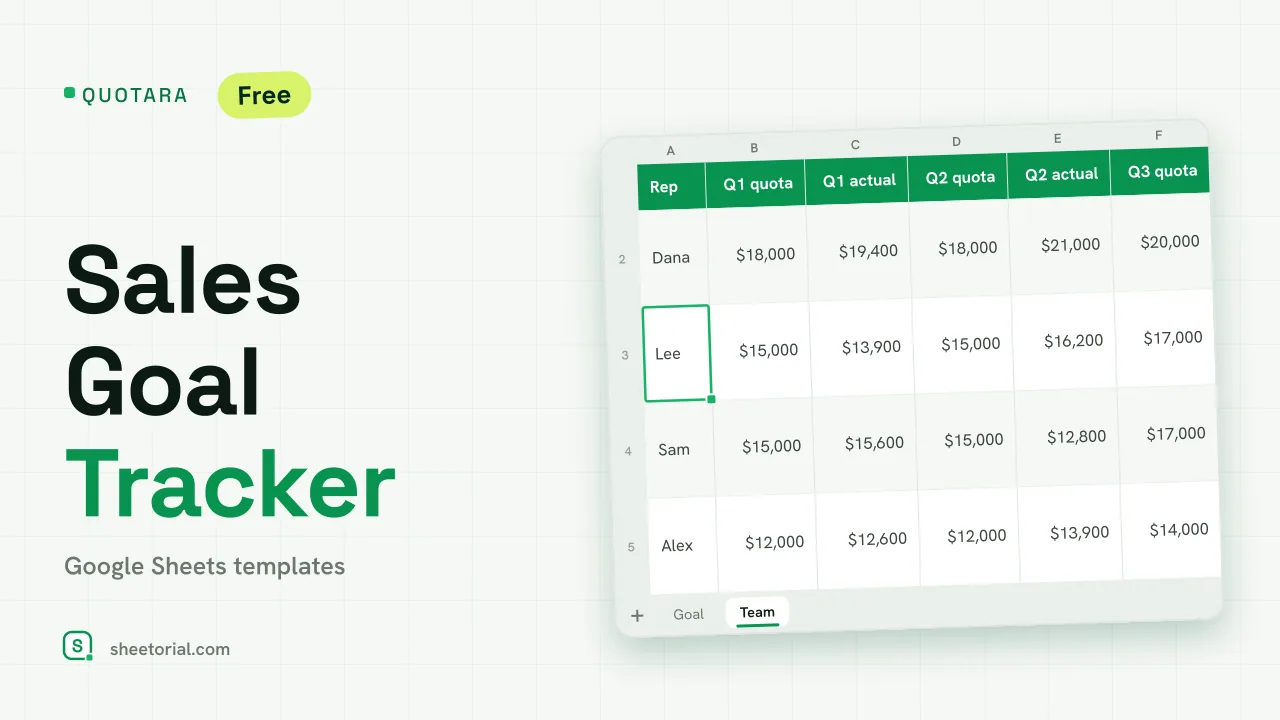 CRM & Sales QUOTARA: Sales Goal Tracker for Google Sheets Sales goal tracker for Google Sheets: an annual goal split into monthly targets, actual vs target, a year-end projection and quarterly quota by rep. Free. View template →
 -
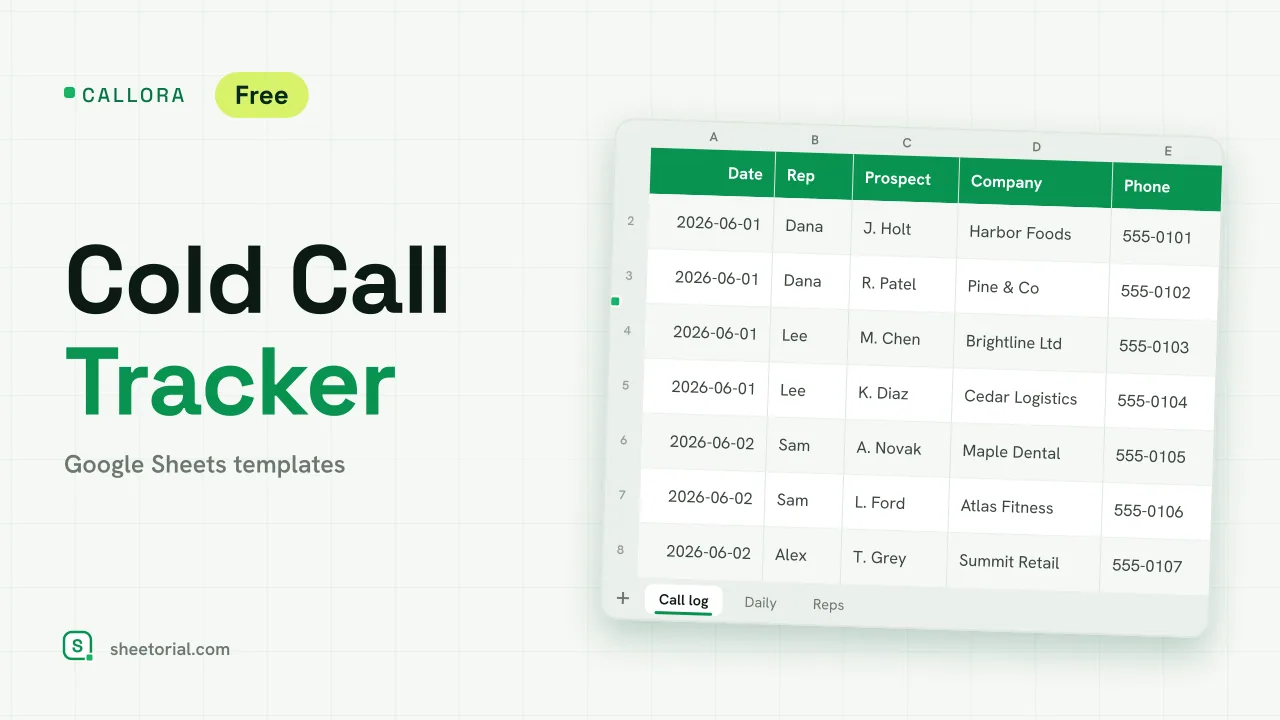 CRM & Sales CALLORA: Cold Call Tracker for Google Sheets Cold call tracker for Google Sheets: a sales call log that counts dials, connects and meetings booked, with daily activity and rates per rep. Free XLSX. View template →
 -
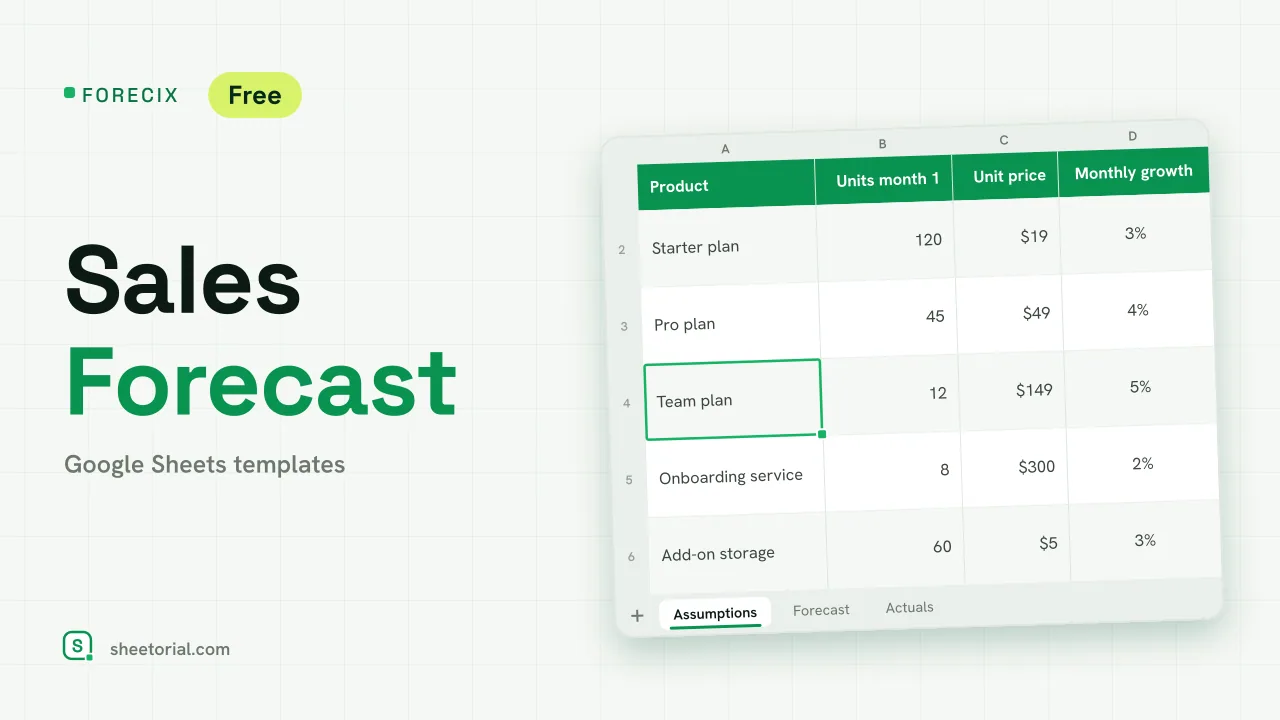 CRM & Sales FORECIX: Sales Forecast Template for Google Sheets Sales forecast template for Google Sheets and Excel: 12 months of units and revenue per product from starting volume, price and growth, plus actuals vs forecast. View template →