BOOKLIX: Bookkeeping Template for Google Sheets
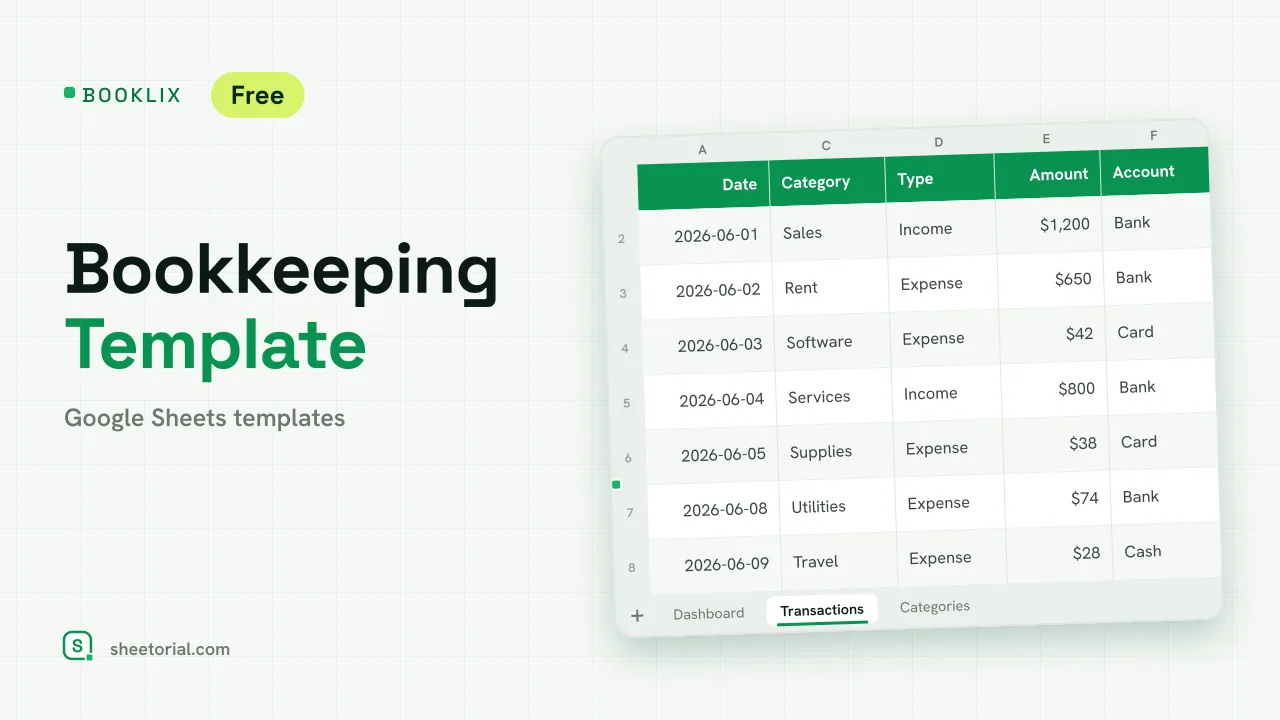
Important: you need to be signed in to a Google account to copy the template to your Drive. Need help opening the template?
BOOKLIX keeps the books of a small business in one income-and-expense ledger: you record each movement once, tag it with a category, a type and an account, and the dashboard does the totals. It's a bookkeeping template for Google Sheets with no account behind it and no trial clock — the free .xlsx download is the product, and it opens in Google Sheets, Excel or LibreOffice. It's a record-keeping tool, not tax or accounting advice.
A bookkeeping spreadsheet in three tabs
Transactions is where the work happens: date, description, category, type (Income or Expense), amount, account and notes, with the category, type and account each picked from a dropdown. A control row at the foot sums all income and all expenses across the whole book. Dashboard reads one cell — the active month you set — and reports three figures for it: income, expenses and the net result, the last one shaded green when it's positive and red when it's negative. Below that, a summary lists every category with its amount for the active month and its year-to-date total, and a balance for each account where income adds and expenses subtract. Categories is the editable list that feeds the dropdowns: each category marked as income or expense, plus the accounts (Cash, Bank, Card and any you add).
How the bookkeeping template totals each month
The dashboard is built on SUMIFS, not on manual tallies. Income for the active month sums the transactions whose type is Income and whose date falls inside that month; expenses do the same for Expense; the net is the difference. Each category line filters Transactions by category and by the active month for its monthly figure, and by the year so far for its year-to-date column. Account balances use a signed SUMIF so a card or bank line moves the right way. Change the active month and the whole dashboard re-reads itself — no refresh, no script. Twelve sample movements across three accounts arrive ready so the formulas show their working before you clear them.
How to set up the income and expense ledger
- Edit Categories: list your own categories, mark each as Income or Expense, and name your accounts.
- Set the active month on the Dashboard to the month you want to review.
- Record each movement in Transactions, choosing its category, type and account from the dropdowns.
- Read the Dashboard for income, expenses and net result, the per-category breakdown and each account balance.
- Delete the sample rows once your own figures go in.
A free bookkeeping template in eleven languages
Small businesses don't all keep their books in English, so BOOKLIX ships in eleven language editions — each a separate .xlsx with tab names, column labels, categories and currency formats translated, and the formulas left intact. Download the one that matches your page language, and use the opening guide if the .xlsx import step is new to you.
Bookkeeping records what has already been billed and paid; if you also raise the documents, INVIX builds the invoice itself and PAYVEX follows each one through to collection. All of them sit under accounting and bookkeeping templates, part of the wider set of business templates for Google Sheets.
More templates
-
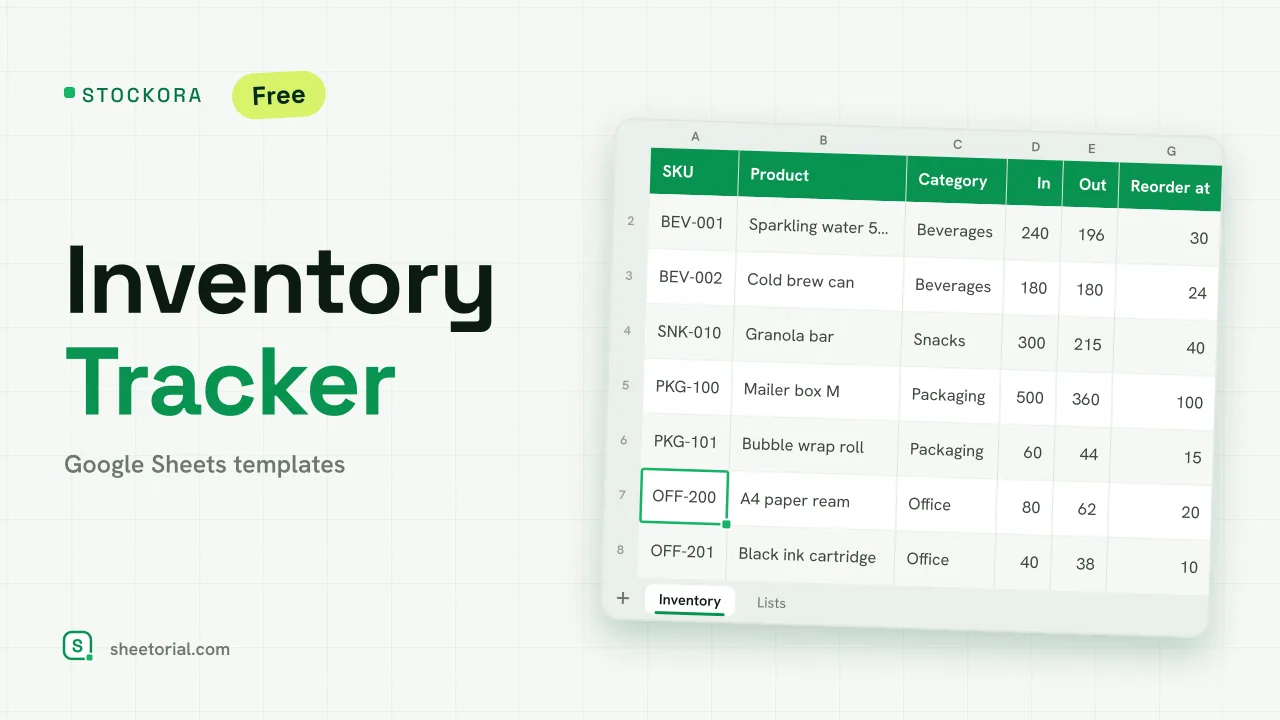 Inventory Spreadsheet STOCKORA: Small Business Inventory Template for Google Sheets Small business inventory template for Google Sheets: stock in/out, current stock and value, reorder alerts and totals. Free XLSX, no account, no trial. View template →
 -
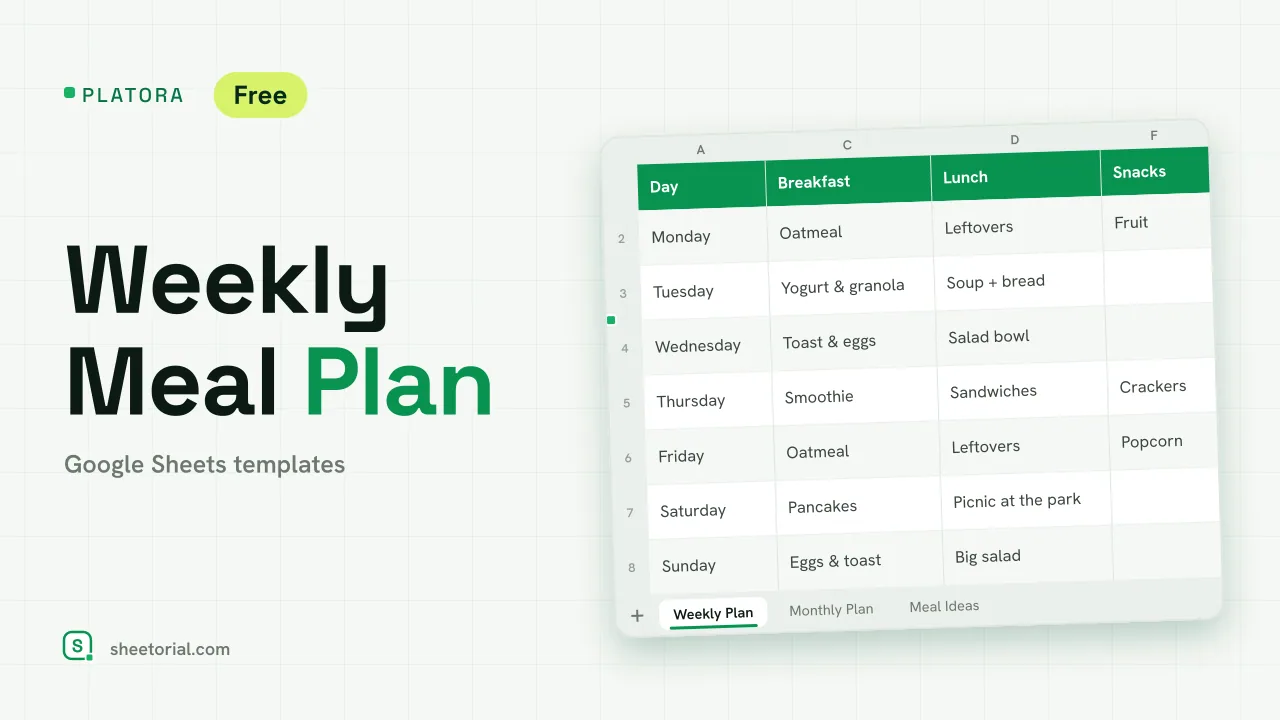 Meal Planning PLATORA: Free Weekly Meal Plan Template for Google Sheets Free weekly meal plan template for Google Sheets with breakfast, lunch, dinner and snacks per day, a dinner ideas dropdown and a monthly view on its own tab. View template →
 -
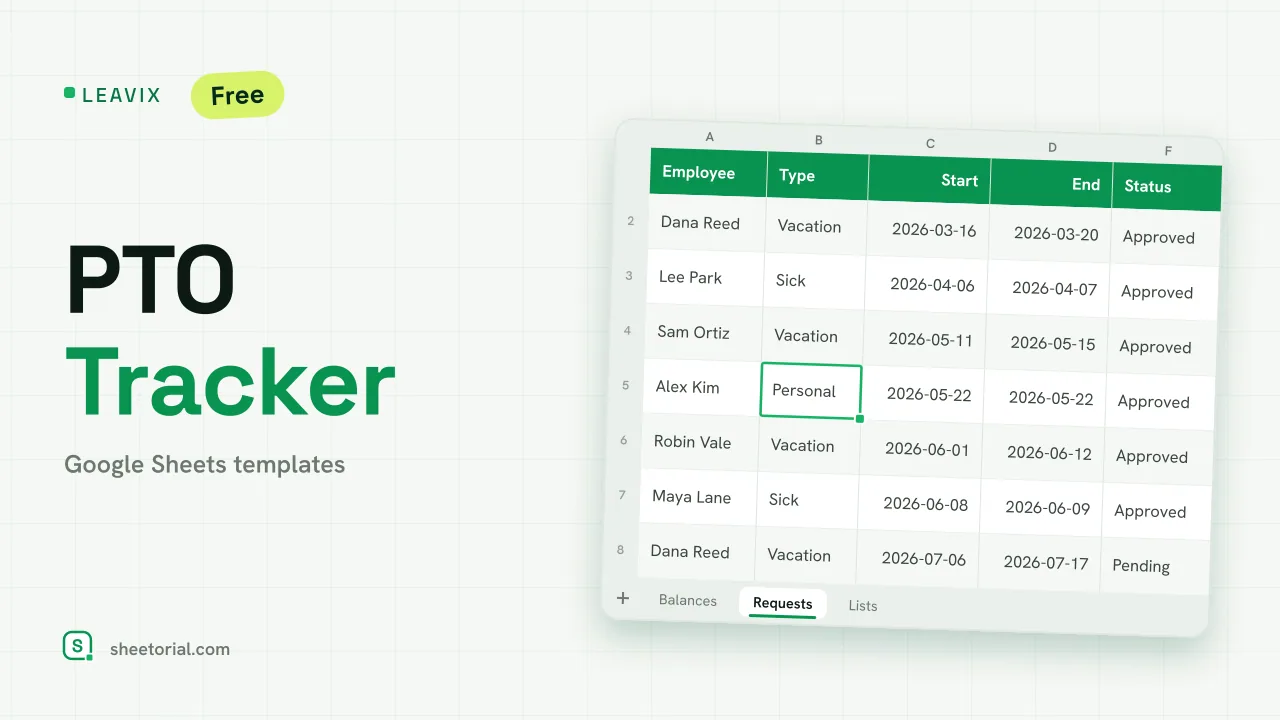 HR & Time Tracking LEAVIX: PTO Tracker for Google Sheets PTO tracker for Google Sheets: allowance, taken and remaining days per employee, plus a leave request log where only approved days are deducted. Free. View template →
 -
 Travel & Itinerary VALIXA: Packing List Template for Google Sheets Free packing list template for Google Sheets: items by category, quantities, a Packed dropdown and a progress counter that says what's left to pack. View template →