GUESTORA: Wedding Guest List Template for Google Sheets
Important: you need to be signed in to a Google account to copy the template to your Drive. Need help opening the template?
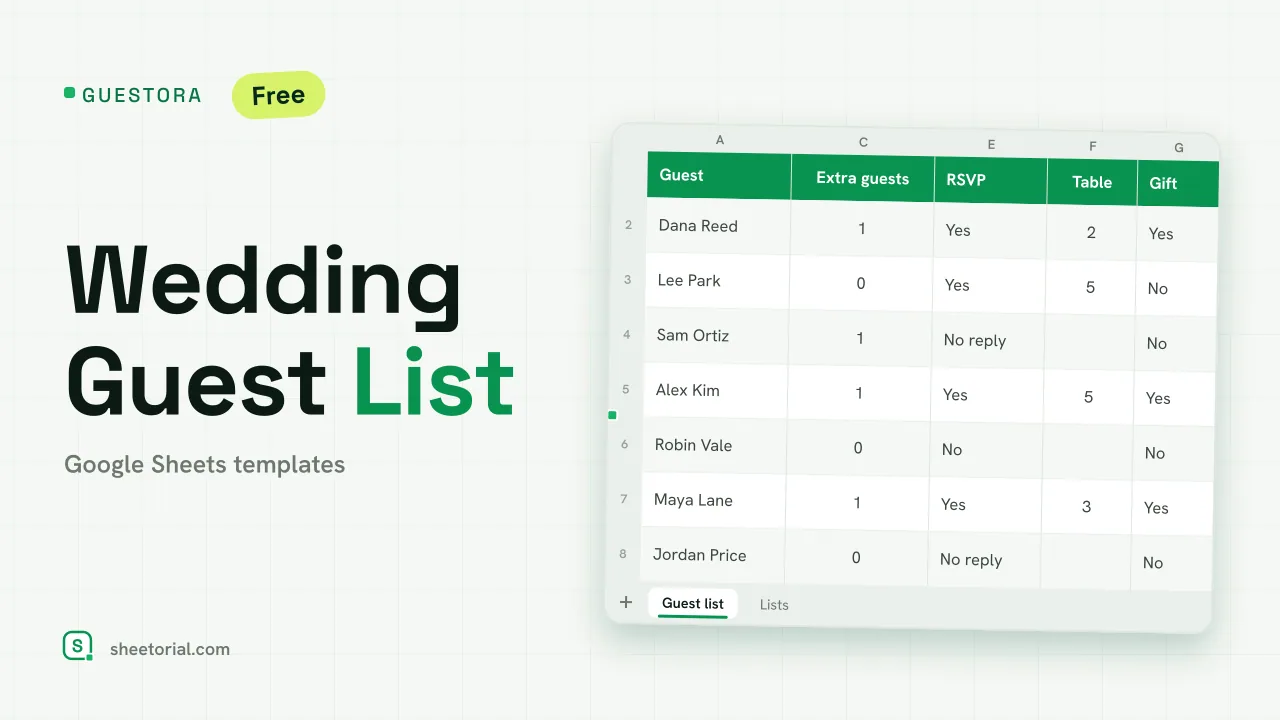
GUESTORA holds the whole guest list on a single tab and keeps a running count above it: who's coming, how many seats they take, and who still owes you an answer. It's a wedding guest list template for Google Sheets with no account behind it and no trial — the free .xlsx download is the product, and it opens in Google Sheets, Excel or LibreOffice.
What the guest list template tracks
The Guest list tab gives each guest a row: name, group (Family, Friends, Work and any you add, from a dropdown), the number of extra guests they bring, the seats that takes, an RSVP, a table and whether the gift has arrived. Four figures sit above the table and read the whole list: guests on the list, seats confirmed, awaiting reply and declined. The Lists tab is the editable source of the dropdowns — your guest groups, the RSVP options (Yes, No, No reply) and the gift toggle.
How the wedding spreadsheet counts seats and RSVPs
Seats is the column you never fill in: for each named guest the sheet counts one plus their extra guests, so a couple with two children reads four without arithmetic on your part. The headline totals follow from there — confirmed seats sum the Seats of everyone whose RSVP is Yes, awaiting reply counts the No-reply rows, declined counts the No rows. Colour rules make the table readable at a glance: a Yes turns the row soft green, a No fades it red, a No-reply sits amber. Twelve sample guests arrive across all three RSVP states on purpose, so the counts and the formatting show themselves before your own names go in.
How to build the guest list in Google Sheets
- Adjust your guest groups on the Lists tab if you want different names.
- Add each guest and set how many extra guests they bring — Seats works the rest out.
- Mark the RSVP from the dropdown: confirmed turns green, declined red, no reply amber.
- Assign a table and tick the gift when it arrives.
- Read the totals up top for guests, confirmed seats and who still hasn't replied.
A guest list template in eleven languages
Wedding lists aren't all written in English, so GUESTORA ships in eleven language editions — each a separate .xlsx with column labels, groups, RSVP options and date formats translated, formulas untouched. Download the one that matches your page language; the opening guide covers getting any of them into Google Sheets.
Counting heads is the first job of any gathering; once the numbers settle, SHOPLIX turns them into a shopping list for the catering side. Both belong to the broader set of wedding and event templates under home and life templates for Google Sheets.
More templates
-
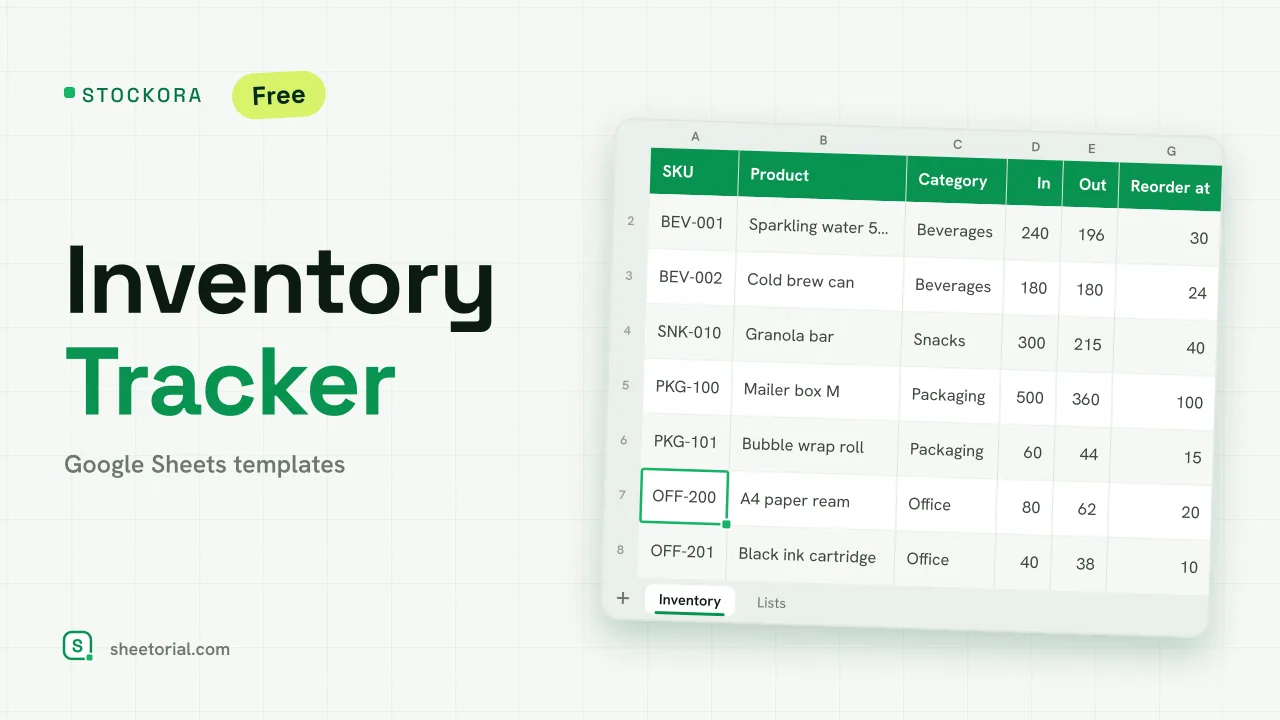 Inventory Spreadsheet STOCKORA: Small Business Inventory Template for Google Sheets Small business inventory template for Google Sheets: stock in/out, current stock and value, reorder alerts and totals. Free XLSX, no account, no trial. View template →
 -
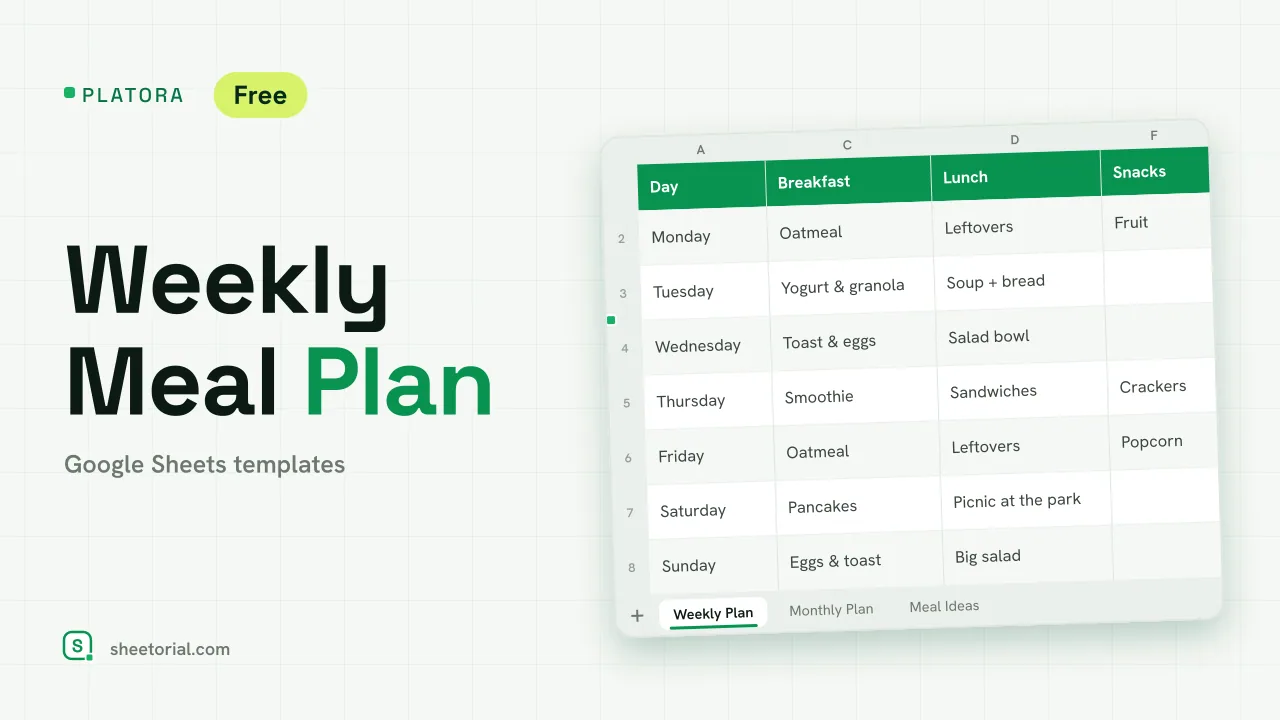 Meal Planning PLATORA: Free Weekly Meal Plan Template for Google Sheets Free weekly meal plan template for Google Sheets with breakfast, lunch, dinner and snacks per day, a dinner ideas dropdown and a monthly view on its own tab. View template →
 -
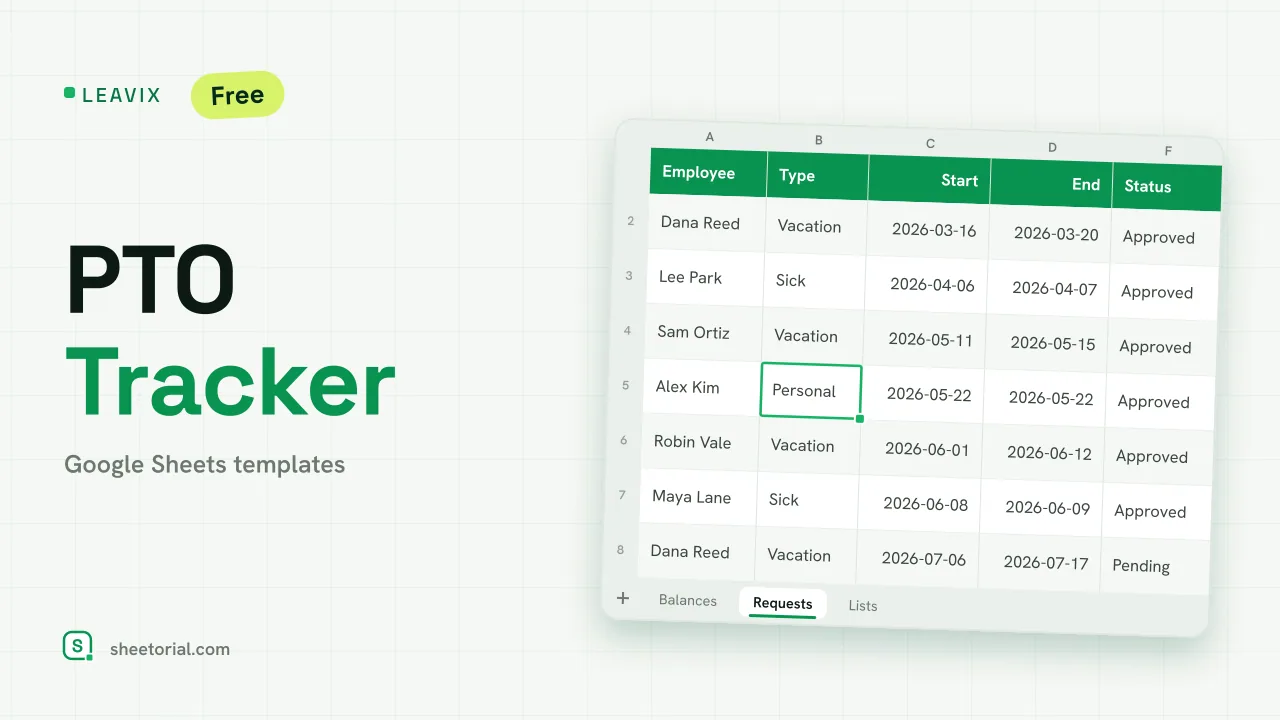 HR & Time Tracking LEAVIX: PTO Tracker for Google Sheets PTO tracker for Google Sheets: allowance, taken and remaining days per employee, plus a leave request log where only approved days are deducted. Free. View template →
 -
 Travel & Itinerary VALIXA: Packing List Template for Google Sheets Free packing list template for Google Sheets: items by category, quantities, a Packed dropdown and a progress counter that says what's left to pack. View template →