CANDIX: Job Application Tracker for Google Sheets
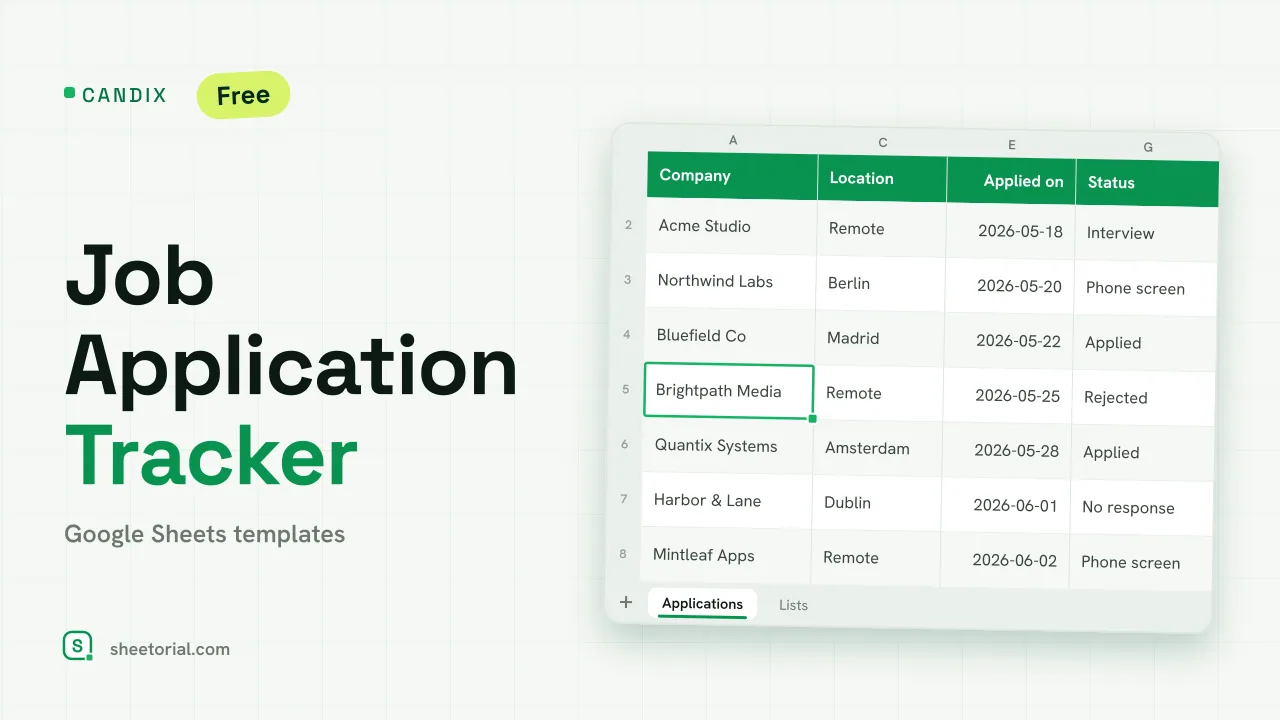
Important: you need to be signed in to a Google account to copy the template to your Drive. Need help opening the template?
CANDIX follows a job search the way a search actually goes: one row per application, a status that moves from Wishlist to Offer (or doesn't), and a follow-up column that flags when it's time to chase. The job application tracker downloads free as .xlsx and opens in Google Sheets, Excel or LibreOffice.
What the job application tracker template covers
Eleven columns per application: company, position, location, source (LinkedIn, job board, referral, recruiter — all editable), the date you applied, days since, status, next step, follow-up date, contact person and notes. The summary above the table counts the whole search: total applications, how many are still alive, how many reached interview, how many became offers. Seven statuses cover the real shape of a hunt — Wishlist, Applied, Phone screen, Interview, Offer, Rejected, and the one most trackers skip: No response.
A job application spreadsheet that nudges you to follow up
Days ago counts itself from each application date, so the rows going stale are visible at a glance. Put a date in Follow up when something needs chasing — a thank-you note, a promised call-back — and the row flags amber once that date passes while the process is still live. Offers turn green; rejections turn red and stop drawing attention. The Active counter deliberately ignores Rejected and No response, which keeps the headline number honest: it counts the processes that can still go somewhere, not everything you've ever sent. Ten sample applications in mixed states show all three colour rules before your search replaces them.
How to keep the job application tracker up to date
- Add each application with company, position and the date you applied.
- Pick source and status from the dropdowns — edit them on the Lists tab if yours differ.
- Note the next step and a follow-up date; the row flags amber when it passes.
- Move Status as the process advances: Offer goes green, Rejected red.
- Read the summary for the search's pulse — active processes, interviews, offers.
A free job application tracker in eleven languages
Job hunts cross borders, so CANDIX ships in eleven language editions — each a separate .xlsx with column headers, statuses and date formats in that language, the formulas identical underneath. Download from the page in your language; the opening guide covers bringing the file into Google Sheets.
If coursework deadlines run alongside the job hunt, DUEVIX applies the same countdown-and-colour logic to assignments. Interview prep sheets and other search tools live under the job and career templates.
More templates
-
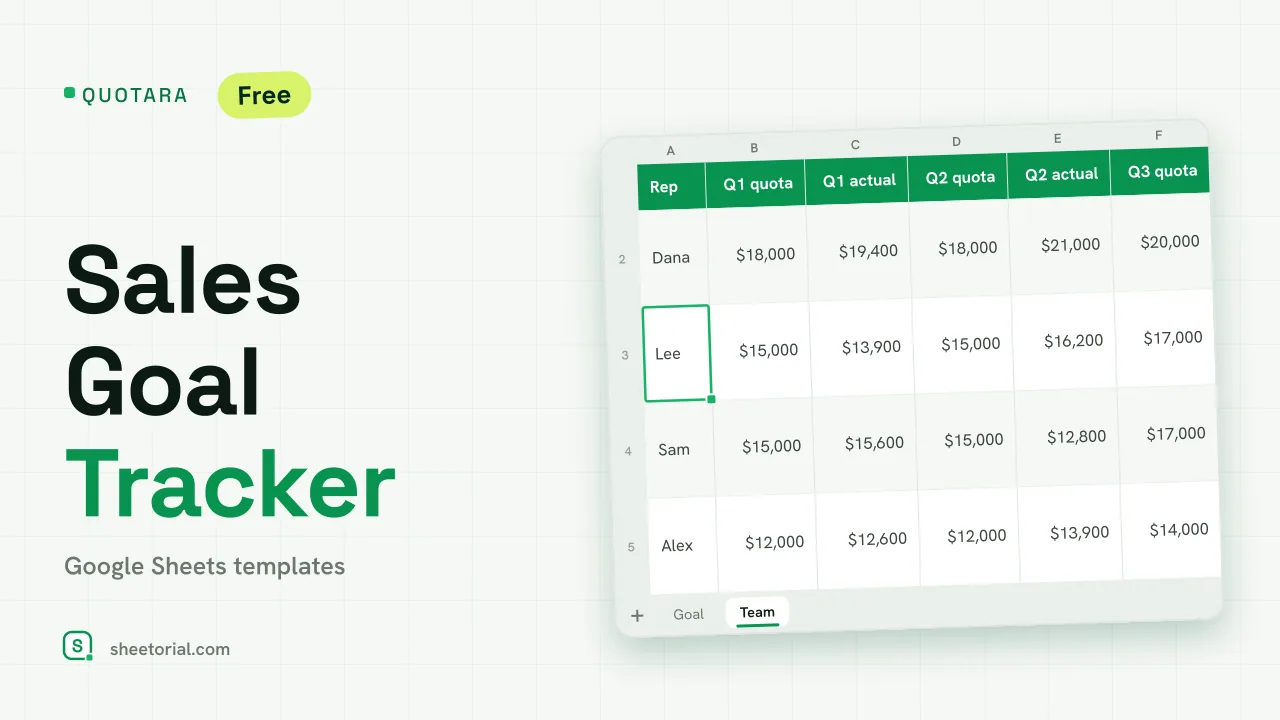 CRM & Sales QUOTARA: Sales Goal Tracker for Google Sheets Sales goal tracker for Google Sheets: an annual goal split into monthly targets, actual vs target, a year-end projection and quarterly quota by rep. Free. View template →
 -
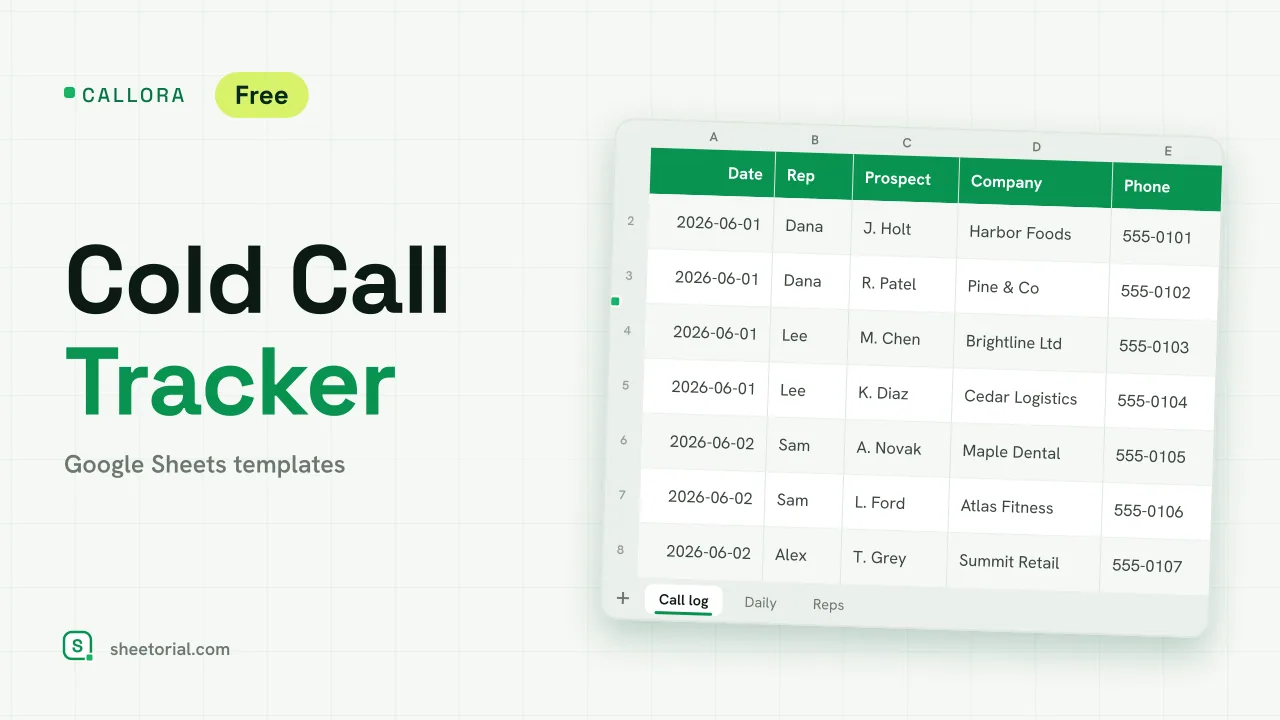 CRM & Sales CALLORA: Cold Call Tracker for Google Sheets Cold call tracker for Google Sheets: a sales call log that counts dials, connects and meetings booked, with daily activity and rates per rep. Free XLSX. View template →
 -
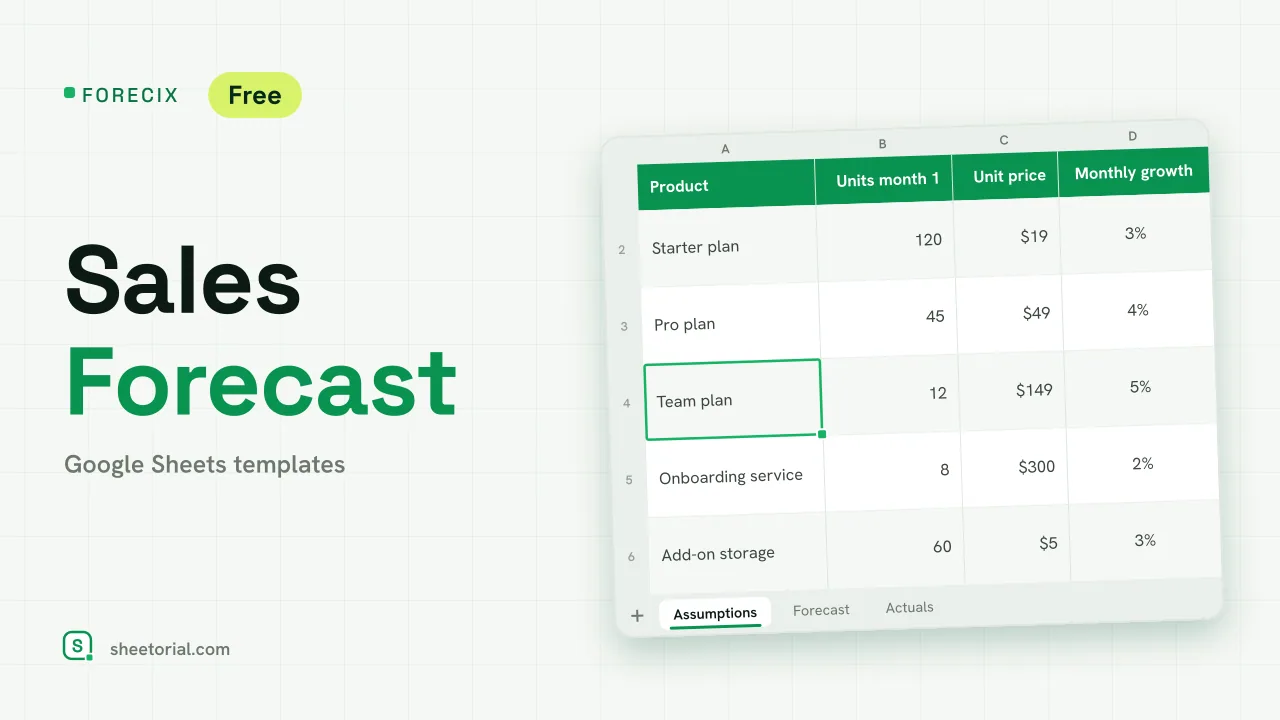 CRM & Sales FORECIX: Sales Forecast Template for Google Sheets Sales forecast template for Google Sheets and Excel: 12 months of units and revenue per product from starting volume, price and growth, plus actuals vs forecast. View template →
 -
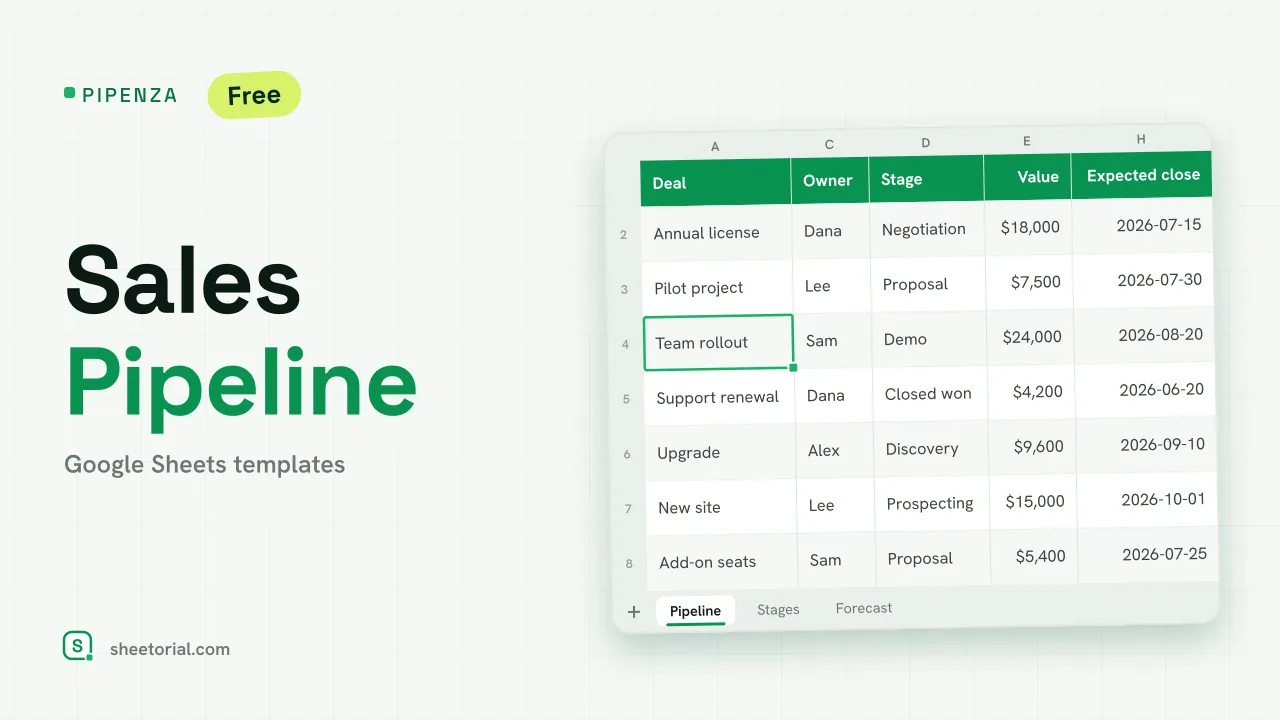 CRM & Sales PIPENZA: Sales Pipeline Template for Excel and Google Sheets Sales pipeline template for Excel and Google Sheets: deals by stage with win probability, weighted value, overdue close dates and a forecast by month. Free. View template →