DUEVIX: Free Assignment Tracker for Google Sheets
Important: you need to be signed in to a Google account to copy the template to your Drive. Need help opening the template?
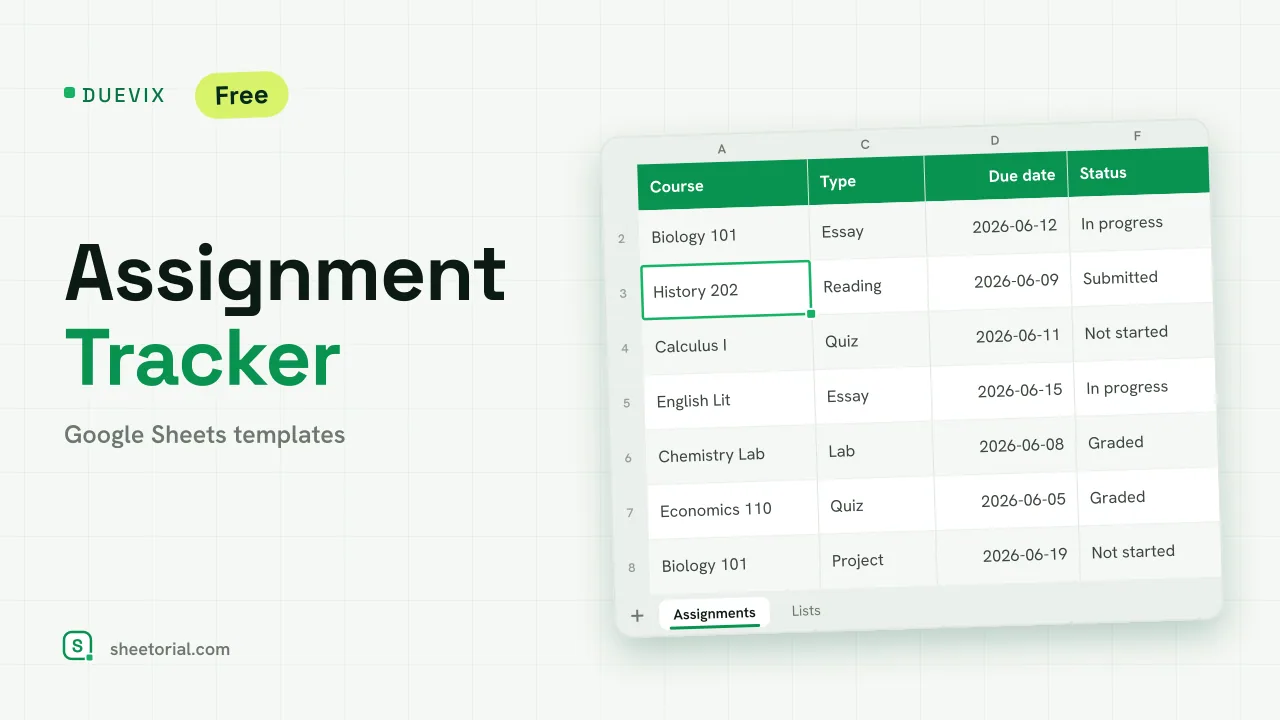
DUEVIX holds a semester on one tab: every piece of work with its course, type, due date and status — and a Days left column the sheet counts for you. It's a free assignment tracker for Google Sheets, downloaded as .xlsx, and it opens the same in Google Sheets, Excel or LibreOffice.
What the assignment tracker template includes
Eight columns per assignment: course and type chosen from dropdowns (essays, quizzes, exams, projects, readings, labs), the task itself, due date, days left, a status dropdown running Not started to Graded, the grade, and notes. Above the table, a summary counts your tasks per status and how many fall due within the next seven days — the figure worth checking on Sunday night. A second tab, Lists, holds the dropdown values: type your real courses there once and every dropdown updates with them. Six sample courses and eleven sample assignments show the layout working until yours replace them.
How the assignment tracker counts your days left
Days left subtracts today from each due date, live — open the sheet on Tuesday and the numbers are Tuesday's. Once a task is marked Submitted or Graded, its countdown goes quiet: finished work doesn't nag. Colour does the prioritising on top. A row turns amber when its deadline is three days out or closer, red once it's past due and unsubmitted, green when graded. The table ends up reading like a priority list without you sorting anything, though sorting by due date works whenever you want the strict order.
How to use the assignment tracker in Google Sheets
- Put your real courses into Lists — the dropdowns update on their own.
- Add each assignment with its due date and current status.
- Watch Days left: rows go amber near a deadline and red past it.
- Update Status when you hand work in, and log the grade if you want the record.
- Check the summary for what's due this week.
A student assignment tracker in eleven languages
DUEVIX ships in eleven language editions, each its own .xlsx with tab names, assignment types, statuses and date formats in that language — the countdown formulas are identical in all of them. Download from the page in your language; the opening guide explains the three ways into Google Sheets.
The same alert logic, pointed at the next stage of student life: CANDIX tracks job applications with statuses and follow-up flags. Planners and other coursework sheets are collected under the school templates for Google Sheets.
More templates
-
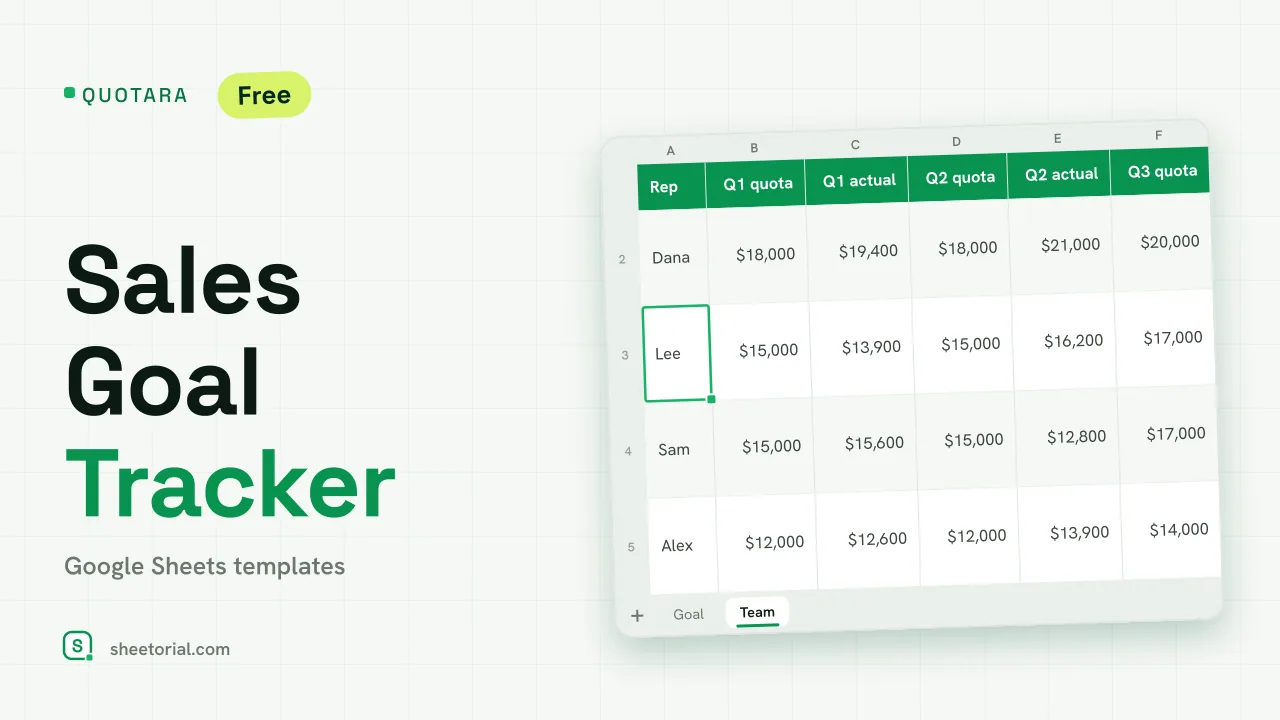 CRM & Sales QUOTARA: Sales Goal Tracker for Google Sheets Sales goal tracker for Google Sheets: an annual goal split into monthly targets, actual vs target, a year-end projection and quarterly quota by rep. Free. View template →
 -
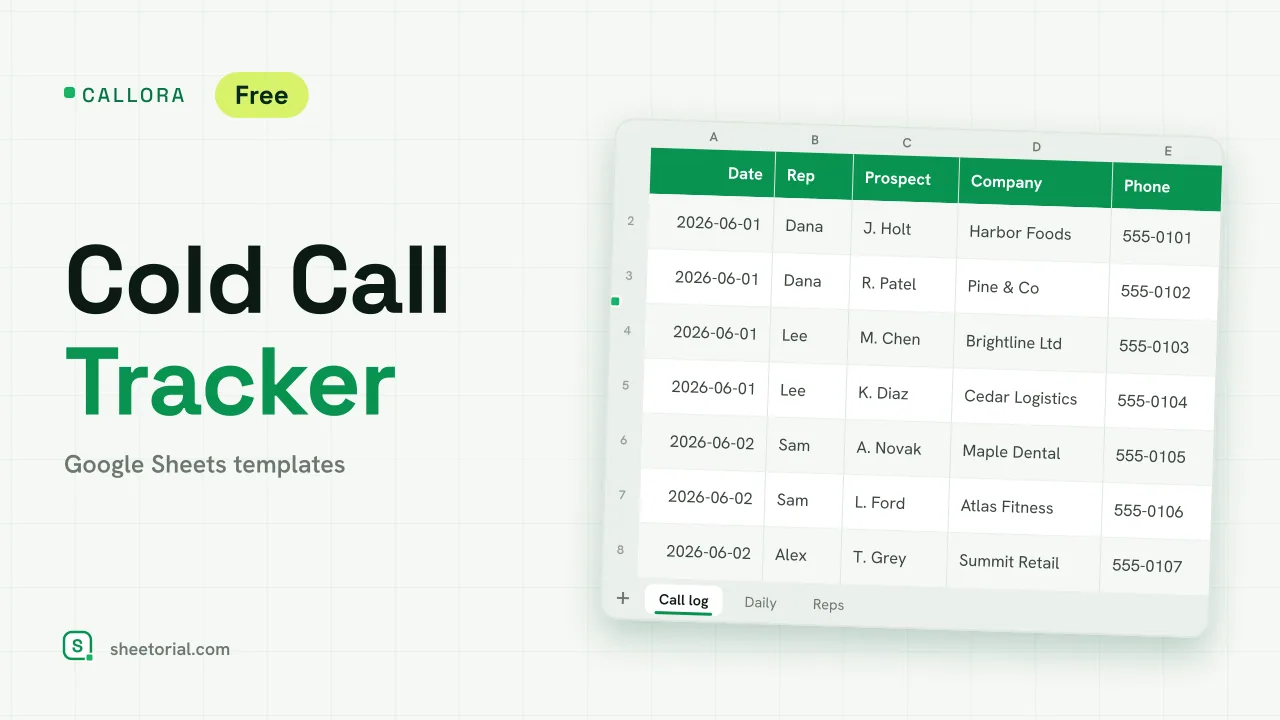 CRM & Sales CALLORA: Cold Call Tracker for Google Sheets Cold call tracker for Google Sheets: a sales call log that counts dials, connects and meetings booked, with daily activity and rates per rep. Free XLSX. View template →
 -
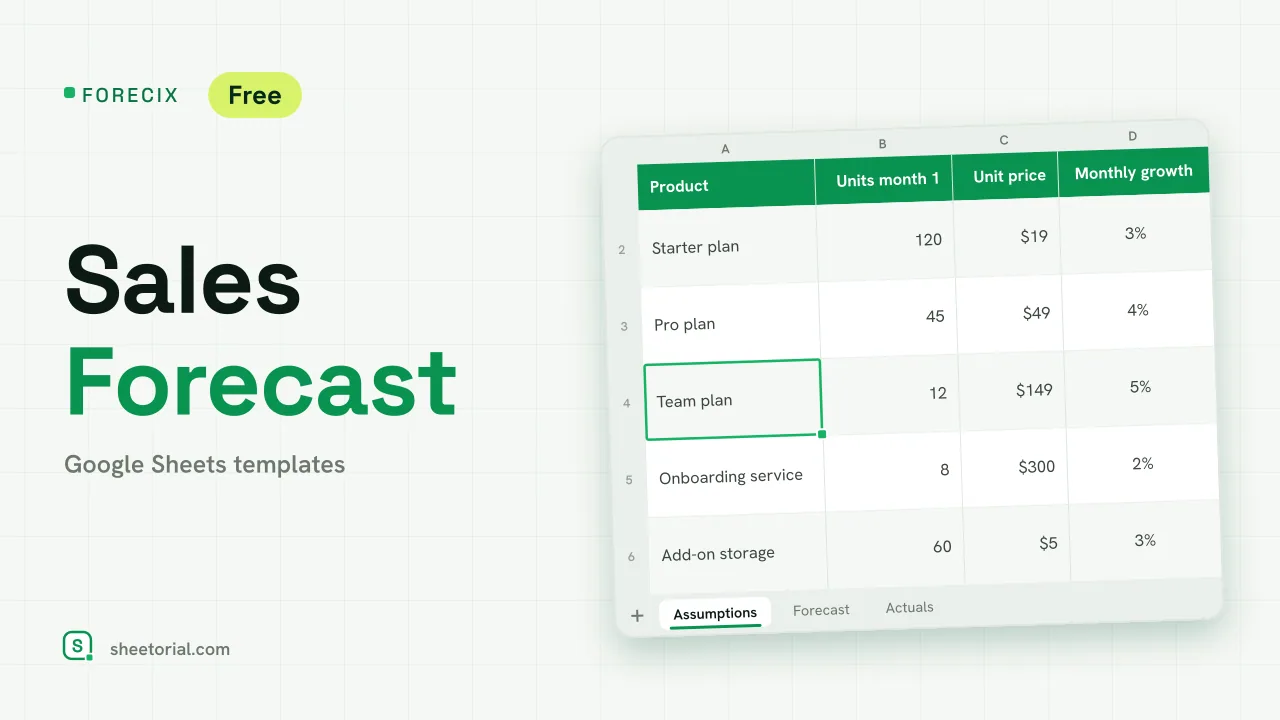 CRM & Sales FORECIX: Sales Forecast Template for Google Sheets Sales forecast template for Google Sheets and Excel: 12 months of units and revenue per product from starting volume, price and growth, plus actuals vs forecast. View template →
 -
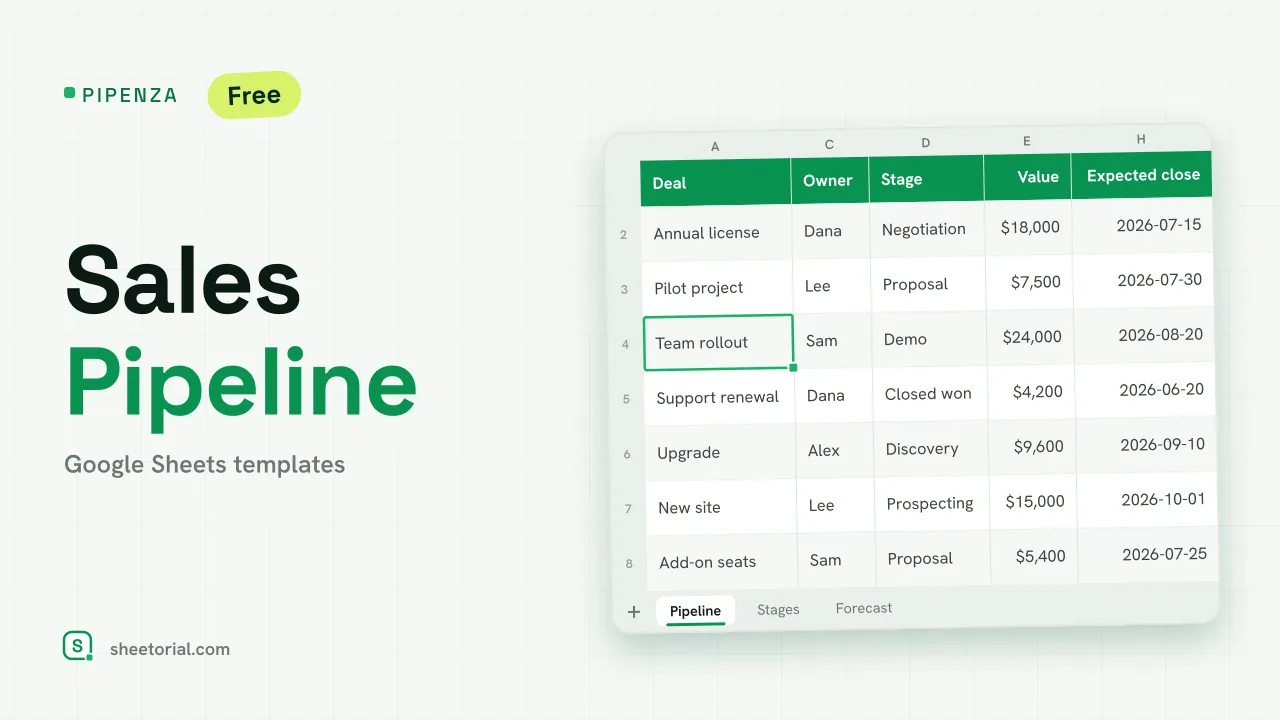 CRM & Sales PIPENZA: Sales Pipeline Template for Excel and Google Sheets Sales pipeline template for Excel and Google Sheets: deals by stage with win probability, weighted value, overdue close dates and a forecast by month. Free. View template →