BIHORA: Biweekly Timesheet Template for Google Sheets
Important: you need to be signed in to a Google account to copy the template to your Drive. Need help opening the template?
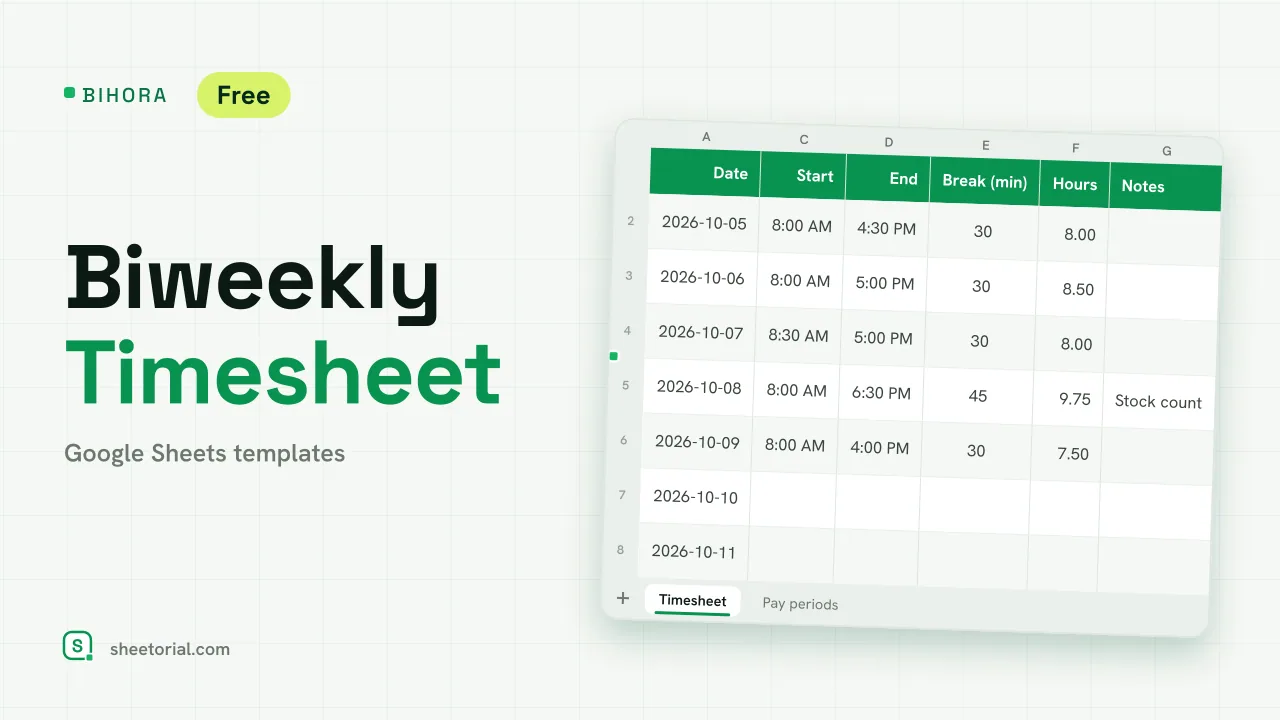
BIHORA is a timesheet for one employee and one two-week pay period. You type the period start once, fill in a start time, an end time and a break for each day, and the sheet gives you the hours, the overtime and the pay for each week and for the period. It is a biweekly timesheet template for Google Sheets that downloads free as an .xlsx and opens in Excel too. The overtime threshold and multiplier are settings for you to fill in from your own rules.
A bi weekly timesheet template for one pay period
At the top of the Timesheet tab go the employee, the period start, the hourly rate, the weekly overtime threshold and the overtime multiplier. The fourteen rows below date themselves from the period start and show the weekday. Each day takes a start, an end and a break in minutes, and hours are worked out with MOD(end - start, 1) * 24 minus the break, so a night shift that ends after midnight is counted correctly. Weekends shade grey and any day over ten hours shades amber.
Weekly overtime inside a biweekly timesheet
A two-week period is not the same as an 80-hour period. BIHORA totals each week on its own, then splits each week into regular hours, capped at your threshold, and overtime hours above it. Regular pay is regular hours times the rate, overtime pay adds your multiplier, and the period column adds both weeks. In the sample, the first week has 41.75 hours and the second 44, so with a 40-hour threshold both weeks show overtime, which a single total for the fortnight would hide. Below the totals sit lines for the employee's signature, the supervisor's signature and the approval date.
A pay period calendar for the year
The Pay periods tab lists 26 fortnights from the first start date you enter: start, end, pay date (end plus the number of days you set) and the day the timesheet is due. The current period turns green, so anyone opening the file can see which fortnight they are filling in.
How to fill in a biweekly timesheet
- Enter the employee, period start and hourly rate.
- Set the weekly overtime threshold and the multiplier your rules use.
- Fill in the start, end and break for each day worked.
- Check hours, overtime and pay in the period totals.
- Sign, save a copy for the period and change the start date for the next one.
A free biweekly timesheet template for Excel and Google Sheets
BIHORA comes in eleven language editions with translated tabs and headings and local time, date and currency formats. The opening guide explains the import. Overtime for a whole team, with approvals, is tracked in OVERIX, the overtime tracker, and project hours for billing in WEEKORA, the weekly timesheet. More sheets are under HR and time tracking templates.
More templates
-
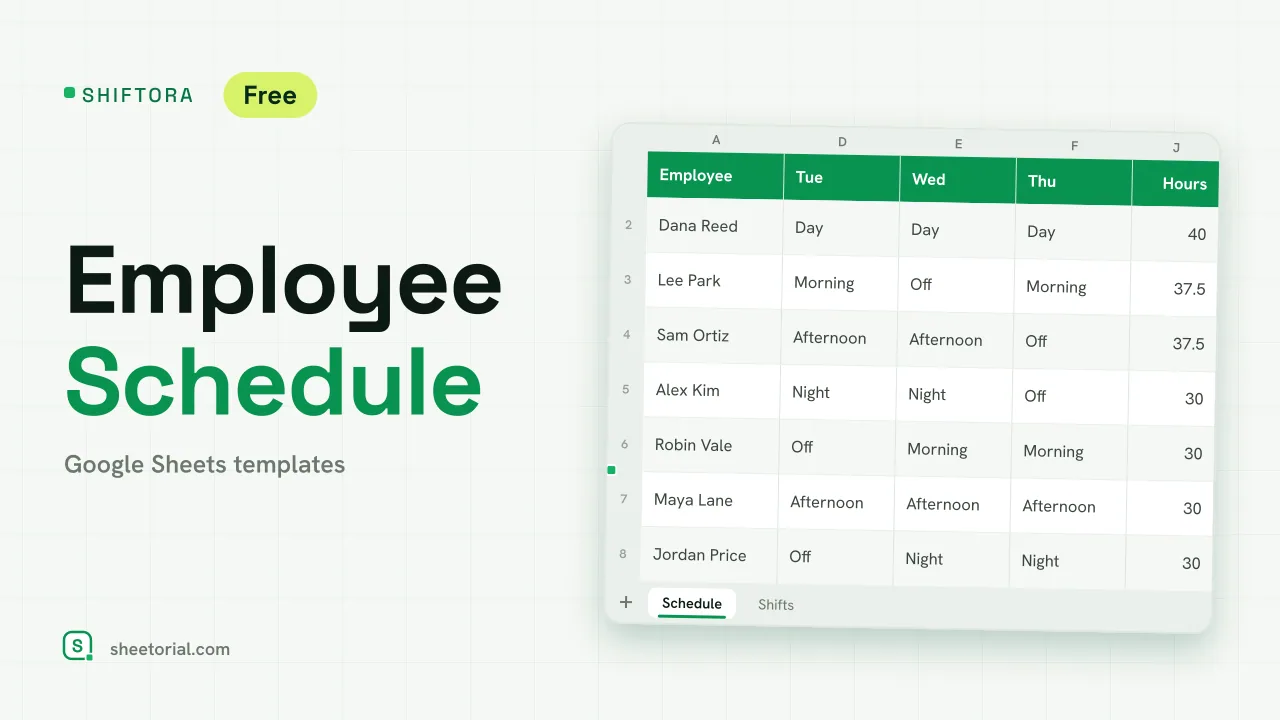 HR & Time Tracking SHIFTORA: Employee Schedule Template for Google Sheets Employee schedule template for Google Sheets: a weekly shift grid, hours against contract per person and coverage per shift and day against the staff you need. View template →
 -
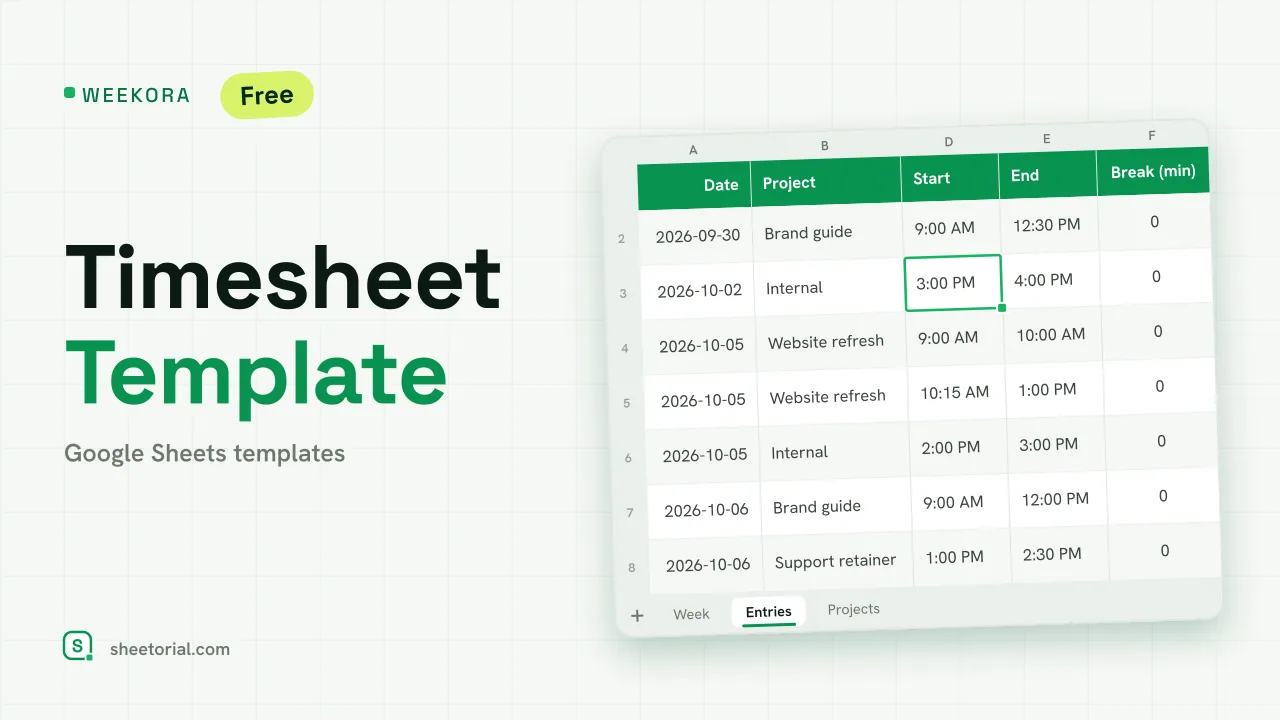 HR & Time Tracking WEEKORA: Timesheet Template for Google Sheets Timesheet template for Google Sheets: log time by project and task with start, end and break, mark billable hours and get a weekly summary by day and project. View template →
 -
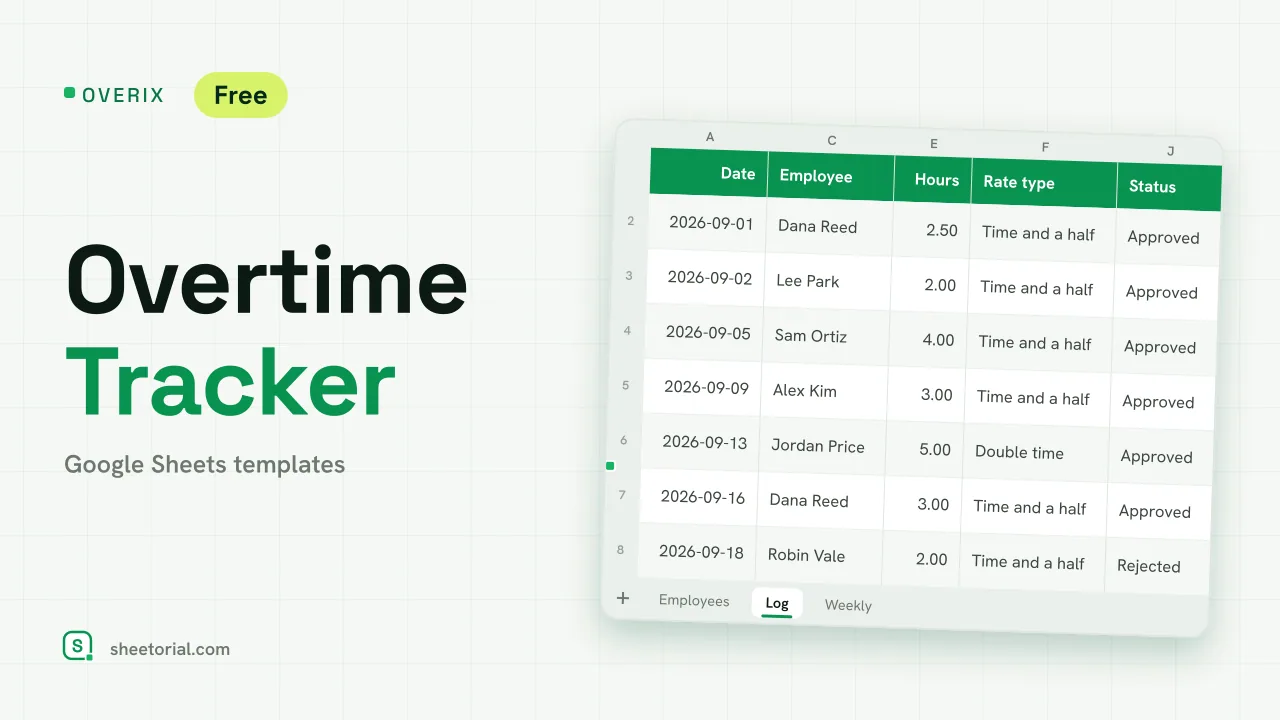 HR & Time Tracking OVERIX: Overtime Tracker for Google Sheets Overtime tracker for Google Sheets: log extra hours with a reason and approval status, pay from hourly rate and a multiplier, hour budgets and weekly totals. View template →
 -
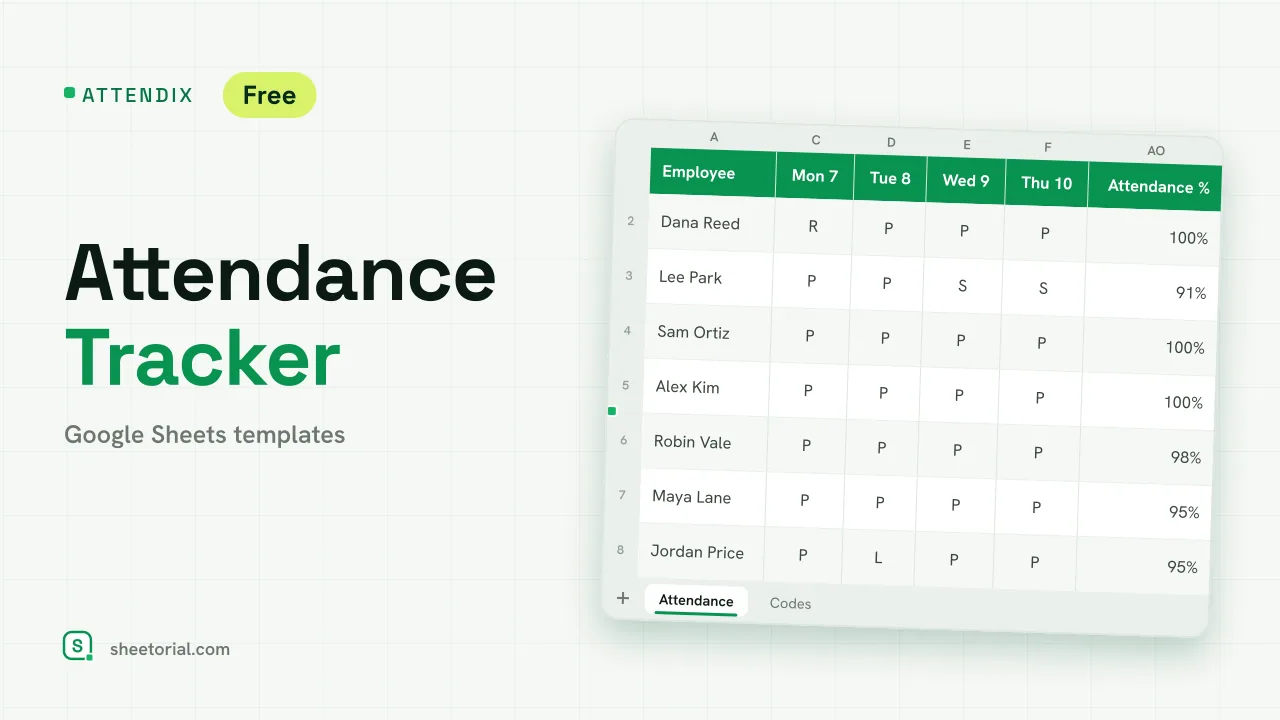 HR & Time Tracking ATTENDIX: Employee Attendance Tracker for Google Sheets Employee attendance tracker for Google Sheets: a monthly grid of daily codes (present, remote, late, absent, sick, vacation) with totals and attendance rate. View template →