WEEKORA: Timesheet Template for Google Sheets
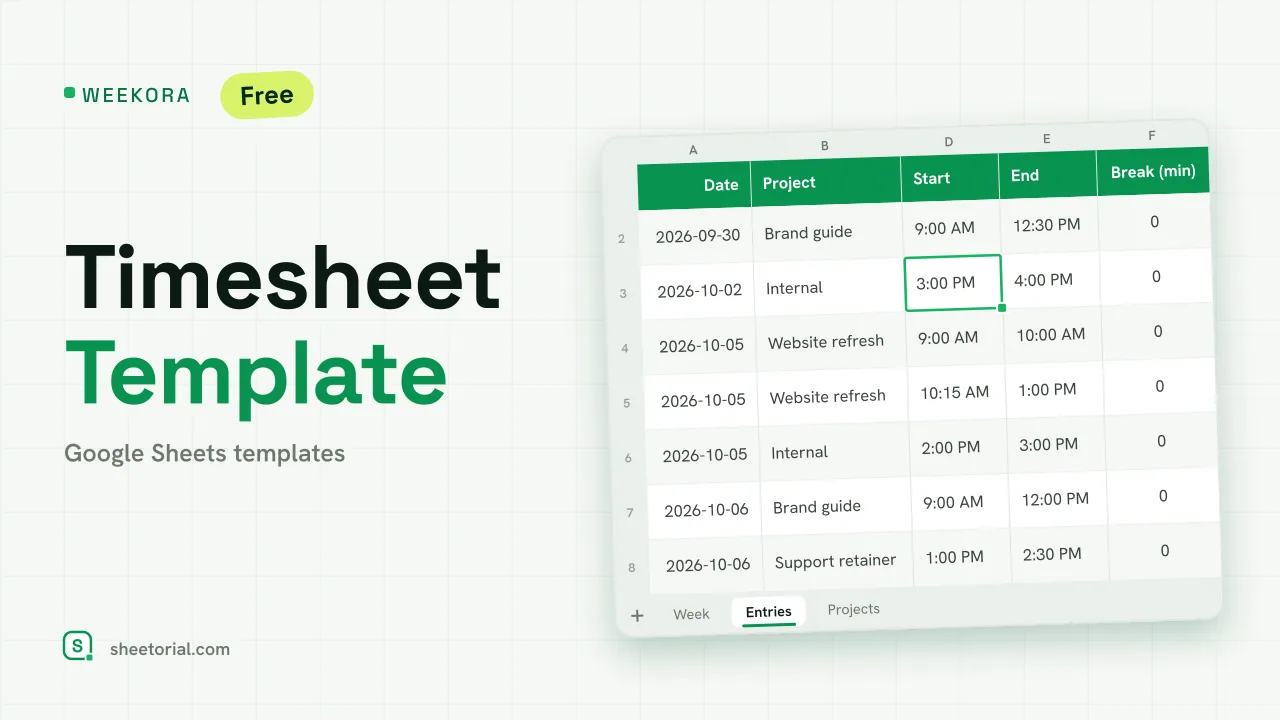
Important: you need to be signed in to a Google account to copy the template to your Drive. Need help opening the template?
WEEKORA is for people whose time goes to several projects or clients and who need to show where it went. You log each block of work with a start and an end; the sheet works out the hours, prices the billable ones at the project's rate and summarizes the week by day and by project. It is a timesheet template for Google Sheets, a free .xlsx download that also opens in Excel. It suits freelancers, consultants and small teams that report hours per project.
A weekly timesheet template for Google Sheets by project
The Entries tab has one row per block of work: date, project, task, start, end, break in minutes, hours, billable and notes. Hours are calculated with MOD(end - start, 1) * 24 minus the break, so a block that runs past midnight still comes out right. The project comes from a dropdown fed by the Projects tab, where each project has a client and an hourly rate. Mark a row as billable and its amount is hours times the project rate; non-billable rows show in grey and add nothing. Blocks longer than six hours shade amber as a reminder to check for a missing break.
Billable hours and amounts per project
On the Week tab you type the Monday of the week. A by-project table lists every project with its client, hours, billable hours and amount for those seven days, using SUMIFS limited to the week, so entries from earlier weeks stay in the log without being counted. Above it, the week shows total hours, billable share and billable amount: what an invoice or a weekly report needs.
Daily totals in the weekly timesheet
The same tab gives one row per day, Monday to Sunday: hours, billable hours, billable percentage and amount, with a total row. Days over eight hours shade amber and weekends shade grey. Fourteen sample entries over four projects, two of them from the week before, show the week filter at work before you replace them.
How to fill in the timesheet template
- List your projects, clients and hourly rates on Projects.
- Log each block of work on Entries with its start, end and break.
- Mark whether each block is billable.
- Type the Monday of the week on Week.
- Copy the totals by project into your invoice or weekly report.
A Google Sheets timesheet template in eleven languages
WEEKORA is available in eleven editions with translated tabs and headings and local time, date and currency formats; the formulas are identical. The opening guide covers opening the .xlsx. For a pay-period timesheet with overtime split out, use BIHORA, the biweekly timesheet; invoices themselves can be built in INVIX. More sheets are under HR and time tracking templates.
More templates
-
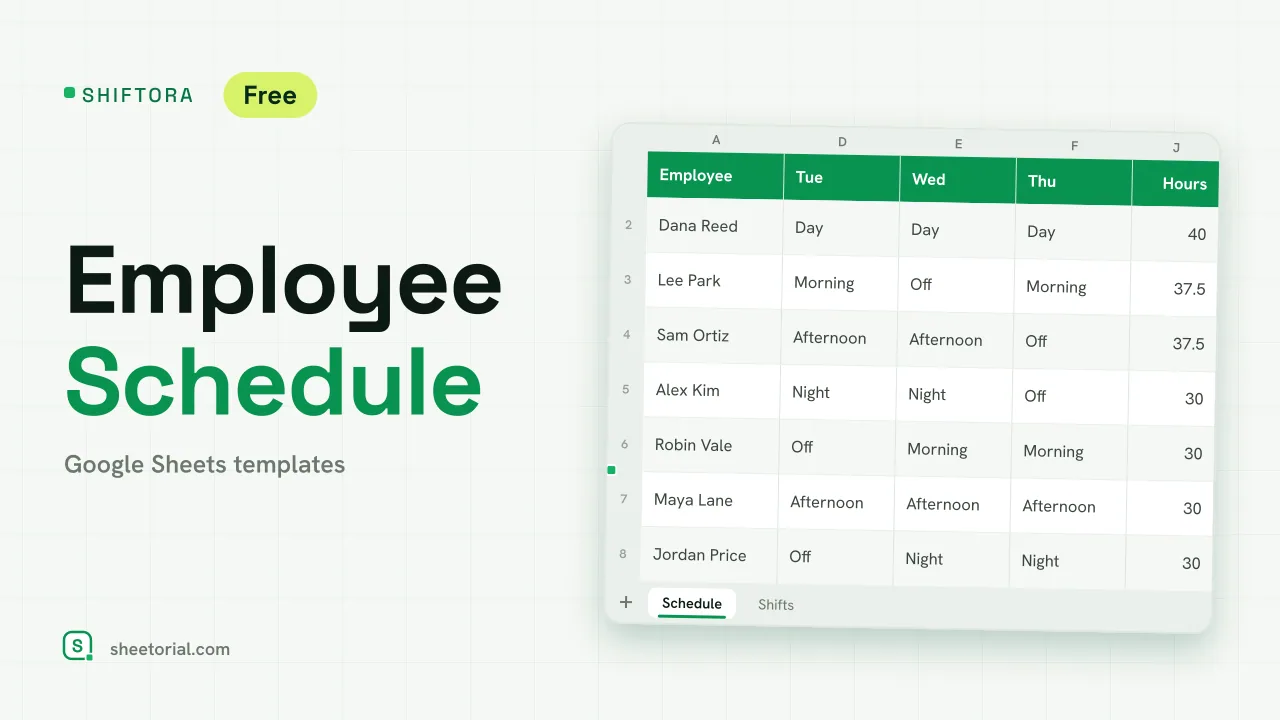 HR & Time Tracking SHIFTORA: Employee Schedule Template for Google Sheets Employee schedule template for Google Sheets: a weekly shift grid, hours against contract per person and coverage per shift and day against the staff you need. View template →
 -
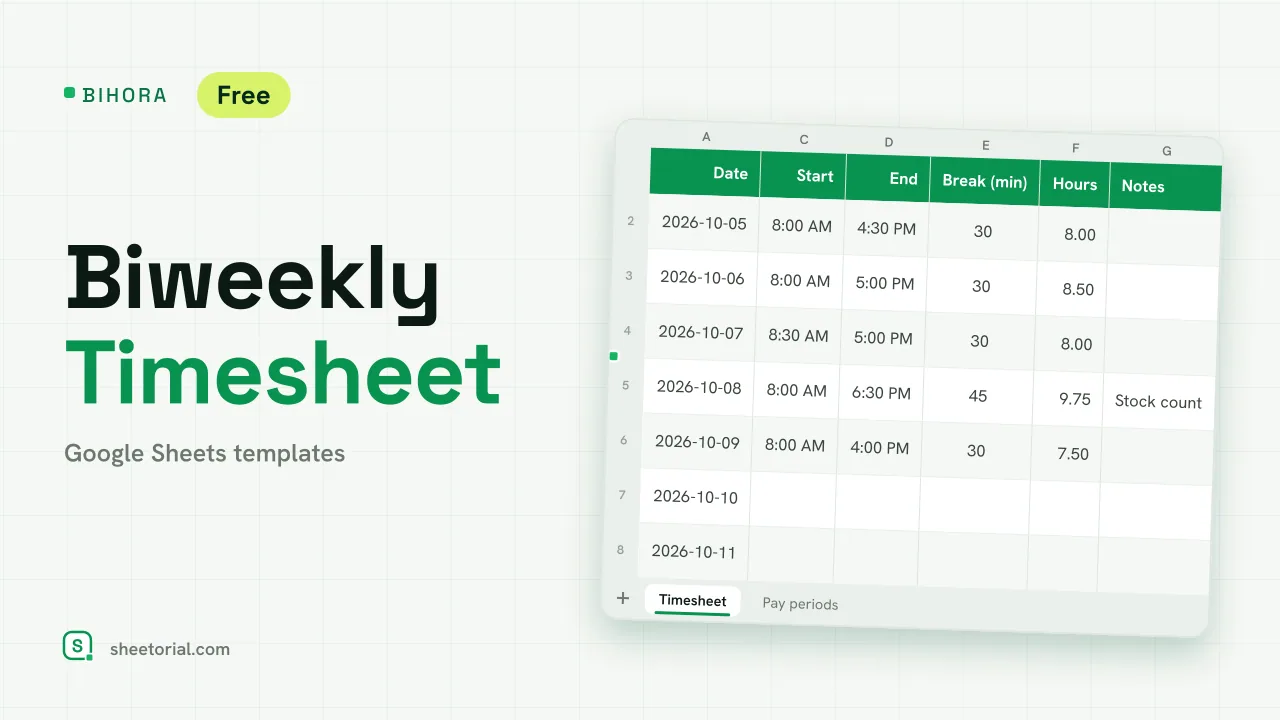 HR & Time Tracking BIHORA: Biweekly Timesheet Template for Google Sheets Biweekly timesheet template for Google Sheets: 14 days of start, end and break times, weekly overtime split out, regular and overtime pay, 26 pay periods. View template →
 -
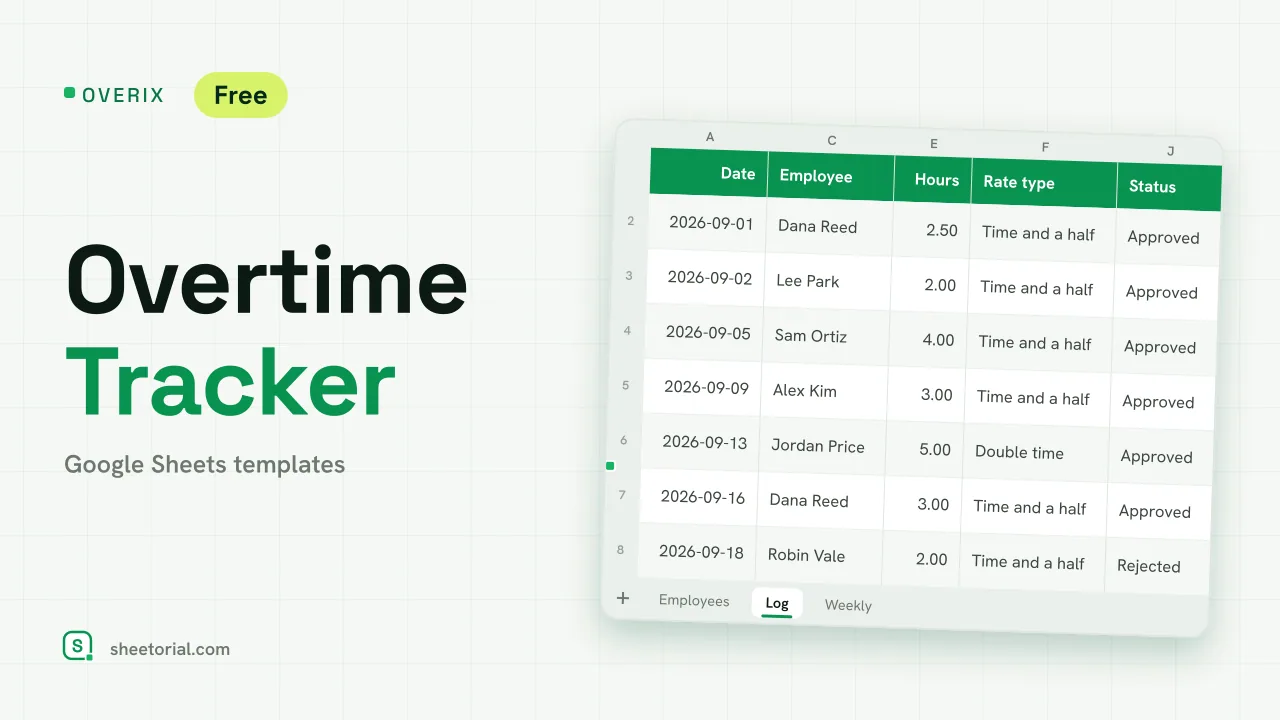 HR & Time Tracking OVERIX: Overtime Tracker for Google Sheets Overtime tracker for Google Sheets: log extra hours with a reason and approval status, pay from hourly rate and a multiplier, hour budgets and weekly totals. View template →
 -
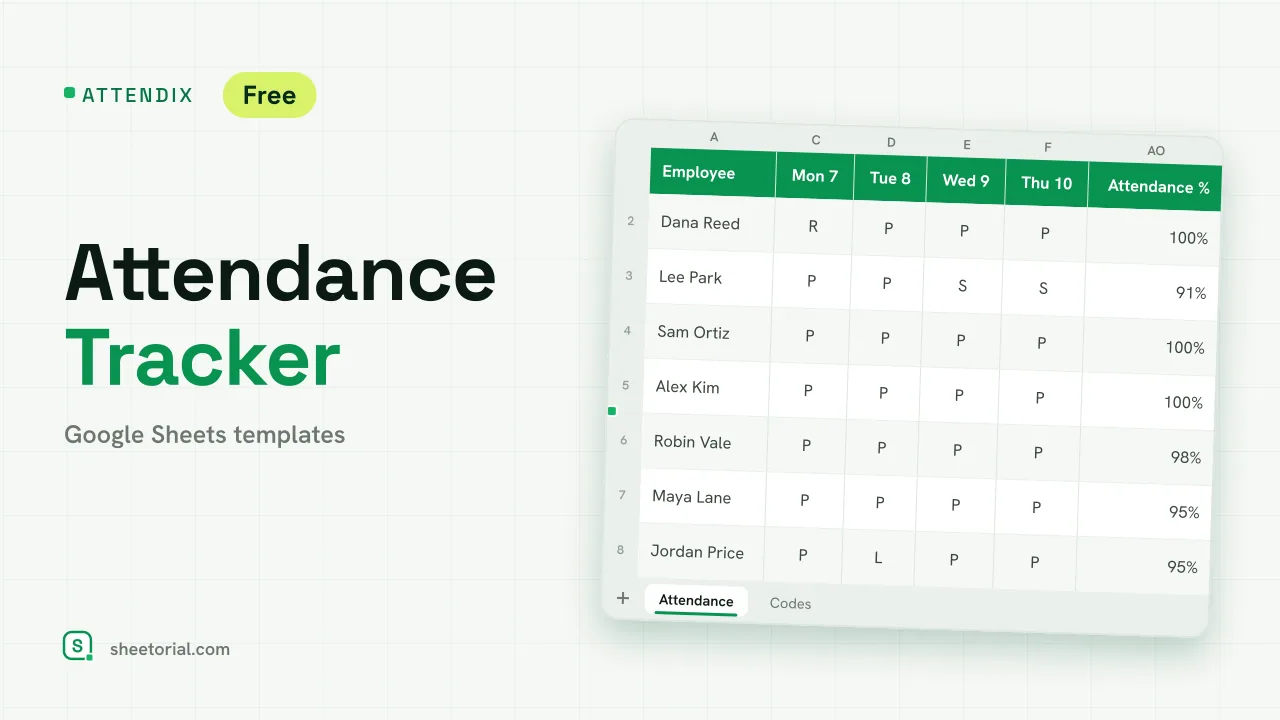 HR & Time Tracking ATTENDIX: Employee Attendance Tracker for Google Sheets Employee attendance tracker for Google Sheets: a monthly grid of daily codes (present, remote, late, absent, sick, vacation) with totals and attendance rate. View template →