SHIFTORA: Employee Schedule Template for Google Sheets
Important: you need to be signed in to a Google account to copy the template to your Drive. Need help opening the template?
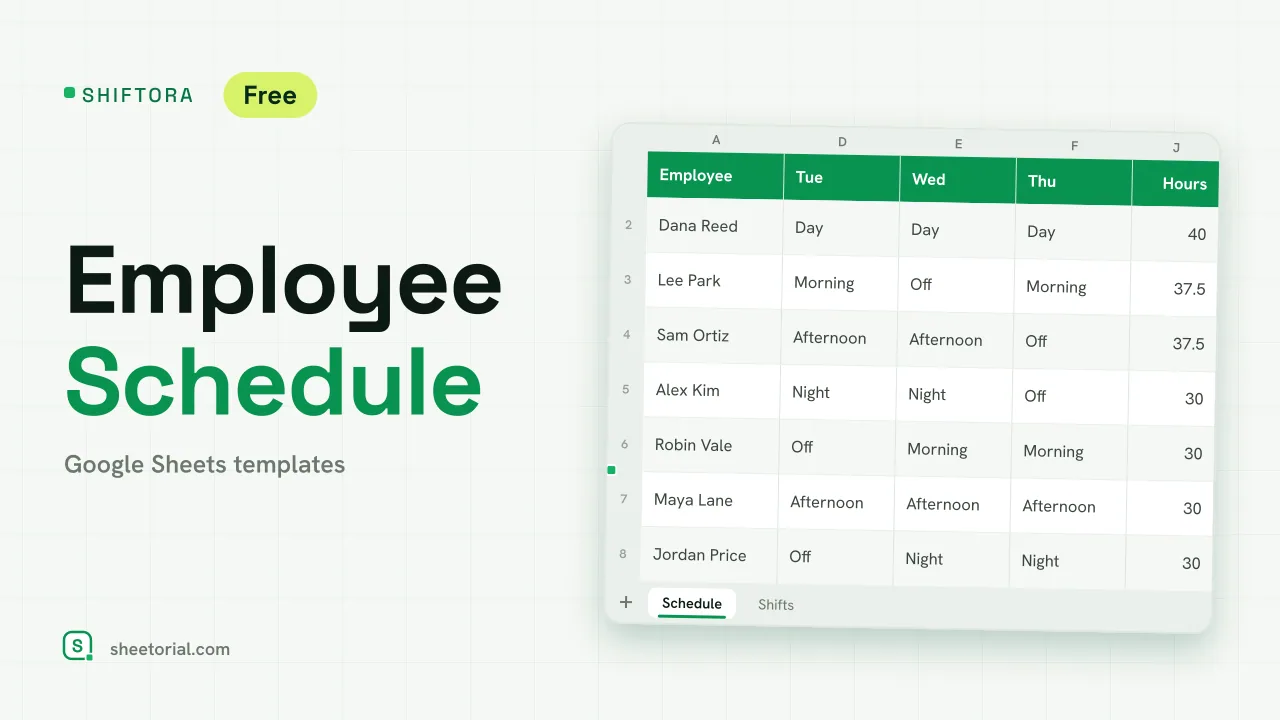
SHIFTORA puts a week of shifts on one screen and checks it for you. You list your staff, type the Monday of the week and pick a shift for each person and day; the sheet adds up each person's hours against their contract and counts how many people are on each shift, marking in red the days that fall short. It is an employee schedule template for Google Sheets, free to download as an .xlsx that opens in Excel too.
A shift schedule template for Google Sheets
The Shifts tab defines the shifts: Morning, Afternoon, Night and Day in the sample, each with a start, an end and a break, plus Off and Leave. Paid hours are worked out from those times, overnight shifts included. On the Schedule tab, each employee gets a row with a role and seven day cells, and each cell takes a shift from a dropdown. The day headers date themselves from the Monday you type, so the same tab works for any week. Off shades grey and Leave shades amber.
Hours against contract for each employee
For each person, the Hours column looks up the paid hours of every shift in the week with VLOOKUP and adds them up. Next to it you type the contracted hours, and Difference shows the gap: red when someone is scheduled above their contract, amber when below. Above the grid, three totals show the number of staff, the scheduled hours and the contracted hours, so you see at once whether the week as a whole is over or under.
Coverage per shift and day
Under the grid, the coverage table lists each working shift with the number of people it needs. For every day, a COUNTIF counts how many people are on that shift; a cell turns green when the shift is covered and red when it is short. In the sample week of a small care team, Wednesday and Sunday mornings have one person against two needed, the afternoons from Friday to Sunday run one short and nobody covers the Day shift at the weekend, so every gap shows before the week starts. Change a shift in the grid and the count updates straight away.
How to build the staff schedule
- Adjust the shift names and times on Shifts; keep Off and Leave in their rows.
- Type the Monday of the week on Schedule.
- List your staff with their role and contracted hours.
- Pick a shift for each person and day.
- Fix any red cells in the coverage table and any red differences in hours.
A free employee schedule template in eleven languages
SHIFTORA is published in eleven editions with translated tabs, shifts and headings and local time formats; the lookups and counts are the same in every one. The opening guide covers the import. Leave that takes people off the schedule is tracked in LEAVIX, the PTO tracker, and hours actually worked in BIHORA, the biweekly timesheet. More sheets are under HR and time tracking templates.
More templates
-
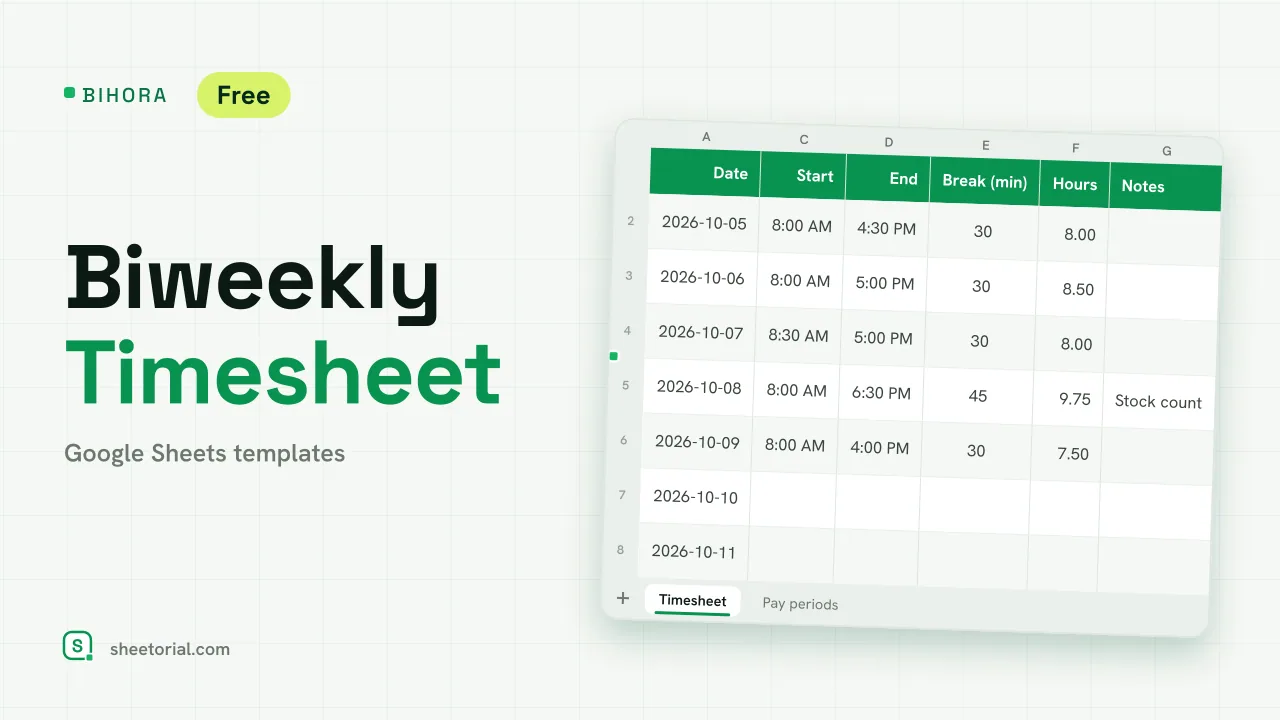 HR & Time Tracking BIHORA: Biweekly Timesheet Template for Google Sheets Biweekly timesheet template for Google Sheets: 14 days of start, end and break times, weekly overtime split out, regular and overtime pay, 26 pay periods. View template →
 -
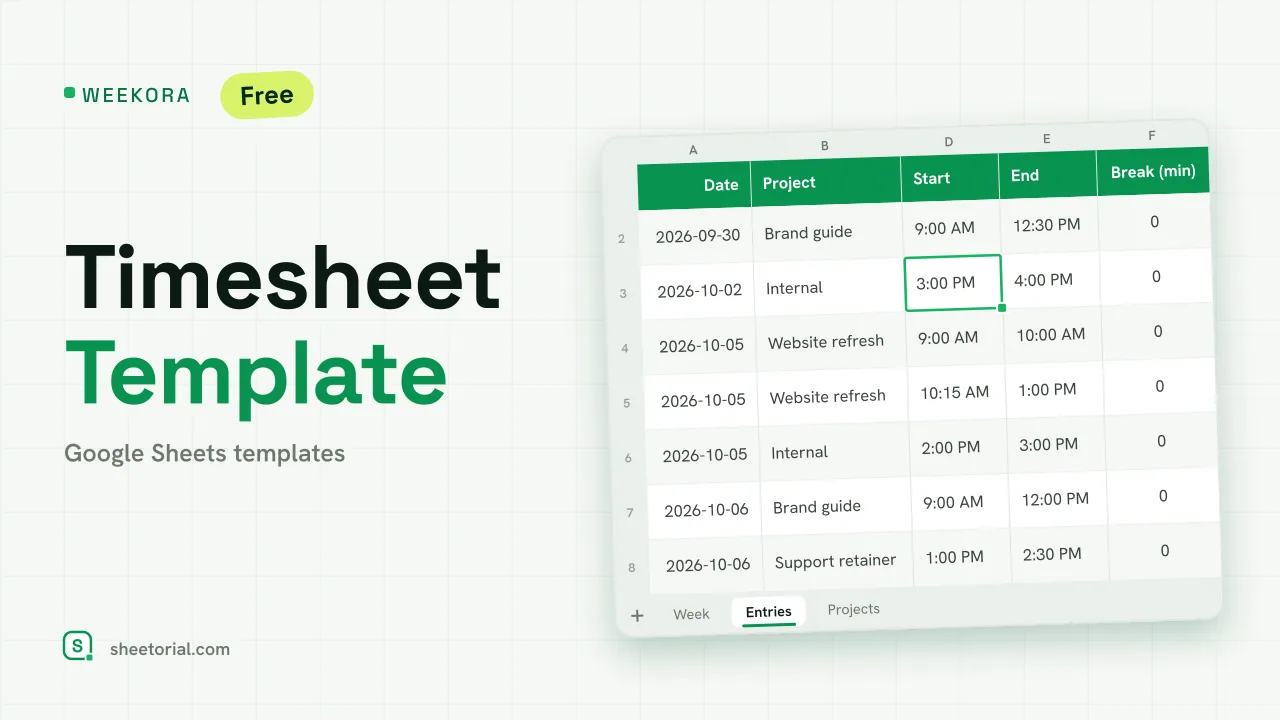 HR & Time Tracking WEEKORA: Timesheet Template for Google Sheets Timesheet template for Google Sheets: log time by project and task with start, end and break, mark billable hours and get a weekly summary by day and project. View template →
 -
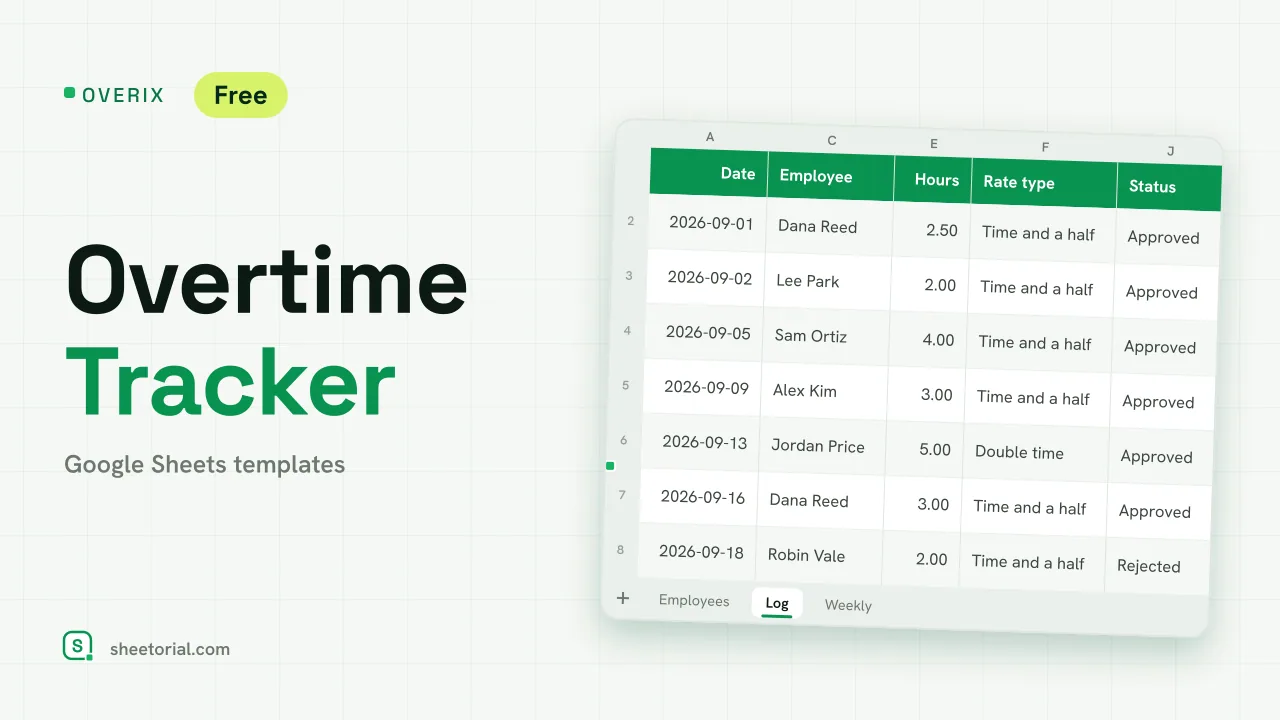 HR & Time Tracking OVERIX: Overtime Tracker for Google Sheets Overtime tracker for Google Sheets: log extra hours with a reason and approval status, pay from hourly rate and a multiplier, hour budgets and weekly totals. View template →
 -
 HR & Time Tracking ATTENDIX: Employee Attendance Tracker for Google Sheets Employee attendance tracker for Google Sheets: a monthly grid of daily codes (present, remote, late, absent, sick, vacation) with totals and attendance rate. View template →