ATTENDIX: Employee Attendance Tracker for Google Sheets
Important: you need to be signed in to a Google account to copy the template to your Drive. Need help opening the template?
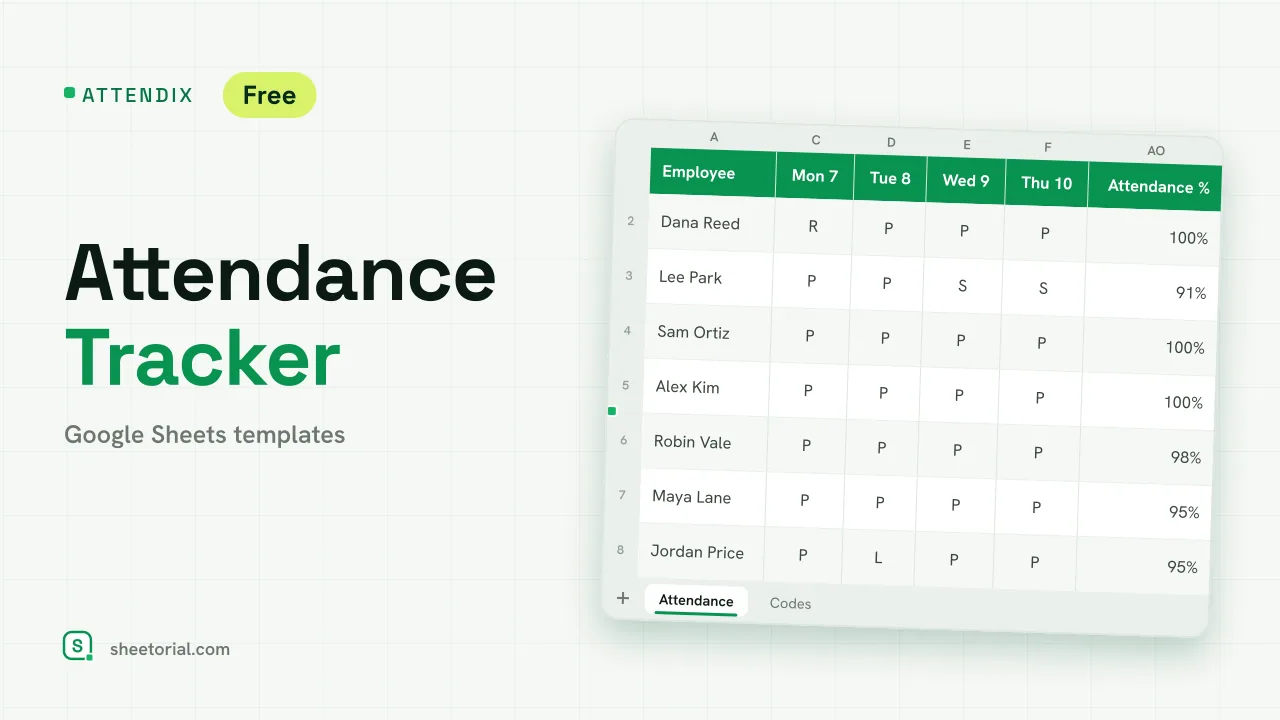
ATTENDIX is the attendance sheet many small teams keep on paper, moved into a spreadsheet that counts. You pick the month, list your people and mark each working day with a code; the sheet totals every code per person and works out an attendance rate for each employee and for the team. It is an employee attendance tracker for Google Sheets, a free .xlsx download that also opens in Excel.
An attendance tracker for Google Sheets with daily codes
The Attendance tab is a grid: employees and departments down the side, the days of the chosen month across the top with their weekday above each number. Type the first day of any month in Month and the 28, 29, 30 or 31 day columns relabel themselves; the extra columns of a short month stay blank. Weekends shade grey. Each cell takes one code from a dropdown: P for present, R for remote, L for late, H for half day, A for absent, S for sick and V for vacation. The Codes tab holds those letters and their meanings, so you can rename them and the dropdown and totals follow.
Attendance rate and monthly totals per employee
To the right of the grid, seven columns count each code for the person with COUNTIF, and an eighth gives the attendance rate: present, remote and late days, plus half of each half day, divided by all the days that carry a working code. Vacation is left out of both sides of the sum, so a week off does not pull anyone's rate down. A rate under 90% shades amber. Absent days shade red in the grid, sick days amber and vacation green, which makes patterns visible at a glance. Above the grid, three figures summarize the month: employees, absent days and team attendance.
How to use the employee attendance tracker template
- Type the first day of the month you are recording.
- List your employees and their departments.
- Each working day, pick a code from the dropdown for every person.
- Read the totals and the attendance rate at the end of each row.
- At month end, duplicate the tab, change the month and clear the codes.
The September sample shows eight people with remote days, late arrivals, half days, sick days, two absences and a week of vacation, so every colour and total is filled before you start.
An attendance sheet in eleven languages
ATTENDIX ships in eleven language editions. Each has translated tabs and meanings, and codes that match the words of its language, while the formulas stay identical. The opening guide covers opening the .xlsx in Google Sheets. Individual absences with reasons and a Bradford factor are better kept in ABSORA, the absence tracker, and leave balances in LEAVIX. Both are part of HR and time tracking templates.
More templates
-
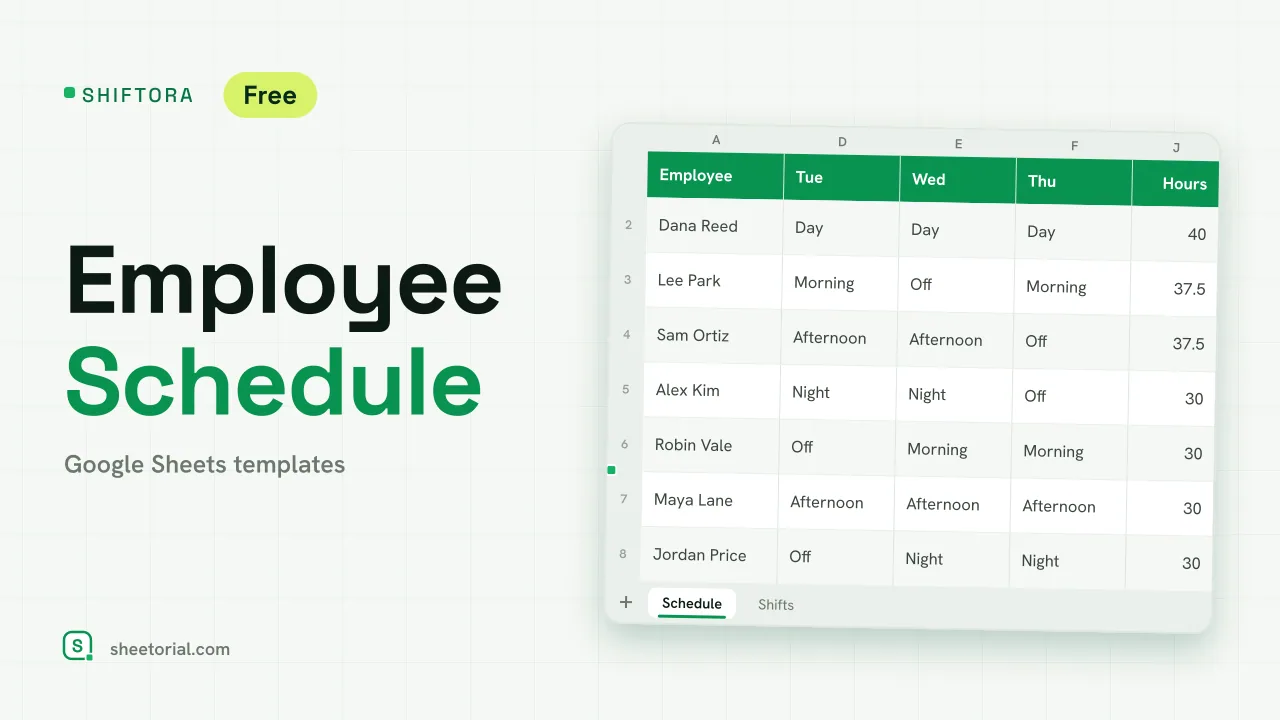 HR & Time Tracking SHIFTORA: Employee Schedule Template for Google Sheets Employee schedule template for Google Sheets: a weekly shift grid, hours against contract per person and coverage per shift and day against the staff you need. View template →
 -
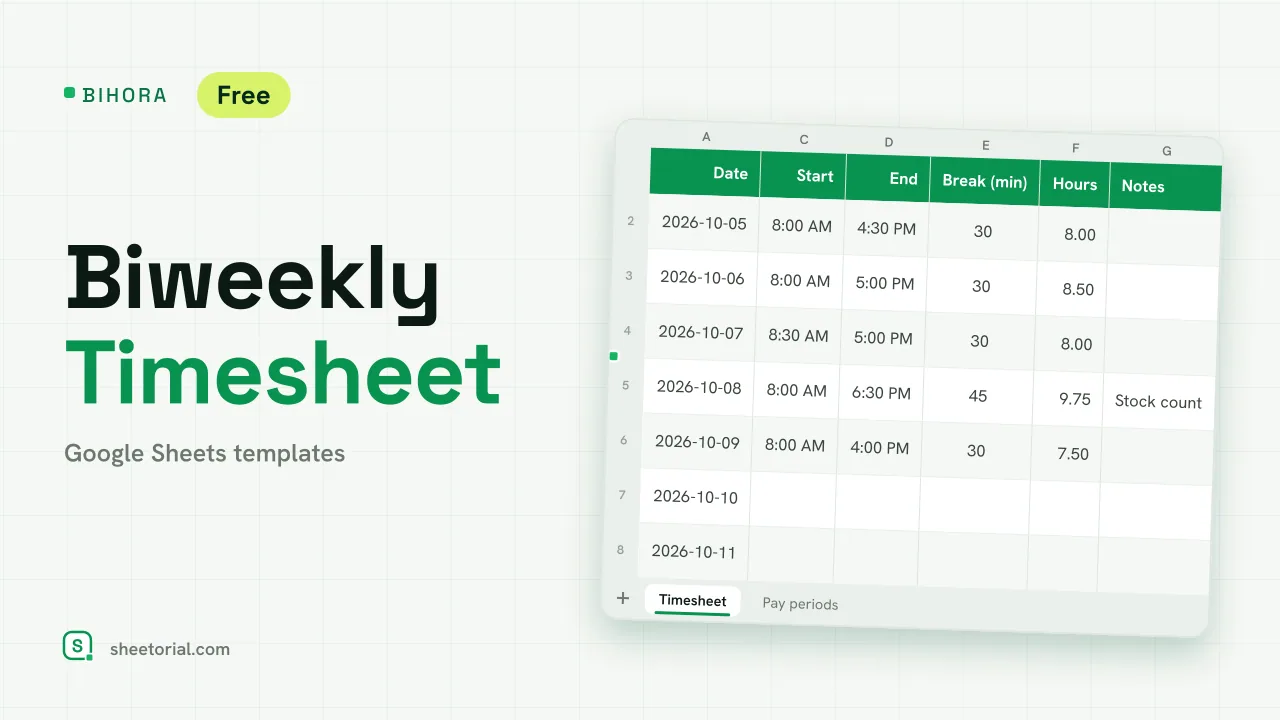 HR & Time Tracking BIHORA: Biweekly Timesheet Template for Google Sheets Biweekly timesheet template for Google Sheets: 14 days of start, end and break times, weekly overtime split out, regular and overtime pay, 26 pay periods. View template →
 -
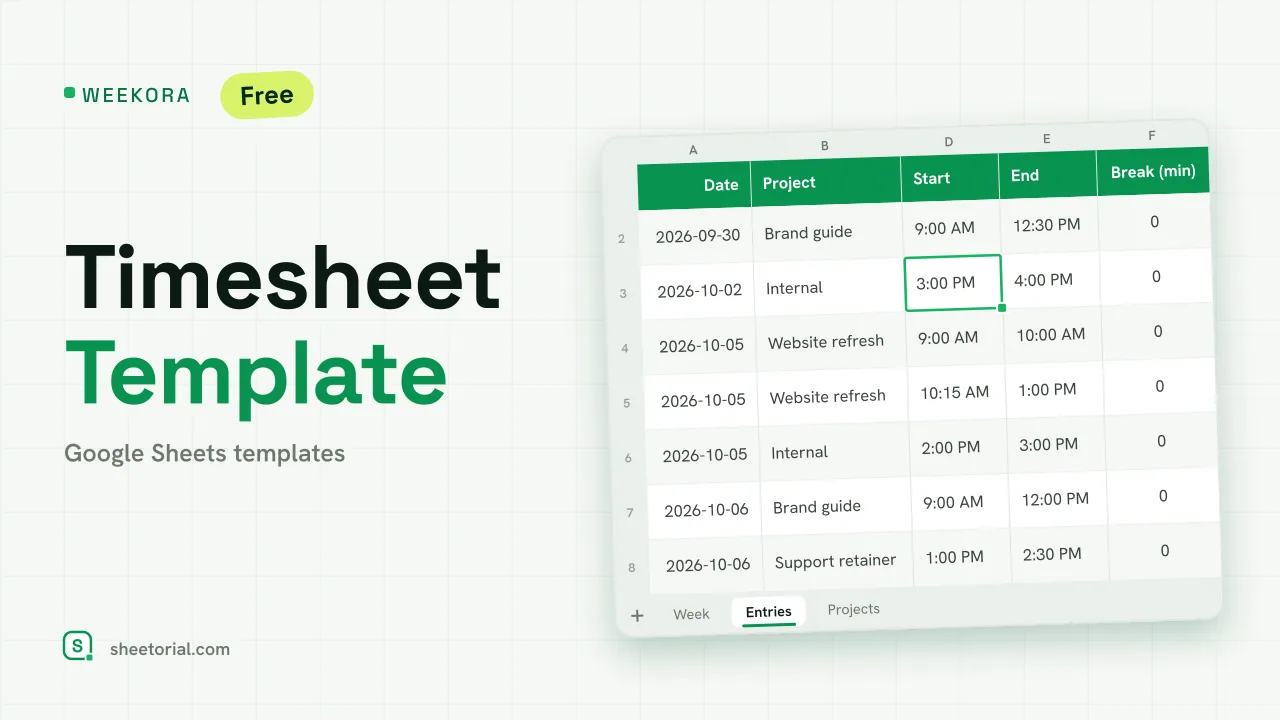 HR & Time Tracking WEEKORA: Timesheet Template for Google Sheets Timesheet template for Google Sheets: log time by project and task with start, end and break, mark billable hours and get a weekly summary by day and project. View template →
 -
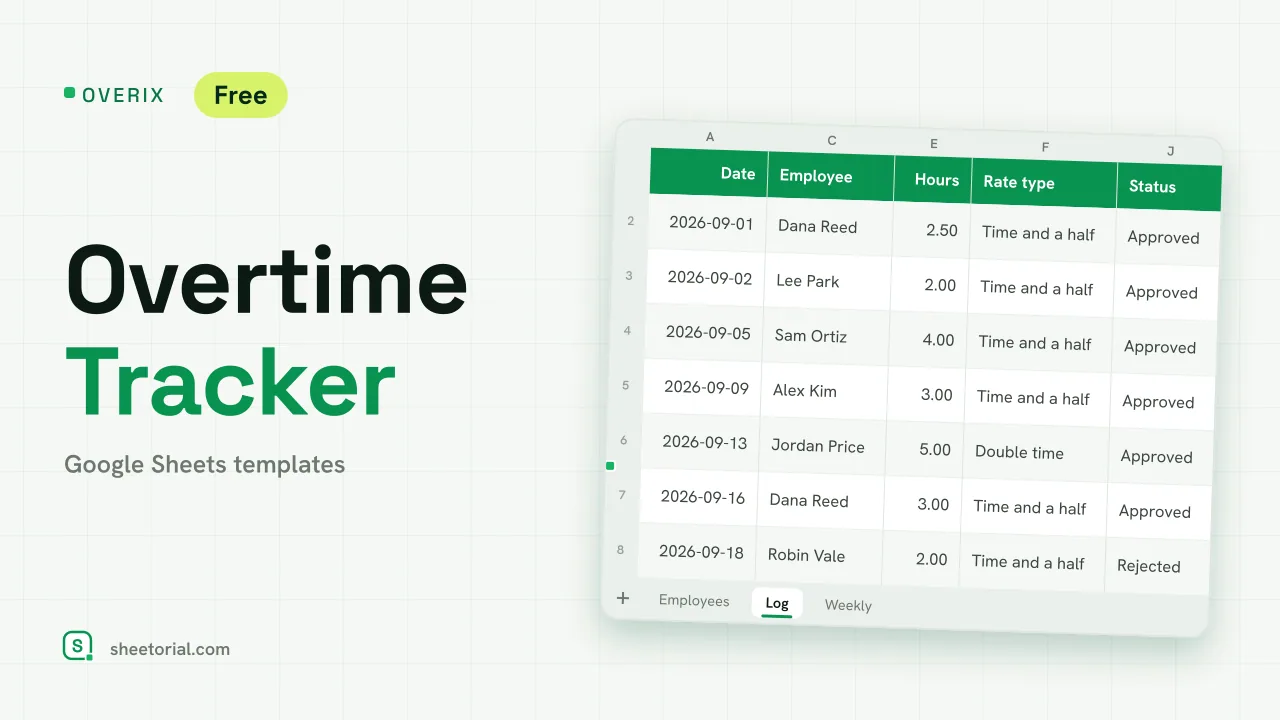 HR & Time Tracking OVERIX: Overtime Tracker for Google Sheets Overtime tracker for Google Sheets: log extra hours with a reason and approval status, pay from hourly rate and a multiplier, hour budgets and weekly totals. View template →