ABSORA: Absence Tracker for Google Sheets
Important: you need to be signed in to a Google account to copy the template to your Drive. Need help opening the template?
ABSORA is a plain record of who was off, when and why, with the counting done for you. Each absence goes into one log; a summary tab adds up spells and days per employee and works out a Bradford factor; a third tab shows days lost by reason month by month. It is an absence tracker for Google Sheets with no account behind it: the free .xlsx download is the product, and it also opens in Excel or LibreOffice. It records absences; it is not HR or legal advice.
An employee absence tracker with a Bradford factor
The Employees tab has one row per person: name, department, spells (how many separate absences), days, unauthorized spells and the Bradford factor. The Bradford factor is spells times spells times days, so it weighs frequent short absences more heavily than one long one: five single days score far higher than one five-day absence. You set the score at which you want to talk to someone in Review at score; a row turns red at that score and amber once it reaches half of it. The sample team includes one person with five short sick spells, so the red flag is visible before you clear the data.
A sick leave tracker that logs each absence once
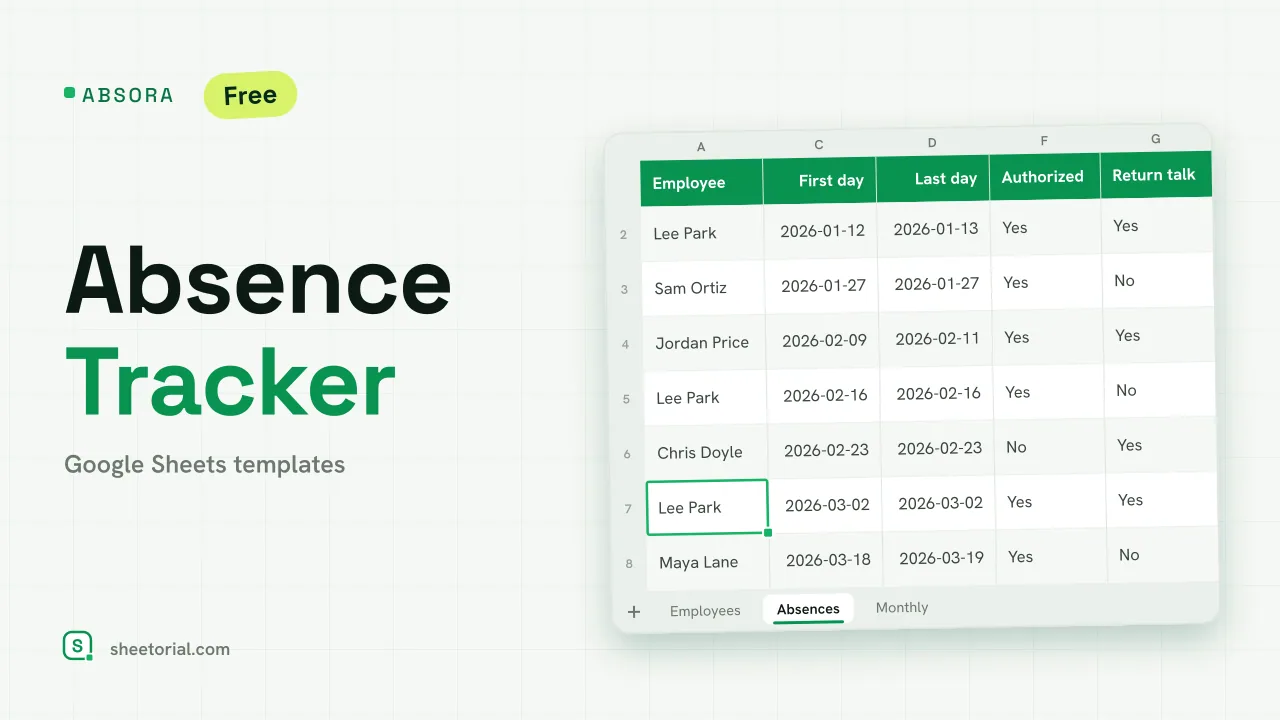
Absences is the log: employee (from a dropdown), reason, first day, last day, days, whether the absence was authorized, whether a return-to-work talk happened, and notes. Days counts calendar days from the first to the last day, both included. Reasons come from the Lists tab (Sick, Medical appointment, Family emergency, Late arrival, Unauthorized, Other) and you can rename them or add your own. An unauthorized absence shades red; an authorized one still waiting for its return talk shades amber, which turns the log into a short to-do list for the manager.
Days lost by month in an absence tracker template
The Monthly tab lays the reasons down the side and six months across the top, starting from a month you choose. Each cell is a SUMIFS of the days for that reason in absences that start in that month, with a total row and a total column. It answers the questions that come up in a review: whether sickness clusters in winter, or whether late arrivals are a one-off. Change the first month and the six columns move with it.
How to track employee absences in Google Sheets
- List your team on Employees with each person's department.
- Adjust the absence reasons on Lists if yours differ.
- Log each absence on Absences with its first and last day and its reason.
- Mark whether it was authorized and tick the return talk once it is done.
- Set your review score and look at the red and amber rows on Employees.
The sheet does not decide what an absence means for anyone's job: the Bradford factor is a prompt for a conversation, and the review score is yours to set.
An absence tracker in eleven languages
ABSORA comes in eleven language editions, each a separate .xlsx with translated tabs, reasons and date formats and the same formulas. Download the edition for your language; the opening guide explains the import if you have never opened an .xlsx in Google Sheets. Planned leave and remaining balances belong in LEAVIX, the PTO tracker, and a day-by-day register of the whole team lives in ATTENDIX, the attendance tracker. More sheets are under HR and time tracking templates.
More templates
-
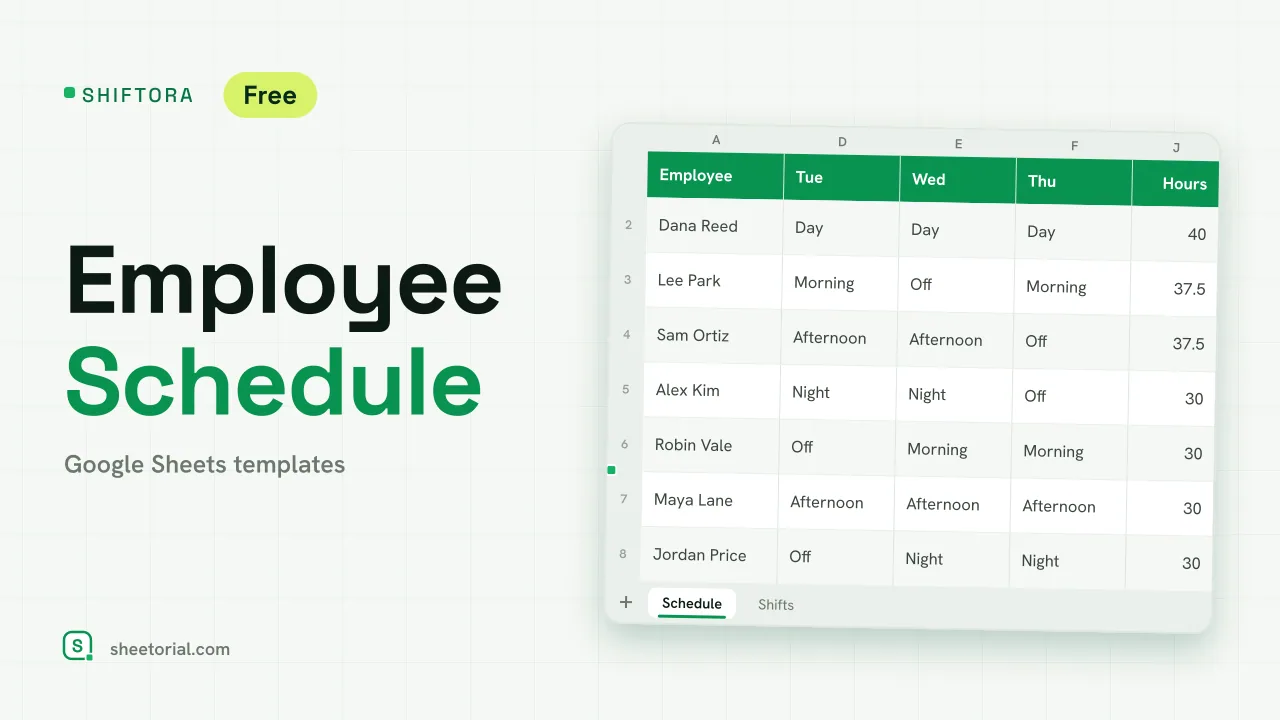 HR & Time Tracking SHIFTORA: Employee Schedule Template for Google Sheets Employee schedule template for Google Sheets: a weekly shift grid, hours against contract per person and coverage per shift and day against the staff you need. View template →
 -
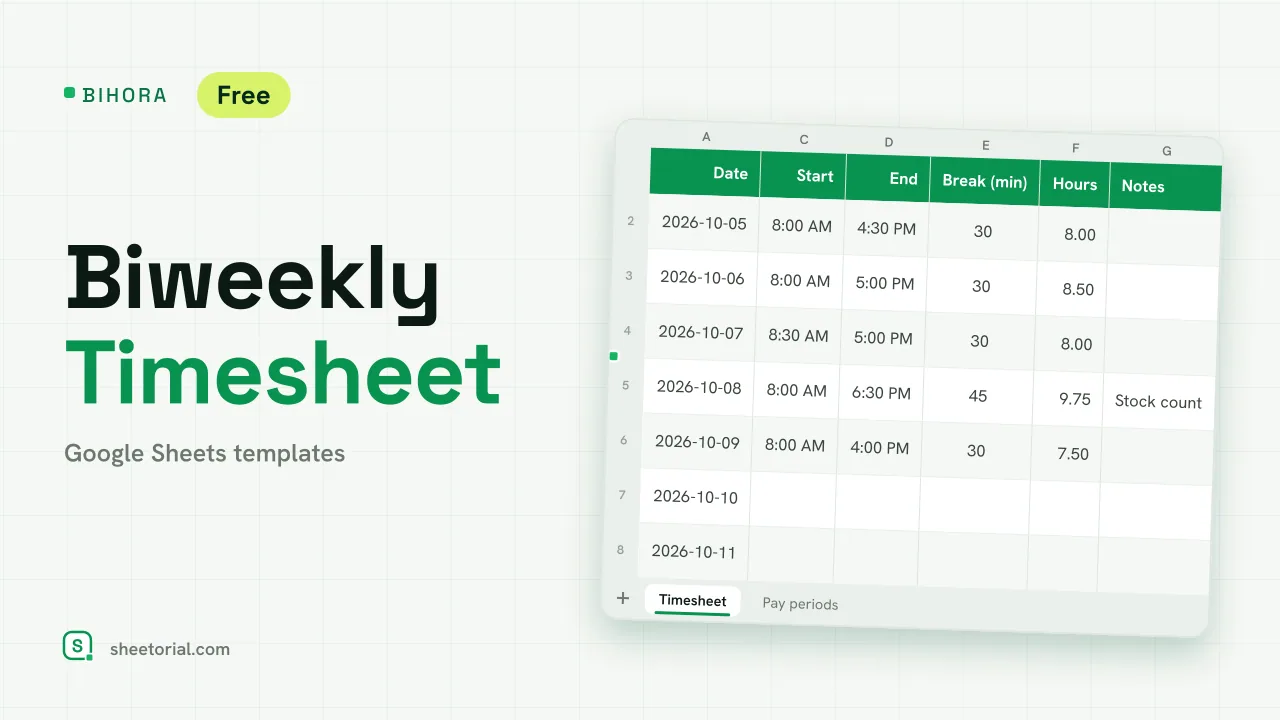 HR & Time Tracking BIHORA: Biweekly Timesheet Template for Google Sheets Biweekly timesheet template for Google Sheets: 14 days of start, end and break times, weekly overtime split out, regular and overtime pay, 26 pay periods. View template →
 -
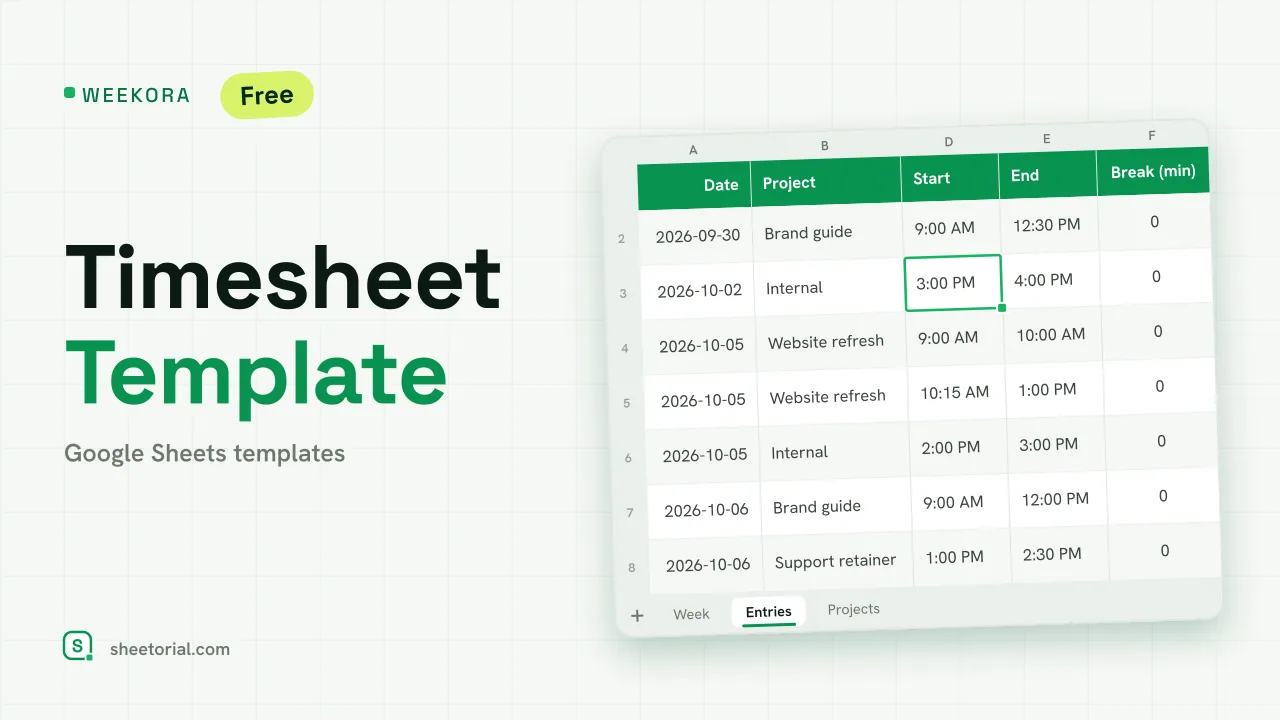 HR & Time Tracking WEEKORA: Timesheet Template for Google Sheets Timesheet template for Google Sheets: log time by project and task with start, end and break, mark billable hours and get a weekly summary by day and project. View template →
 -
 HR & Time Tracking OVERIX: Overtime Tracker for Google Sheets Overtime tracker for Google Sheets: log extra hours with a reason and approval status, pay from hourly rate and a multiplier, hour budgets and weekly totals. View template →