SALVIX: Sales Tracker for Google Sheets
Important: you need to be signed in to a Google account to copy the template to your Drive. Need help opening the template?
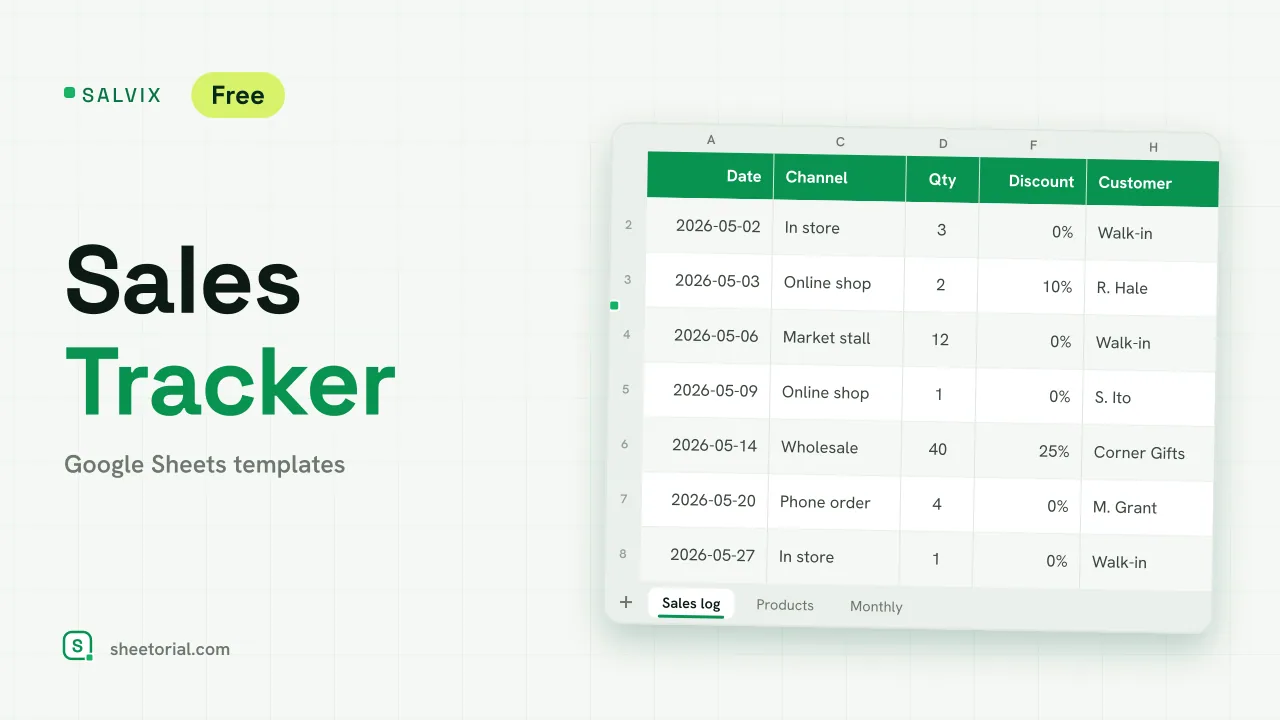
SALVIX records what you sell, one row per sale, and turns the rows into the three answers a small business asks every month: how much came in, which products brought it, and whether the month hit its target. It is a sales tracker for Google Sheets that you download free as an .xlsx; it opens in Google Sheets, Excel or LibreOffice and needs no account or app. The sample data is a small candle shop selling in store, online, at a market stall and wholesale, so every formula has something to show from the start.
A small business sales tracker in three tabs
Products is your price list: product name and list price, followed by columns the sheet fills itself (units sold, revenue, share of revenue and number of orders). Sales log is where the daily work happens: date, product, channel, quantity, unit price, discount, total and customer. Monthly rolls the log up into twelve months starting from a month you choose, with orders, units, revenue, your monthly target, percent of target and a running total. A fourth tab, Lists, holds the sales channels behind the Channel dropdown.
How the sales tracking spreadsheet adds up
When you pick a product in the log, the unit price is fetched from Products with a VLOOKUP, so the price is typed once and never retyped. The total is quantity x price x (1 - discount). Discounts of 20% or more shade amber, which makes wholesale and promotional sales easy to tell apart when you scan the month. On Products, revenue and units come from SUMIF over the log, and any product earning a quarter or more of total revenue turns green. Four figures above the log keep a live count of orders, units, revenue and average order value.
A daily sales tracker with monthly targets
Logging sales daily is what keeps the monthly view honest. Each row of Monthly counts only the sales whose dates fall inside that month, using SUMIFS between the first of the month and the first of the next, and compares the result with your target: green when the month reached it, amber when it fell short. The running total shows the year building month by month.
How to track sales in Google Sheets with SALVIX
- List your products and prices on Products.
- Rename the sales channels on Lists to match where you sell.
- Add each sale on Sales log; price and total fill in by themselves.
- Set the first month and a monthly target on Monthly.
- Check Products to see which items carry the revenue.
SALVIX comes in eleven language editions with translated tabs, headers, channels and currency formats; the opening guide covers opening the .xlsx in Google Sheets. Stock levels for the same products belong in STOCKORA, the inventory tracker, and individual deals with business customers in PIPENZA, the sales pipeline template. More sales sheets are collected under CRM and sales templates.
More templates
-
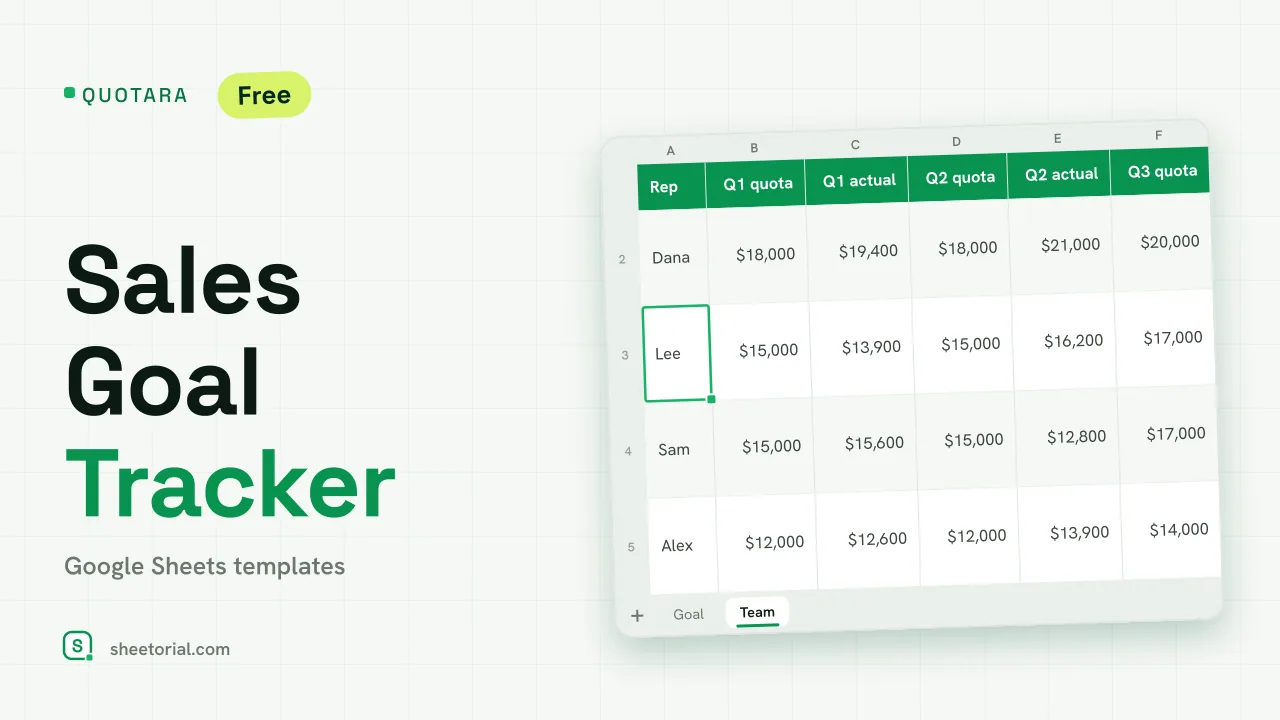 CRM & Sales QUOTARA: Sales Goal Tracker for Google Sheets Sales goal tracker for Google Sheets: an annual goal split into monthly targets, actual vs target, a year-end projection and quarterly quota by rep. Free. View template →
 -
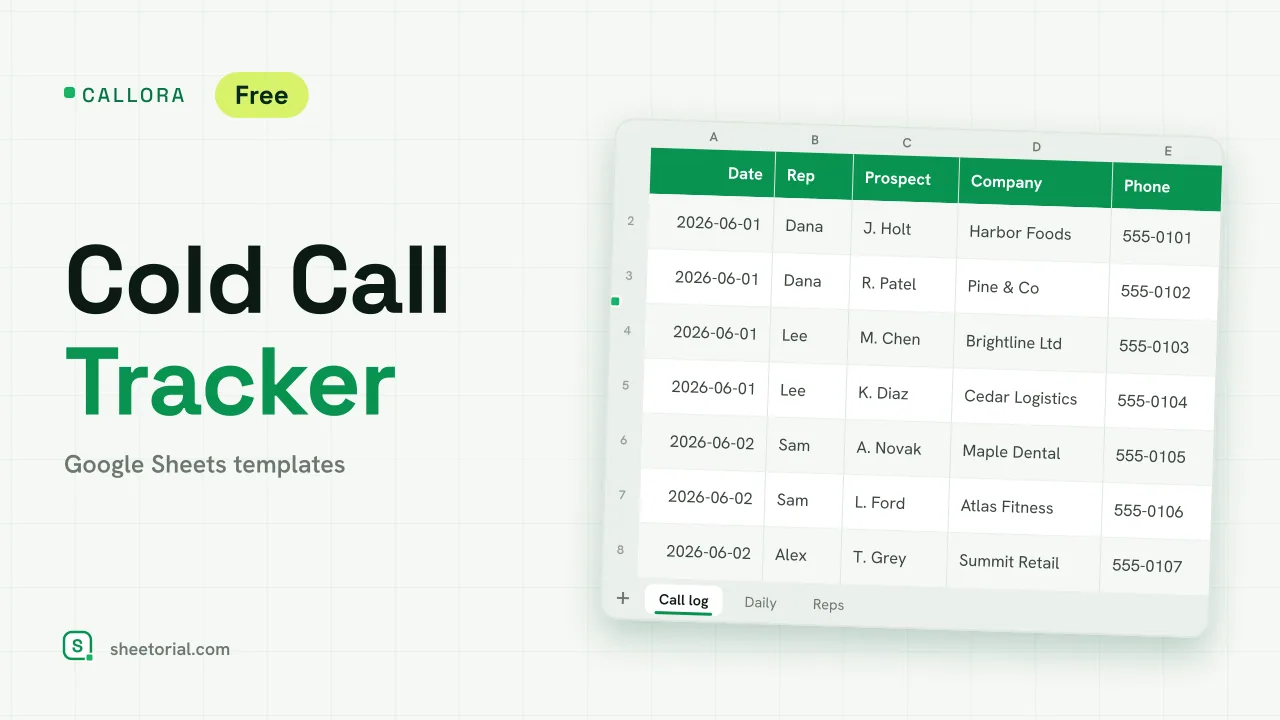 CRM & Sales CALLORA: Cold Call Tracker for Google Sheets Cold call tracker for Google Sheets: a sales call log that counts dials, connects and meetings booked, with daily activity and rates per rep. Free XLSX. View template →
 -
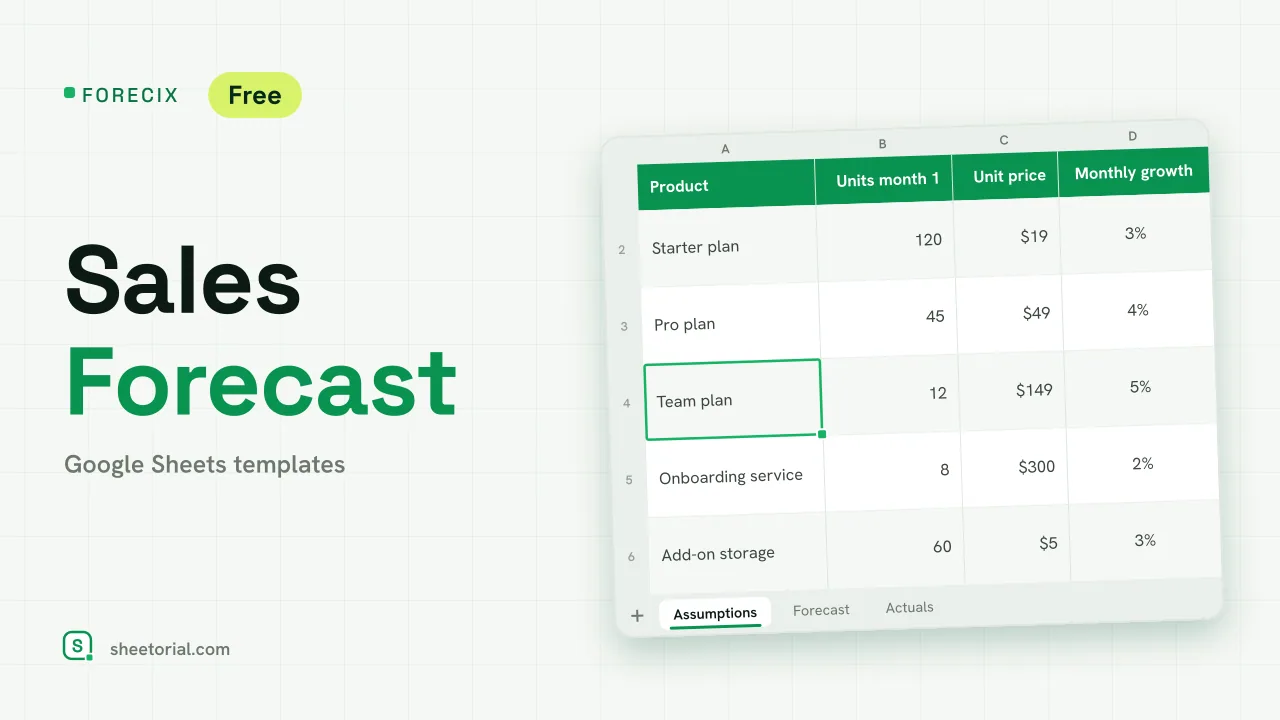 CRM & Sales FORECIX: Sales Forecast Template for Google Sheets Sales forecast template for Google Sheets and Excel: 12 months of units and revenue per product from starting volume, price and growth, plus actuals vs forecast. View template →
 -
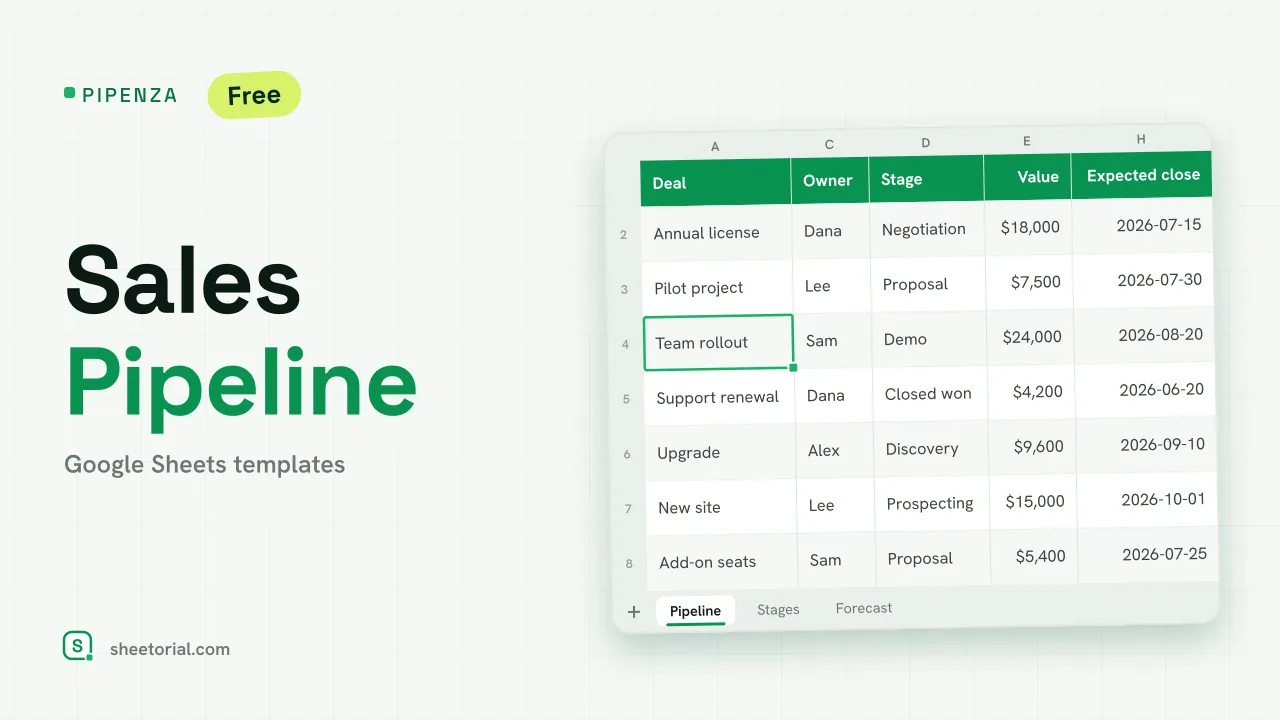 CRM & Sales PIPENZA: Sales Pipeline Template for Excel and Google Sheets Sales pipeline template for Excel and Google Sheets: deals by stage with win probability, weighted value, overdue close dates and a forecast by month. Free. View template →